

Building a modern smart home can often feel like solving a puzzle where the pieces belong to different sets. For years, the dream of a seamless, interconnected living space has been hindered by fragmented protocols and walled gardens that forced users to choose sides between tech giants. That is changing with the emergence of Thread and Matter in smart home technology. Though often used interchangeably, they serve distinct roles — one acting as the invisible, robust plumbing of your home network, and the other as a universal language that allows diverse devices to finally communicate with one another.
Understanding the synergy between these two technologies is the key to building a home that is resilient and future-proof. Whether you are a privacy-conscious enthusiast seeking local control or a busy homeowner wanting plug-and-play simplicity, making the right choice requires a look under the hood. This guide provides a data-driven breakdown of how Thread and Matter interact, comparing their architecture, security frameworks, and real-world performance — so your next device purchase is a long-term investment rather than a temporary fix.
Why Choosing Between Thread and Matter Matters for Your Smart Home
Imagine your smart lights, locks, and sensors suddenly speaking different languages — that fragmentation costs time and adds security risk. This article gives you a clear, data-driven comparison of Thread and Matter so you can build a reliable smart home with confidence.
You’ll get concise explanations of core differences, protocol architecture, security trade-offs, and real-world performance metrics, along with measured analysis of ecosystem coverage, vendor strategies, setup steps, migration paths, and cost considerations. By the end you’ll know which technology suits your devices, network, and long-term upgrade plan.
Fundamentals: What Thread Is and What Matter Is
What Thread is (in practical terms)
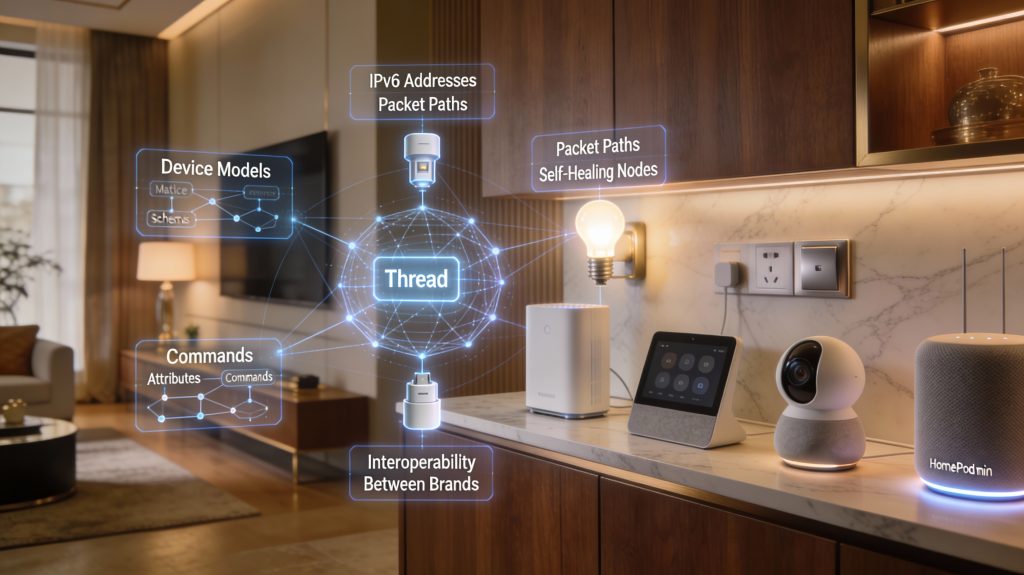
Thread is a low-power, IPv6-based mesh networking protocol built on IEEE 802.15.4 radio — think of it as the plumbing that keeps battery-powered sensors, smart switches, and bulbs communicating reliably without draining their batteries. Thread’s design goals are reliability, low power consumption, and full IP addressing, meaning devices get IPv6 addresses and can route packets through neighboring nodes. In practice, a motion sensor on a CR2032 coin cell can report for years, and a lost link often heals itself as the mesh reroutes traffic automatically.
What Matter is (in practical terms)
Matter is an application-layer interoperability standard that defines device models (on/off, color, temperature), command formats, and a security framework — so a thermostat from one vendor can be controlled by an app from another. Matter runs over IP and can use Thread, Wi-Fi, or Ethernet to transport messages. Its goal is cross-vendor interoperability and a simpler user experience, with fewer bridges and painful setups.
How they interact in your home stack
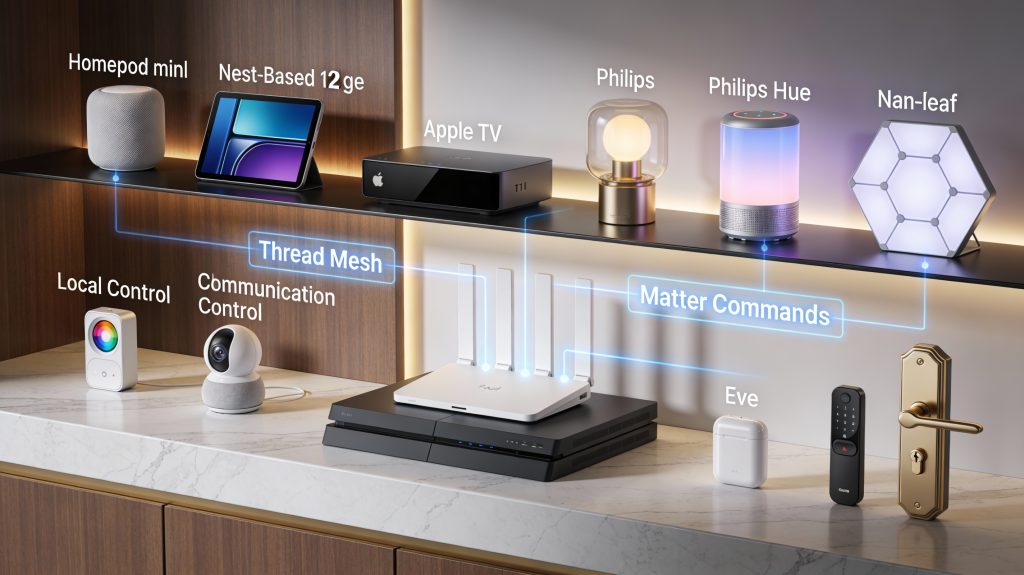
Thread handles the low-power, local delivery of IP packets while Matter is the language riding on top of those packets. When a Matter light command travels over Thread, Thread routes the IPv6 packets across the mesh and Matter’s application layer interprets the command. To bridge Thread meshes to your Wi-Fi, Ethernet, and cloud services, you need a Thread border router — common examples include the HomePod mini, Nest Hub (2nd gen), and Nest Wifi Pro.
Addressing and messaging — what differs
Typical device mapping (how to plan purchases)
Tip: ensure you have at least one Thread border router in the house before buying many Thread devices — it’s the glue that lets Matter control them from your apps.
Technical Comparison: Architecture, Protocol Stack, and Standards
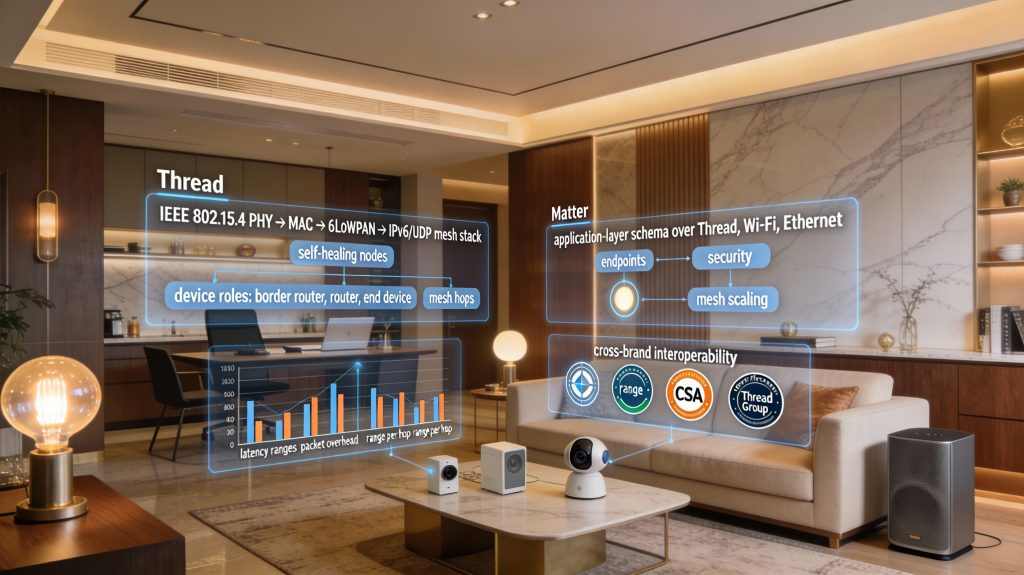
This section compares Thread and Matter side by side so you can map protocol differences to practical choices — devices, placement, and expected behavior. Expect focused, measurable differences you can test in your own home.
Protocol stacks and transport layers
Practical note: 6LoWPAN reduces the raw IPv6 header (40 bytes) down to a few bytes on Thread, lowering radio airtime compared with raw IPv6 on Wi‑Fi.
Device roles and mesh behavior
In practice, Thread meshes are self-healing and optimized for low-power devices — adding more Thread routers such as plug-in devices or powered bulbs improves routing resilience. Wi-Fi provides higher throughput and single-hop low latency but drains battery-powered devices quickly.
Measurable criteria (use these to test suitability)
Certification and standards
How-to tip: before buying, check product pages for both Thread and Matter/CSA logos, plan at least one powered Thread router/border router per floor, and run latency/reliability tests (ping IPv6 addresses of Thread devices via your border router) to validate performance for your use case.
Security and Privacy: How Each Technology Protects Your Home
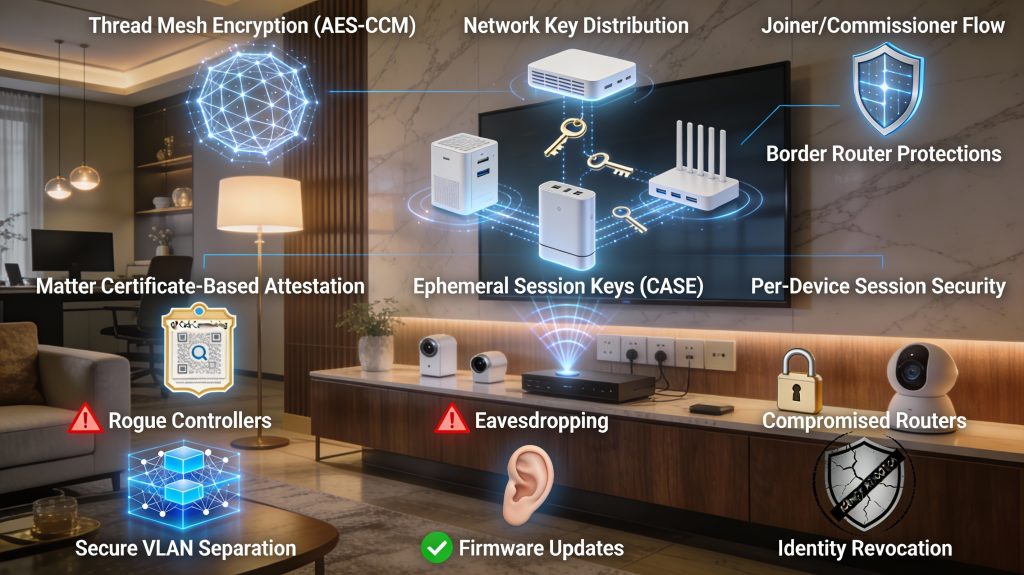
This section examines how Thread and Matter secure keys, commissioning, and data so you know what protections to expect and what to watch for.
Core security models and commissioning
Thread secures mesh links at the 802.15.4 layer using AES‑CCM encryption and a network key established during commissioning. A Joiner/Commissioner process (mediated by a Border Router or Commissioner on your network) provisions devices with network credentials.
Matter adds an application‑level security layer: devices are factory‑provisioned with attestation credentials and use an authenticated commissioning flow (QR code or setup code) that establishes per‑session keys before granting operational credentials (so a new controller can’t just “take over” a device).
Example products: HomePod mini and Nest Hub (2nd gen) act as Thread border routers and enforce Joiner commissioning; Eve Energy and Nanoleaf Essentials use Thread + Matter and require Matter’s QR-based setup.
Encryption, authentication, and key establishment
This layered approach means even if radio traffic is captured, session keys and device attestations prevent easy spoofing.
Threat models and attack surface
Consider realistic threats: eavesdropping, rogue local controllers, compromised border routers, and supply‑chain attacks. Thread’s mesh isolates low-power devices from Wi‑Fi, but the Border Router is a central bridge — compromise it and attackers can reach Thread devices. Matter reduces per‑vendor fragmentation but concentrates trust in device certificates and vendor update practices.
Updates, revocation, and resiliency
Both ecosystems rely on vendor firmware updates and the CSA/Thread Group certification processes. Matter’s attestation system supports identity revocation in principle, but you depend on manufacturers to issue updates and revocations in a timely way.
Practical, actionable recommendations
These steps reduce your attack surface and ensure Thread + Matter work together without turning convenience into vulnerability.
Performance, Reliability, and Range: Real-World Behavior
Latency and throughput: what to expect
Thread runs on IEEE 802.15.4 (250 kbps PHY); practical application throughput typically falls to roughly 20–150 kbps once headers, retransmits, and mesh routing are included. Per-hop latency is low — think 10–30 ms on a healthy link — but end‑to‑end latency grows with hops and sleepy devices. Matter traffic over Wi‑Fi/Ethernet gives you megabits of bandwidth and single‑digit ms latency for local LAN control, which is why cameras and voice streams should use Wi‑Fi/Ethernet paths rather than 802.15.4.
Example: a smart bulb command over Thread -> Matter often responds in 20–80 ms in a well‑designed home; a battery door sensor that wakes and reports may take 200–1,000 ms depending on wake timing.
Power consumption and sleepy devices
Thread is optimized for low power — sleepy end devices can last years on coin cells because powered router nodes buffer messages. That buffering adds potential wake-up latency, so if you need instant reaction from a garage opener or safety sensor, keep powered routers nearby or use mains-powered devices. Matter itself doesn’t change radio duty cycle when running over Thread, but using Matter over Wi-Fi for high-bandwidth or low-latency devices does impact both power consumption and network load.
Mesh resilience, hops, and failure modes
Thread’s routing is resilient and self‑healing; it will re-route around a failed node. Realistic guidance:
Congestion, interference, and range
Indoor per‑hop range for 802.15.4 is usually 10–30 meters (walls, floors matter). Co‑channel Wi‑Fi and microwave interference can raise retransmits and latency. Monitor channel overlap and place Border Routers (HomePod mini, Nest Hub (2nd gen)) centrally and off heavy Wi‑Fi hotspots.
Smart Home Tech enables automation that transforms mundane tasks into simple, one-click solutions.
Practical topology tips (do these now)
These steps will minimize delays, avoid common failure modes, and keep your Thread + Matter network responsive as you expand.
Ecosystem and Interoperability: Device Support and Vendor Strategies
Adoption trends: who’s rolling Matter and Thread out
You’ll see two waves: big-platform vendors (Apple, Google, Amazon, Samsung) enabling Matter and Thread on their speakers, hubs, and phones, and device makers (Nanoleaf, Eve, Signify/Philips Hue, IKEA) updating product lines or new SKUs with Thread/Matter. In practice that means Border Routers like the HomePod mini, Nest Hub (2nd gen), and recent Apple TV models are the easiest way to bring Thread into an existing ecosystem. Smaller brands vary—some move fast, others lag.
Certification and incomplete implementations
Look for “Matter Certified” and “Thread Certified” badges — they’re your best initial signal. But certification doesn’t guarantee full parity: vendors sometimes ship partial Matter implementations (only core clusters) or Matter-over-Wi‑Fi only, leaving advanced features or local-processing behaviors out.
Real-world effect: a smart lock sold as “Matter-compatible” might support locking/unlocking locally but still require the vendor cloud for activity logs or firmware updates.
Controllers, hubs, and cloud integrations
Controllers matter. Your phone app (Apple Home, Google Home, Amazon Alexa, or a third‑party controller like Home Assistant) determines which Matter features are exposed. Some vendors still require their cloud for advanced automations, video storage, or historical data — Matter may standardize control, but not erase cloud dependency.
Examples:
Smart Home Tech helps you to create a personalized living environment tailored to your preferences.
How to predict compatibility — actionable tips
These Smart Home Tech checks will reduce surprises when devices aren’t fully interoperable, and set you up to implement the practical setup, cost, and migration steps covered in the next section.
Practical Considerations: Setup, Cost, Migration, and Best Practices
Initial setup complexity and required hardware
Incorporating Smart Home Tech into your daily life will provide you with unparalleled ease and efficiency.
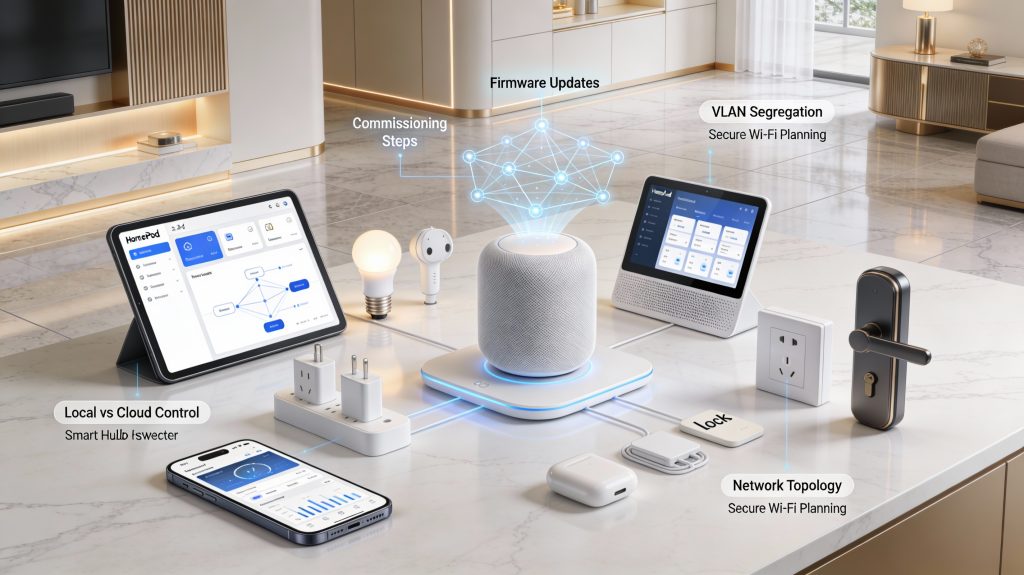
If you already own a HomePod mini, Apple TV (4K), Nest Hub (2nd Gen), or a Matter‑capable router (e.g., Nest Wifi Pro, many recent Eero models), you likely have a built‑in Thread border router. Otherwise expect to buy one ($50–$200). Matter controllers are usually phones or hubs (Apple Home, Google Home, Alexa, Home Assistant). In practice, setup is: update firmware, enable Thread/Matter in the companion app, then commission each device.
Expected costs (realistic)
Incremental migration strategy
Start small and prove value:
Commissioning checklist
Verifying security checklist
Network planning reminders
Quick decision triggers
These practical steps will make your rollout predictable and low‑risk while you prepare for the next phase of the article.
Choosing the Right Path for Your Smart Home
Choose Thread when you need low-power, reliable mesh for sensors and battery devices. Choose Matter when you prioritize broad cross-vendor compatibility and simple control across apps and voice assistants. For security-first setups, use both — Thread provides secure transport while Matter delivers a standardized, auditable application layer.
If you want minimal setup, start with a Matter-enabled hub and a few compatible devices. If you manage many battery sensors, pilot Thread-capable devices alongside a Border Router. Test a small zone first, measure latency, battery life, and app experience, then expand based on results — you can read more about the underlying standards in this IEEE research.