
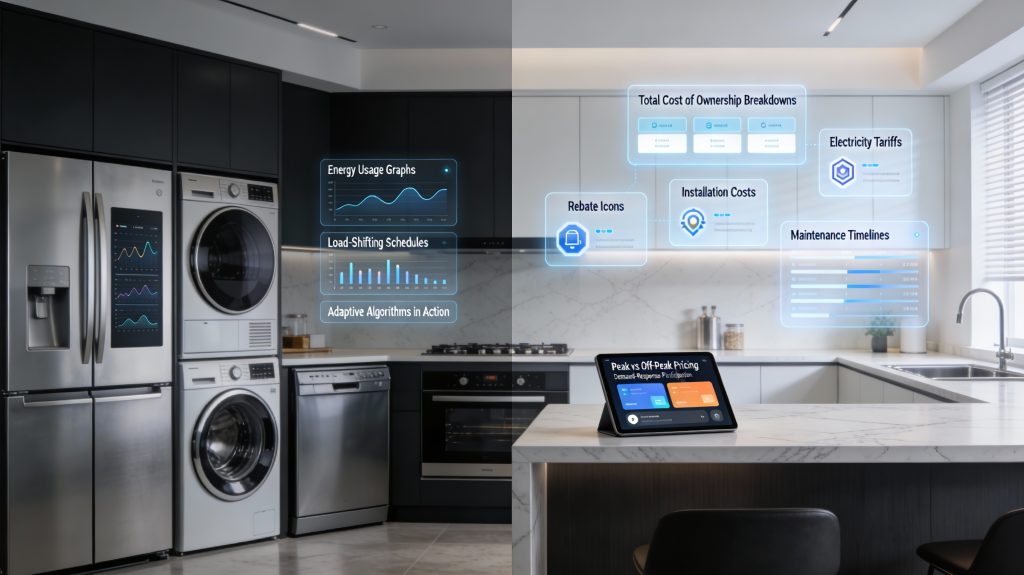
The allure of a “smart home” often starts with the promise of a more effortless lifestyle, but for most homeowners, the real question is whether these high-tech upgrades actually pay for themselves. As manufacturers market features like adaptive cooling and remote scheduling as essential tools for the modern budget, it becomes vital to distinguish between genuine energy efficiency and high-priced convenience. This article dives deep into the true cost of ownership—moving beyond the sticker price to analyze installation, maintenance, and real-world energy performance—to help you determine if a smart appliance is a savvy investment or just an expensive gadget.
While laboratory tests often showcase impressive double-digit savings, the reality in your kitchen or laundry room can be much more modest. Factors such as local utility rates, demand-response incentives, and even your own daily habits play a significant role in the final math. By utilizing evidence-based data and a clear total cost of ownership (TCO) formula, we will strip away the marketing gloss to reveal when smart features like load-shifting and leak detection offer a genuine return on investment and when they simply add a layer of digital complexity to your monthly bills.
Why this question matters to your wallet
You want to know if smart appliances actually save you money or just add convenience. This article looks at the full cost of ownership — purchase price, installation, energy use, maintenance, and resale — and compares those costs to manufacturers’ savings claims. You will get evidence-based ranges of likely savings and clear caveats where estimates are uncertain.
You’ll also learn when smart features (like remote scheduling, load-shifting, and adaptive algorithms) increase savings and when they mainly increase cost. I use studies, lab tests, and real-world data to give ranges. Expect savings to be modest unless conditions are favorable.
What counts as a smart appliance and how they differ from conventional models
What “smart” really means
A smart appliance combines traditional hardware with connectivity, sensors, and software that lets it be monitored, scheduled, or controlled remotely. Concretely, look for: network connectivity (Wi‑Fi, Zigbee, Bluetooth), sensors (temperature, vibration, water), remote control/notifications, automation or scheduling, and learning or optimization algorithms. These are the building blocks that can affect energy use — or merely add convenience.
Common appliance categories and smart features that can cut costs
Incremental vs. bundled features
Incremental features directly affect operating cost: energy scheduling, efficient run‑modes, demand‑response compatibility, and accurate sensors. Bundled features—touchscreens, family calendars, voice assistants—mostly add convenience. When comparing models, separate the energy‑impact list from the lifestyle extras.
Interoperability, updates, and lock‑in — why they matter for cost
A device that supports open standards (Matter, Zigbee, Z‑Wave) and local control is more likely to remain useful and compatible if you switch hubs. Check the manufacturer’s firmware‑update policy; timely security and efficiency updates can extend life, while discontinued cloud services can “brick” features. Ecosystem lock‑in (Alexa vs Google vs Apple) can force future replacements — an upgrade cost you should factor into long‑term ownership calculations.
Upfront and recurring costs: how to calculate total cost of ownership
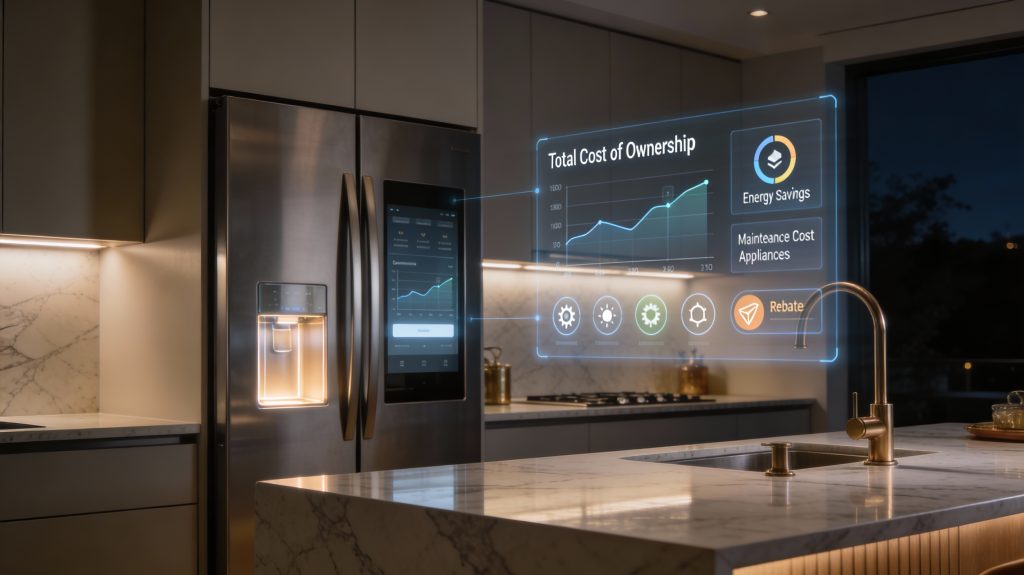
When you compare a smart appliance to a conventional model, don’t stop at sticker price. Total cost of ownership (TCO) adds up purchase, operating, and risk costs so you can judge value objectively.
Cost components to include
A clear formula
TCO (smart) − TCO (conv) = Upfront premium + Installation + PV[Annual net operating cost difference] + PV[Expected replacements/repairs difference]
Where PV[Annual net operating cost difference] = PV[(Energy_savings × $/kWh) + Rebates − Extra_maintenance − Subscription]
Compute PV using an annuity factor: PV = Annual_difference × ((1 − (1 + r)^−n) / r)
Example: smart vs conventional refrigerator
Assume:
Result: with these inputs the smart fridge’s PV of benefits is negative; you’d pay the $600 premium and not recoup it. If B were +$50/yr, PV ≈ $498 — your break‑even premium would be about $500. Higher electricity prices, heavier usage, larger rebates, or lower subscription/repair costs move you toward break‑even. A higher discount rate shrinks PV and makes payback harder.
Practical tips
Next, we’ll look at how laboratory energy estimates compare to what you’ll actually see in your home, and why that gap matters for the numbers above.
Energy savings: laboratory estimates versus real-world performance
Lab ratings give you a tidy percentage or kWh number, but your home rarely behaves like a laboratory. Here’s how to translate manufacturer or ENERGY STAR claims into what you’re likely to see — and how to build realistic expectations.
Why lab numbers don’t map perfectly to your home
Manufacturers test appliances on standardized cycles and controlled ambient conditions. ENERGY STAR and DOE test cycles assume specific load sizes, temperatures, and user behavior. In real homes you face:
These factors can erode advertised savings or even eliminate them entirely. There’s also the rebound effect: if a smart thermostat keeps your home comfortable at lower energy cost, you might keep it cooler/warm more often — using more energy, not less.
How to estimate expected annual savings (simple steps)
- Find the lab baseline: manufacturer kWh/yr or ENERGY STAR label.
- Pick a realistic percent savings range (low/median/high) based on appliance type and behavior.
- Apply the percent to the baseline kWh to get expected kWh saved.
- Convert to dollars with your $/kWh and factor in occasional setbacks (−10–30% of projected savings for outages, bugs, or rebound).
Worked examples (typical profiles)
Uncertainty and what to expect
Treat lab claims as a “best-case” band. Apply a conservative haircut (10–30%) unless you control usage patterns and have reliable connectivity. Use the ranges above to compute PV of savings for TCO calculations and be ready to adjust after a year of metered data.
Next, we’ll examine behavioral, grid-interaction, and policy factors that further influence whether those estimated savings actually materialize.
Behavioral, grid-interaction, and policy factors that affect savings

You’ve translated lab numbers into realistic kWh and dollars — but three outside forces often move the needle further: how you behave, how your utility prices and manages load, and what local rules or incentives change your upfront cost or long‑term device viability.
Demand-response, time-of-use, and how smart appliances shift load
Many utilities offer:
Practical tip: a smart thermostat (Nest or ecobee) can shift HVAC setpoints into cheaper hours automatically; smart EV chargers (ChargePoint Home Flex, Tesla app) can delay charging until off-peak. Some DR programs pay modest annual stipends — typically $25–$200/yr depending on device and region — while TOU savings depend on how much you can shift (for an EV, shifting a 30 kWh charge from peak to off-peak at $0.20 vs $0.12/kWh saves ~$2.40 per charge).
Enrollment hurdles and participation requirements
Programs often require:
Be aware of enrollment windows, eligibility rules, and possible penalties for non‑compliance. Ask your utility which device models are certified before you buy.
Behavior matters: will you use the automation?
Savings assume you enable automation, accept overrides, or respond to alerts. If you repeatedly override a smart schedule or disable cloud features for privacy, expect lower savings. Quick real-world check: install the device, run it for a month with automation on, then compare your bill.
Local incentives, codes, and regulatory risk
Rebates or tax credits (federal/state/local, DSIRE for U.S. listings) can cut effective upfront cost. Conversely, building codes may mandate features that change comparability. Also factor software lifespan and interoperability: prefer devices with local control, Matter or open standards, and transparent update policies — regulatory changes (privacy, right-to-repair) can affect vendor support.
What to check in your area
Non-energy benefits and hidden costs that affect value
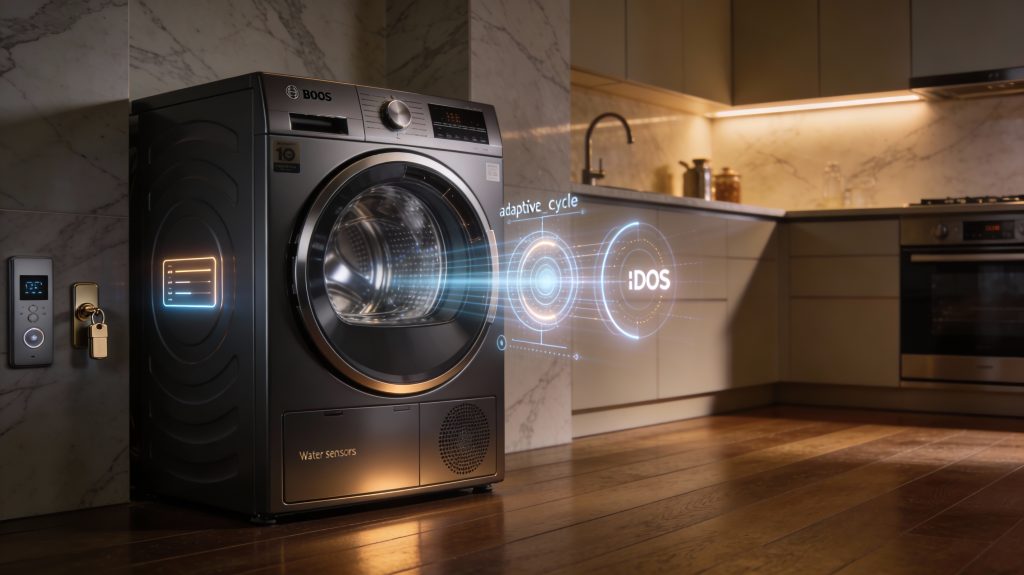
Smart appliances can save you money in ways beyond kWh. They also bring hidden expenses and risks that change the math. Below I break down the most important ancillary benefits and downsides so you can judge whether the premium is worth it for your situation.
Prevention and damage avoidance
Smart leak detectors and automatic shutoffs (examples: Flo by Moen, Phyn Plus, smart water sensors from Honeywell/Philio) can stop a slow leak or shut off a main before a basement floods. Real-world impact: a prevented water event can save you thousands in repairs, mold remediation, and temporary housing. If you live in an older home, at risk of freeze breaks, or travel frequently, that single protection can justify a smart-device purchase on its own. Tip: confirm whether the device can operate locally (no-cloud) and will fail-safe (manual shutoff) if connectivity dies.
Extended life and fewer repair visits
Appliances that optimize cycles and tune themselves—Bosch’s i-DOS washers, some Samsung and LG models with adaptive cycles and vibration-sensing—can reduce mechanical wear and lower detergent/water use, which delays replacement. Built-in diagnostics (remote error codes, predictive-failure alerts) often let technicians fix issues faster or avoid on-site trips. That saves you time and occasionally the service-call fee. If you own high-use appliances (large family, short replacement window), these operational improvements can be financially meaningful.
Resale and home-value effects
Smart features are selling points for many buyers: a connected thermostat, smart locks, or a monitored water shutoff can make your listing stand out and shorten time on market. They rarely add wholesale value equal to their cost, but they can reduce buyer negotiation and increase perceived modernity.
Hidden recurring and future costs
Quick checklist before you buy
These non-energy considerations often tip the balance more than projected kWh savings; in the next section you’ll get a step-by-step ROI method and decision rules to apply them to your home.
How to decide for your home: step-by-step ROI and decision rules
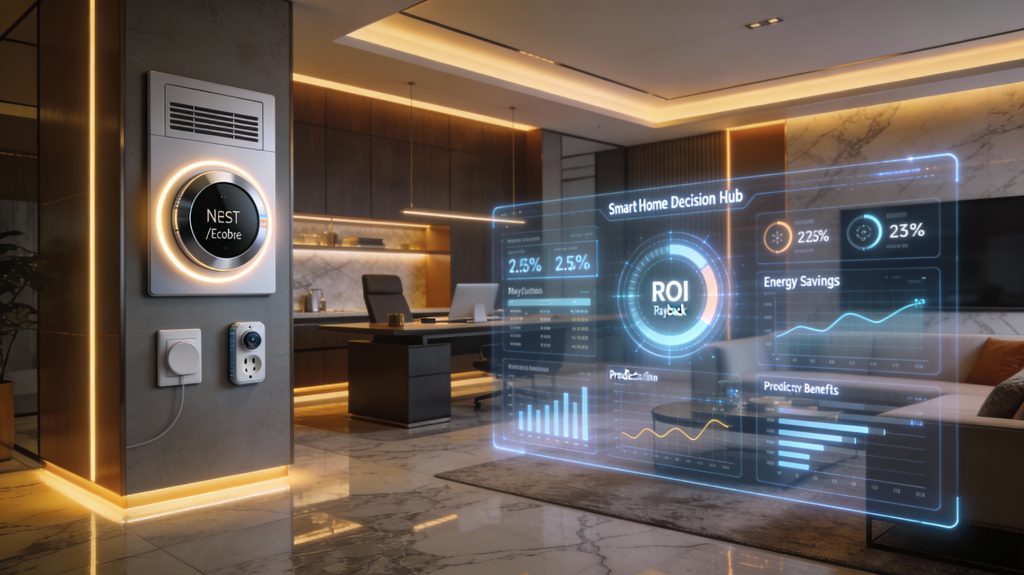
Step-by-step ROI checklist
- Define your usage profile: record typical daily/weekly use (hours/day, cycles/week). Example: dishwasher 1 cycle/day, HVAC runtime 8 hours/day.
- Gather model-specific data:
- Purchase premium: price(smart) − price(basic).
- Installation cost and any smart-hub hardware.
- Energy rating / kWh per year (from spec sheet or ENERGY STAR).
- Subscription fees (monthly/annual).
- Expected lifespan (years) and resale value.
- Calculate TCO (total cost of ownership) over your chosen horizon:
- TCO = premium + installation + (subscription × years) + extra repair/part risk − expected resale.
- Estimate annual operating cost difference: ΔEnergyCost = (kWh_basic − kWh_smart) × $/kWh.
- Compute simple payback and ROI:
- Payback (years) = premium / (ΔEnergyCost + other annual savings).
- If you want precision, discount future savings (NPV) using a low discount rate (3–5%).
- Check non-energy effects: add expected annualized value of avoided repairs, water damage prevention, time saved, or added resale premium; subtract privacy/security or software-obsolescence risk costs.
Run sensitivity tests
Non-energy benefits & risks to fold in
Heuristics: quick decision rules
Sample scenarios
With that practical framework, you’ll be ready to apply the numbers to your specific models and move to the article’s final takeaways.
Practical takeaway for your purchasing decisions
Smart appliances can save you money in specific situations—high usage, favorable electricity rates, available demand-response programs, or when non-energy benefits (convenience, health, time) matter. They are not a universal cost-saving choice; higher upfront prices, firmware lock-in, and realistic behavioral patterns often erode lab-estimated gains. You should compare total cost of ownership (purchase, installation, maintenance, energy, and resale), run simple ROI and sensitivity checks for your local rates and habits, and include likely policy or grid incentives.
Use the step-by-step decision process in this article and test optimistic and conservative scenarios before buying. Rely on quantified comparisons, not marketing claims, to choose what’s right for your home. Act deliberately and update choices as rates change.