
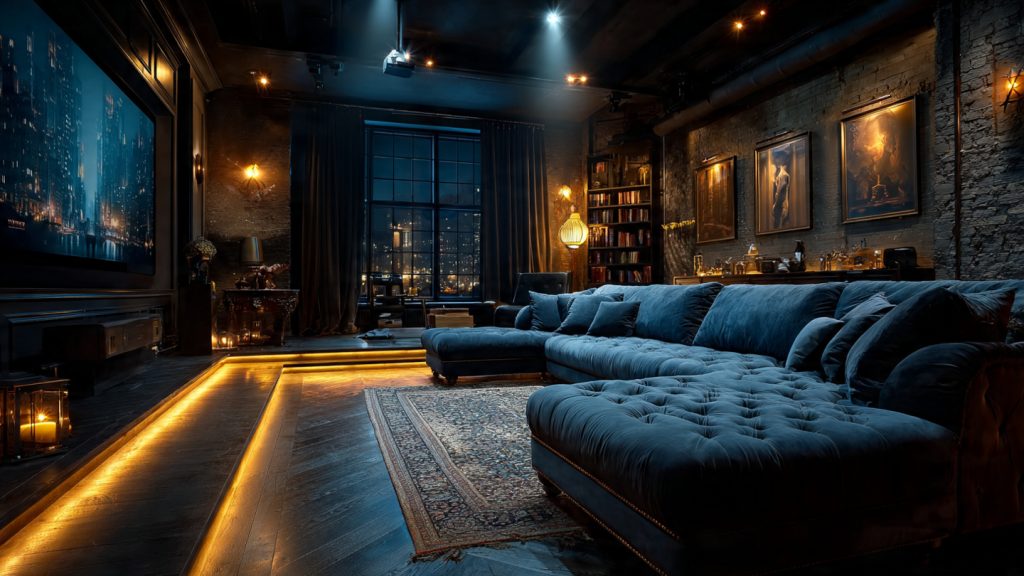
Creating an unforgettable immersive theatre experience requires more than just a great script; it demands a lighting setup that blurs the line between fiction and reality. Unlike traditional stage lighting, immersive design places the audience directly inside the narrative, making atmosphere and environmental control the primary drivers of the story. By mastering core principles like high-contrast focus and directional cues, designers can subtly manipulate audience movement and emotional response. Whether you are utilizing focused ellipsoidals for sharp isolation or soft washes to set a visceral mood, your lighting rig acts as the invisible hand that guides every guest through the performance space.
To achieve professional-grade results, technical teams must prioritize a cohesive lighting design process that integrates seamlessly with sound and set architecture. This involves selecting the right fixtures—such as the versatile ETC Source Four or the color-rich Chauvet Rogue series—while ensuring robust power management and interactive programming. A well-executed setup doesn’t just illuminate a room; it creates a living, breathing world that responds to performers and patrons alike. This guide breaks down the essential strategies for fixture selection, interactivity, and maintenance, providing a roadmap for creative teams to build emotionally resonant environments that linger in the audience’s memory long after the final curtain.
Why Lighting Matters in Immersive Theatre
Lighting is the invisible storyteller: studies show audiences recall mood and atmosphere more than dialogue, so your lighting choices drive memory and emotion. In immersive theatre, a single spotlight or a subtle color shift can redirect attention, suggest space, and reshape reality—making lighting a primary tool for immersion.
This article guides you through core principles, a practical design process, fixture and power selection, programming and interactivity, collaboration with sound, set, and performers, plus rehearsal and maintenance strategies. You’ll get clear, actionable advice for designers, technicians, and creative teams to build cohesive, emotionally resonant environments that put the audience at the center of the experience. Follow these steps to make atmosphere, clarity, and impact today.
Core Principles of Immersive Lighting Design
Contrast and Visibility
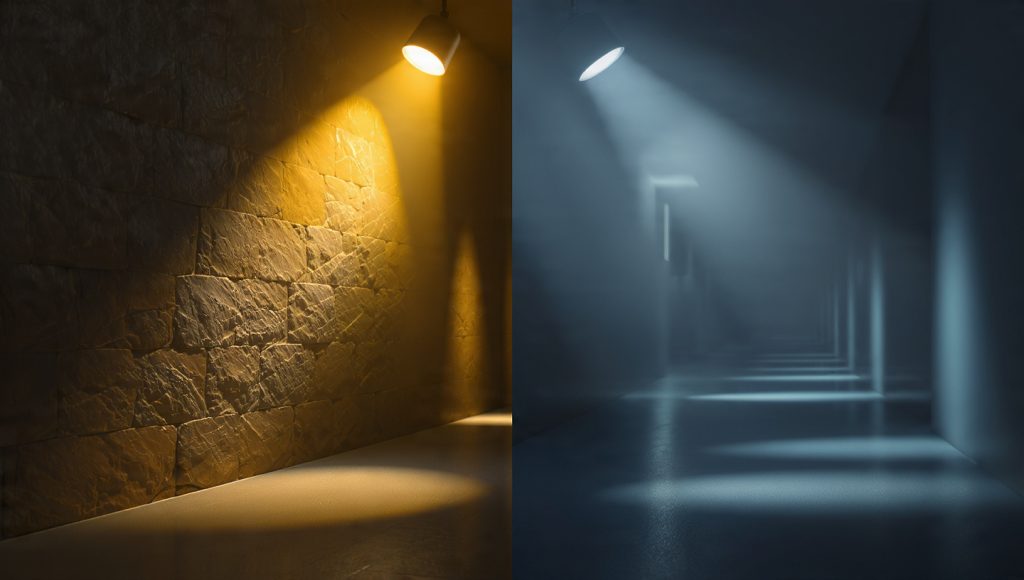
You control where people look by managing contrast more than by creating bright spots. Use higher contrast to isolate moments — a dim corridor with a warm pool at the end reads as invitation. For crisp actors and props, pair a focused ellipsoidal (ETC Source Four or ETC ColorSource Spot) with a softer wash (ARRI SkyPanel or Chauvet Rogue R2 Wash) so facial detail is readable without flattening the scene.
Color Theory and Psychological Effect
Color shapes emotion instantaneously. Cool blues recede and calm; ambers and magentas feel intimate or tense depending on saturation. Practical tip: test an LED fixture (Robe Pointe or Martin MAC Viper) in-context — RGBW vs. RGBAW LEDs render skin tones differently. Keep a palate of 3–5 colors and vary saturation to avoid visual fatigue.
Texture and Edge Definition
Texture gives surfaces personality. Break up washes with gobos or practicals to imply walls, foliage, or crowd movement. Use an ellipsoidal with a medium gobo (Source Four, Robe) for crisp edges and moving beam fixtures (Robe Pointe, Chauvet Maverick) for softer textural motion. Small changes in angle—10–20 degrees—dramatically alter shadow depth.
Depth Cues and Layering
Create foreground, midground, background layers to guide roaming audiences. A simple approach:
Lighting three discrete planes improves depth perception even in compact venues.
Motion, Timing, and Focus
Motion cues attention. Slow pans (2–6 seconds) feel natural; fast snaps (0.2–1 second) create startle or reveal. Use timing to lead people through a moment: a 250–500 ms rise on a table light signals discovery; longer fades suggest reflection.
Sightlines, Safety, and Practical Constraints
When audiences move, maintain sightlines and safe illumination levels. Keep minimum pathway lux levels (test with a light meter; 10–30 lux for atmospheric paths, 100–200 lux for steps/ramps). Use battery fixtures (Astera Titan Tubes, Astera AX Series) or uplighters for unseen safety lamps. Communicate lighting cues with stage management and performers to preserve dramatic intent while preventing trips.
Next, you’ll take these principles into the design process and learn how to turn concept into a viable lighting plot.
Design Process: From Concept to Lighting Plot
Take the immersive principles you learned and translate them into a repeatable plan. This section gives a practical, step‑by‑step workflow so you — and your team — have a usable lighting plot ready for rehearsal.
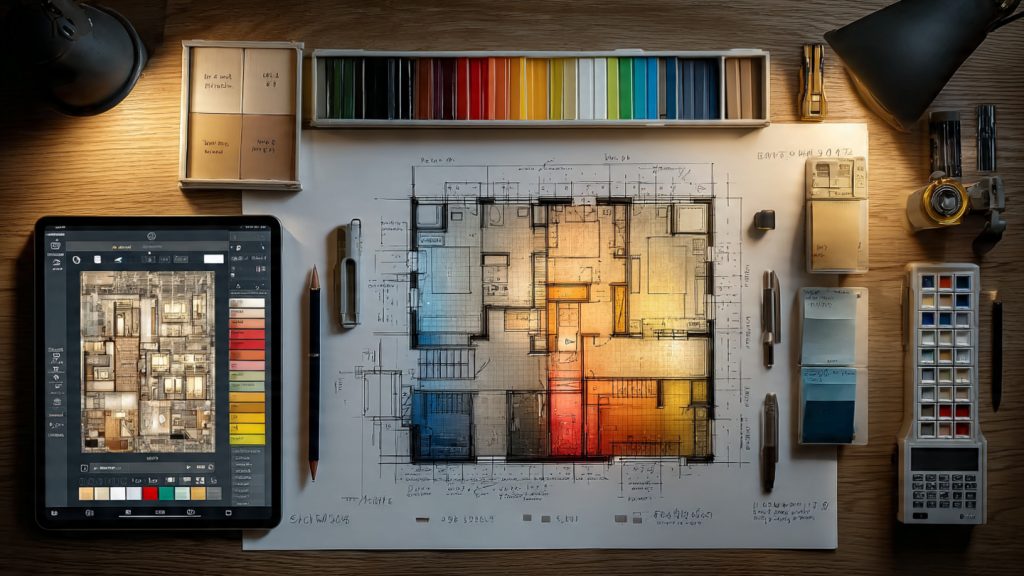
Define experiential objectives with the creative team
Start every project by answering: what should the audience feel, discover, and move toward? Run a short workshop with director, set, and sound where you document:
Map the physical environment
Survey and sketch the venue early. Mark:
Use a scaled floor plan from Vectorworks Spotlight or a simple CAD export. Note power feeds and dimmer locations.
Break the space into lighting zones and cues
Divide the venue into manageable zones (foreground, interaction pockets, transitions). For each zone:
A quick rule: keep zones to 6–12 channels for mobile/interactive pockets; larger stage areas can use grouped submasters.
Documentation best practices
Produce a concise packet everyone can follow:
Collaborative checkpoints and constraints
Schedule milestone reviews with set and sound designers at concept, pre‑plot, and tech‑plot stages. Work within constraints:
Prototype early
Previsualize using Capture, LightConverse, or WYSIWYG and build small mockups on site with LED tubes (Astera) or renters’ fixtures. Rapid prototypes catch sightline and color issues far earlier than tech week.
Selecting Fixtures, Hardware, and Power Infrastructure
You’ll choose tools that support the story without overpowering it.
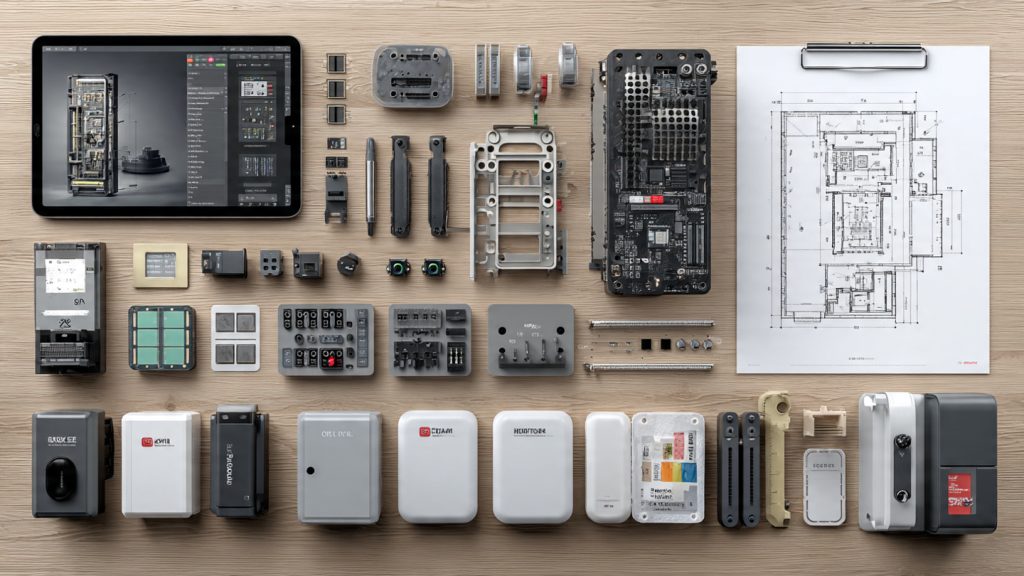
Below are practical guidelines and product-context examples to help you spec a reliable, flexible rig for immersive work.
Fixture categories and typical uses
Optics, gobos, and diffusion
Power distribution & dimming
Cabling, rigging, and safety
Heat, load balancing, and emergency power
Programming, Control Systems, and Interactivity
Control architecture: consoles, networks, and device management
Choose a console that matches your cue complexity and operator skill: grandMA3 for large, networked productions; ETC Eos for theatrical finesse; Avolites Titan or Hog 4 for fast live adjustment.
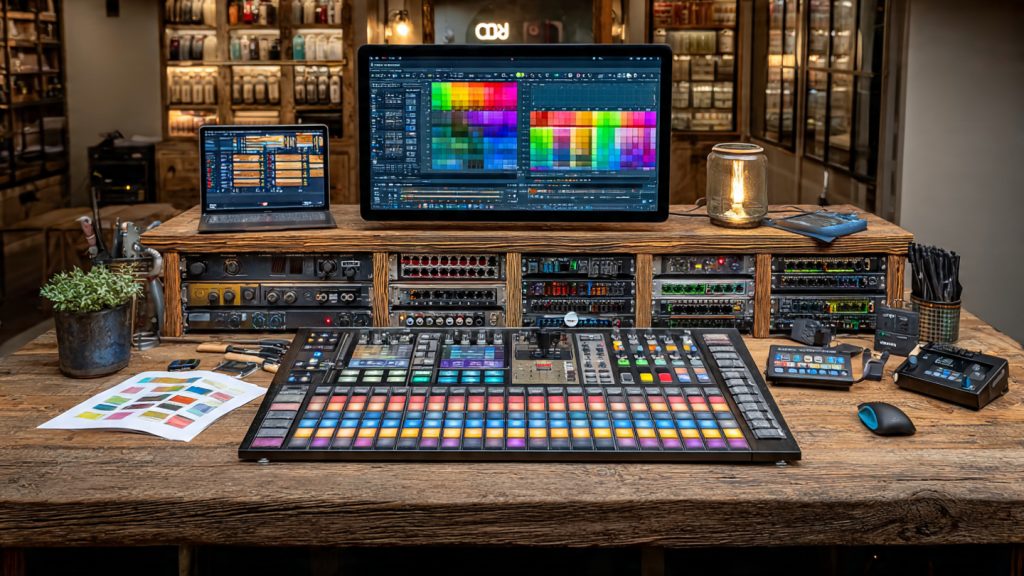
Build a redundant network with gigabit managed switches (Netgear/Cisco small-business lines), separate VLANs for lighting and audio where possible, and RDM-enabled runs so you can address and monitor fixtures remotely. Use Art‑Net or sACN for DMX-over-Ethernet; prefer sACN for deterministic universes on larger rigs. For wireless fixtures, consider LumenRadio CRMX or Wireless Solution W-DMX; always plan RF testing.
Best practices for cue programming in immersive shows
Integration, timelines, and show control
Sync lighting with audio/video via SMPTE/MTC, MIDI Show Control (MSC), or OSC. QLab, Watchout, and playback systems commonly accept timecode; run a master timecode generator and route to console and playback machines. Use cue lists with “wait for GO” for performer-dependent moments, and automated timelines for repeatable prerendered sequences.
Interactive approaches and live overrides
Reliability and practical tips
Keep a console hot-swap/backup file, use UPS on controllers and switches, and pretest wireless paths and timecode runs. In one site-specific run, a simple BLE-triggered path faded in a split second once we increased debounce timing—small adjustments make interactive systems reliable in the real world.
Collaborating with Sound, Set, and Performers
You’ll integrate lighting into a living system. The goal is a single, coherent environment where sound, scenery, and bodies move together. Below are practical workflows and tips to make that happen.
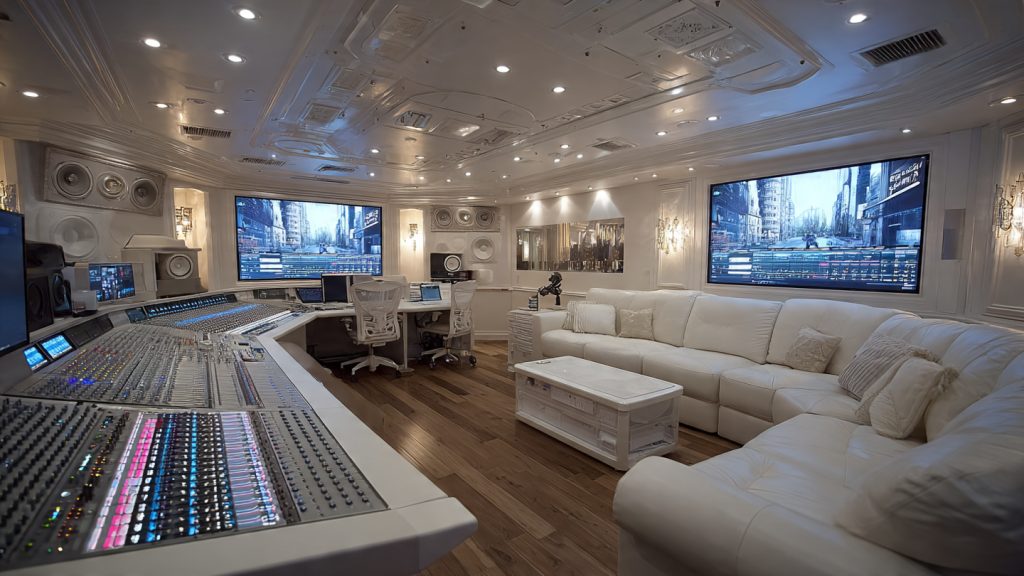
Early coordination and shared mockups
Hold a joint tech meeting with sound, set, and costume leads early. Share:
Bring a handful of fixtures (ETC Source Four, Chauvet Ovation, Robe MegaPointe) and test fabrics and paints on-site—glossy set paint or metallic trims can blow out, while matte finishes absorb mood.
Cue integration and practicals
Coordinate cue timing in these steps:
Example: in one immersive run, switching from filament lamp practicals to DMX RGBW bulbs preserved costume colors and removed dangerous heat near period gowns.
Blocking, sightlines, and shadow control
Rehearse blocking with lights hung in final positions. Use:
Ask performers to rehearse with props on and in costume under show intensities; fabrics like PVC and sequins need bespoke keying.
Acoustic and fixture-placement considerations
Minimize noise and vibration:
Accessibility and comfort
Design for inclusivity:
Live communication protocols
Standardize calls: radio channels for stage ops, a single “house” talkback, cue confirmations, and a lightweight cue-light backup. Practice live overrides during tech so everyone knows how to take or relinquish control for safety or improvisation.
Next, you’ll turn these rehearsed systems into a maintainable live rig in the Technical Rehearsals, Maintenance, and Troubleshooting section.
Technical Rehearsals, Maintenance, and Troubleshooting
You’ll get a practical checklist to keep your lighting reliable through tech and the run. Focus on reproducing the audience experience, predictable maintenance, and fast diagnostics so you can fix problems without interrupting a show.
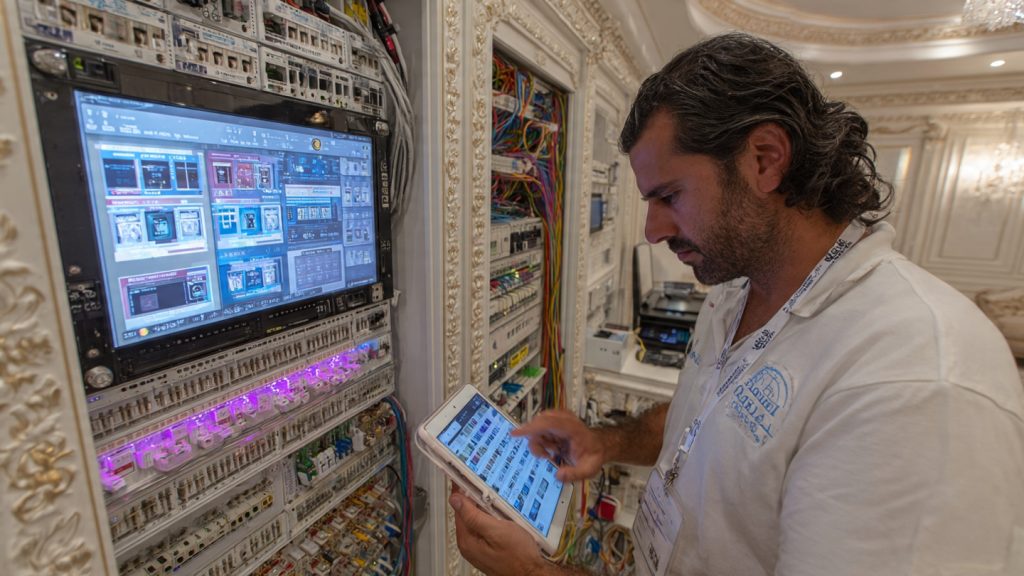
Tech & dress rehearsals that mimic the audience
Run full cue-to-cue rehearsals with audience paths, timed interactions, and interactive triggers (QLab, OSC, or MIDI/SMPTE). Include:
A real-world note: a fringe production discovered a blind spot only when an audience member sat on a riser—fixing that early saved show nights.
Maintenance routines and spares checklist
Perform daily, weekly, and pre-show checks. Essentials include:
Keep on-site spares:
Troubleshooting diagnostics—step-by-step
Flicker:
DMX dropouts:
Patch conflicts:
Power faults and fixture failure:
Post-show evaluation
After performances, review logs, cue timing, and incident reports. Keep a living maintenance log and schedule firmware and spare replacements during dark days.
Next, bring these systems together as you finalize your show—see the Conclusion for guidance on making your lighting thrive across the run.
Bringing Your Immersive Lighting to Life
You’ll leave with a clear roadmap to plan, implement, and maintain immersive lighting that supports narrative, guides attention, and deepens engagement. Align objectives with technical choices, prioritize safety and reliability, and choose fixtures and control systems that serve your creative goals. Ground your design in core principles, document decisions, and structure power and network infrastructure for consistent performance.
Collaborate closely with sound, set, and performers, and iterate through focused rehearsals, testing, maintenance. With operational discipline and creative ambition, you can deliver transformative experiences that feel effortless to audiences. Start small, prototype, and refine relentlessly.
This line about collaborating with sound/performers was golden 😊
In my last show we did spatial audio + moving lights and it made everything feel alive.
Love to hear that, Sophia! Spatial audio + lighting sync is becoming a go-to for immersion. Did you use any particular protocols or just timecode?
We used SMPTE LTC into QLab and a DMX script for lighting. Not perfect but good enough for cues and masks.
Good read overall, but I wish there was more on power planning.
You mentioned distro briefly, but in practice you need load calculations up front.
A table of common fixture wattages would help — saves a lot of guesswork.
Also: talk about emergency circuits and local code a bit more.
I nearly had a show cancelled because a distro was undersized.
Great point, Marcus. We’ll add a wattage table and a short primer on load calcs and emergency circuits in the next revision. Any particular fixtures you ran into trouble with?
As an addendum: we’ll include a sample power checklist and a brief on inrush vs continuous loads. Thanks for flagging this — super actionable feedback.
Yep, LED movers + hazer + practicals can sneak up on you. Always run a worst-case scenario calc (all fixtures at max) and factor in inrush current on moving lights.
Also check breaker trip curves — some venues have ancient panels that won’t tolerate sustained high inrush. Bring a portable power monitor if possible.
Solid technical advice here. A couple of thoughts from backstage teching:
– On programming: prefer using playbacks and macros over giant cue stacks — easier to recover mid-show.
– Control systems: if you’re doing interactivity, consider network redundancy (Art-Net/ sACN) and isolate your control VLAN.
– Troubleshooting: label everything and keep a “last known good” snapshot of console shows — saves hours.
Would love an expanded troubleshooting flowchart in the article.
If folks want, we can post a sample console snapshot and a one-page flowchart for technical rehearsals in the resources section.
Agreed on VLANs. Once had a lighting console fight with the venue Wi‑Fi — separated network fixed it instantly.
Excellent suggestions, Daniel. We’re adding a section on redundancy and a printable troubleshooting checklist. Thanks for the playbacks tip — will highlight recovery strategies.
Haha great read — finally an article that doesn’t assume every theatre has a million moving heads lol 😂
Couple of unsolicited opinions: practicals are underrated, and sometimes a candle (real or LED) does more than a $2000 rig.
Also, pls stop suggesting fog machines as a default — allergies, ppl. 😅
But seriously, good job. A few typos but nothing that breaks the guide.
100% on practicals. We used table lamps and dimmers in one show and people thought it was high-tech lighting design. Sometimes simplicity is stealthy genius.
Also want to add: for candle effects, look into warm-white flicker LEDs — safe and convincing on camera too.
Thanks Rachel — will fix the typos (appreciate the heads-up). Practical lights and simple specials do a ton of heavy lifting; we should have emphasized that more.
Regarding fog: we’ll add a section about alternatives (haze at low density, LED scatter techniques) and a note on performer/ audience health considerations.
Typos are fine, it makes it human. But yes, no fog for asthma folks — always check with your venue and performers.
Loved this article — super practical!
The section on “Why Lighting Matters” really hit home for me: lighting isn’t just visibility, it’s mood and storytelling.
I also appreciated the checklist in “Selecting Fixtures” — made my next gear meeting way less chaotic.
Would love a follow-up with sample plots for different venue sizes.
Small black-box theatres, please! And maybe a micro-immersive setup for like 20 people. Those are always tricky.
Totally agree about mood — a single warm backlight can change an entire scene. Also, don’t forget gels vs. LED color temps when predicting render on costumes.
Thanks Ava — glad it was useful! We’re planning a follow-up that shows compact vs. large-venue plots. Any specific venue sizes you’d like covered?