
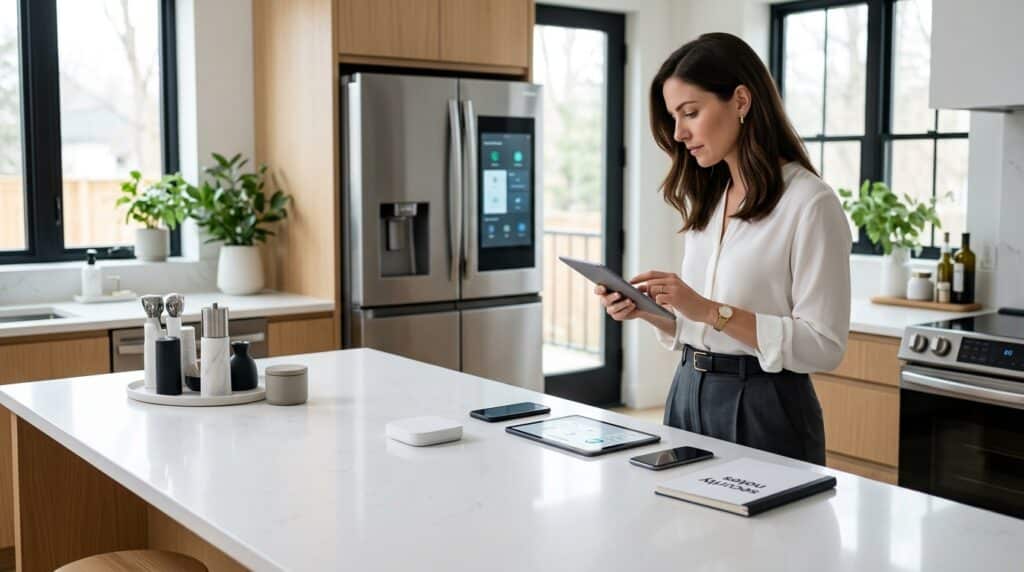
Over 25% of smart home devices have known vulnerabilities, and your smart fridge is no exception. When you connect a smart fridge to the internet, you give attackers another door into your network — and they often look for the easiest one. Remote temperature checks, grocery lists, and voice control are convenient, but they also mean your fridge runs complex software, stores data, and connects to other devices — making it a potential tool for eavesdropping, lateral network movement, or recruitment into a botnet.
This article gives you five practical, prioritized actions to harden your smart fridge and reduce exposure. Each tip focuses on real-world controls that help you detect misuse quickly and make your device a far less attractive target — whether your fridge is brand new or has been running for years. Follow these steps to turn your kitchen’s centerpiece from a security liability into a properly defended asset.
Why Your Smart Fridge Is a Target — and What You Can Do
A surprising fact: over 25% of smart home devices have known vulnerabilities, and your smart fridge is no exception. When you connect a smart fridge to the internet, you give attackers another door into your network — and they often look for the easiest one. Remote temperature checks, grocery lists, and voice control are convenient, but they also mean your fridge runs complex software, stores data, and connects to other devices — making it a potential tool for eavesdropping, lateral network movement, or recruitment into a botnet.
This article gives you five practical, prioritized actions to harden your smart fridge and reduce exposure. Each tip focuses on real-world controls that help you detect misuse quickly and make your device a far less attractive target — whether your fridge is brand new or has been running for years.
Lock Down Access: Change Defaults and Enforce Strong Authentication

Why defaults are dangerous
Attackers still scan for default usernames and passwords — the Mirai botnet famously exploited common IoT defaults to build a massive attack network. Your fridge is an easy target if it ships with “admin/admin” or ties into a family account you reuse elsewhere. Three immediate actions stop most opportunistic attacks: change all defaults, use strong unique passphrases, and enable multi-factor authentication where available.
Step-by-step: access the admin interface and change credentials
- Find the admin interface:
- On-screen: open Settings on your fridge (e.g., Samsung Family Hub, LG InstaView).
- App: open the manufacturer’s companion app (Samsung SmartThings, LG ThinQ, Whirlpool app).
- Local web UI: some models expose a local IP (check your router’s device list).
- Log in with the current credentials (often on a sticker or in the manual).
- Immediately change the default username and password under Account / Security / Admin settings.
- If the device forces cloud accounts, change the password in that account portal too (e.g., Samsung account, Google account if linked).
Create and store strong passphrases
Use multi-factor and secure recovery
Verify encrypted authentication channels
Taking these steps removes the low-hanging fruit attackers rely on. Next, you’ll patch the software that powers your fridge so attackers can’t exploit known vulnerabilities even if they try other tricks.
Keep Firmware and Apps Current: Patch to Close Vulnerabilities

Unpatched firmware and companion apps are frequent sources of security holes. Attackers probe known vulnerabilities first, so establishing a simple, repeatable update workflow dramatically reduces your risk.
How to check and apply firmware updates
Trust but verify: automatic updates and authenticity
Back up and read security advisories
When the vendor stops supporting your fridge
If the vendor declares end-of-life:
Keeping firmware and apps current is a practical habit that cuts risk quickly. Next, you’ll learn how to reinforce that protection by isolating your fridge from the rest of your network.
Segment and Harden Your Network: Isolate the Fridge from Critical Systems

Network segmentation reduces the blast radius when a device is compromised. Below are practical steps to create a separate guest/IoT VLAN for your fridge, restrict traffic, and verify the isolation.
Create a separate IoT VLAN or guest SSID
Start by giving your fridge its own subnet so infections can’t easily reach phones, work laptops, or NAS drives.
Restrict inbound and outbound traffic with firewall rules
Close everything by default, then explicitly allow what’s needed.
Quick router rule examples:
Use DNS filtering and endpoint whitelists
Verify segmentation with simple scans
Confirm isolation with low-effort tools:
Managed firewall or dedicated IoT AP — when to upgrade
Segmentation is one of the highest-impact steps you can take — next, you’ll learn how to shrink your fridge’s attack surface further by disabling unneeded services and tightening app permissions.
Minimize Attack Surface: Disable Unneeded Services and Review App Permissions
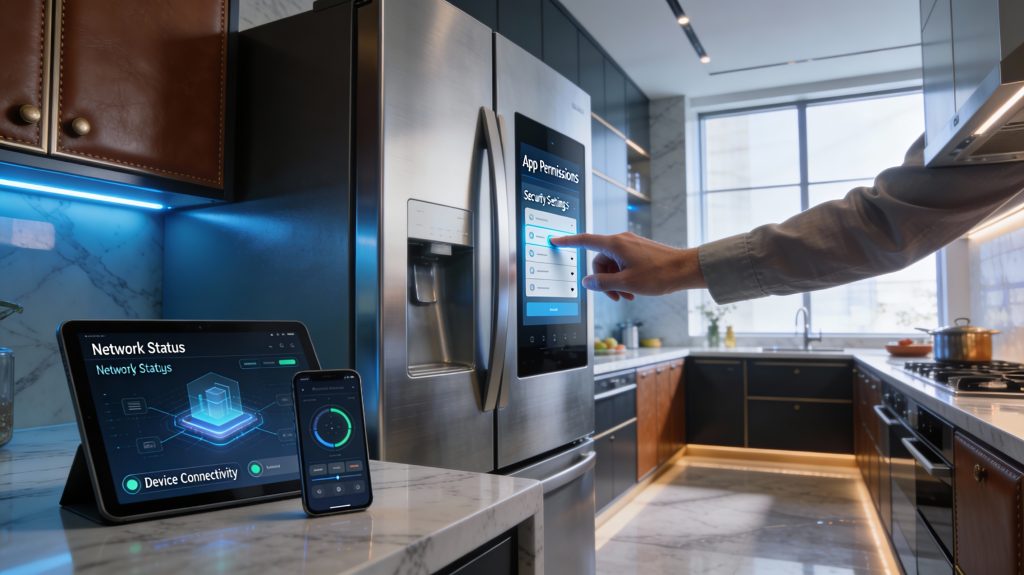
Every enabled service or installed app is another door an attacker can try. Below are practical, prioritized steps to shrink that surface — what to turn off, what to uninstall, and how to review your phone and network permissions so your fridge only does what you actually need.
Quick, prioritized checklist (do these first)
How to audit and disable features
Go through the fridge touchscreen menus and the companion app methodically:
Example: On a Samsung Family Hub you’ll remove apps via Apps → My Apps → Uninstall; on LG ThinQ, open Settings → About Phone/Device → Diagnostics to opt out.
Lock down companion apps on phones
On Android/iOS:
Minimize telemetry and data sharing
Remove unused third‑party apps safely
Simple functionality test after changes
Create a short test checklist and run it after you disable features:
Reboot the fridge, wait 10–15 minutes, then re‑run the checklist and monitor for a day for unexpected errors or missing notifications. Next, you’ll follow up by putting monitoring and response controls in place so you detect problems quickly.
Monitor, Audit, and Prepare: Detect Intrusions and Respond Quickly
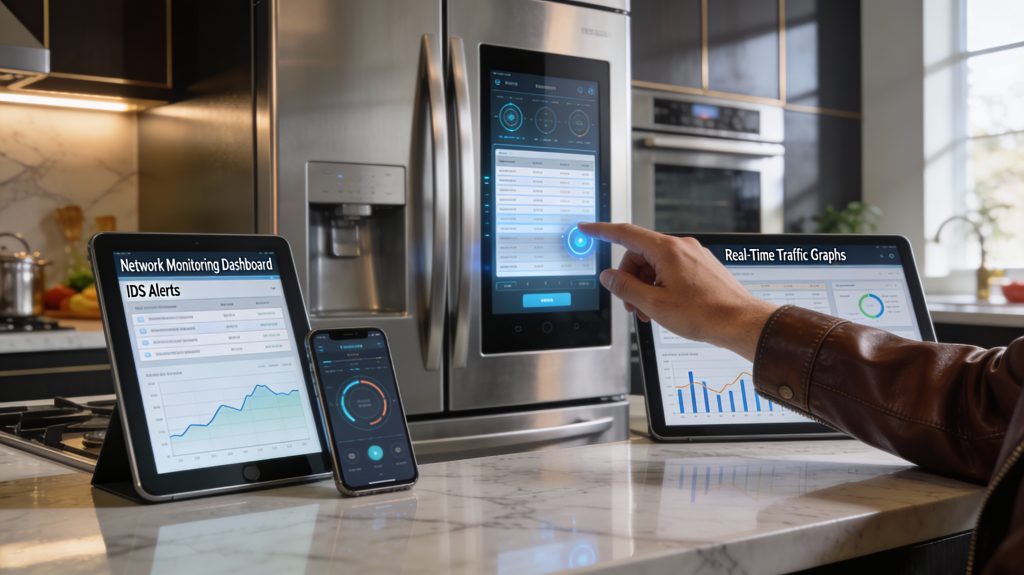
Ongoing monitoring and a tested response plan turn prevention into resilience. Below are concrete steps to spot suspicious activity, contain incidents fast, and recover with minimal disruption.
Most smart fridges keep basic logs covering connection attempts, firmware updates, and app access — enable them and check regularly.
Example: on some Samsung Family Hub models you can enable diagnostics in Settings → Support → Diagnostics and export logs via USB or network.
Network monitoring anyone can run
You don’t need enterprise gear to spot anomalies. Simple tools and a short baseline give big visibility.
A quick rule: investigate any fridge that connects to IPs outside the vendor’s domains, or that shows sustained high-volume uploads.
Incident response checklist — act fast
Keep this printable checklist near your router.
If you can’t preserve logs before a reset, note timestamps and router captures — they still help investigators.
Periodic audits, inventories, and backups
Make audits routine to shorten detection time.
Stay informed and practice
Subscribe to vendor security alerts, CISA advisories, or the vendor’s RSS/mail list. Run a tabletop drill once a year so you can execute the checklist smoothly.
Next, apply these practices consistently as you move to make security routine in the Conclusion section.
Make Security Routine: Maintain, Monitor, and Improve
You can’t secure your smart fridge once and forget it. Enforce strong authentication, patch promptly, isolate the device on a segmented network, disable unnecessary features, and keep monitoring and response processes active — these steps cut risk and limit impact. Make a quarterly checklist you actually follow: review accounts and permissions, verify firmware and app updates, validate network segmentation, and test detection and recovery procedures.
Treat security as ongoing maintenance, not a one-time project. Adjust controls as threats and devices evolve, and commit to routine checks to keep your home network resilient and your data protected.