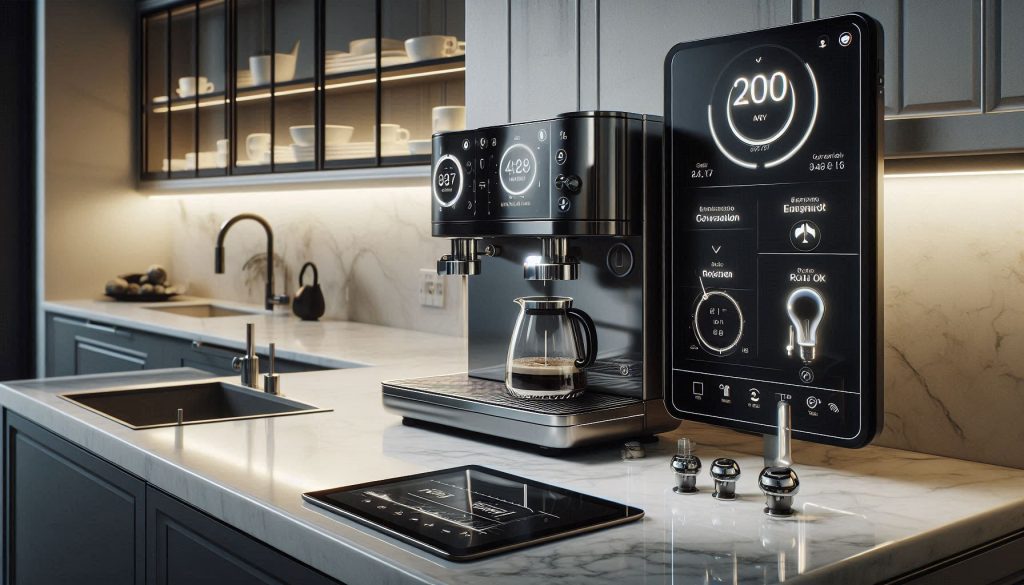
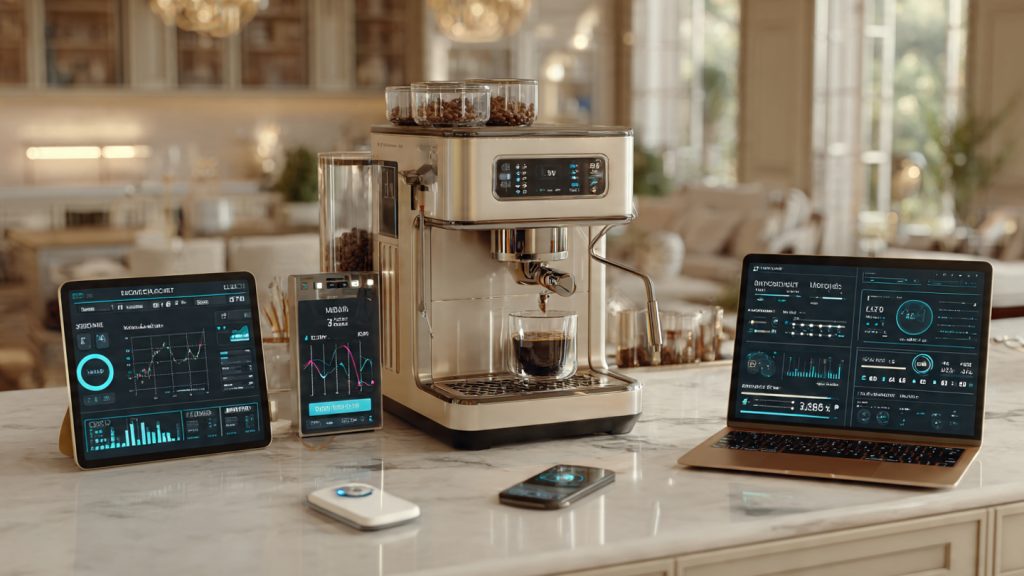
You rely on routines and predictable outcomes; syncing your coffee machine with your smart home turns beverage preparation into a reliable, measurable part of your daily automation. It ensures consistent brew timing, reduces energy waste, and removes the friction of manual morning steps. By integrating your brewer into a wider ecosystem, you gain the peace of mind that comes with automated safety shut-offs and real-time status alerts. Whether you are using a high-end connected espresso machine or a reliable “dumb” brewer paired with a smart plug, this integration allows your kitchen to anticipate your needs based on real data like wake-up times or presence detection.
Successfully syncing your machine requires a technical, risk-aware approach to ensure long-term reliability. In 2026, the shift toward Matter and Thread connectivity has made it easier than ever to bridge devices across platforms like Apple Home, Alexa, and Google Home. This article provides a comprehensive walkthrough on mapping your machine’s capabilities—from basic power toggling to advanced brewing parameter control via mobile apps. You will learn secure connection practices, how to design fail-safe automations, and strategies for maintaining your setup so your perfect cup is ready exactly when you are.
Why Syncing Your Coffee Machine With Your Smart Home Matters
You rely on routines and predictable outcomes; syncing your coffee machine with your smart home turns beverage preparation into a reliable, measurable part of your daily automation. It ensures consistent brew timing, reduces energy waste, and removes manual steps from your morning.
You’ll gain convenience and safety when devices share status and follow rules you define. Automated schedules, presence detection, and temperature sensors let you optimize taste and power use based on real data.
This article gives a technical, risk-aware walkthrough. You will learn integration options, secure connection practices, automation design, performance measurement, and maintenance strategies. Expect clear examples, configuration tips, and checklist items for safe deployment and long-term reliability.
1
Understand Compatibility and Connectivity Options
Before you start wiring relays or writing automations, map what your coffee machine can actually do and how it will talk to the rest of your home. The wrong assumption about connectivity or power can turn a fun weekend project into a costly repair — or a ruined morning.
Understand your coffee machine’s power and connectivity before integrating it into a smart home system.
What to look for on the device spec plate and docs
Check the labels and manuals for these hard facts first:
Rated voltage and typical power draw (look for watts or amps). Drip machines commonly draw 800–1500 W; consumer espresso machines often sit between 1200–1700 W; commercial machines can exceed 2000 W.
Network radios supported: Wi‑Fi (2.4 GHz vs 5 GHz), Bluetooth/BLE, Zigbee/Z‑Wave, or proprietary clouds.
Any official API, developer documentation, or “works with” integrations (Alexa, Google, HomeKit).
Firmware update behavior: automatic-only, opt-in, or manual.
Safety certifications (UL/CE) and stated operating temperature or humidity limits.
A real-world example: a single‑boiler home espresso machine with a 1600 W heater will trip many low‑rated smart plugs; you’ll need a plug or relay rated for that continuous and peak current.
Native smart vs. intermediary hardware
Decide whether the machine is natively smart or needs a mediator:
Native smart: device exposes REST/MQTT/local endpoints or has a well‑documented cloud API. Example ecosystems: Smarter Coffee (Wi‑Fi), certain Nespresso and Breville connected models.
Mediator hardware: smart plugs, relays, or IoT modules (Shelly, Sonoff, Shelly 1/1PM, Sonoff Basic flashed with Tasmota, or a Shelly Plug S) that provide control when the machine lacks networking.
Hubs and controllers: Home Assistant, Hubitat, or SmartThings for protocol translation (Zigbee, Z‑Wave, Matter) and local automations.
API, cloud dependency, and latency checklist
Use this short checklist to quantify integration risk and expected responsiveness:
Does the vendor control firmware updates remotely?
Is there a community Home Assistant/Hubitat integration?
Power and safety tradeoffs
If you choose a smart plug, prioritize:
High current rating (match the machine’s rated amps), energy monitoring, and UL/CE certification.
Local-control capability for privacy and resilience (avoid cloud‑only plugs if reliability matters).For hardwired control of high‑power espresso or grinders, use industrial relays/contactors sized for inrush current and consult an electrician.
Next, you’ll translate this map into a secure, reliable connection strategy — choosing network settings, access controls, and hardware placement to keep your coffee automation robust and safe.
2
Set Up Secure and Reliable Connections
Once you’ve chosen how the coffee machine will talk to your hub, you need to lock down and harden that path. The goal: keep automations responsive and resilient while minimizing attack surface and surprise failures.
Build secure and reliable connections for smart appliances with network segmentation and controlled access.
Create a segregated IoT network and enforce rules
Segment devices on an IoT VLAN or guest SSID so your coffee machine can’t reach sensitive devices (PCs, NAS).
Use a router or controller that supports VLANs (examples: Ubiquiti UniFi/Dream Router, MikroTik, Asuswrt‑Merlin, or OpenWrt).
Firewall rule examples: allow IoT → Automation Hub (Home Assistant IP) on specific ports (MQTT 8883, HTTP/HTTPS), block IoT → LAN default, permit IoT → Internet for vendor cloud only if necessary.
Assign stable addressing and restrict access
Static IPs (or DHCP reservations) make automations reliable and logs readable.
Reserve addresses in your DHCP server for the machine, hub, and mediator devices.
Use hostnames + mDNS where supported (Home Assistant, Avahi) so scripts don’t break when IPs change.
Turn off UPnP for the VLAN and disable WPS on Wi‑Fi.
Enforce strong credentials and encrypted channels
Treat every account and channel as a potential entry point.
Replace default passwords; use long randomly generated credentials stored in a password manager (Bitwarden, 1Password).
Enable 2‑factor auth on cloud accounts (Google, Apple ID, SmartThings) and on your hub when possible (Home Assistant supports MFA).
Prefer local control or encrypted transport: MQTT/TLS, HTTPS with valid certs (Let’s Encrypt), or site‑to‑site VPN for remote control.
If a device is cloud‑only, connect to it through a WireGuard/OpenVPN client on your router rather than exposing ports.
Disable unnecessary features & keep firmware current
Minimize attack surface and reduce surprises.
Turn off vendor cloud features, voice assistants, or telemetry you don’t need.
Subscribe to firmware update notifications; automate updates where safe or test updates on a spare device first.
Example: many SmartThings integrations push OTA firmware — opt into staged updates if available.
Measure reliability and instrument alerts
You can’t fix what you don’t measure.
Simple checks: add a ping/HTTP latency sensor in Home Assistant, and use uptime services (UptimeRobot) for cloud endpoints.
Thresholds to watch: packet loss >5% or latency consistently >200 ms warrants investigation.
Centralize logs: forward syslog to a local collector (rsyslog, Graylog) or use Home Assistant event/log integrations; create alerts for repeated auth failures or device dropouts.
A homeowner I know switched a third‑party coffee maker to an IoT VLAN and added a ping sensor — it flagged a flaky access point the morning their routine failed, and fixing the AP restored reliable start‑of‑day coffee. Next, you’ll use these secure, stable connections to design automation flows and control logic that actually make your mornings smoother.
3
Design Automation Flows and Control Logic
Now you translate connectivity into behavior. Good automations are predictable, safe, and measurable. Below are practical patterns, checks, and examples you can implement in Home Assistant, Hubitat, or SmartThings — plus pseudocode and text diagrams to make the logic executable.
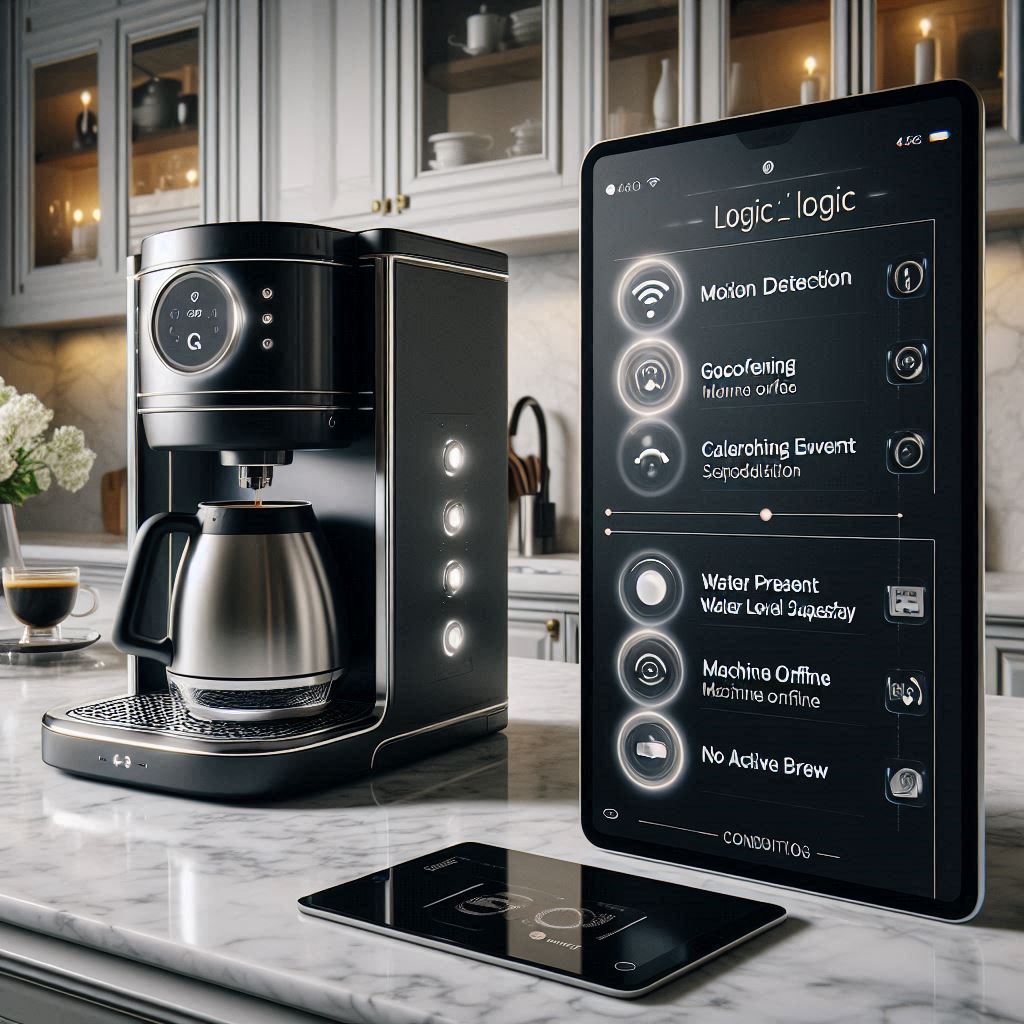
Use clear triggers and explicit preconditions to prevent accidental smart home automations.
Define clear triggers and conditions
Start with distinct triggers and explicit preconditions so routines don’t run accidentally.
Typical triggers: occupancy/motion (Aqara, Philips Hue Motion), geofence (HomeKit or Life360), calendar events (Google Calendar), voice command, or a scheduled time.
Preconditions: carafe present, sufficient water, machine online, no current brewing in progress.
Safe activation: interlocks and precondition checks
Protect the machine and your kitchen by enforcing hardware and logical interlocks.
Use a carafe-presence sensor (magnetic reed or weight sensor) and a float or flow sensor for water level.
Check device state and energy usage (TP‑Link Kasa HS110/HS300 or Shelly Plug S) before sending the start command.
If any precondition fails, do not start; instead notify you with context (e.g., “Carafe missing — automation paused”).
Retries, fallback states, and throttling
Make automations robust without stressing the hardware.
Retry strategy: try once, wait 10–20s, retry with exponential backoff (×1.5), then move to Error state and notify after 3 attempts.
Fallbacks: fallback to “preheat only” if grinder fails; or enqueue a reminder for manual brew.
Throttling/rate limits: enforce a minimum interval (e.g., 30 minutes) and a max starts/day to prevent repeated heating cycles that reduce lifespan.
State machines and conflict avoidance
Model brewing as explicit states to avoid race conditions with manual controls.
If manual power-on detected (energy > X W), set state to Manual and suspend automations until Manual→Idle transition is seen.
KPIs to measure effectiveness
Track and alert on automation health.
Successful brew percentage (target >98%)
Average time from trigger to ready (seconds)
Energy consumption per brewed cycle (kWh)
Manual override rate (%) and retries per week
Example pseudocode
if trigger and preconds_ok():if last_start < now – min_interval: start_preheat()else: notify(“Throttled — recent brew”)else:notify(“Precondition failed: ” + reason)
Implement these pieces and you’ll have automations that act like a thoughtful barista — safe, measurable, and respectful of your equipment.
4
Measure Performance, Optimize for Efficiency, and Ensure Safety
Syncing is not a set‑and‑forget task if you want consistent returns. Instrumentation, measurement, and safety controls turn nice automations into reliable value. Below are concrete steps, product examples, and workflows you can apply right away.
Measure performance, optimize efficiency, and maintain safety with data-driven smart coffee automations.
Instrumentation: what to measure and how
First, give yourself the right sensors and data sinks.
Power usage: install a smart plug or circuit monitor that reports watts and energy (TP‑Link Kasa HS110/HS300, Shelly Plug S, Aeotec Heavy Duty Smart Switch, or whole‑home Emporia Vue/Sense).
Warm‑up/brew completion: use a flow sensor or a reed/weight carafe sensor (Gikfun flow sensors, cheap reed switches on carafe handles), or hook a scale to detect liquid added/removed.
Temperature: install a probe or ambient sensor near the boiler (Aqara Temperature Sensor, DS18B20 probe with an ESPHome adapter).
Data collection: log everything to Home Assistant + InfluxDB/Grafana or to your cloud dashboard for trend analysis.
Quick how‑to: start with a 30‑day baseline. Record energy per cycle, warm‑up time, and completion success rate. That baseline is your control.
Analyze trends and optimize schedules
Use rolling averages and simple comparisons to find wins.
KPIs to track: energy per brew (kWh), warm‑up time (s), successful brew rate (%), manual‑override rate (%), descale trigger count.
Optimize: shift preheat windows to match real use (reduce always‑on preheat), shorten preheat times that are longer than needed, or preheat only on workdays or detected occupancy.
Quantify savings: subtract optimized kWh from baseline kWh per month and multiply by your electricity rate. Even small standby reductions compound.
Example: one household replaced always‑on preheat with a motion‑triggered 2‑minute preheat and saw noticeable monthly energy reduction while still getting reliably hot coffee.
Safety checklist (practical and actionable)
Minimize fire risk with layered controls.
Overcurrent protection: ensure smart switches are rated above your machine’s draw (check peak wattage); use a dedicated outlet on a correctly sized breaker.
Surge suppression: install a reputable surge protector (APC, Leviton) upstream of the smart plug.
Smoke/temperature integration: connect smoke and heat sensors (First Alert/Onelink, Nest Protect, Fibaro Smoke) to your hub; automate shutoff and notifications on triggered alerts.
Emergency‑stop workflow: map a three‑step response — cut power via smart plug, open ventilation (smart fan), and push urgent notifications (phone + voice). Make a physical cutoff accessible for guests.
Maintenance alerts and A/B testing
Turn usage into predictive maintenance and continuous improvement.
Descale reminders: trigger by brew count + water hardness setting (e.g., every 200 brews at soft water, sooner if hard). Use flow counts or increments in your automation.
A/B testing: run two parameter sets (preheat length A vs. B) for equal periods, measure energy, warm‑up, and error rates, then pick the better tradeoff. Track taste proxies like brew temperature stability and extraction time to preserve quality.
Instrument, iterate, and automate safety—those three practices keep your coffee smart, efficient, and safe to run every morning.
5
Troubleshoot, Maintain, and Futureproof Your Setup
Even the best automations fail sometimes. Below is a compact, practical playbook to diagnose problems, keep your integrations healthy, and design for smooth upgrades so your coffee routine survives changes.
Diagnose failures fast, maintain reliability, and future-proof your smart coffee automations.
Fast diagnostic steps for connectivity drops
When your machine stops responding, follow a short, prioritized checklist you can run in under five minutes:
Verify power and the machine’s local status (lights, display).
Check the smart plug/hub LED and try a local toggle (physical or app).
Ping the hub or device IP from your network (ping 192.168.x.x).
Check your router for DHCP leases or Wi‑Fi client drops; note 2.4 GHz vs 5 GHz interference.
Inspect your automation hub logs (Home Assistant, Node‑RED, Hubitat) for “unavailable,” MQTT disconnects, or HTTP 5xx/401 errors.
Use the vendor status page or DownDetector to rule out cloud outages.
Example: a neighbor’s microwave caused recurring 2.4 GHz interference—moving the hub 1m and switching the coffee plug to a wired Zigbee repeater solved intermittent dropouts.
Interpreting logs: cloud vs. local failures
Look for these clear signals in logs to isolate root cause quickly:
Cloud failure: repeated HTTP 5xx, OAuth token 401/403, long latencies, or vendor outage notices.
Local failure: MQTT “client offline,” Z‑Wave inclusion errors, frequent reconnects, or automation engine exceptions.
Tip: enable structured logs in Home Assistant and Node‑RED and grep for timestamps around the failure to see causal chains.
Fail‑safe modes and staged rollouts
Design safe behavior when automation is unavailable and change rules incrementally:
Fail-safe methods: default to manual ON/OFF, set hard timers to stop brewing after X minutes, or cut power if temperature sensors report overheating.
Staged rollouts: use shadow mode (log-only), canary groups (one device or morning slot), and feature flags. Run A/B tests on schedules before global deployment.
Version control: store automation YAML/flows in Git (GitHub/GitLab) to roll back quickly.
Maintenance routines and modular design
Preserve uptime and make upgrades painless with routine habits:
Firmware policy: test updates on one spare device during a maintenance window before fleet deployment.
Backups: export Home Assistant snapshots, Node‑RED flows, and keep them in encrypted cloud storage.
Documentation: write one‑sentence intent for each automation, list triggers, safety limits, and expected outcomes.
Modularize: separate hardware adapters (MQTT bridge, Zigbee coordinator) from business logic (preheat schedules, occupancy rules) so you can swap components without rewriting flows.
Futureproofing and secure documentation
Make your coffee automation resilient to vendor churn:
Prefer open standards (MQTT, Zigbee, Matter, HomeKit) and use a smart plug or local API bridge when possible.
Catalog APIs, webhook URLs, and credentials; store secrets in a manager (1Password, Bitwarden) and rotate tokens regularly.
Evaluate vendor roadmaps and community support before committing; a device with strong community integrations (ESPHome, Tasmota) is easier to rescue.
With these troubleshooting, maintenance, and futureproofing practices in place, you’ll have a resilient base to finalize your system and move into the concluding recommendations.
Bringing It All Together
Syncing your coffee machine with your smart home yields measurable convenience, energy savings, and improved safety when you apply a systematic approach. Use the compatibility checklist, secure connection practices, automation design patterns, performance metrics, and maintenance routines in this guide to build a dependable, auditable system that keeps your routines predictable and your risks minimized.
Instrument sensors and logs, design automations modularly, and revisit security and efficiency metrics periodically. Start small, iterate with data, and you’ll maintain control of your coffee routine while maximizing long‑term value and reducing surprises. Begin now and measure results over time.