
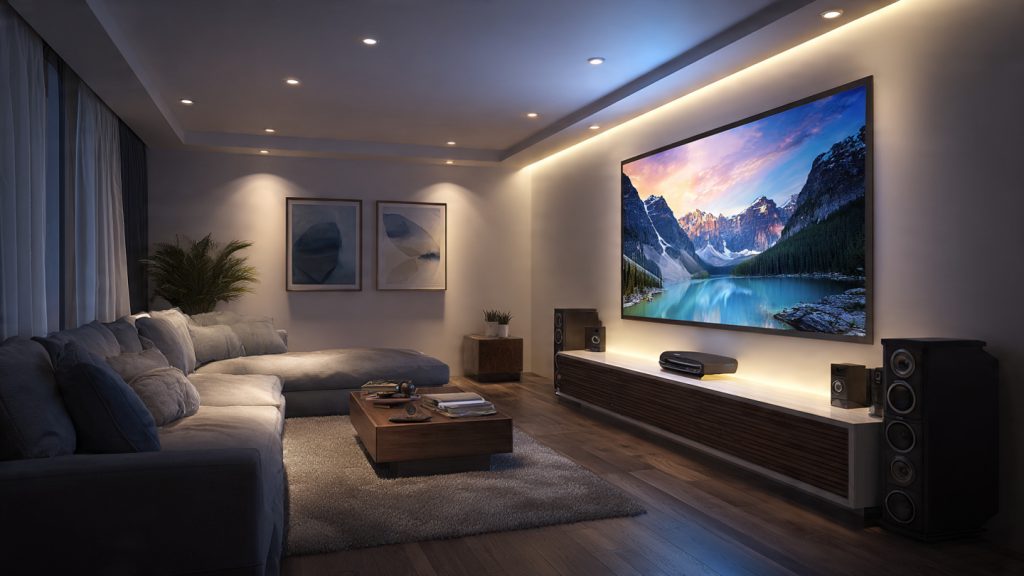
Creating a professional-grade cinema experience at home is about more than just buying the biggest screen; it is about the strategic integration of space, sound, and technology. A thoughtful home theatre setup transforms a standard room into an immersive sanctuary where every seat is the best in the house. By following a structured, step-by-step workflow—ranging from initial room mapping to final audio calibration—you ensure that your components work in harmony rather than competing with your room’s natural acoustics and lighting.
This guide provides a clear roadmap to help you navigate the complexities of audio-visual installation and future-proofing. You will learn how to optimize speaker placement for surround sound, manage clutter-free wiring, and calibrate your display for peak performance. Whether you are working with a cozy spare bedroom or a sprawling basement, focusing on ergonomics and acoustics from the start will allow you to build a system that is not only high-performing today but easily adaptable to the tech of tomorrow.
Why a Thoughtful Home Theatre Setup Matters
A well-planned home theatre transforms your space into an immersive, reliable entertainment hub. By following a step-by-step workflow you will plan your room and define goals, choose components (display, sources, audio), and optimize speaker placement and acoustics. This guide shows how careful component selection, placement, wiring, and calibration work together to deliver consistently excellent audio and video.
You will also learn how to position and configure your display and seating, run neat wiring, and perform calibration, testing, troubleshooting, and maintenance. Prioritize acoustics, ergonomics, and future-proofing as you proceed. With clear choices and simple procedures you’ll build a system that looks great, sounds great, and adapts to new tech. Start planning and enjoy results.
Measure and map your room
Plan Your Room and Define Goals
Start by creating a simple floor plan: measure length, width, and ceiling height, and mark windows, doors, vents, alcoves, and power locations. Note reflective surfaces (hard floors, large windows) and unusual shapes—these matter for both sound and light control.
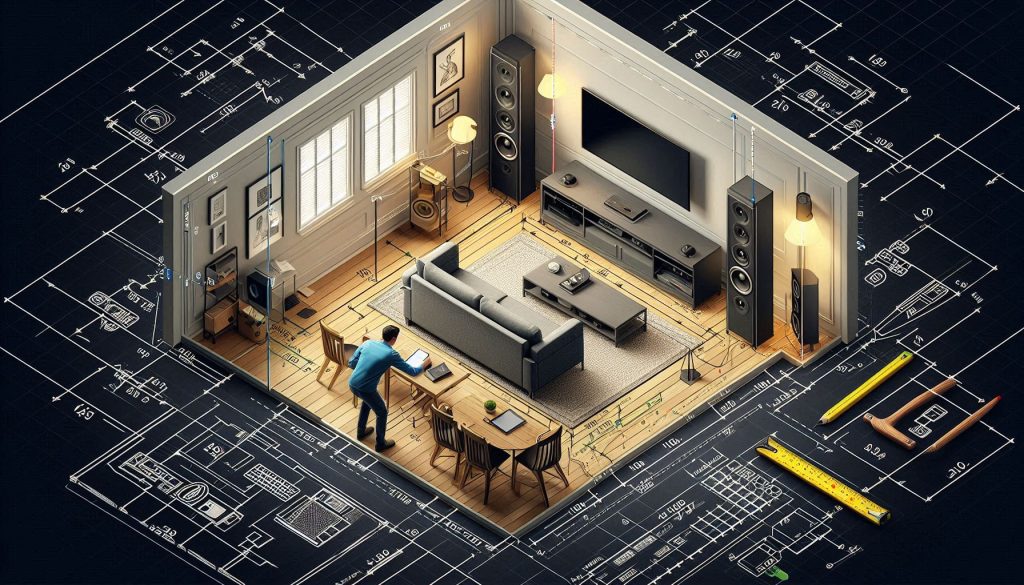
Quick measuring checklist:
Identify viewing and seating positions
Decide where your primary seat(s) will be and measure viewing distance. As a rule of thumb:
Example: a 65″ OLED (approx. 32″ height) works well at about 3–5 feet for immersive 4K viewing in small rooms.
Choose your primary use
Pin down whether movies, gaming, sports, or multi-purpose use dominates. Each drives different choices:
Set a realistic budget and timeline
Break your budget into categories: display, audio, source/AVR, furniture, acoustics, installation. Example budgets:
Decide whether you’ll DIY or hire pros (electric, carpentry, acoustics) and set milestones.
Prioritize trade-offs and room type
Weigh size vs. acoustics (larger rooms are harder to treat), picture quality vs. cost, and flexibility vs. permanence. Decide dedicated room versus living-room integration—dedicated rooms allow darker environments and full acoustic treatment; living rooms demand concealment and multi-use solutions.
Create a constraints and must-haves checklist
With this mapped-out plan and checklist, you’re ready to select displays, sources, and audio gear that match your room and goals—next, choose the components that fit those decisions.
Choose Components: Displays, Sources and Audio Hardware
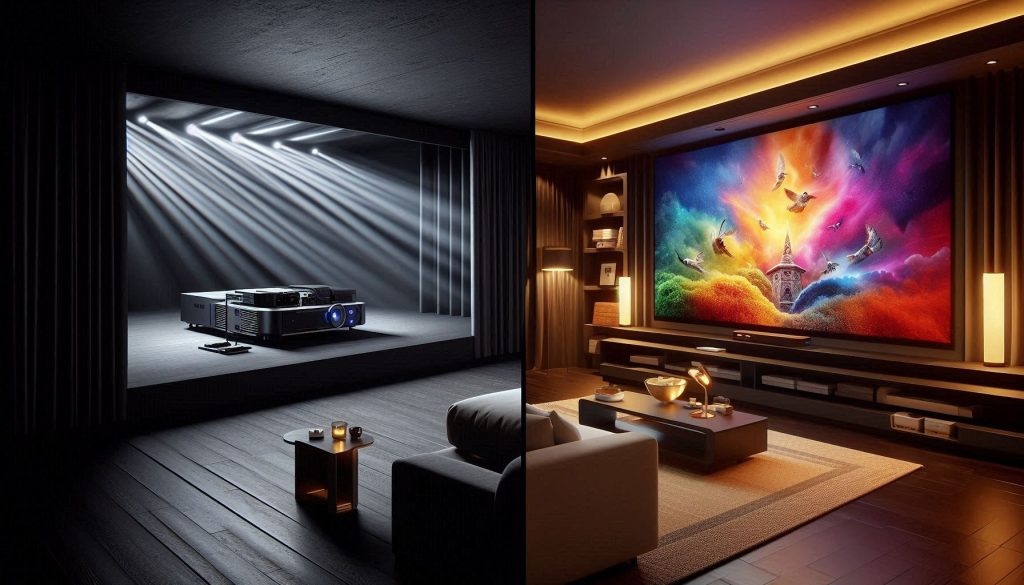
Display: TV or projector?
Decide based on room size, ambient light, and viewing habits. Quick trade-offs:
How to choose: match screen diagonal to viewing distance, favor HDR support (HDR10/HLG/ Dolby Vision when possible), and check for low-latency HDMI 2.1 ports if you game.
Audio: speaker configurations and selection
Pick a layout that fits your room and goals:
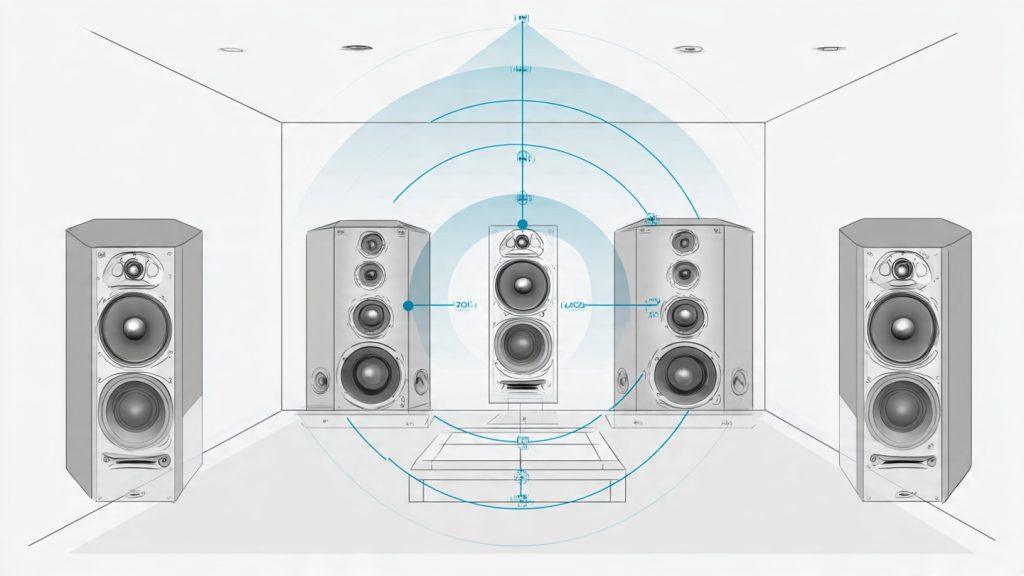
Speaker selection tips:
Sources and networking
Prioritize sources you’ll actually use:
Network tips: wired Ethernet for source devices and streamer; Wi‑Fi 6 for mobile devices; consider QoS on your router if multiple streams/gaming are concurrent.
Accessories, power and future-proofing
Must-haves: robust mounts or stands, a ventilated AV rack, speaker stands, quality cables, and a power conditioner (Furman, APC). Budget wisely: prioritize display and front-channel speakers first, then room treatments and upgrades like Atmos height speakers. Plan for additional channels and HDMI standards so future gear slots in without rewiring.
Next, you’ll learn how to place those speakers and tame the room acoustics for the best possible sound.
Optimize Speaker Placement and Room Acoustics
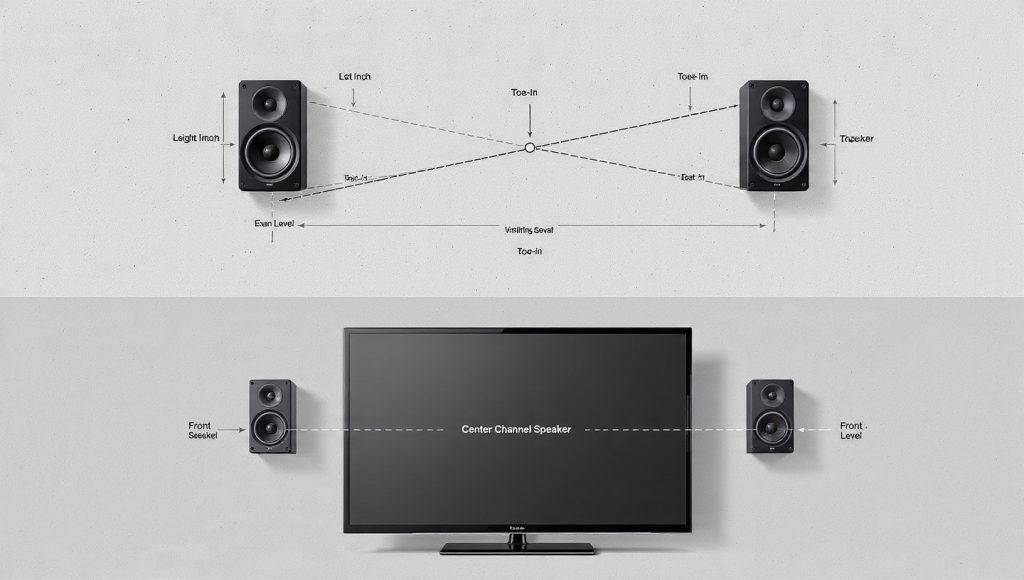
Front LCR: aim, toe‑in and height
Place left/right speakers so they form roughly an equilateral triangle with your listening position (each speaker ~30° off center). Aim the center channel directly at ear level; if it must sit under the screen, tilt it up toward your ears.
Surrounds and height/overhead channels
Surrounds create envelopment, height channels create elevation.
Subwoofer placement & integration
Low frequencies are room‑dependent. Use the sub crawl to locate the best spot.
Identify the sweet spot and distance relationships
Sweet spot is where distances to L/R/C create coherent timing.
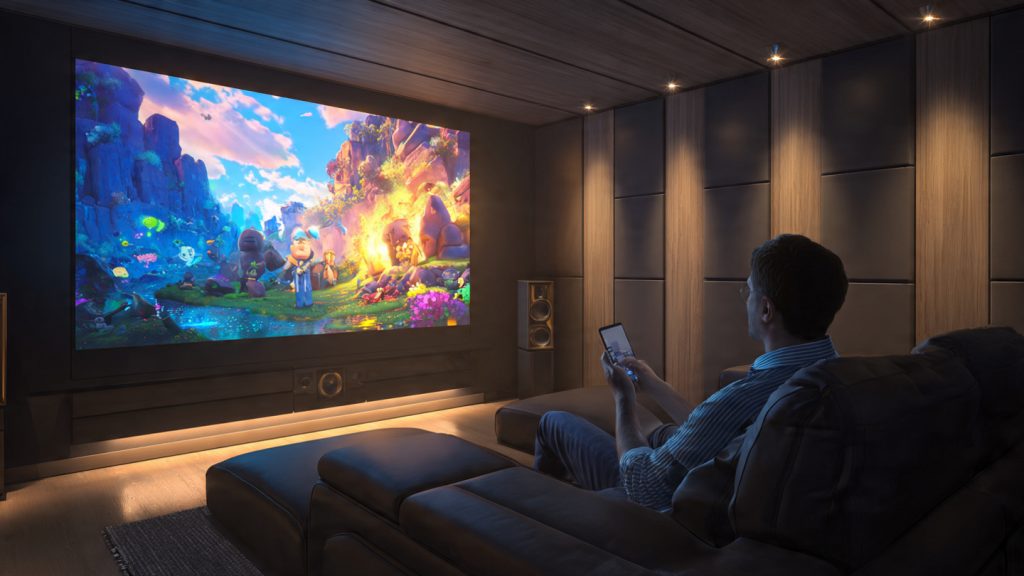
Room acoustics: reflections, modes and treatments
Reflections smear clarity; room modes amplify/attenuate bass.
Test, measure and refine
Quick tests reveal problems; measurements fix them.
Position and Configure Your Display and Seating
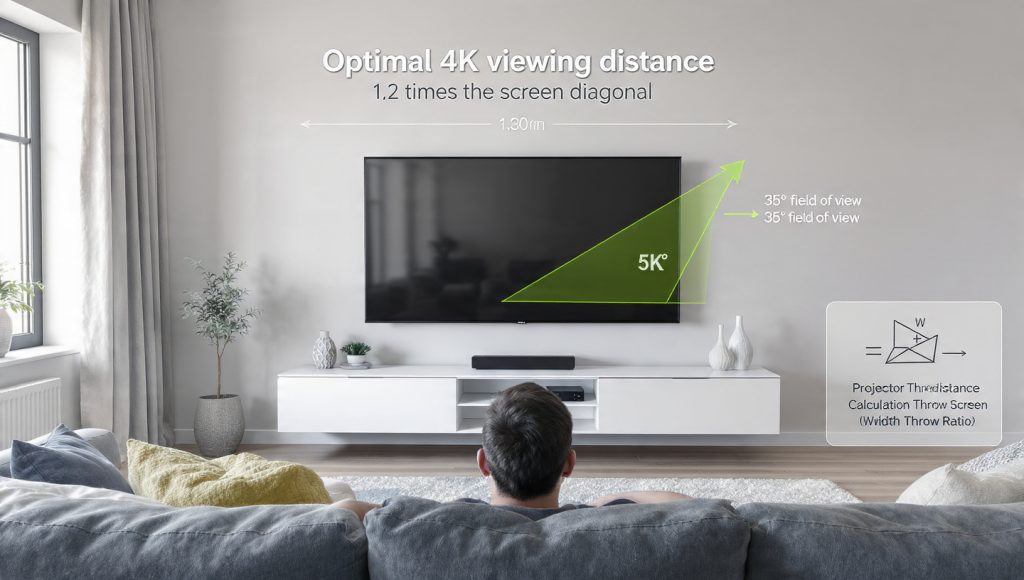
Choose screen size and viewing distance
A quick rule: for 4K content sit closer than you would for 1080p. Use these practical ranges:
If you want cinema immersion, aim for a 30°–40° horizontal field of view (THX/SMPTE guidance). Measure from main seating position and adjust screen size or seating accordingly.
Mounting and sightlines
Decide between wall, stand or ceiling mount depending on room layout and aesthetics.
Center the screen on your primary seating sightline. Aim the center of the screen roughly at seated eye level (about 40–45″ from floor for average sofas). If you must mount higher, use a downward tilt (avoid >15°) to prevent neck strain and image geometry issues.
Projector placement tips
Use the projector’s lens throw chart and confirm keystone remains minimal by physically placing the projector at the correct height/offset. Shelf placement behind the seating is convenient; ceiling mounts keep walkways clear.
Ambient light and picture presets
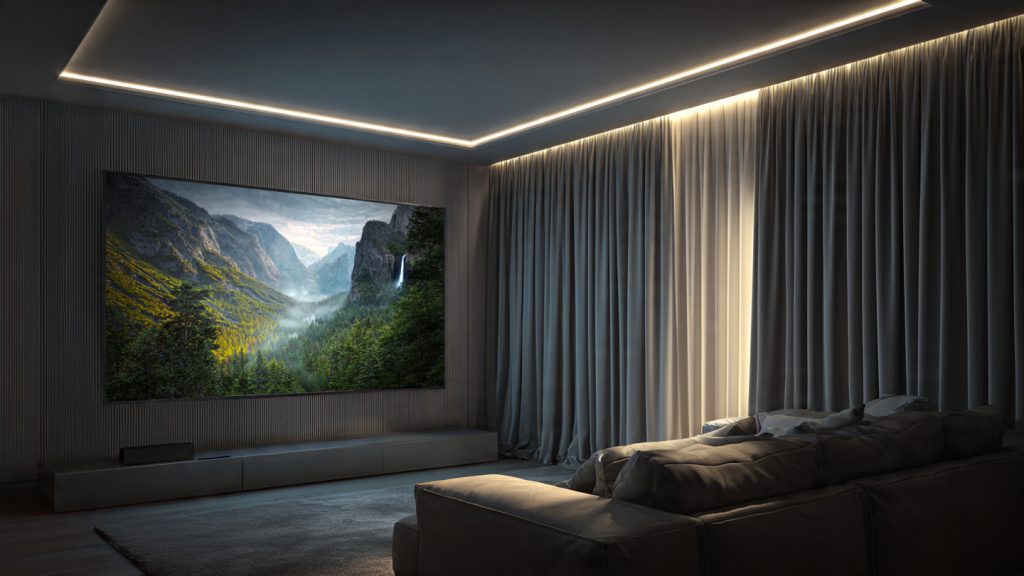
Control ambient light with blackout curtains, heavy blinds or motorized shades. Add neutral‑white (6500K) bias lighting behind the display (Philips Hue Play or inexpensive 6500K LED strips) to reduce eye fatigue and improve perceived contrast.
Start picture setup in “Cinema/Movie” mode, set color temp to Warm, switch off motion smoothing/Judder Reduction, and set sharpness near zero. Save fine calibration for the calibration step.
Multi‑row seating and sightline coordination
Raise each rear row on a riser (6–12″ typical) so viewers see over heads. Ensure the center channel and front speakers are unobstructed—no coffee table or low shelf blocking the tweeter path.
With placement and ergonomics set, you’re ready to wire devices and begin the precise calibration and tuning covered in the next section.
Wiring, Connectivity and Calibration Procedures
You’ve placed and mounted everything — now make it work reliably, safely and serviceably. Below are practical wiring, connectivity and calibration steps you can apply immediately.
Cable choices and runs
Pick cables for current and future formats.
How to run them: plan paths along studs, use fish tape for walls, avoid running HDMI alongside mains for interference, and keep speaker runs symmetrical left/right.
Labeling, concealment and serviceability
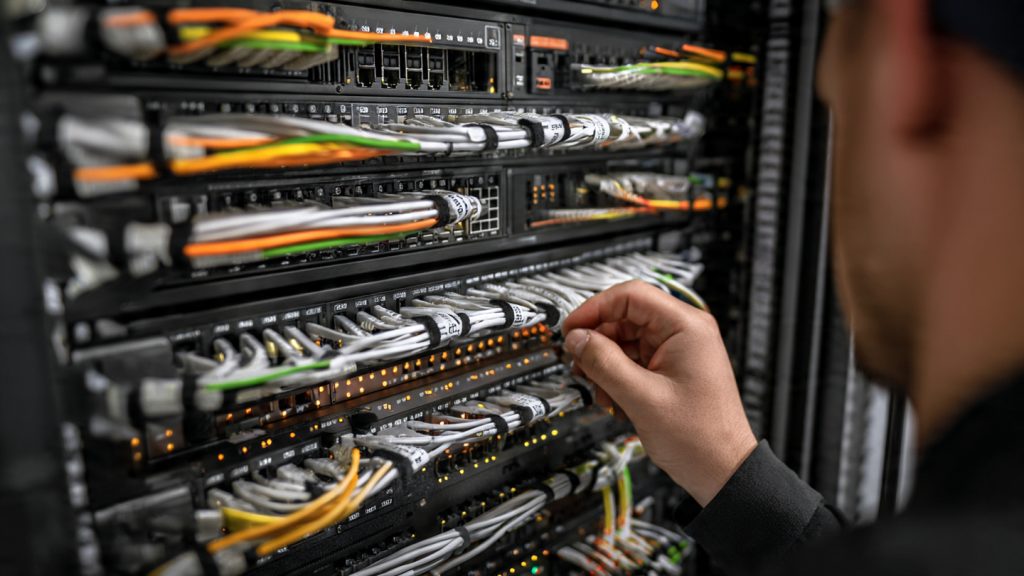
Label both ends of every cable with durable printed tags (e.g., Brother P‑touch). Use removable conduit, cable raceways, or in‑wall rated (CL3/CMP) cables to meet code. Leave a 2–3 ft service loop at panels and equipment racks for future changes.
Power, grounding and surge protection
Prioritize clean, grouped power.
Network setup and firmware
Use wired Ethernet (Gigabit Cat6) for streamers and smart TVs when possible. Enable automatic firmware updates or check monthly; many playback issues are solved by firmware patches.
Audio calibration — step by step
Run test tones or use your AVR’s automatic setup (Audyssey, Dirac Live, Yamaha YPAO).
Video calibration basics
Use a calibration disc or CalMAN patterns.
Auto vs. manual and saving presets
Automated room correction (Dirac/ Audyssey) is fast and usually excellent; manually tweak after auto runs for personal taste. Save multiple presets (movies/game/music) on your AVR or processor to recall different tunings quickly.
Next up: testing, troubleshooting and routine maintenance to keep this system performing night after night.
Test, Troubleshoot and Maintain Your System
In this final hands‑on stage you verify performance, fix faults and establish upkeep habits so your system stays dependable and enjoyable.
Testing checklist — what to run
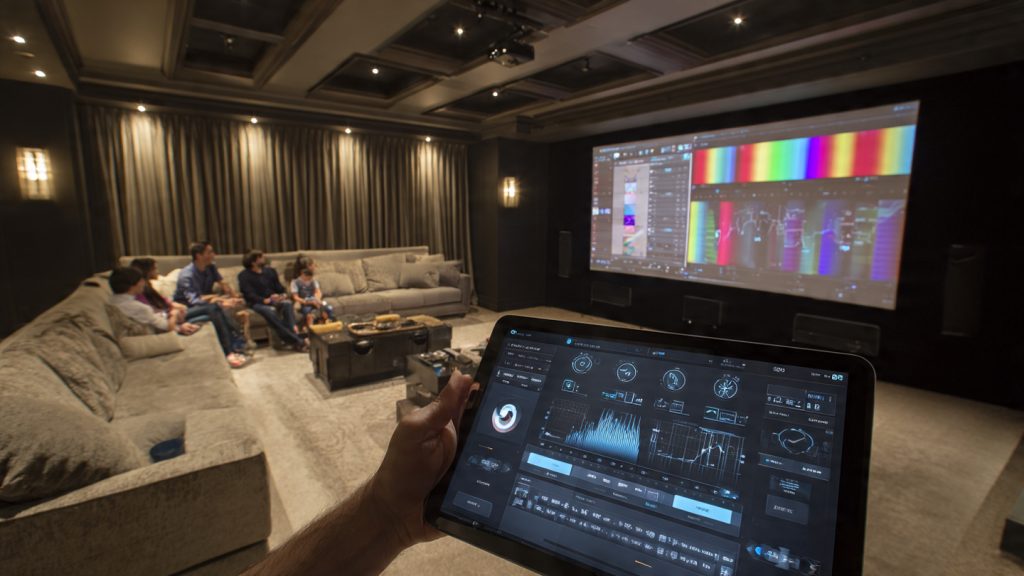
Start with a short, repeatable checklist every time you finish setup or make changes.
Common troubleshooting fixes
Quick remedies for everyday issues.
Firmware, backups and safety
Keep software and settings safe.
Cleaning, moving and periodic reassessment
Protect hardware and performance.
With these tests, fixes and routines in place you’ll keep your home theatre performing reliably — next, bring it all together in the final conclusion.
Bringing It All Together
Follow the step-by-step approach: plan intentionally, choose compatible components, place and treat the room carefully, wire and calibrate precisely, then test and maintain. By giving each stage focused attention you create a reliable, immersive home theatre that performs consistently and adapts to changing needs.
Start with achievable goals, prioritize compatibility and room treatment, and perform careful calibration and testing. Maintain periodically and upgrade gradually — small, thoughtful improvements keep your system current without unnecessary expense. Ready your room, enjoy your movies, and refine over time for the best audiovisual experience. Make adjustments and enjoy long-term satisfaction.
Anyone here tried both a big TV and a short-throw projector in the same room? I’m leaning projector for cinematic feel but worried about brightness for daytime sports.
Projectors give that cinema feel but need control over ambient light. Consider an ALR screen or keep blinds. For daytime sports, a bright TV is more practical.
Short-throw projectors are neat for smaller rooms — lower throw distance, less ceiling clutter. But brightness and contrast are still the deciding factor.
I use projector + blackout curtains. Works great. But for my daytime soccer matches I switch to a big TV in a different room lol.
Great step-by-step — especially liked the section on speaker placement. Quick question: how far off the back wall should my front speakers be in a small rectangular room? I’m about 12ft deep and worry about bass buildup.
If you can’t move the speakers, try digital room correction (ARC/Dirac) + a sub with adjustable crossover. That combo helped my 12ft room a lot.
Aim for at least 1–2 feet from the back wall if possible and try toe-in so the drivers aim toward the main listening position. Also use bass traps in corners if you get boomy low end.
Also experiment with sub placement — moving the sub even 1–2 ft can change the bass a lot. Crawl the room method ftw 😂
Okay, real talk — I set up my system following this guide and then immediately tripped over my sub cable in the dark. Lesson learned: put dim LED strip lighting under the rack.
Also — the calibration section is a bit technical for non-AV folks. A “calibrate in 5 easy steps” sidebar would be helpful.
P.S. I may still be salty about the cable incident but the sound is *chef’s kiss* now.
Haha — glad it turned out well despite the trip. Totally adding under-rack lighting to my list now.
Good idea on the LED strip — useful and it helps avoid late-night cable trips. We’ll consider a simplified calibration sidebar for future edits.
LEDs for safety AND style. Two birds, one RGB duck 🦆
Newbie here — the guide is intimidating but doable. Budget is under $1500. Any tips on what to prioritize if I can only buy a few components first?
Also consider refurbished gear stores. I grabbed a well-reviewed AVR for way under MSRP and it’s been fine.
Agree. Start with a solid 2.1 or 3.1 setup and a good display. Save for room treatment after you get the basics dialed in.
Prioritize the display and speakers/AV receiver. A good picture and decent front speakers make the biggest subjective difference. You can add a sub and acoustic treatment later.
Look for last-gen receivers on sale or used — you can get great features for less.
Which AV receiver brand do people prefer for reliability? I’m torn between Denon, Yamaha, and Onkyo. Thoughts?
Thanks — wow, three different opinions already 😂 I’ll start listing must-have features.
All three are solid. Denon/Marantz often have good room correction and streaming features; Yamaha is known for reliability and music-friendly sound. Onkyo has good value but check recent firmware/support history.
I have a Denon and it’s been very stable. But shop by features you need (HDMI ports, Atmos support, calibration tech) rather than brand only.
This is a super helpful guide, but seating ergonomics could use a deeper dive.
I ran into issues with neck strain because my screen was slightly too high. Also, row spacing and recliner clearance matters if you have motorized chairs.
A few practical tips:
– Measure eye height seated, not standing.
– Allow 18–24″ behind reclining seats for clearance.
– If you have tiered seating, account for table/cupholder height too.
Sorry for the essay, but anyone else learn the hard way? 😬
Cupholders are a serious architectural feature, fight me 😆
No apology needed — these are great, specific tips. We’ll look at expanding the seating section. Measuring eye height seated is a key point many miss.
Learned the hard way too. Bought a bunch of cheap recliners without checking clearance — had to move the whole couch back. Oops.
Also consider sightlines for kids if you have little ones — risers help a ton.
If possible, test seating before final installation. Bring the chairs into the room temporarily and sit for a movie to evaluate.
Really thorough guide. I appreciated the wiring and calibration parts.
I have a few notes from my experience:
1) Label both ends of HDMI/optical/cat6 cables before stuffing them behind the equipment rack. Saved me hours later.
2) If you’re mounting a projector, consider ambient light rejection screens for daytime viewing.
3) For seating: slope matters. Even small risers make a big difference for 2nd-row viewers.
Would love a short checklist printable for the ‘Bringing It All Together’ section — something I can tape to a toolbox while setting up.
Thanks Raj — great practical tips. We’ll consider adding a printable checklist in an update. In the meantime, you could jot down the article’s last section sub-steps for a quick reference.
I made a tiny checklist on my phone notes from this article and it actually felt like a pro setup day. Maybe I’ll share a screenshot later.
Agree on labeling — also snap a photo of the back of the rack before you close it up. Saved me when I swapped gear months later.
Checking — anyone have a template for that checklist? Could share if someone uploads one.
Maintenance question: how often should I blow dust out of the receiver and check speaker connections? I’m bad at upkeep and want a realistic schedule.
I do a quick visual check quarterly and a full clean yearly. If you have pets, do it more often — fur loves electronics.
A light dusting every 6 months and a deeper clean once a year is realistic. Check speaker connections annually or if you notice audio dropouts. Keep vents clear to avoid overheating.
About calibration: the article mentions room EQ and test tones — anyone recommend a budget-friendly microphone for REW (room eq wizard) measurements?
The Dayton UMM-6 (UMIK-1) is a popular USB mic for REW and budget-conscious builders. Good frequency response and works out of the box with REW.
I used the UMIK-1 and it’s been great for basic measurements and smoothing out the response with my AVR’s room correction.
Bringing it all together is the toughest part. You can have perfect speakers, perfect screen, and still have it feel off if dialed incorrectly. I like the checklist approach the article suggested, but it kinda undersells patience — expect multiple tweaking sessions.
Anyone else keep a log of changes and A/B results? Super helpful when you want to undo something.
Totally — patience and iteration are key. Room acoustics and speaker toe-in often need several small adjustments to get right.
I do! Simple spreadsheet with date, change, and notes. Saves so much guesswork.
Yup. I spent three weekends tweaking toe-in and sub crossover positions. Totally worth it in the end.
Short and sweet: loved the article. Clear steps, no fluff. Saved me from a weekend of guessing. 👍
Agree! Also appreciate the humor bits sprinkled in.
Thanks Ben — glad it helped! If you run into anything during setup, drop a photo and we can advise.
Room had crazy echo until I added absorption panels. The guide’s acoustic section helped me pick placements.
Tip: you don’t need fancy panels everywhere — just start with first reflection points and corners.
Exactly — target first reflections and corners for bass traps. Treating the entire room is expensive and often unnecessary.
Curious — did you DIY panels or buy premade? DIY was cheap for me and effective.
Cables. Cables everywhere. 😅 The guide’s wiring tips were helpful but still — why does every wire love to tangle themselves into tiny conspiracies behind the AV rack?
Ha — they do have a mind of their own. Velcro ties, cable trays, and labeling are your friends. Also try color-coded cables for easier tracing.
I built a cheap cable management board from an old piece of plywood and some grommets. Cheap + effective.