
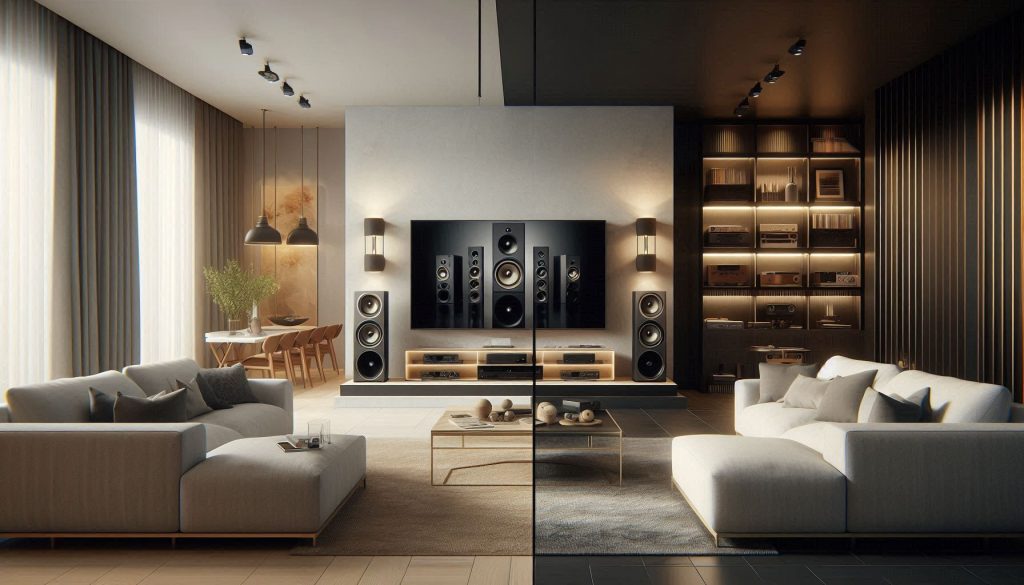
Choosing between a soundbar and a surround sound system is the ultimate crossroads for any home cinema enthusiast. While both options aim to rescue you from the thin, tinny audio of modern flat-screen TVs, they approach the problem with very different philosophies. A soundbar offers a sleek, “plug-and-play” solution that packs multiple speakers into a single bar, making it ideal for minimalist living rooms and effortless setups. In contrast, a dedicated surround sound system utilizes discrete speakers positioned around the room to create a true 360-degree acoustic bubble, delivering the kind of cinematic depth that transforms a movie night into a theater-grade experience.
To find your perfect match, you must weigh the convenience of a compact footprint against the unrivaled immersion of multi-channel audio. This guide dives deep into the trade-offs of each setup, analyzing how your room’s acoustics, your budget, and your daily habits—whether you’re a hardcore gamer, a vinyl collector, or a casual Netflix viewer—should dictate your choice. From installation complexity to long-term value, we provide the practical insights needed to navigate the evolving landscape of home audio. Read on to discover which system will truly do justice to your favorite content and fit seamlessly into your lifestyle.
Choosing the Right Home Audio Setup
You will learn how soundbars and surround sound systems differ and why it matters for your room, budget, and habits. This guide shows the trade-offs you should weigh and the listening scenarios where each option shines.
By the end you will know how to match an audio setup to movies, music, gaming, and everyday TV. You will get practical advice on sound quality, installation, connectivity, and long‑term value. Use this to pick a system that fits your space, lifestyle, and ear.
Expect clear comparisons, real‑world examples, and a concise buying checklist to guide your purchase. Whether you prefer simplicity or a full immersive setup, this guide helps you make a confident choice. Read on and decide with confidence today easily.
Fundamental Differences: Soundbar Versus Surround Sound
Channels and architecture
At its simplest, a soundbar is a single enclosure that simulates multiple channels with internal drivers and digital processing; a traditional surround system uses multiple discrete speakers placed around the room. Common channel
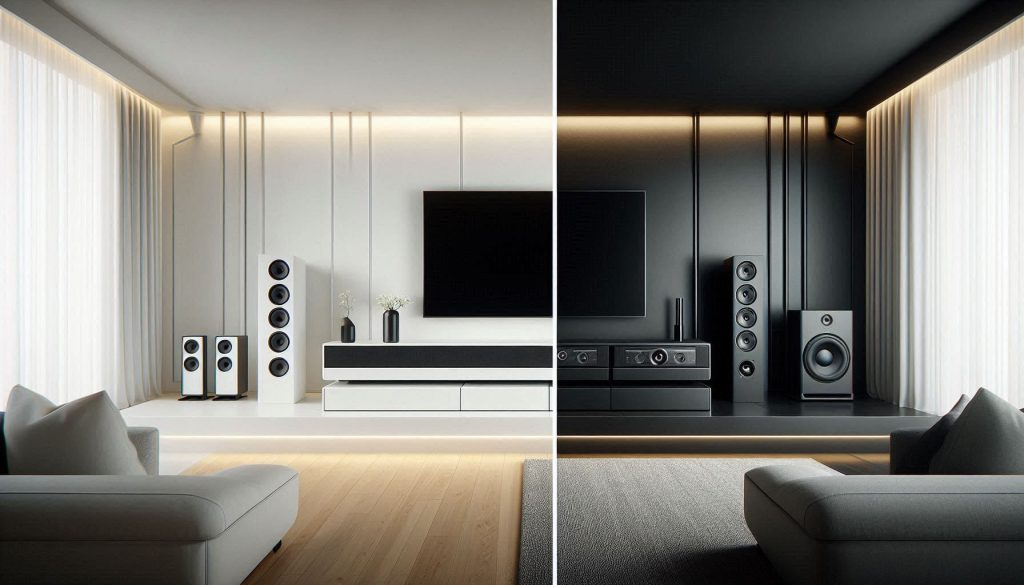
counts you’ll see:
A 5.1 surround system gives you five point‑source speakers (left, center, right, two surrounds) plus a subwoofer; a soundbar can approximate that image with DSP and additional wireless satellites or a sub.
How each creates spatial sound
Soundbars rely on beamforming, signal processing, and sometimes up‑firing drivers to reflect sound off walls and trick your ears into hearing height and width. A good example is the Sonos Arc, which uses multiple drivers and Atmos processing to create a tall soundstage from one unit.
Surround systems use discrete speakers—real point sources—so imaging and object localization (a plane flying overhead, footsteps moving behind you) are more precise. When fidelity and exact placement matter, discrete speakers with an AV receiver like a Denon AVR or Marantz will outperform a simulated array.
Form factor and placement
Soundbars are compact and sit under or in front of your TV; they’re excellent when space or aesthetics matter. Place them centered and unobstructed, and use HDMI eARC for best audio. Example: Samsung HW‑Q990C pairs a slim bar with wireless satellites and a sub for a hybrid approach.
Surround setups require more room: front left/right at ear height, center under the screen, surrounds slightly above and behind listening positions, subwoofer(s) placed via the “crawl” method for best bass. Products to consider: Klipsch Reference speakers with an SVS SB‑1000 sub and a Yamaha/Denon AV receiver.
Soundstage, imaging, and bass
Practical tip: if you prioritize realistic placement and deep bass for movies or large rooms, discrete surround gear wins; if you want clean installation and good dialogue in a small-to-medium room, a modern soundbar is a fast, effective choice. Next, we’ll examine how these differences translate to perceived sound quality—immersion, fidelity, and dialogue clarity.
Sound Quality: Immersion, Fidelity, and Dialogue Clarity
Immersion and spatial accuracy
When you want to feel “inside” a scene, discrete channels still hold an advantage. A true 5.1/7.1 or height-enabled system gives you distinct point sources for left/right/center, surrounds, and overheads, so moving sounds track precisely across the soundfield.

Soundbars use beamforming, up‑firing drivers, and DSP to virtualize that space—sometimes brilliantly (in a quiet, reflective room) and sometimes less so (in a damped or irregular room). Try a demo: listen to a movie with a plane or helicopter overhead and note whether the sound moves as a physical object or stays smeared across the front.
Fidelity and low‑frequency impact
Discrete speakers plus a well‑matched subwoofer (for example, a pair of bookshelf fronts with a REL or HSU sub) generally deliver tighter transient response and deeper, cleaner bass than most compact bar-and-sub combos. That translates to punchier explosions, clearer instrument attack, and less muddiness at high volumes. If you value music fidelity—acoustic detail, tone of voices and instruments—lean toward separates; if you prioritize convenience and acceptable cinema bass from smaller rooms, flagship soundbars (Sony HT‑A7000, LG S95QR) can be surprisingly musical.
Dialogue clarity and the center channel
A dedicated center speaker in a surround setup gives superior dialogue timbre and localization—voices sound anchored to the screen and less subject to phase artifacts. Many 3.1+ soundbars emulate a center channel internally; they can be excellent for TV and streaming, but compare them side‑by‑side in a dialogue-heavy scene. Tip: during a demo, toggle subtitles off and sit in your main seat to judge voice consistency across listening positions.
Processing, codecs, and room acoustics
What you hear depends heavily on processing and codecs: Dolby Atmos and DTS:X give object-based metadata that discrete systems reproduce natively; soundbars upmix or render that data into their driver layout. Also, room acoustics can make or break virtualization—lots of soft furnishings absorb early reflections that a bar uses to create width. For both systems:
Practical listening priorities
Next up: how these sound-quality differences interact with room layout, installation, and placement strategies.
Installation, Room Size, and Acoustic Considerations
You’ll be guided through installation and room-matching decisions that strongly influence performance. Small changes in layout or surface treatment can flip a system’s perceived quality, so plan before you buy.

Match system to room size and shape
If your living room is under ~250 sq ft, a high‑end soundbar (Sonos Arc, Sony HT‑A7000) or a compact 3.1 system will usually fill the space convincingly. For larger or irregular rooms, discrete speakers driven by an AVR (Denon/Marantz) scale better: they have more power headroom and separate channels for distance and delay control. Open‑plan spaces leak energy—sound spreads and reflections increase, reducing imaging.
Ideal speaker placement (practical how‑tos)
For surround systems, follow simple placement rules to get usable imaging quickly:
Cable routing, wireless options, and mounting
Plan cable runs before mounting: HDMI eARC, speaker wire, and power are the essentials. If running in-wall, follow local code and use CL2/CL3-rated cable. Wireless surrounds and subs (e.g., Sonos Port/Trueplay‑compatible subs or Samsung wireless subwoofers) reduce wiring but still need power and can add latency; test before committing.
Calibration tools and room correction
Use built‑in tools first (Audyssey, YPAO). For better results, consider:
Practical constraints and mitigation
Renters, apartments, or heavily furnished rooms limit speaker placement and bass control. Mitigate with:
Connectivity, Features, and Smart Integration
Modern convenience often determines whether you actually enjoy an audio system day to day. This section helps you choose the right ports, wireless features, and smart extras so your sound system works cleanly with your TV, console, and phone.
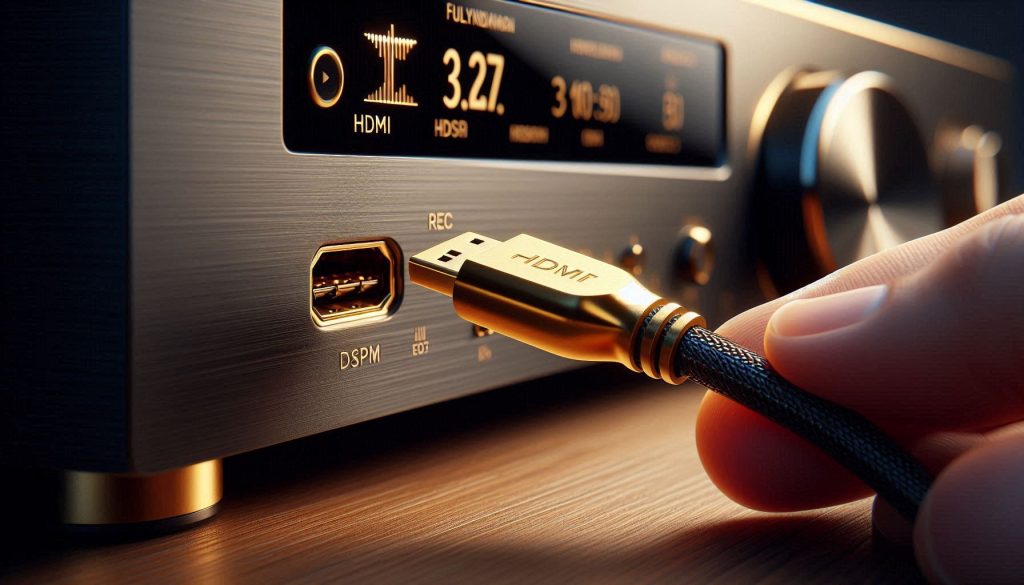
Inputs and outputs: what to prioritize
HDMI ARC/eARC is the single most useful connection for most users: it carries high‑bit-rate audio (including Dolby Atmos on eARC), supports TV remote control, and simplifies hookups. Optical and analog (RCA/3.5mm) are useful backups, but note:
If you game, look for low‑latency HDMI passthrough and an eARC-capable TV. Examples: Sonos Arc and Sony HT‑A7000 use eARC for Atmos; older soundbars with only optical will force downmixing.
Wireless options and streaming
Bluetooth is convenient for quick phone streaming but varies in quality and latency; it’s fine for podcasts but not ideal for high‑quality movies. Wi‑Fi-based streaming (AirPlay 2, Chromecast, Spotify Connect) gives better quality, multiroom sync, and stable playback. Prefer soundbars or AVRs with Ethernet or dual‑band Wi‑Fi if you stream a lot.
Multiroom, voice, and app control
If you want whole‑home audio, look for ecosystems: Sonos, Apple AirPlay 2, and Chromecast make grouping easy. Built‑in voice assistants (Alexa, Google Assistant) let you control playback hands‑free; consider privacy tradeoffs and ecosystem lock‑in. Mobile apps provide EQ, presets, and room tuning—Sonos and Yamaha’s MusicCast apps are examples that simplify calibration.
Firmware, updates, and futureproofing
Manufacturers add features and bug fixes via firmware. Choose brands known for long firmware support (Sonos, Denon, Roku/Sharp partners). Keep devices on the latest firmware to maintain compatibility with new TVs and streaming services.
Practical buying tips
Next, you’ll weigh these convenience features against cost and upgrade paths to decide what gives you the best long‑term value.
Budget, Value, and Long-Term Upgradability
When money enters the equation, practical choices matter as much as specs. This section breaks down real costs you’ll face, where to get the most bang for your buck, and how each path ages over time.

Hidden costs to count
Your purchase price is just the starting point. Factor in:
These extras can add hundreds — sometimes thousands — to the sticker price.
Value at different price tiers
Think in terms of perceptible gains: doubling your spend rarely doubles perceived sound quality. Often, prioritizing one great speaker or subwoofer beats spreading budget thinly.
Resale, modularity, and upgrade paths
Component systems are modular — you can swap amps, add surrounds, or upgrade speakers over time with strong resale value. Soundbars are integrated; some allow add‑ons (Samsung wireless rears, Sonos ecosystem) but most force full replacement when you want a big leap.
Warranty, support, and firmware longevity
Choose brands with reliable firmware updates and multi‑year warranty/service (Sonos, Denon, Yamaha). For expensive installs, consider extended warranties or in‑home support plans.
How to prioritize your spending
If you want rapid improvement for limited cash, a well‑chosen midrange soundbar or a basic AVR + bookshelf speaker combo will transform your room without a decade of upgrades.
Practical Recommendations and Buying Checklist
Targeted recommendations by use case
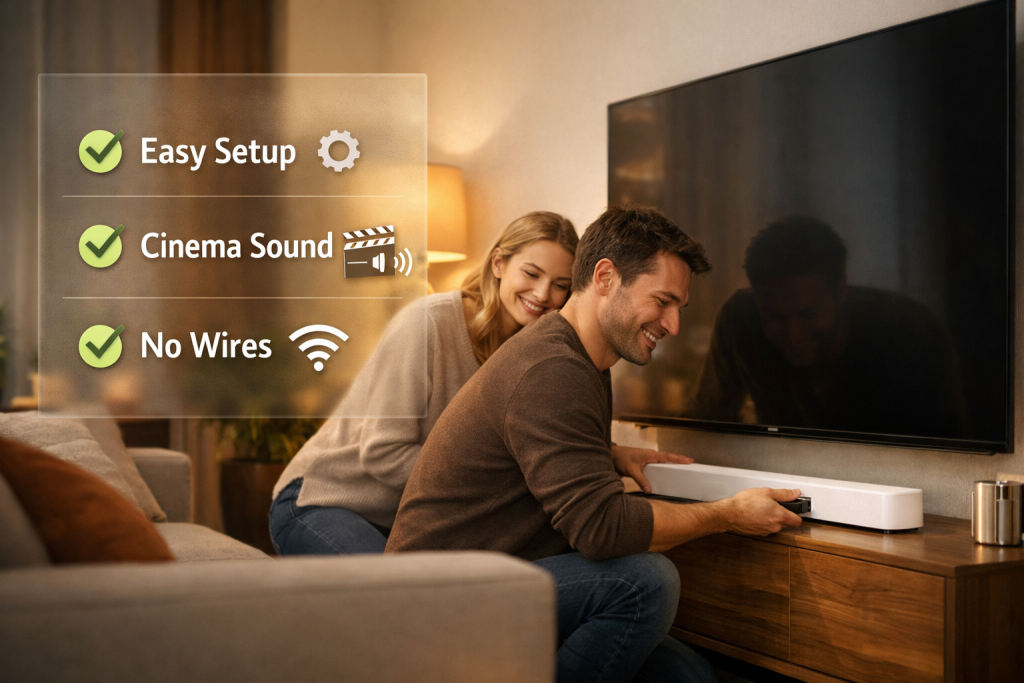
Hybrid options
Many buy a soundbar now and add rears or a sub later. This is practical when space or budget is limited. Example: Sonos Arc + Sonos Sub + wireless rear speakers provides a real upgrade path without re‑wiring.
Auditioning tips
Bring a USB/phone with two short test files: a dialogue scene, a movie scene with overhead effects, and a favorite music track. Listen for dialogue clarity at conversational volumes, sustained bass (not just thump), and precise movement across speakers. Test in the room you’ll use — acoustics change everything.
Buying checklist (quick)
Questions to ask when comparing models
With these practical checks and real‑world listening steps, you’ll be ready to move into the final decision phase and match your priorities before buying.
Match Your Priorities and Test Before You Buy
Choose based on your room, listening priorities, and budget: a soundbar suits tight spaces and simplicity, while a surround system delivers fuller immersion and upgrade paths. Consider hybrids—soundbars with wireless rears or a dedicated sub—to balance space and performance. Audition in your home or a showroom to judge dialogue clarity, soundstage, and bass impact.
Prioritize features that affect daily use: ease of setup, remote and app control, room correction, and connectivity. Testing ensures you get the enjoyment and value you want. When in doubt, try before you commit. Happy listening ahead.
This guide saved me from buying a fancy-looking soundbar that actually had terrible dialogue clarity. 🙌
Quick rundown of what I learned and applied:
– Measured my room roughly and realized it’s too small for a true 5.1
– Went for a high-clarity 3.1 with a separate sub
– Used the article’s checklist at the store to compare speech intelligibility
Result: movies actually sound like people are talking instead of mumbling. Life-changing on a budget. 😄
I went with the XYZ 3.1 (mid-range) — not sponsored lol. The center channel is surprisingly clear. Sub is a compact ported unit and it’s been fine for now.
Nice! If you ever want more bass without more volume, look into a sealed sub vs a ported one — sealed tends to be tighter for movies.
Congrats! Also pro tip: turn off any ‘enhancement’ modes on the TV and let the sound system handle audio. TV EQs can mess with clarity.
Love this outcome, Olivia. Dialogue clarity is underrated — good speakers/processing make watching content far less fatiguing. Which model did you end up with, if you don’t mind sharing?
Good tip, Samira — TVs often default to loudness/boom modes that mess with timing and clarity.
Great breakdown — I wish I’d read this before I gutted my living room for a 7.1 setup 😂
A few things that really resonated: the section on room size and acoustic considerations is gold. My apartment is small, and the guide made it clear why a soundbar with a decent sub would actually be better than trying to fit rear speakers everywhere.
Also, the advice to test before you buy can’t be overstated. I went to a store and kept listening for dialogue clarity rather than loudness — that really helped.
One question for others: has anyone tried a compact 5.1 receiver with upward-firing Atmos speakers in a medium room? Curious about real-world immersion vs just marketing buzz.
I tried Atmos with upward-firing modules in a 12×15 living room. It added height but wasn’t mind-blowing — more like a subtle layer. If you want a big overhead effect, ceiling speakers or object-based files from a streaming service make a difference.
Thanks Laura — glad the room-acoustics bit helped! Upward-firing Atmos can be impressive in the right room, but they often depend heavily on ceiling reflectivity and placement. If your ceiling is high or heavily textured, results can be spotty. Testing in-store with your favorite content is the best bet.
Agree with testing. I ended up ditching the rears for now and went with a 3.1 soundbar + sub. Much cleaner setup and still very immersive for most movies.
Funny read. That line ‘match your priorities and test before you buy’ should be printed on a t-shirt.
Couple observations:
– I own an old 5.1 and honestly most of the time the rears gather dust because I watch TV and not big action movies.
– A soundbar with a good center made Netflix conversations way better.
Also, PSA: don’t buy the cheapest sub hoping to “upgrade later” if you’re not prepared to buy again 😉
Ha — a t-shirt is a great idea. You’re right: many people get more value from a clean center channel and sub than from underused rear surrounds. Upgrading later is fine if you actually plan for expandability (e.g., get a soundbar that supports wireless rears or a receiver that can accept more speakers).
Totally — I bought a cheap sub and regretted it. Upgraded to a decent one and never looked back. Lesson: splurge on the speakers if possible.
I appreciated the thoroughness but wanted a bit more about streaming services and bitrates. The Connectivity/Features section mentions Smart Integration, but not how much streaming quality affects the sound difference between systems.
For example: does a high-end surround system actually sound noticeably better on low-bitrate streaming vs a soundbar? My gut says yes, but would love more concrete guidance.
Thanks — that clarifies it. Might be time for a streaming box upgrade then.
I stream a lot and upgraded to a player that supports Dolby Atmos/HD tracks. Big improvement over the TV’s built‑in app. If you’re serious, consider a dedicated streamer or Blu‑ray for best quality.
Great question. High-end systems reveal more artifacts in low-bitrate audio — you’ll notice compression, reduced dynamics, and less depth. So yes, better systems can make low-bitrate sources sound worse comparatively. The practical takeaway: prioritize lossless or high-bitrate streaming if you invest in higher-end gear.
Loved the humor in the Practical Recommendations section. Made the long tech parts easier to digest.
But tbh, the table comparing fidelity and immersion felt like it was trying to make me choose a side in a boxing match. 😂 Every setup is like: “I have kids, and also I watch 4 sci-fi movies a week.” Can’t win.
One tiny nit: the article mentions calibration but doesn’t give any simple DIY EQ tricks for non-technical folks. Even 2-3 quick tips would be sweet. Typos? None I saw — nice job!
Thanks admin and Tom — that helps a lot. Sofa test is my new ritual 😅
Great point about simple EQ tips. Quick ones: place the subwoofer near the front wall but not in a corner (to avoid boomy bass), try 20-30 cm adjustments and listen to bass-heavy clips; use room correction (if your system has it), and reduce treble slightly if dialog sounds harsh. I’ll consider adding a short EQ sidebar — thanks!
If you’re non-technical, try the ‘sofa test’: sit where you normally do and adjust sub gain until explosions are punchy but not rumbly, then back off if dialogue gets muddy. Works 80% of the time for me.
Good article overall. I appreciated the section on long-term upgradability — that’s something people forget when going cheap.
One thing I’d add: factor in cables and mounting hardware into the budget. They add up quickly if you’re not careful.
Also, curious if anyone has experience with wireless rear speakers losing sync? Had it happen during a big action scene and it threw me off.
You’re right — extras like cables, wall mounts, stands, and calibration microphones often get overlooked. About wireless rear sync issues: they can happen if the system uses Bluetooth or a low-quality wireless protocol; look for systems that use proprietary low-latency RF links or Wi‑Fi mesh for rears. Firmware updates sometimes fix sync problems too.
Had sync issues with cheap wireless surrounds once. Switched to wired and it was night and day. If you can’t run wire, check user reviews for latency complaints before buying.
Short and sweet: if you have the space and patience, go surround. If you want easy setup + cleaner look, get a soundbar. The article nailed that distinction.
Also, shoutout to the buying checklist — saved me time hunting spec sheets.
I was on the fence but the checklist helped me weigh features vs price. Ended up with a mid-range soundbar and an entry subwoofer. Happy so far.
Exactly — it’s about trade-offs. If you value aesthetics and simplicity, modern soundbars are tough to beat. For pure immersion and future expandability, modular surround systems win.