Creating a high-end cinematic experience at home involves more than just unboxing premium speakers; it requires harmonizing your equipment with the unique acoustics of your living space. Sound calibration is the essential process of fine-tuning speaker balance, timing, and bass response to ensure every seat in the house is the “best seat.” By addressing environmental factors like room reflections and standing waves, calibration transforms a disjointed collection of hardware into a cohesive, immersive soundstage. This foundational step ensures that dialogue remains crisp, sound effects travel seamlessly across the room, and the low-end frequencies provide impact without overwhelming the mix.
To achieve professional-grade results, enthusiasts must transition from basic “plug-and-play” setups to a data-driven workflow involving SPL meters, calibration microphones, and specialized measurement software. Proper calibration doesn’t just improve audio fidelity—it also enhances the longevity of your electronics by preventing clipping and ensuring efficient power distribution. Whether you are correcting for asymmetrical room dimensions or optimizing subwoofer crossover points, a methodical approach to sound calibration is the secret to unlocking the full potential of your electronics and preserving your hearing during high-octane action sequences.
Why Calibration Matters for Your Home Theater
You want your movies, music, and games to sound as clear and immersive as possible. Proper sound calibration is the foundation of a high‑performance home theater: it optimizes speaker balance, timing, and bass response to fit your room and listening habits. The key goals are accurate frequency balance, coherent imaging, stable bass, and comfortable listening levels.
Before you begin, gather tools and plan your workflow. You’ll need a reliable SPL meter or calibration microphone, measurement software, test tones, and time to reposition speakers and make careful adjustments. With preparation, calibration turns a good setup into a great one. Calibration also protects your hearing and preserves speaker life and improves long‑term reliability for owners.
1
Assessing Your Room and Speaker Placement
Room geometry and standing waves
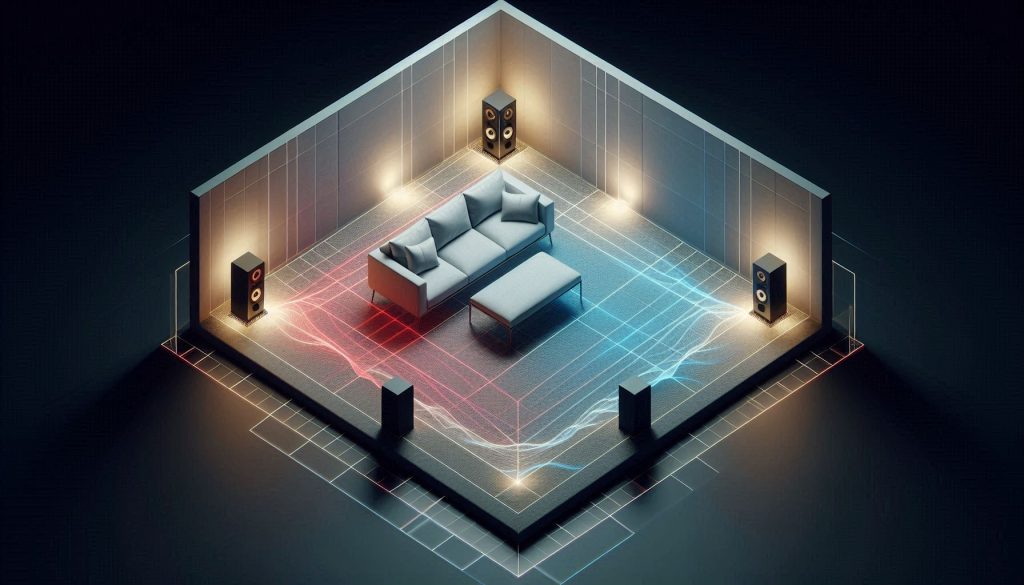
Start by looking at your room dimensions — length, width, and height. Parallel walls create standing waves that boost or cancel bass at specific frequencies.
Correct seating and speaker geometry are key to balanced, accurate home theater sound.
As a rule of thumb, avoid placing your listening seat exactly at half or a corner of the room; try the “38% rule” (roughly 0.38 of room length from the front wall) as a starting point to minimize coincident nulls and peaks. Small changes (even 6–18 inches) often produce noticeable differences in bass balance — one owner I know reduced a low‑frequency boom simply by moving their couch 14 inches forward.
Speaker and listening positions
Aim for an equilateral triangle: distance between left and right speakers about the same as each speaker to your ears. Put tweeters at ear height when seated. Toe‑in the front speakers so they aim toward your listening position — start around 15–30° and adjust for the sharpest center imaging. For surrounds, place them slightly behind and above ear height (0–15° above ear level) and angled toward the listening area.
Minimizing early reflections
Early reflections blur imaging. Use the mirror trick: sit in the listening spot while a partner moves a mirror along each sidewall; mark where the speaker is visible — those are reflection points. Treat those with absorbers or angled diffusion. Hard glass and bare floors create slaps; a thick rug and curtains often help more than you’d expect.
Basic acoustic treatments (practical choices)
Consider these starter products and placements:
Front wall first reflection points: 2–4 absorption panels (e.g., GIK Acoustics 242, Auralex Studiofoam).
Corners: bass traps (e.g., GIK Tri-Trap, Auralex LENRD).
Rear: diffusion for larger rooms (e.g., RPG Skyline) or absorbers for smaller rooms.
Quick diagnostic tests
Use listening and simple measurements to prioritize fixes:
Hand clap or short impulse to hear early reflections and reverb.
Pink noise sweep to spot boomy bass or deep nulls.
Subwoofer crawl: place subwoofer at listening position and move around room to find strongest low‑end spots.
Actionable first steps: measure, move the listening seat, toe‑in speakers, add a rug or one panel at first reflection points, then reassess.
2
Preparing and Verifying Your Equipment
Verifying speaker wiring and polarity
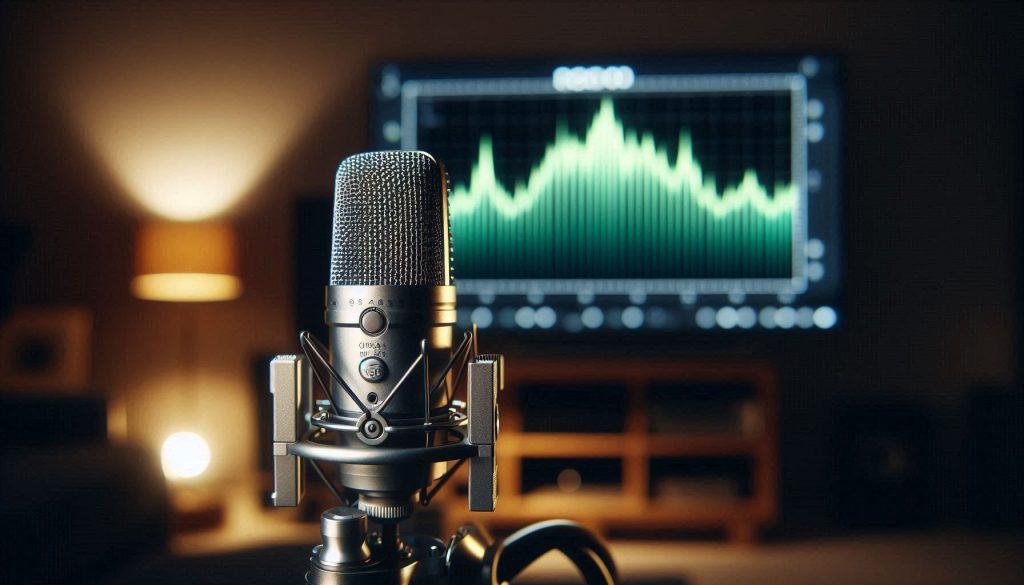
Precision sound calibration starts with accurate microphone placement at ear level.
Before measuring, confirm every speaker is wired correctly. Reverse polarity kills center image and thins bass. Quick checks:
Visually verify positive/negative markings at amp and speaker.
Use a 1 kHz test tone (short bursts) and listen: a healthy stereo image should not sound hollow or diffuse.
If unsure, use a battery (1.5V) briefly on the speaker terminals to check cone movement (out = correct polarity).
A multimeter can confirm continuity and polarity if you’re comfortable.
Check amplifier/receiver settings
Set your processor to a neutral starting point so measurements reflect the room, not DSP:
Disable any room correction, EQ, dynamic volume, or loudness.
Set speaker size (Small/Large) and crossover to your planned starting point (e.g., 80 Hz) to match speaker specs.
Verify channel assignments and trim are centered (0 dB) before level matching.
Use fixed/pre‑out levels if possible so volume controls don’t change between measurements.
Calibration microphone and measurement software
Choose a reliable mic and software—this determines measurement accuracy:
Recommended calibrated mics: miniDSP UMIK‑1 (USB, comes with cal file), Dayton EMM‑6, or professional options like Earthworks M30 for pros.
Budget/pro-sumer: Behringer ECM8000 (needs phantom power via interface).
Software: Room EQ Wizard (REW) is free and powerful; Dirac/Audyssey/ARC are for correction, not raw measurement.If you don’t own a mic, borrow from a local audio shop or rent—accuracy matters more than frequency here.
Setting up the mic and verifying response
Practical setup tips:
Mount the mic at ear height on a tripod, pointing upward (omni mics don’t need aiming).
Use the mic’s individual calibration file in REW if provided.
Run a sweep; look for gross anomalies. A calibrated mic’s response should be relatively flat — big low‑end rolloffs or spikes indicate setup issues.
Safety, levels, and documentation
Protect gear and hearing:
Start with low test levels (‑20 dBFS pink noise), raise to measurement SPLs (~75–85 dB) gradually.
Watch for clipping and speaker distress.Document initial settings: take photos of menus, note trims, crossover, and mic position. This snapshot is vital for before/after comparisons and troubleshooting.
Next, you’ll use those verified settings to perform level matching and precise time alignment so the system images and integrates correctly.
3
Level Matching and Time Alignment
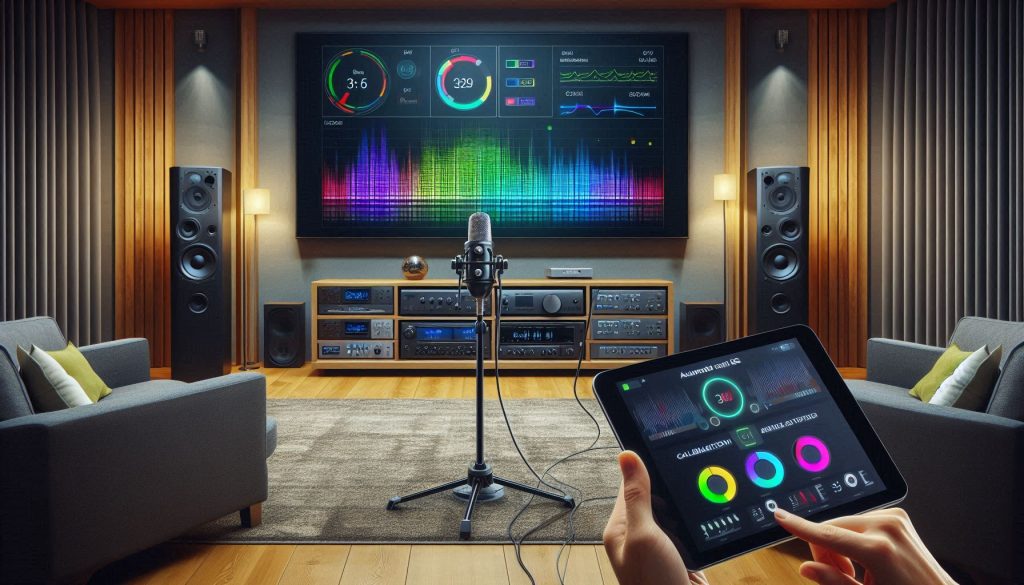
Accurate relative levels and timing are what make dialogue sit in the middle of the screen and the orchestra stay anchored. This section gives you a practical, step‑by‑step approach to matching speaker SPL and aligning arrival times so your system behaves like a single, coherent instrument.
Correct level matching and time alignment ensure every speaker arrives in perfect sync.
Level matching: step‑by‑step
Prepare your system
Set the receiver/processor to a neutral mode (no EQ/room correction) and fixed output.
Use pink noise (‑20 dBFS test tone) from your AVR or REW.
Choose a meter
Use a calibrated SPL meter (Extech 407730, BAFX Instruments SPL Meter) or REW with a calibrated USB mic like the miniDSP UMIK‑1.
Set weighting to C and response to Fast for level matching.
Measure and adjust
Place the mic at ear height at your primary listening position.
Play pink noise from the reference channel (commonly the center) and set that channel to your target SPL (75–85 dB depending on your listening level).
Mute all but one speaker, measure each speaker’s SPL at the same position, and adjust channel trim in the AVR so each speaker reads the reference SPL.
Quick example: if your center reads 83 dB and the left reads 80 dB, increase the left trim by +3 dB.
Time alignment (distance/delay)
Measure physical distances from each speaker’s acoustic center to the listening position (tape measure or laser). Most processors accept distances in centimeters or feet; they convert to delay automatically.
If you prefer measurements, use an impulse response in REW or a receiver’s built‑in test to verify arrival times. The rule of thumb: sound travels ~34.3 cm per millisecond.
Set delays so all speakers’ arrivals match the center (or primary listening axis). If a speaker is closer, add delay to it rather than subtracting from the far one.
Troubleshooting and asymmetric layouts
If imaging is smeared, check polarity first; reversed polarity can mimic timing errors.
For off‑center seats or asymmetrical rooms, treat each listening position separately (you may need to prioritize the main seat).
If two identical speakers sit different distances, prefer delaying the closer one. If delays exceed 5–10 ms, consider repositioning speakers for a better physical match.
Listening verification
Run a mono dialogue or center test tone: voices should appear dead‑center with no “ping‑pong.”
Use short snaps/claps and watch for unnatural echoes or a doubled image—symptoms of timing misalignment.
Next, you’ll take these aligned, level‑matched channels into room correction and EQ, where frequency response smoothing and target curves further refine clarity.
4
Applying Equalization and Room Correction
Now that levels and timing are set, equalization is the next surgical step: it can clean up frequency imbalances but is easy to overuse. This section gives a practical, measurement‑driven workflow and real‑world tips so your corrections make the system sound more natural, not processed.
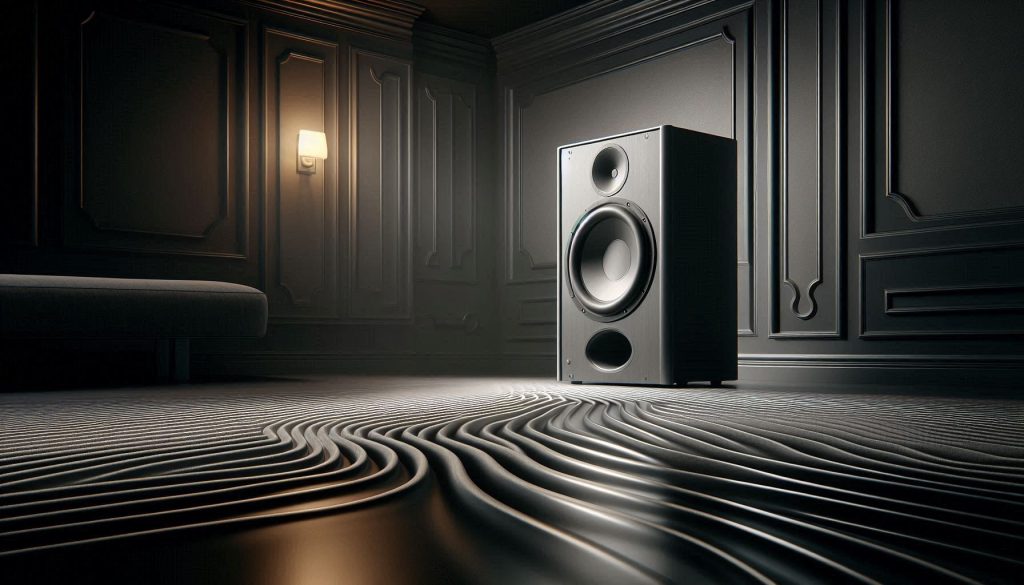
A dramatic low-angle image of a premium subwoofer in a luxury home theater, highlighted by focused lighting. Subtle ripple-like shockwaves across the floor visualize controlled bass energy, symbolizing precision, depth, and physical impact without distortion or boominess.
Types of EQ and when to use them
Parametric EQ — precise control (center frequency, gain, Q). Use for narrow room resonances and problematic peaks (miniDSP 2×4 HD, many AVRs).
Graphic EQ — fixed bands, fast to set but coarse. Useful for quick balance fixes in live rooms; less ideal for critical listening.
Automatic room correction — measures and computes filters (Dirac Live, Audyssey MultEQ XT32, Anthem ARC). Excellent for time/phase correction and broad smoothing; still review and tweak results.
Measurement workflow (how to do it right)
Take multiple sweeps at the listening position (and nearby seats if needed) using REW or your correction tool and a calibrated mic (miniDSP UMIK‑1).
Average the responses to reduce mic placement noise and capture the listening-area curve.
Inspect the smoothed average: look for narrow spikes (room modes) and broad tilts or dips.
Applying correction — rules of thumb
Prefer cuts to boosts. Reduce peaks with narrow Q rather than wildly boosting dips; boosts amplify room problems and noise.
Be conservative: aim for gentle corrections (typical fixes are ±2–6 dB), broader Q for tonal balance, narrow Q (Q 4–8) for modal notches.
For deep nulls (large dips), consider changing speaker/sub position or acoustic treatment rather than heavy boosting.
Combine EQ with acoustic treatment
Treat first-order reflections and bass modes with absorbers and traps—EQ can’t fully fix modal decay.
Use EQ to flatten the residual response after treatment. Example: install 4–6″ broadband absorbers at early reflection points and use a single parametric cut to tame a remaining 80 Hz peak.
Verify and listen
Compare before/after measurements (smoothed response and waterfall). Improved decay and reduced peaks indicate success.
Do blind A/B listening with familiar tracks; watch for artifacts like “swishy” highs or hollow mids. If present, back off corrective strength (many tools offer a strength slider).
Next, you’ll apply these same measurement and verification habits specifically to subwoofer integration, where low‑frequency control and phase coherence matter even more.
5
Integrating and Tuning Subwoofers for Tight, Controlled Bass
Low frequencies are where a room often fights you hardest. Get your subwoofer integration right and the soundtrack feels weighty, fast, and believable; get it wrong and bass becomes boomy, slow, or disconnected. Follow this stepwise approach.
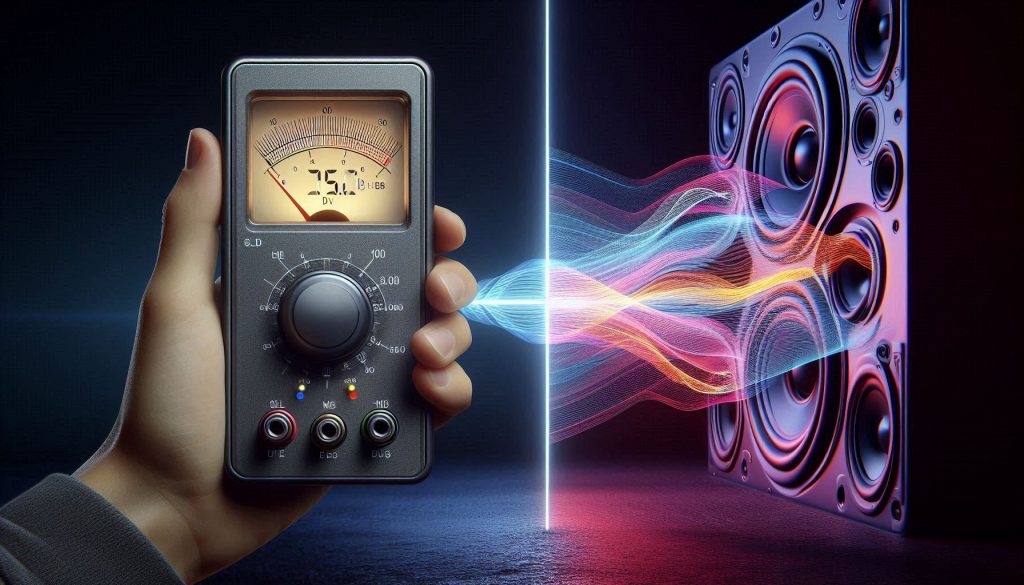
A properly tuned subwoofer delivers powerful impact with precision and control.
Placement — the sub crawl and placement trials
Start by finding strong and weak bass locations.
Use the “sub crawl”: place the sub at the main listening position, play a low-frequency sweep or pink noise, then crawl the room perimeter listening for the spot where bass sounds fullest. That location is a good physical sub location.
If you have two or more subs (e.g., SVS SB-2000 Pro paired with an SVS PB-1000), place them asymmetrically—opposite sides or staggered—so room modes cancel rather than reinforce.
If a single corner sounds overly boomy, move the sub away from the corner in small increments and re-measure.
Setting crossover frequency and slope
Aim for a smooth handoff between mains and sub.
Rule of thumb: set the crossover near the lowest reliable extension of your mains or at 80 Hz. If your towers roll off around 60 Hz, try 60–80 Hz.
Choose slope based on speaker capability and sub capability: 12 dB/octave often sounds natural; 24 dB/octave gives tighter integration at the cost of more processing.
Use your AVR or sub DSP (many subs like the REL T/9x or SVS models include adjustable slopes) to set these values.
Phase and time alignment
Make the sub feel like one source with the mains.
Start with polarity (0°/180°). If bass cancels at crossover, flip polarity.
For fine alignment, use delay controls or AVR speaker distance settings. Measure impulse response in REW with a UMIK‑1 mic and adjust so the sub’s impulse coincides with the mains.
Many modern subs (e.g., HSU Research models) have digital phase/delay control—use it.
Multiple‑sub measurement strategy
Smooth in-room bass by measurement, not guesswork.
Take measurements at multiple listening positions and average them. Multiple subs greatly reduce seat-to-seat variability.
Use REW or an AVR’s built-in tool to sum responses and identify residual peaks and dips before EQ.
Taming room modes and EQ
Treat placement first; then EQ.
Use narrow parametric cuts (Q 4–8) for modal peaks; prefer cuts over boosts. If a peak >6 dB persists, try moving subs or adding bass traps.
Look at decay (waterfall) plots—long decay indicates absorption is needed, not more EQ.
Listening and verification
Finish with real-world checks.
Use familiar movie scenes and bass-heavy music to confirm impact transients are tight (gunshots, explosions, fast synth bass) and sustain isn’t smearing.
If bass sounds loose or lags, back off low-frequency boost, revisit phase/delay, or re-check crossover slope.
Next, you’ll use these measurement-backed changes as you perform final tests, fine-tuning, and ongoing maintenance of your calibrated system.
6
Testing, Fine-Tuning, and Maintaining Your Calibration
Calibration is iterative: measure, listen, verify, repeat. Below are concrete steps and habits to validate your work, fix common issues, and keep your system sounding its best over time.
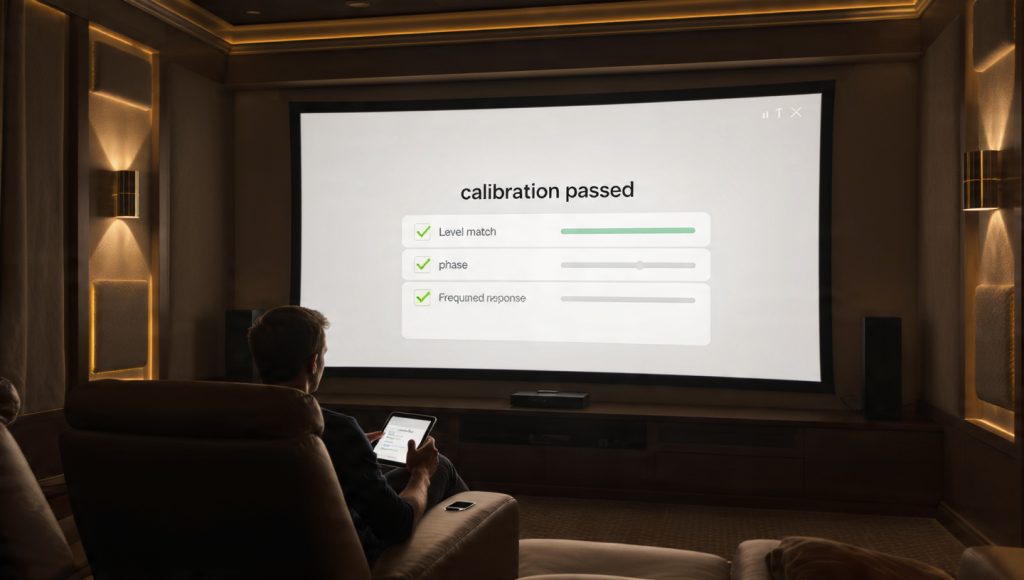
The moment calibration is complete and it’s finally time to enjoy the movie.
Run a comprehensive test plan
Start with measurement sweeps, then confirm with reference material.
Measure pink-noise sweeps and impulse responses across primary listening positions using REW and a calibrated mic (UMIK‑1 or Dayton UMM‑6).
Verify level matching with 1 kHz test tones and SPL meter (or REW). Confirm L/R balance and center level within ±0.5 dB.
Check phase/time with impulse response: sub and mains impulse peaks should align.
Listen to reference tracks (dialog-heavy scenes, orchestral tracks, and bass-heavy mixes) to catch artifacts measurements may miss.
Prioritized checklist for common problems
Triage issues from easiest to most impactful.
Wrong levels or swapped channels: fix in AVR speaker setup.
Bass boom or nulls: revisit sub placement and multiple-position measurements.
Smearing or lack of punch: check crossover slope, phase/delay, and turn off aggressive LF boosts.
Harshness or midrange peaks: mitigate with narrow parametric cuts or room treatment.
A/B testing and documenting presets
Protect objective improvements when you tweak for taste.
Save a baseline “Measured_MMDD” preset in your AVR/processor and export any room-correction files (Audyssey, Dirac, ARC).
Create a duplicate preset for listener tweaks (e.g., “Listening_Warm”) and limit changes to ±1–2 dB or single-band shelf adjustments.
A/B using familiar 10–20 second snippets (movie clip, track) to judge changes quickly; note preferences and restore the save if a tweak undermines timing or imaging.
When to recalibrate and simple maintenance
Keep calibration current with modest effort.
Recalibrate after moving furniture, changing speakers/subs, seasonal HVAC changes, or firmware/hardware upgrades.
Every 6–12 months: check speaker wire terminations, tighten mounts, update firmware, and rerun a quick level check.
Small daily listening adjustments are fine—just do them on a separate preset so your calibrated all‑important baseline remains intact.
With your verification checklist and maintenance routine in place, you’ll be ready to finalize the system and summarize best practices in the conclusion.
Bringing It All Together
With the steps in this article, you can methodically assess your room, prepare equipment, measure and correct levels, timing, and frequency response, and integrate bass properly. Follow a measurement-driven workflow, combine it with sensible acoustic treatment, and you’ll achieve clearer dialogue, tighter bass, and a more immersive soundstage that reflects your intent.
Use the testing and maintenance practices described to keep your calibration reliable as your room or system evolves. Revisit measurements after changes, keep backups of settings, and make small iterative adjustments so your home theater continues to deliver consistent, engaging sound and enjoy daily.
33 thoughts on “Sound Calibration for Clear Home Theater Audio”
Rachel Moore
Two things I want to highlight after following the guide:
– Patience matters. Tuning takes multiple passes, not one marathon session.
– Don’t forget the maintenance section: seasonal humidity changes actually shifted my speaker stands slightly and I had to re-check toe-in. Who knew?
Also, tiny pet peeve: the article’s suggested pink noise level felt a bit low to me — I ended up +2 dB from their suggestion for comfortable reference level in my room.
Thanks Rachel — glad you found the maintenance tips useful. Environmental changes are often overlooked. And yes, reference level is subjective; the article’s numbers are a baseline, adjust for comfort and hearing sensitivity.
If you have sensitive ears, use lower SPLs for calibration but rely on measurements rather than perceived loudness when setting EQ. That avoids ear fatigue during long sessions.
Nice write-up. Quick question — for AP measurements should I use C-weighting or A? The article mentions measuring levels but didn’t get into weightings.
Good catch. For SPL matching across speakers use C-weighting and slow integration (SLOW). A-weighting is more for perceived loudness in reports but C is standard for calibration gear.
Long post incoming — because there’s a lot to say about EQ and room correction.
1) Automatic room correction is great as a starting point, but I always do a final pass of manual EQ. The auto curve can sometimes overcompensate and make midrange a bit hollow.
2) Don’t try to flatten every single dip — nulls from cancellations are often unsalvageable with EQ and boosting can just make things worse (distortion, amplifier strain).
3) Use parametric EQ for narrow peaks and gentle shelving for broad tonal balance.
4) For maintenance: save snapshots after big changes so you can revert if something weird happens after firmware updates or new source devices.
Also — anyone else tired of software UIs that hide the important settings behind three layers of menus? 😂
Excellent rundown, Olivia. The point about avoiding boosts for nulls is crucial. And yes — snapshots are lifesavers when you experiment or when something goes wrong after updates.
Solid article. One tiny critique: the Preparing and Verifying Your Equipment section could use a short checklist of tools (mic model recs, generator files, cables). I had to cross-reference other sites.
Otherwise, the walk-through on time alignment was spot on — made my surrounds actually disappear into the mix.
Fair suggestion, Ben. We’ll add a short recommended-tools checklist in a follow-up. Glad the time alignment tips worked for you — getting the surrounds right really adds immersion.
I appreciated the subwoofer section — integrating multiple subs isn’t something a lot of guides cover well.
When the article talked about phase and room modes, I was reminded that sometimes you need to set sub polarity to + or – depending on distance and crossover. Don’t assume “phase=0” is always right.
Also: a tip for people with two subs — try symmetrical placement first, then if one spot is acoustically better, move the other and re-run the measurements. The room curve will tell you which setup evens out modes.
Great practical tip, Emily. Symmetry is a good starting point and then let measurements guide you. If you can, run modal scans at multiple seat positions to find a compromise that minimizes peaks/nulls across the listening area.
Great article — finally something that treats calibration like a craft, not just “plug-and-play.”
I followed the Level Matching and Time Alignment steps last weekend and the improvement was night and day. Dialogue is so much clearer now and the center channel actually sounds like it’s anchored to the screen.
A couple of notes from my experience:
– Measuring at ear height made a big difference.
– I had to re-run time alignment after moving the sub 6 inches — tiny shifts matter.
Thanks for the feedback, Sarah — glad the timing tips helped. Re-running alignment after sub moves is a smart call; even small changes can mess with phase. If you want, tell me your seating distance and speaker model and I can suggest a starting point for delay settings.
Yep, tiny moves wreck phase. I thought I was doing fine until I swapped my sub to the corner and everything got boomy. Had to go back to the couch and retune.
Loved the part about “Bringing It All Together” — feels like the calibration process is more of an art than a checklist.
Still, my living room has horrible reflections. I tried the suggested moving of speakers but my TV stand limits placement. Anyone else make big improvements without moving speakers much?
You can still get big wins without major speaker moves: start with room treatments (first-reflection absorbers), toe-in to control dispersion, and use EQ/room correction carefully. Measurement will show where the biggest problems are so you can prioritize.
Rugs, curtains, and a few absorbers at first-reflection points helped me tons. Even bookshelves filled with books act as diffusers — less invasive than rearranging furniture.
Question: The article recommends measuring from the primary seat, but what about families who watch from multiple spots? Is there a fast way to get a compromise?
Good question. Measure at a few representative seats and average the results or use the ‘multi-point’ measurement feature if your software has it. Aim for the smoothest average response rather than perfection at a single spot.

Two things I want to highlight after following the guide:
– Patience matters. Tuning takes multiple passes, not one marathon session.
– Don’t forget the maintenance section: seasonal humidity changes actually shifted my speaker stands slightly and I had to re-check toe-in. Who knew?
Also, tiny pet peeve: the article’s suggested pink noise level felt a bit low to me — I ended up +2 dB from their suggestion for comfortable reference level in my room.
Great guide overall, very practical.
Thanks Rachel — glad you found the maintenance tips useful. Environmental changes are often overlooked. And yes, reference level is subjective; the article’s numbers are a baseline, adjust for comfort and hearing sensitivity.
Good point about humidity. My stands creak differently in summer vs winter, lol.
If you have sensitive ears, use lower SPLs for calibration but rely on measurements rather than perceived loudness when setting EQ. That avoids ear fatigue during long sessions.
Nice write-up. Quick question — for AP measurements should I use C-weighting or A? The article mentions measuring levels but didn’t get into weightings.
Good catch. For SPL matching across speakers use C-weighting and slow integration (SLOW). A-weighting is more for perceived loudness in reports but C is standard for calibration gear.
C-weighting + SLOW is what I use. If you’re using a phone app, that can be tricky — get a calibrated mic if you want precision.
Long post incoming — because there’s a lot to say about EQ and room correction.
1) Automatic room correction is great as a starting point, but I always do a final pass of manual EQ. The auto curve can sometimes overcompensate and make midrange a bit hollow.
2) Don’t try to flatten every single dip — nulls from cancellations are often unsalvageable with EQ and boosting can just make things worse (distortion, amplifier strain).
3) Use parametric EQ for narrow peaks and gentle shelving for broad tonal balance.
4) For maintenance: save snapshots after big changes so you can revert if something weird happens after firmware updates or new source devices.
Also — anyone else tired of software UIs that hide the important settings behind three layers of menus? 😂
Excellent rundown, Olivia. The point about avoiding boosts for nulls is crucial. And yes — snapshots are lifesavers when you experiment or when something goes wrong after updates.
For people who hate menus: many processors support web interfaces or apps which are slightly less awful. Worth checking.
UX gripe is real. My AVR hides crossover and delay settings in a submenu labeled “advanced” — why not make them easier to reach?
Also, document your starting point. I keep a text file with my pre-EQ measurements so I can compare later. Helps track drift over months.
Totally agree on manual tweaks. I used auto-correction and then trimmed a couple of narrow boosts — suddenly the vocals were natural again.
Solid article. One tiny critique: the Preparing and Verifying Your Equipment section could use a short checklist of tools (mic model recs, generator files, cables). I had to cross-reference other sites.
Otherwise, the walk-through on time alignment was spot on — made my surrounds actually disappear into the mix.
Get a calibrated measurement mic like the miniDSP UMIK-1 if you want reliable results without breaking the bank.
I use a Dayton mic and it’s been fine for home use. Not pro-level, but consistent.
Second the mic recs request. Anyone have a budget mic they’d recommend that’s actually decent?
Fair suggestion, Ben. We’ll add a short recommended-tools checklist in a follow-up. Glad the time alignment tips worked for you — getting the surrounds right really adds immersion.
I appreciated the subwoofer section — integrating multiple subs isn’t something a lot of guides cover well.
When the article talked about phase and room modes, I was reminded that sometimes you need to set sub polarity to + or – depending on distance and crossover. Don’t assume “phase=0” is always right.
Also: a tip for people with two subs — try symmetrical placement first, then if one spot is acoustically better, move the other and re-run the measurements. The room curve will tell you which setup evens out modes.
I swapped polarity on one of my subs and it fixed a massive null at 45Hz. Felt like magic 😂
Great practical tip, Emily. Symmetry is a good starting point and then let measurements guide you. If you can, run modal scans at multiple seat positions to find a compromise that minimizes peaks/nulls across the listening area.
Agree on DSP. I used a digital crossover and could fine-tune delays which solved the bumpiness between 60-80Hz.
Worth adding: phase adjustments in DSP are better than just flipping polarity when you’re dealing with more than a couple of cycles.
Great article — finally something that treats calibration like a craft, not just “plug-and-play.”
I followed the Level Matching and Time Alignment steps last weekend and the improvement was night and day. Dialogue is so much clearer now and the center channel actually sounds like it’s anchored to the screen.
A couple of notes from my experience:
– Measuring at ear height made a big difference.
– I had to re-run time alignment after moving the sub 6 inches — tiny shifts matter.
Thanks for the clear checklist!
Thanks for the feedback, Sarah — glad the timing tips helped. Re-running alignment after sub moves is a smart call; even small changes can mess with phase. If you want, tell me your seating distance and speaker model and I can suggest a starting point for delay settings.
Also worth mentioning: acoustic treatments helped me more than I expected after doing EQ. Bass traps in corners cleaned up the low end drastically.
Yep, tiny moves wreck phase. I thought I was doing fine until I swapped my sub to the corner and everything got boomy. Had to go back to the couch and retune.
Loved the part about “Bringing It All Together” — feels like the calibration process is more of an art than a checklist.
Still, my living room has horrible reflections. I tried the suggested moving of speakers but my TV stand limits placement. Anyone else make big improvements without moving speakers much?
You can still get big wins without major speaker moves: start with room treatments (first-reflection absorbers), toe-in to control dispersion, and use EQ/room correction carefully. Measurement will show where the biggest problems are so you can prioritize.
Rugs, curtains, and a few absorbers at first-reflection points helped me tons. Even bookshelves filled with books act as diffusers — less invasive than rearranging furniture.
Question: The article recommends measuring from the primary seat, but what about families who watch from multiple spots? Is there a fast way to get a compromise?
Good question. Measure at a few representative seats and average the results or use the ‘multi-point’ measurement feature if your software has it. Aim for the smoothest average response rather than perfection at a single spot.
I do 3-4 measurements across the couch and then use the average curve in my correction software. It’s not perfect but cuts down on bad seats.