
Maintaining a high-end coffee machine requires more than just a quick rinse; it demands an understanding of how your appliance tracks mineral buildup. When your descale light stays on after a cleaning cycle, it can be a frustrating hurdle in your morning routine. This indicator is often triggered by sensors or internal timers that monitor water hardness and flow rates to protect the boiler from overheating and pressure buildup. Successfully resetting the descale indicator not only clears the annoying alert but also ensures your machine’s safety systems are accurately monitoring the internal health of the appliance, preserving the flavor profile of every brew.
This comprehensive guide provides evidence-based steps to troubleshoot persistent maintenance alerts for popular brands like DeLonghi, Breville, Jura, and Nespresso. You will learn the difference between timer-based reminders and conductivity sensor triggers, along with safe methods to force a reset if standard procedures fail. By following these professional maintenance tips, you can extend the lifespan of your coffee machine, improve energy efficiency, and ensure your home luxury equipment continues to deliver barista-quality results without unnecessary downtime or false alarms.
Why a Proper Reset Matters for Reliable Brewing
You rely on your coffee machine for consistent performance and flavor. When the descale light stays on after you’ve cleaned the appliance, it interrupts your routine and can signal either remaining mineral scale or a fault in the detector. A correct reset restores accurate monitoring, prevents unnecessary cycles, and helps maintain safety systems that limit overheating and pressure buildup.
This guide gives clear, evidence-based steps so you can reset confidently and reduce downtime. You’ll learn how indicators work, when to use standard resets, and how to force a reset safely if needed. Following these methods preserves brew quality, extends your machine’s life, and prevents false alarms. Follow the steps carefully every time.
How Descale Indicators Work: Sensors, Timers, and Thresholds
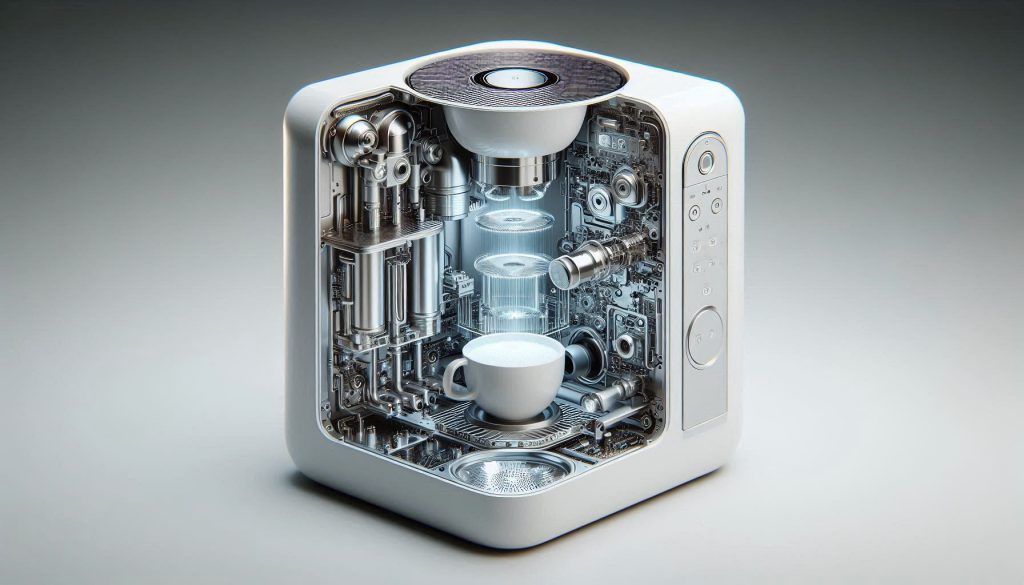
Before you touch the reset button, understand what actually triggers that descale light. Manufacturers use three common detection methods — and each behaves differently in the field.
Timer-based alerts: simple, conservative, predictable
Many consumer machines (for example, some Nespresso and DeLonghi lines) count brew cycles or hours and trigger a descale reminder after a preset interval. This approach is easy to implement but conservative: it assumes worst‑case water hardness to protect boilers, so you may get prompts before significant scale builds up.
Conductivity / TDS sensors: measuring minerals directly
Higher-end machines (Jura, Saeco/Xelsis models, and some Breville machines) often use electrodes or inline conductivity sensors to estimate total dissolved solids (TDS). Conductivity correlates with mineral concentration: harder water = higher conductivity = earlier descale indication. These sensors:
Quick tip: you can verify water with a cheap TDS meter or test strips; typical hardness bands are approximately:
Flow and temperature proxies: indirect but practical
Some commercial or prosumer machines infer scale by changes in flow rate, pump pressure, or extended heat-up times. A slowly thickening scale layer reduces heat transfer and narrows passages — the control board senses these performance changes and flags maintenance.
Thresholds, calibration, and real-world failure modes
Manufacturers pick thresholds to balance safety and nuisance alerts. That’s why a machine on “hard” water settings will ask to descale sooner. False positives often come from:
Actionable next steps: check your machine’s water-hardness setting, test your source water, and gently clean any visible electrodes before attempting a reset. In the next section we’ll cover safety, tools, and the exact preparations you should make before resetting that light.
Safety, Tools, and Preparation Before You Reset
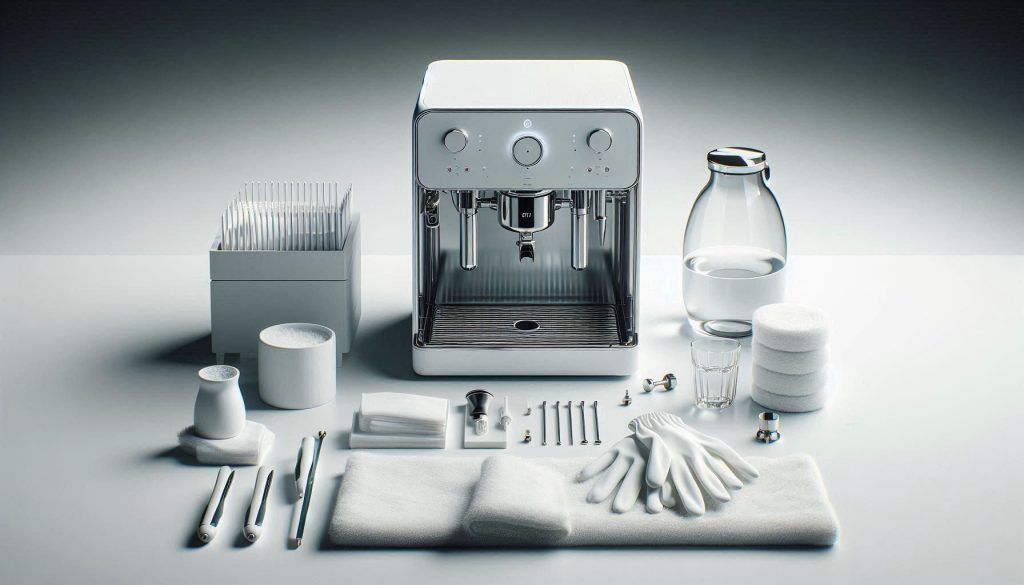
Before you try to reset or force the descale indicator, set yourself up to work safely and to collect objective information. Skipping these steps is how small errors become service calls.
Essential tools and materials
Have these on hand before you start:
Safe handling of chemicals and hot parts
Document current state before you touch anything
Verifying the cleaning cycle completed and collecting data
These preparations reduce risk and give you the objective evidence you’ll need if the indicator returns. Next, you’ll learn the standard, user-level reset methods that most machines provide.
Standard Reset Methods: Menu Options and User-Level Resets
When you followed the prep steps, you’re ready to use the low-risk, user-accessible reset options that most manufacturers provide. These are the safest first moves before any forced or service-level actions.
Menu-driven resets (display + navigation)
Many modern machines (Jura, DeLonghi, Breville/Sage, Philips/Saeco) expose a “Maintenance” or “Service” submenu where the descaling counter or reminder can be cleared. The usual flow you’ll use:
Real-world note: on Jura E-series and many DeLonghi models the guided cycle both performs the clean and resets the counter; users find the light clears immediately at the final rinse step.
Simple multi-button resets
Some compact or button-only models use button sequences to clear reminders (for example, holding two buttons together for several seconds). Typical behavior:
Tip: Always check the quick-start sheet or online manual—button combos vary widely and a long press can differ from a short press.
Completing the manufacturer descaling program
If your machine has an automated descaling program, running it exactly as documented is the preferred method: use recommended descaler, follow rinse cycles, and confirm completion. Successful completion usually triggers an automatic reset.
How to verify a successful reset
If a standard reset fails
Next, you’ll learn how to safely escalate to force resets if these standard methods don’t clear the descale reminder.
When and How to Force Reset the Descale Light Safely
When a normal reset won’t clear a persistent descale indicator, a controlled, stepwise force reset can be appropriate — but only when you’ve verified cleaning and ruled out simple causes. Below is a laddered, model-agnostic approach that helps you reset without needlessly risking settings, warranty, or safety.
When a force reset is justified
You should consider a force reset only after all of the following are true:
Anecdote: a DeLonghi owner reported the light persisted after two complete descaling cycles; a controlled power-cycle plus a factory restore cleared the counter — but only after verifying there were no leaks.
Step 1 — Controlled power-cycle and memory clear
This soft memory clear can resolve transient firmware states without touching saved preferences.
Step 2 — Restoring factory settings (use sparingly)
Many Jura, Breville/Sage, and Philips/Saeco owners avoid this until necessary because profiles and recipes are lost.
Step 3 — Triggering sensor re-evaluation cycles
Warnings — when a forced reset can mask real problems
When in doubt, document each action and contact manufacturer support with photos and timestamps.
Diagnosing Persistent Issues: Sensors, Software, and Mechanical Causes
When the descale light keeps coming back, treat it like a small investigation. You’ll gather objective measurements, inspect what you can safely access, review any logs or codes, and use simple tests to separate sensor or software failures from genuine mechanical scaling.
Gather objective measurements first
Measure before you reset again — these numbers speak louder than impressions.
Example: a Breville/Sage owner expecting 30 ml/s found only 18 ml/s — a clear sign of restricted flow rather than a counter issue.
Inspect external and user-serviceable parts
Look for easy fixes before assuming electronics are at fault.
Many Saeco/Philips machines show false descale warnings when a tank float or contact is corroded.
Review logs, codes, and self-tests
If your machine exposes diagnostics or error codes, record them.
Firmware bugs in Jura and some older models have been fixed with updates that corrected descale counters.
Interpret diagnostic clues
Use symptoms to narrow causes:
When replacement or firmware is likely
Consider parts or updates when tests point to them.
Prepare diagnostic data for a technician
Collect: model/serial/firmware, error codes, photos/videos of symptoms, measured hardness/TDS/flow, and steps already taken. Clear, timestamped evidence speeds accurate service and diagnosis.
Next, you’ll learn practical preventive steps and calibration techniques to reduce false alerts and extend service intervals.
Preventive Strategies and Calibration to Avoid Future False Alerts
Long-term reliability depends on prevention and periodic calibration. The following practical measures help you turn descale events from surprises into predictable maintenance tasks.
Measure and adjust your water, then act on the numbers
Start by quantifying hardness and TDS rather than guessing.
If hardness is high, choose an appropriate treatment: point‑of‑use carbon filters (Brita, Mavea) for chlorine and modest hardness reduction; ion‑exchange cartridges (BWT Bestmax, CUNO Aqua‑Pure) for espresso machines; or RO with remineralization if you need very low hardness. For bean‑to‑cup machines, prefer manufacturer‑approved cartridges that leave a small mineral content to protect sensors.
Schedule descaling based on mineral load, not calendar dates
Convert your measurements into a predictable interval.
This simple math turns an arbitrary schedule into one driven by real use.
Standardize descaling and keep a maintenance log
Make each descale repeatable and auditable.
Calibrate and monitor sensors periodically
Verify sensors before they cause false alerts.
Small, consistent actions—measuring, treating, logging, and calibrating—turn descale lights into useful status indicators instead of nuisances. Next, we’ll pull these ideas together so you can reset with confidence or know when to escalate.
Reset with Confidence — Know When to Escalate
You can usually clear a lingering descale light by understanding sensor logic, preparing safely, following standard reset procedures, and applying a cautious force-reset workflow when justified. Verify cleaning results with objective checks (flow, temperature, taste) and document steps so you can correlate outcomes with indicator behavior and prevent repeat cycles.
If the light persists despite verified cleaning and diagnostics, escalate to qualified service to inspect sensors, control electronics, and internal scaling—these are common root causes beyond user repairs. Monitor usage data and schedule preventive maintenance to minimize downtime and extend your machine’s life.