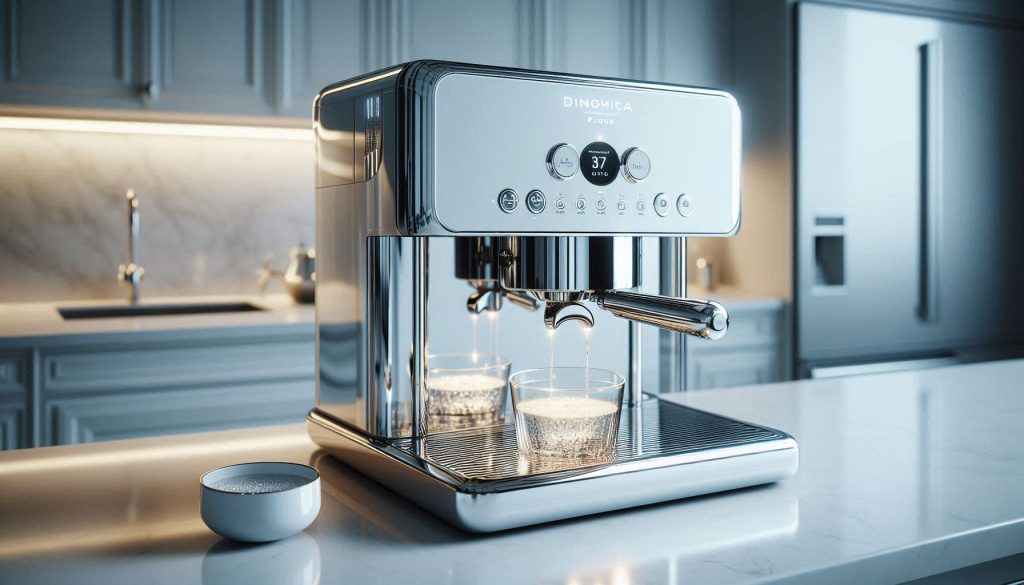
Getting stuck in a “descale loop” on your De’Longhi Dinamica Plus can be an incredibly frustrating experience, often leaving you locked out of your morning brew just when you need it most. This common glitch occurs when the machine’s internal sensors fail to register that a descaling cycle has been completed, usually due to interrupted water flow, an airlock in the pump, or an incorrect sequence of steps. Whether your display is frozen on a “descale required” prompt or the machine is repeatedly asking you to rinse the tank, understanding the root cause—ranging from sensor errors to simple scale buildup—is the first step toward reclaiming your kitchen’s luxury coffee station.
This comprehensive guide provides a systematic, expert-approved approach to troubleshooting and fixing a Dinamica Plus descale loop. We will walk you through diagnosing the fault with forensic precision, preparing the correct materials like De’Longhi EcoDecalk, and executing a manual “reset” cycle that clears the system’s memory. From priming a stubborn pump to adjusting your water hardness settings for future prevention, these stepwise actions are designed to save you from a costly service center trip. Follow along to resolve the error, restore consistent water flow, and get back to enjoying the perfect espresso.
Why your De’Longhi Dinamica Plus is stuck in a descale loop
A descale stuck loop on your Dinamica Plus shows as a repeating prompt to descale, interrupted brewing, or the machine locking you out after attempts. This happens when the appliance detects incomplete descaling, sensor errors, flow problems, or an interrupted maintenance cycle. You’ll learn to confirm the fault, collect clear evidence, and avoid wasted steps.
This guide gives stepwise, safety-first actions: prepare materials, run a full manual descale correctly, perform targeted troubleshooting for sensors, pump priming, and flow, and decide when to escalate to De’Longhi service for fast resolution.
1
Diagnose the fault: confirm it’s a descale loop and gather evidence
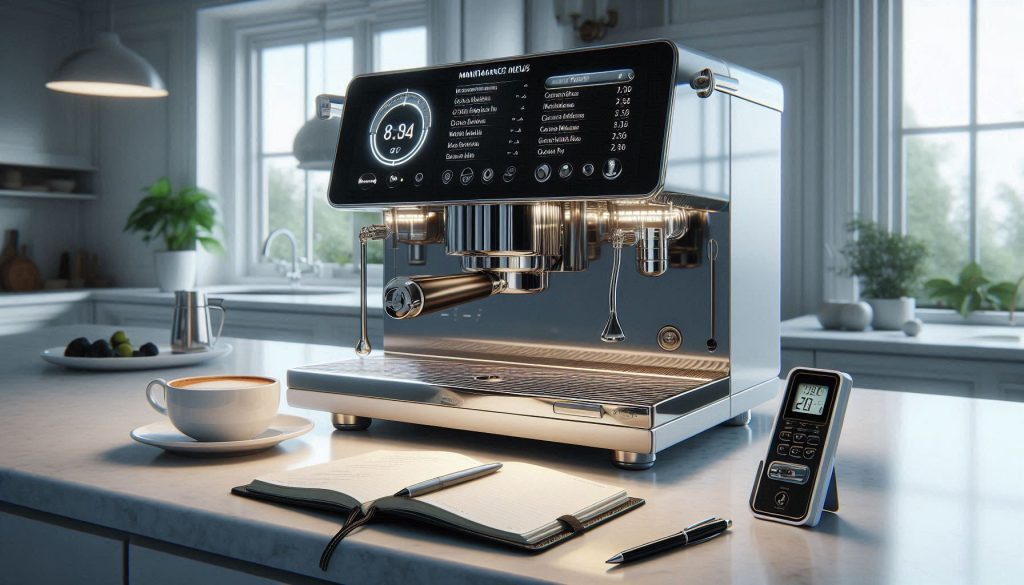
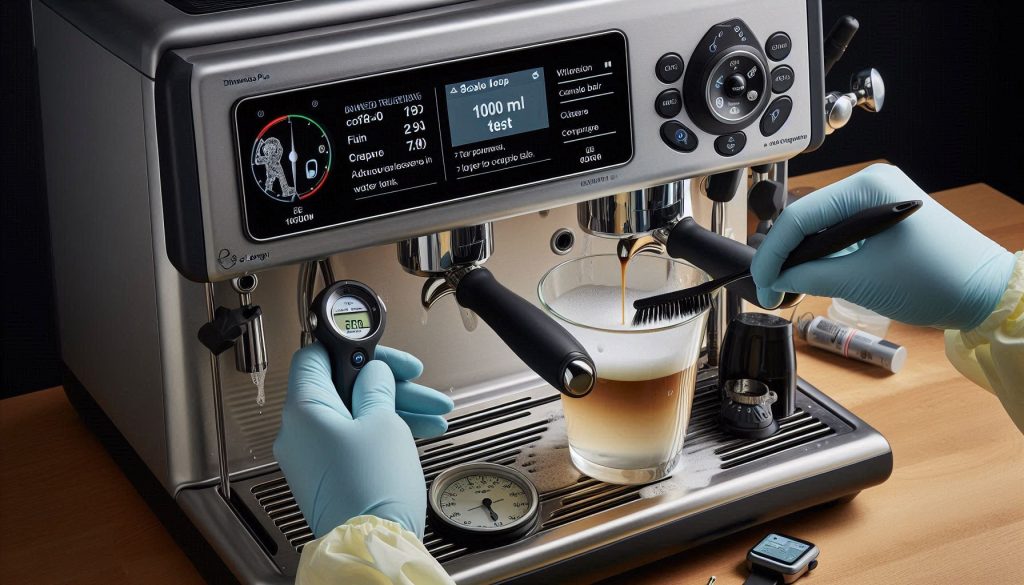
Documenting display messages, LED patterns, and flow to confirm a descale loop before performing any maintenance.
You’ll learn how to turn a vague “it’s stuck” feeling into reliable, shareable data. Treat this as forensic work: read exact messages, observe patterns, and document everything before you change hardware or run fixes.
Read the display and LEDs carefully
Start with the machine as it sits. Note the exact wording on the screen (copy it verbatim) and the LED pattern (color, steady vs. blinking, blink count and interval).
Error text (e.g., “Descale”, “Descale required”, “Descale interrupted”)
LED color(s) and blink rhythm
Any menu entries showing maintenance history or errors
Observe behavioral clues and timing
Watch a single attempted descale or power-on cycle and note what happens and when. These dynamics often expose the root cause.
Does the descale prompt reappear immediately after an attempted cycle?
Does the machine start then stop mid-cycle, or repeatedly ask to drain/flush?
Are there specific triggers (power loss, empty tank, door open)?
Listen and watch: pump and flow evidence
Sound and visible flow tell you if the pump is running, primed, or air-bound — key factors in a stuck loop.
Record pump noise: steady hum, weak rattling, or intermittent clicking
Video the dispenser during descale: is water flowing, sputtering, or absent?
Note any leaking or tray overflows
Check simple user settings and consumables
Before advanced troubleshooting, verify these common contributors:
Water hardness setting (menu → maintenance); write the value
When descaling was last completed (machine logs or your notes)
Is a water filter cartridge installed? (filters can change descaling intervals)
Document for technicians
Create a clear, time-stamped record to save time or share with support.
Take photos of the display and LED pattern
Record a 30–60 second video of an attempted descale showing sound + flow
Note model, serial number, and firmware/version (if visible in menu)
This evidence eliminates guesswork and speeds diagnosis — you’ll know whether you truly face a descale-loop or a related flow/sensor issue before you start hands-on fixes.
2
Prepare safely: tools, materials, and pre-checks before you start
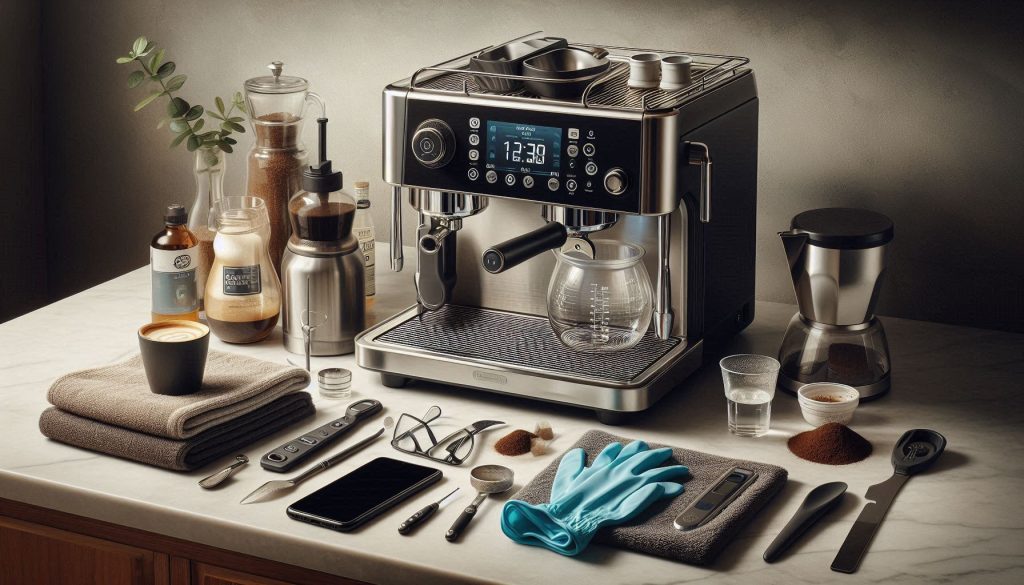
Prepping the De’Longhi Dinamica Plus for a manual descaling cycle: tools, chemicals, PPE, and removable parts organized for a safe and effective process.
You’re about to work with mild acids and the machine’s internal plumbing. A little preparation prevents damage, mess, and wasted time. Below is a practical checklist and step-by-step preflight so you can start descaling with confidence.
Gather tools and materials
Manufacturer-approved descaler (De’Longhi EcoDecalk is the recommended product).
If you prefer an approved alternative: food‑grade citric acid (powder).
Clean measuring cup or kitchen scale (e.g., 250 ml Pyrex or a 0.1 g digital scale).
Nitrile gloves and safety glasses.
Several clean towels or microfibre cloths.
A container for waste water (2–3 L plastic jug or bowl).
Fresh potable water for dilution and rinses.
Phone or camera to record on-screen message and LED pattern.
Chemical choices and dosing rationale
Use De’Longhi’s descaler when possible—it’s formulated for seals, sensors and internal tubing.
Citric acid is an acceptable, gentle alternative when the manufacturer permits. A commonly used, mild concentration is about 15–30 g citric acid per 1 L water (roughly 1–2 tablespoons per litre). This gives effective scale removal while reducing risk to elastomers compared with stronger acids.
Do NOT use household vinegar unless De’Longhi explicitly permits it for your model: vinegar can leave residues, odors, and may damage components.
Always measure precisely. Over‑concentrating can harm seals; under‑concentrating reduces effectiveness and prolongs exposure.
Machine prep: power down and empty removable parts
Power off and unplug the machine; allow it to cool for 15–30 minutes if hot.
Remove and empty the drip tray, grounds container, and water tank.
Remove any water filter cartridge (e.g., De’Longhi Claris) — filters change chemistry and dosing.
Check the brew unit access and any removable panels for loose coffee grounds.
Surface protection and documentation
Lay towels or a silicone mat under the front and sides; place your waste container under the coffee spout.
Keep a towel handy for unexpected splashes.
Photograph the display (message text and LEDs) and write down model/serial number and firmware/version if visible.
With tools, safe chemicals, and the machine emptied and documented, you’re ready to run the manual descale cycle correctly — next, you’ll follow a step‑by‑step descaling procedure that uses these preparations.
3
Run a complete manual descale cycle the right way
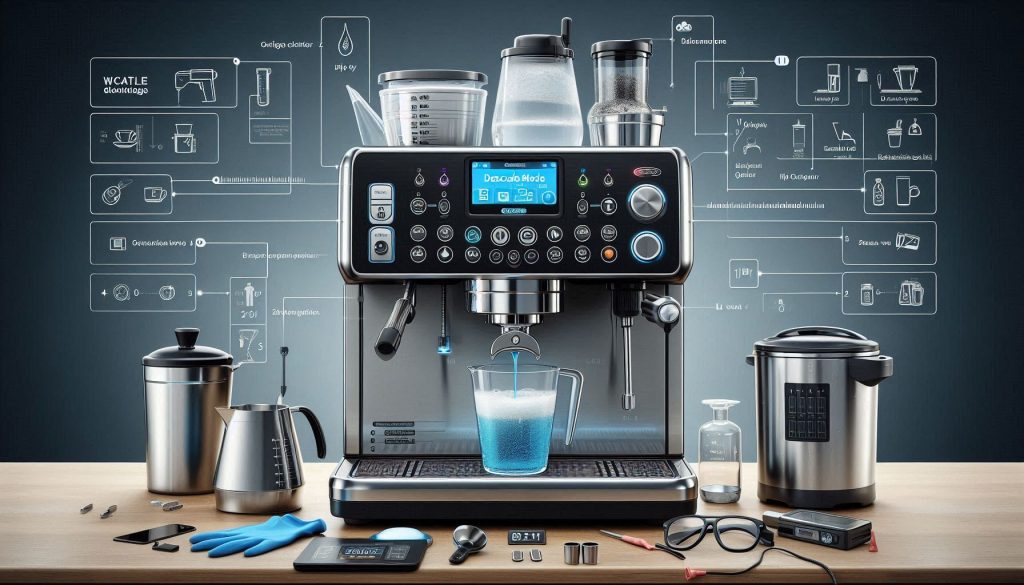
Running a full manual descale cycle on the De’Longhi Dinamica Plus: observe flow, pump behavior, and on-screen prompts while carefully managing waste and safety.
You’ll now run a full, manufacturer‑style descale and rinse so you can prove whether scale caused the loop or something else. Work methodically; the machine’s display and the behaviour of the pump and flow are your evidence.
Prepare the solution and set the machine
Mix descaler per the product label (use De’Longhi EcoDecalk when possible). Many De’Longhi instructions quote ≈50 ml EcoDecalk per 1 L water—confirm your bottle. If using citric acid, use the 15–30 g per 1 L concentration noted earlier.
Replace the tank, place a 2–3 L waste container under the coffee spout and milk wand, and ensure the drip tray/grind bin are in place to catch overflow.
Enter descale mode and start the cycle
Use the control panel: Menu → Maintenance → Descaling (or the touchscreen/long‑press sequence for your model). Confirm start.
Watch the on‑screen prompts and follow each step (some machines pause for user actions such as emptying drip tray or re‑positioning the container).
What to monitor while it runs
Pump sound: steady, even hum without long pauses or clicking. Irregular stuttering suggests air in the line.
Flow: continuous stream from coffee spout and steam wand during their respective phases. Intermittent sputtering or a pulsed spray indicates an airlock or low solution level.
Timings: descale cycles can take 20–60 minutes; don’t interrupt unless you must.
If the cycle stops or flow is poor
Verify tank seating and float: reseat the tank and check the intake valve isn’t blocked by debris.
Re‑prime the pump: turn the machine off, ensure the tank outlet is filled (tilt/press the valve briefly so liquid enters the intake), then restart descale mode.
If the machine aborts with a message, photograph the message and retry the full cycle once after re‑seating tank and emptying collection vessel.
Rinse, verify, and document results
Rinse with fresh water until the machine prompts completion and the chemical smell is gone—expect to run 1–2 full tankfuls (about 1–2 L total). Many owners use ~2 L to be certain.
Confirm the descale indicator/counter reset in the Maintenance menu and that the descaling light is off.
Evidence checks: steady flow rate (time 100 ml pour), no sputtering, normal brew pressure and taste. If issues persist despite a correctly run cycle, you have evidence to proceed to advanced troubleshooting.
4
Advanced troubleshooting: flow, sensors, pump priming, and safe resets
Advanced troubleshooting on the De’Longhi Dinamica Plus: clearing airlocks, inspecting flow paths, and checking sensors to diagnose a stuck descale loop safely.
If a correct manual descale didn’t fix the loop, you’ll perform targeted troubleshooting of the most common failure points. Below are practical, non‑invasive checks and tests you can run to collect evidence and decide if a repair or replacement is needed.
Check for flow restrictions and airlocks
Inspect visible outlets: clean the coffee spout, steam wand tip, and drip tray openings with a soft brush; mineral flakes commonly clog nozzles.
Tank and intake: remove and reseat the water tank, press the valve briefly and tilt the tank forward/back to let fluid enter the intake. This often clears air pockets.
Simple flow test: time how long it takes to collect 100 ml from the coffee spout during a purge. Consistent, repeatable times indicate the path is clear; sputtering or long pauses indicate air or blockage.
Safe pump priming without opening the machine
With the tank filled and reseated, start a brew/clean/descale cycle and listen. If the pump stutters, turn the machine off, hold down the brew button while powering on (many models force a short purge), then restart the cycle.
Tip: tilting and gently tapping the tank while the pump runs can dislodge trapped air in real use.
Sensor checks and cleaning
Flow meter: infer behaviour from measured pour times. If on-screen flow indicators (if present) disagree with measured flow, suspect the flow sensor/electronics.
Float/conductivity sensors: wipe visible plastic surfaces and float housings with a soft cloth and mild vinegar solution—do not submerge electronics.
Note observations: erratic on‑screen flow vs steady real flow → sensor/electronics issue. No on‑screen flow but actual pour → software/display fault.
Interpreting pump sounds and electrical resets
Pump clicks or rapid on/off clicking = starving or blocked inlet; steady hum with no output = likely internal blockage or failed impeller.
Non‑invasive reset: unplug for 10 minutes to discharge capacitors, then reconnect. Also try the standard menu reset (Menu → Maintenance → Reset Descale), avoiding service mode.
Warning: do not open sealed pump housings or enter service-mode procedures unless out of warranty and you accept voiding it. These can permanently void coverage.
When tests point to component failure
Persistent no flow after priming, or steady hum with no output → pump or internal tubing replacement likely.
Consistent incorrect flow readings despite clean lines → flowmeter or mainboard service required.
Float stuck after cleaning → mechanical part replacement.
5
Preventive maintenance and configuration changes to avoid repeat loops
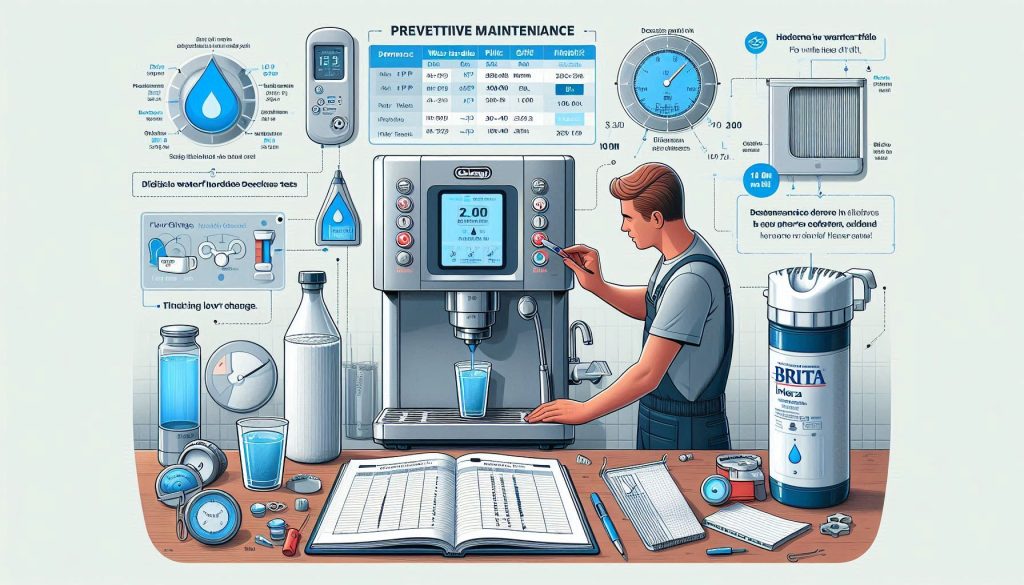
Preventive maintenance on the De’Longhi Dinamica Plus: configuring water hardness, using a certified filter, and logging descaling/cleaning intervals to avoid repeat descale loops.
You’ve diagnosed and (hopefully) fixed the immediate problem. Now reduce the chance the machine returns to a descale loop by combining correct configuration with a practical maintenance plan based on real water data.
Set accurate water hardness
Test your water with strips or use your municipal report (reported as ppm or °dH; 1°dH ≈ 17.8 ppm). Enter that exact value into the Dinamica Plus menu (Menu → Water hardness). The machine scales its descale reminders to that setting — underestimate hardness and you’ll under‑descale; overestimate and you’ll be triggered too often.
Water filter — pros and cons
Consider a De’Longhi‑approved filter (e.g., BRITA Intenza compatible filters).
Pros: reduces calcium/carbonate load, can extend descale intervals and improve cup taste.
Cons: extra running cost, must be replaced on schedule (old filters trap bacteria and reduce flow), and you must tell the machine you’re using a filter so reminders adjust correctly.
Recommended descaling intervals by hardness (practical guideline)
Use these as starting points and adjust to your real results.
Soft (0–3°dH / 0–54 ppm): 6–12 months
Medium (4–8°dH / 71–142 ppm): 3–6 months
Hard (9–14°dH / 160–250 ppm): 1–3 months
Very hard (15°dH+ / 268+ ppm): monthly or install a filter/softener
If you use a certified filter, multiply intervals by ~1.5–2× but always follow the filter manufacturer’s replacement interval.
Milk system: rinse after each use; deep clean with a milk system cleaner weekly or every ~200 uses. For LatteCrema or automatic milk systems, follow De’Longhi cleaning tablets or solutions.
Water path: change filters per package (typically 2–3 months), flush tank and run a 100–200 ml purge weekly.
Track, automate, and use the data
Keep a simple log (phone note, spreadsheet, or calendar) recording: hardness value, filter changes, descale dates, descaler volume, and measured flow time (e.g., 100 ml pour time). Automate reminders in your calendar. Over months, patterns (more frequent descaling, slower pours) reveal sensor drift or wear before a loop starts — giving you time to intervene.
6
When to escalate: contacting De’Longhi support or a certified technician
Escalation guide for De’Longhi Dinamica Plus: gather evidence, document troubleshooting, and contact support or a certified technician when clear criteria are met.
You’ve done the checks and manual fixes — now know when to stop and hand the job to the manufacturer or a trained service tech. Escalate if any of the following definitive signs are present.
Clear criteria to escalate
The machine re-enters a descale loop immediately after you completed a correct, documented manual descale cycle.
Visible leaks from the brew group, internal plumbing, or under the base.
Persistent error codes or service‑menu messages you cannot clear (record the exact code/text).
Electrical faults: tripping breakers, smell of burnt electronics, or the machine won’t power on reliably.
Warranty and service‑void considerations
Check your warranty period, proof of purchase, and whether the machine is registered with De’Longhi.
If the unit is under warranty, contact De’Longhi before opening or replacing parts — self‑repair can void coverage.
For out‑of‑warranty units, ask whether an authorized service center will perform in‑home or depot repairs and whether they use OEM parts.
Evidence to collect and share
Serial number, model number, date of purchase, and proof of purchase.
Time‑stamped photos/videos showing the problem (pump noise, leaks, error screens, descale loop behavior). Record several cycles so the behavior is repeatable.
A concise log of troubleshooting steps you performed (dates/times, descaler used, volumes, menu actions).
Water hardness reading, filter status (BRITA/Intenza in use?), and any recent service history.
Firmware or service‑menu readings if available.
What to expect and response timeline
Triage: remote guidance or scripted steps (often within 48–72 hours).
Possible outcomes: replacement parts shipped, in‑home technician visit, depot repair, or recommendation to replace the unit.
Ask for an RMA or service reference, an estimated cost if out of warranty, and a realistic ETA for parts/visit.
Repair vs. replacement: how to decide
Compare the repair estimate to current replacement cost. As a rule of thumb, if repair exceeds ~40–50% of replacement price for a machine older than 4–5 years, replacement is often more sensible.
Consider the fault type: pumps/valves are cheaper to replace than PCB or heater block failures, which can push you toward replacement.
With this dossier ready, you’ll make the support conversation fast and effective — then move on to the final checklist and next steps.
Final checklist and next steps
Document the fault: photograph error screens, note timestamps, and record recent descale history. Prepare and run a complete manual descale using manufacturer-approved solution and the safe procedure described. If the loop persists, perform advanced checks—verify flow, sensors, pump priming, and electrical connections—and log each test and result. Update maintenance settings only after confirming proper operation.
If you still see the stuck descale loop, contact De’Longhi support or a certified technician with your documented evidence. Prioritize safety, avoid force or improvised fixes, and escalate when hardware faults are likely. Keep detailed notes for warranty claims assistance.