
Managing a modern household often feels like a balancing act between maintaining family comfort and keeping rising utility bills under control. Energy-saving smart appliances offer a powerful solution, blending high-efficiency hardware with intelligent automation to slash your monthly expenses without sacrificing convenience. By prioritizing devices with verified efficiency ratings and leveraging features like adaptive scheduling and automated load-shifting, your family can reduce its carbon footprint while building a more resilient, cost-effective home environment.
This comprehensive guide breaks down everything you need to know to make informed, data-driven decisions for your household. From decoding ENERGY STAR labels and calculating real-world ROI to identifying which appliances—like heat-pump dryers or smart thermostats—deliver the fastest payback, we provide a roadmap for long-term savings. Whether you are looking to eliminate “vampire” power draw with smart plugs or integrate a whole-home energy monitor, you’ll discover how simple behavioral changes and networked automation can turn your home into a model of energy independence.
Why Energy-Saving Smart Appliances Matter for Your Family
Do you want to cut bills and emissions without sacrificing comfort? Smart appliances combine high-efficiency hardware, sensors, and networked controls to reduce real kWh use while improving daily convenience.
You should prioritize verified efficiency ratings, flexible scheduling, and automated load-shifting to match family routines and variable electricity prices. This evidence-based approach helps you estimate savings, find available rebates, and make choices that lower short-term bills and increase long-term resilience.
You’ll also learn how smart monitoring reveals hidden waste, which appliances deliver the best ROI for families, and how simple behavioral changes and networked automation multiply savings over time, so your household gains comfort, lower bills, and greater energy independence year after year.
Understanding Energy Efficiency Labels and Smart Appliance Metrics
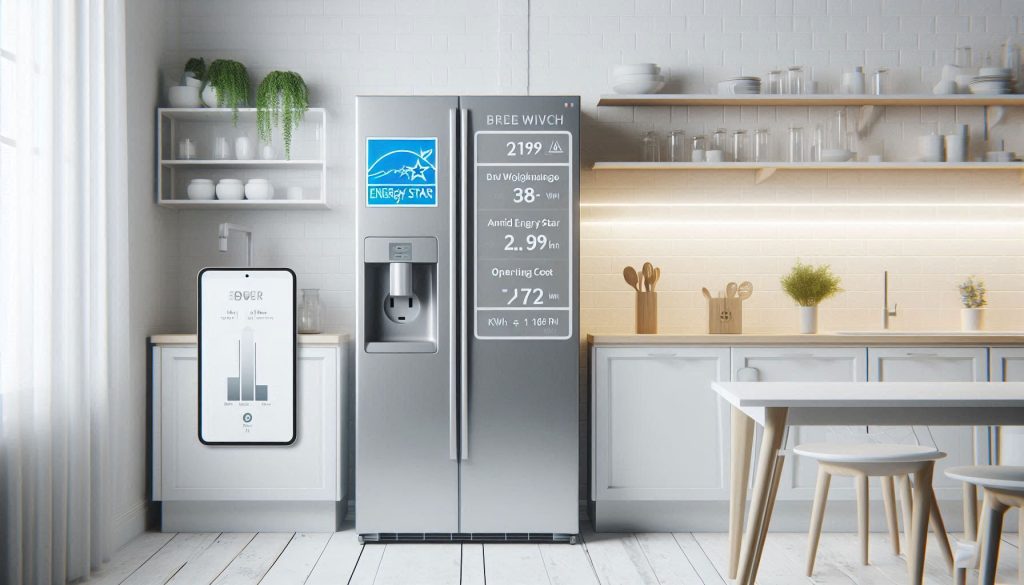
Read the headline numbers first: annual kWh and operating cost
Before you fall for glossy features, locate the estimated annual kWh and the operating-cost figure on the label or product page. These are the most direct predictors of real-world impact.
How to translate to your bill: monthly cost = (kWh/year ÷ 12) × your $/kWh.
Example: 400 kWh/year at $0.15/kWh → (400 ÷ 12) × 0.15 = $5.00/month.
Watch standby draw and always-on systems
Smart features add convenience — and a small always-on load. Check standby (vampire) power ratings or ask specs for “idle” watts.
Quick check: use a plug meter (e.g., Kill A Watt), a smart plug with energy reporting (TP-Link Kasa HS110), or whole-home monitors (Sense, Emporia Vue) to measure real draw.
Decode efficiency classes and verified lab tests
Efficiency classes (ENERGY STAR, EU A+++) and standardized test protocols give apples-to-apples comparisons. Beware “up to X% savings” marketing — that’s often from optimal test conditions.
Smart-specific diagnostics: energy reporting & adaptive algorithms
The most useful smart features for families are accurate energy reporting, runtime statistics, and adaptive/learning modes that reduce use over time.
Practical comparison checklist
Use these steps to compare models quantitatively and set realistic expectations before you buy.
Top Smart Appliances That Cut Household Energy Use
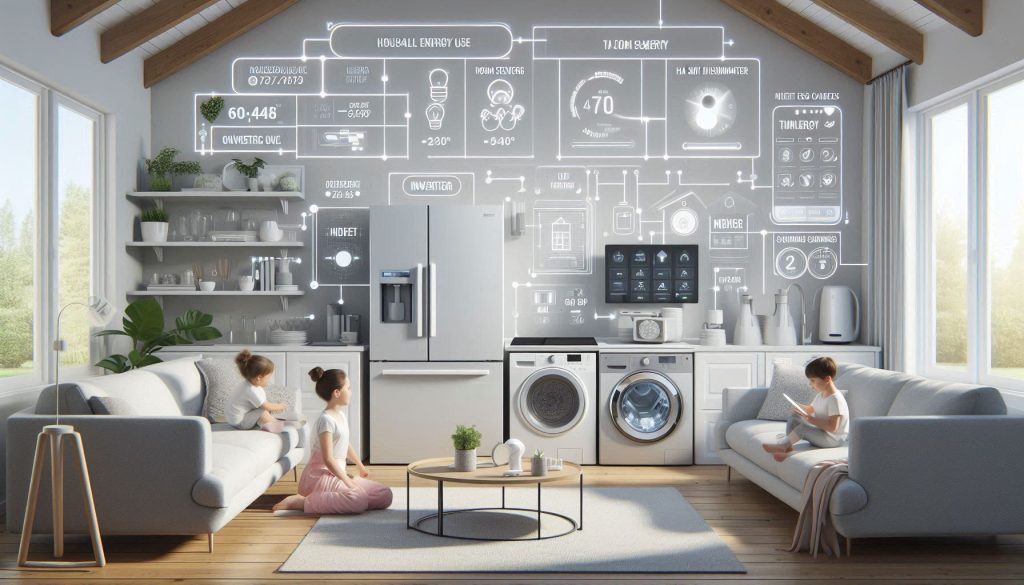
Below are the high-impact devices where you’ll see the biggest returns, what the smart features do, the metrics to benchmark, and family-minded sizing/features to prioritize.
Smart thermostats and zoning systems
Smart thermostats (Nest Learning, Ecobee SmartThermostat) cut heating by ~8–15% and cooling by ~10%; paired with smart dampers or vent systems (Flair, Sensi) they prevent over-conditioning unused rooms.
Refrigerators with adaptive defrost and humidity control
Inverter compressors + adaptive defrost reduce cycling losses and food waste; humidity-controlled crispers keep produce longer, reducing repeat grocery trips.
Front-load smart washers
Modern front-loaders use less water and energy; smart models adjust water and spin speed to load size and soil level.
Heat-pump and sensor-enabled dryers
Heat-pump dryers cut energy use ~40–60% vs resistive electric dryers; moisture sensors stop cycles when clothes are dry.
Smart dishwashers
Soil sensors and eco cycles tailor water/heat to load, reducing energy and water.
Smart water heaters
Heat-pump or hybrid water heaters with scheduling and leak detection cut standby and avoid flooding.
Connected lighting and smart plugs
LED + scheduled scenes and auto-off smart plugs eliminate standby waste and reduce lighting loads by ~70–80%.
Whole-home energy management
Systems (Sense, Emporia Vue, Span) give circuit-level insight so you optimize across appliances.
Installation, Integration, and Home Network Considerations
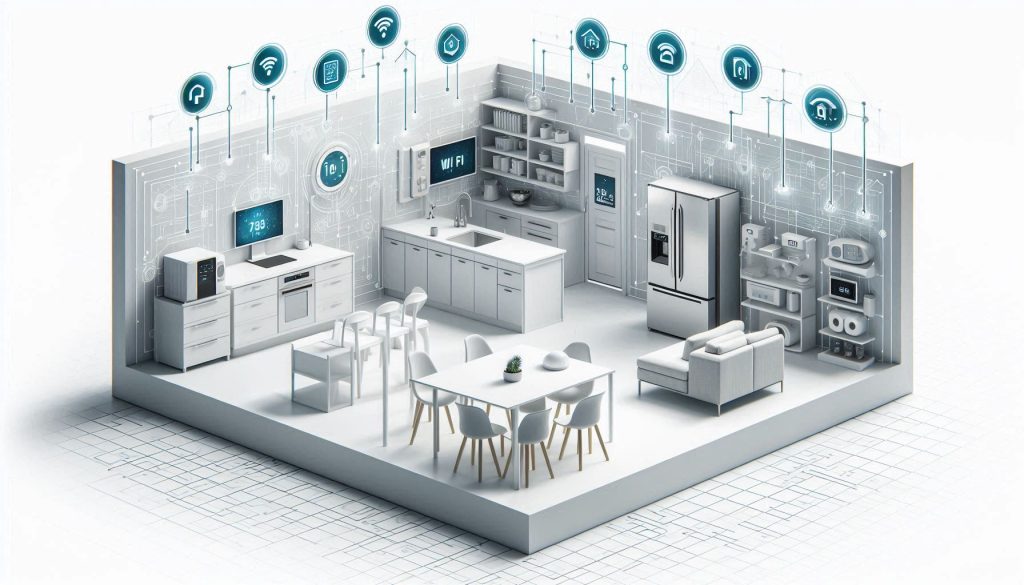
Smart functionality only delivers when devices are installed correctly and integrated into your network. Below are practical, actionable steps to get reliable connectivity, maintain safety, and minimize the small energy cost of the infrastructure.
Connectivity choices: Wi‑Fi vs Zigbee/Z‑Wave vs Thread/Matter
Wi‑Fi is simple for high‑bandwidth devices (cameras, refrigerators). Zigbee and Z‑Wave are lower‑power, mesh-friendly for sensors and plugs (Philips Hue, Aeotec). Thread/Matter is emerging for cross‑vendor interoperability — Apple HomePod mini and Google Nest Hub now act as Thread border routers.
Hub vs hubless architectures
Hubless (cloud‑native) devices are quick to set up but can fragment control. Hubs/bridges (Philips Hue Bridge, Samsung SmartThings, Aeotec Z‑Stick) consolidate protocols and give local control and automations.
Placement and interference
Place hubs, routers, and bridges centrally and off the floor, away from metal cabinets and microwave ovens. Concrete, fish tanks, and baby monitors can create interference—one family I know moved their mesh node from behind the TV and saw smart-thermostat latency drop by 70%.
DIY vs professional installation
DIY works for single‑appliance installs and basic networks. Hire a pro for whole‑house wiring, breaker‑level whole-home energy monitors (Sense, Emporia Vue), or complex HVAC zoning to ensure code compliance and warranty preservation.
Power overhead, updates, and resilience
Hubs/bridges typically draw modest power (roughly 1–7 W). Account for this in your load planning, but don’t let the small draw deter you.
Security and local fail‑safes
Use unique strong passwords + 2FA, a password manager, and segment IoT onto a guest SSID or VLAN (Ubiquiti, Asus routers support this). Ensure safety‑critical devices (water heaters, HVAC, gas shutoffs) have physical/manual overrides or local control modes so family safety isn’t tied to cloud availability. Consider a small UPS for hubs that manage alarms or sump pumps.
Behavioral Strategies and Scheduling to Maximize Savings
Savings aren’t just built into devices—they come from how you use them. Below are practical, data-driven strategies to get measurable kWh reductions without sacrificing family comfort.
Schedule heavy loads to off‑peak windows
If your utility has time‑of‑use rates, move washers, dishwashers, EV charging, and water‑heater boosts to low‑cost hours. Many smart appliances and chargers let you set schedules:
Batch and consolidate tasks
Running full loads and grouping chores reduces cycles and standby energy.
Use eco and quick modes appropriately
Eco modes cut water temperature and runtime; quick modes use more energy per minute but less total time.
Automate with occupancy sensors and appliance learning
Leverage sensors and built‑in learning to remove human friction.
Set family routines and parental controls
Turn efficiency goals into habits with simple rules.
Read reports and act on alerts
Pay attention to weekly energy reports (Sense, Emporia, smart meters).
Costs, Rebates, and Return on Investment
Calculate total cost of ownership (TCO)
To decide whether a smart appliance is worth it, add up all lifetime costs and savings:
Example: an old fridge using ~800 kWh/yr replaced by a 400 kWh/yr ENERGY STAR model saves ~400 kWh/yr. At $0.18/kWh that’s ~$72/yr in energy — factor that into TCO.
Estimate payback and ROI
Use a simple, repeatable formula:
Payback years = (Up‑front cost − rebates) / Annual energy cost savings
Annual energy cost savings = Annual kWh saved × local electricity rate
Include non‑energy benefits as dollar values where possible:
Quick example: new smart washer + installation $1,100, rebate $150, annual energy+water savings $110 → payback ≈ (1100−150)/110 ≈ 8.6 years.
Find and qualify rebates, tax credits, and programs
Search these resources early — many require pre‑approval or specific model lists:
Tips: confirm eligible model numbers, keep receipts and serials, apply before installation if required.
Tools and a simple spreadsheet approach
Build a one-sheet model with columns: Item, Up‑front cost, Rebate, Annual kWh saved, $/kWh, Annual savings, Maintenance/yr, Payback years. Or use online tools:
Model multiple scenarios (conservative, expected, optimistic) to prioritize investments that give the fastest and largest returns.
Next, you’ll learn how routine maintenance and safe use extend those returns by keeping smart appliances efficient and reliable.
Safety, Maintenance, and Longevity of Smart Appliances
Preventive maintenance checklist
Simple, regular care preserves efficiency and food/water safety and often outperforms premature replacement.
Example: a family avoided a fridge replacement after noticing a 12% energy spike; a quick coil cleaning and a new door gasket returned consumption to normal.
Firmware, security hygiene, and vendor support
Keep devices both safe and functional.
Reading diagnostics and when to call service
Know which alerts you can act on and which require professionals.
Common lifespan pitfalls to avoid
Avoid small habits that shorten life expectancy.
Responsible disposal and recycling
Recycle electronics and recover refrigerants—retail take‑back (Best Buy, Home Depot), manufacturer programs, or local e‑waste centers keep toxins out of landfills.
With these routines you’ll protect your family and maximize appliance ROI—next, the article’s Conclusion will help you bring smart, energy‑saving choices into your home.
Bringing Energy-Saving Smarts into Your Family Home
Adopting energy-saving smart appliances is a stepwise process: measure current usage, prioritize highest-impact upgrades, verify efficiency metrics, integrate devices securely, and adjust household routines to lock in savings. Choose hardware that matches your family’s needs, use installers or follow secure guidelines, and rely on data from meters and apps to confirm performance. Small, targeted changes compound into measurable reductions in bills and emissions.
Use the frameworks and checks in this article to build a phased plan, set measurable goals, and track results monthly so you can refine investments over time. Start with one high-impact upgrade, monitor outcomes, and scale confidently. Share progress with family and local programs to amplify benefits over the years.