
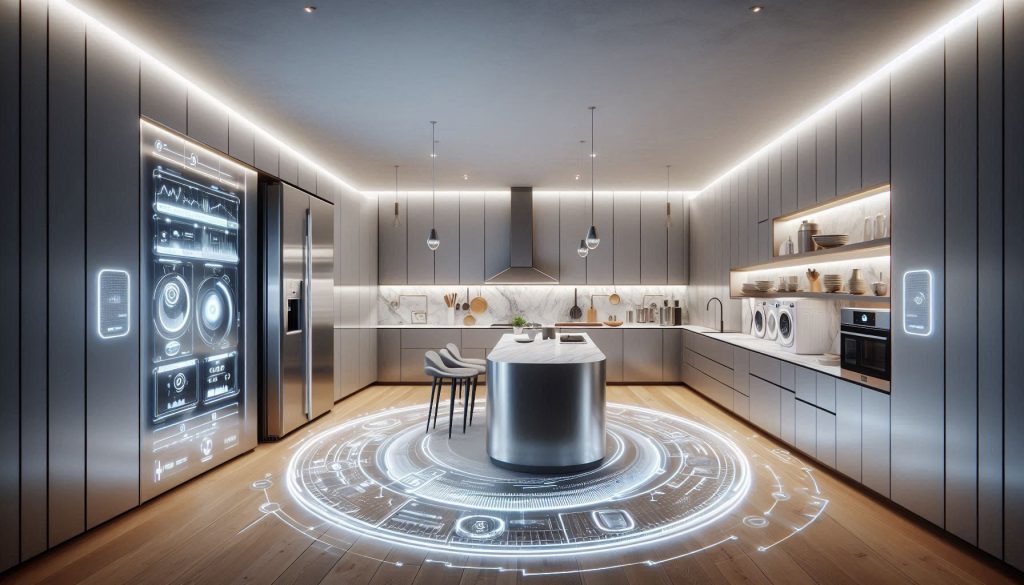
Are you tired of buying “smart” appliances only to find they won’t talk to your existing ecosystem? Matter-compatible appliances are finally solving the industry’s biggest headache by allowing devices from different brands to work together under a single, unified standard. Whether you are looking for a refrigerator that alerts your Google Nest Hub when the door is ajar or a washing machine that syncs with your Apple Home automations, Matter ensures your investments are future-proof and easy to manage. In this guide, we dive into the top-rated appliances of 2026, highlighting how this open standard improves reliability, simplifies setup via QR-code commissioning, and keeps your home running smoothly without proprietary silos.
In the following sections, you will discover which appliance categories—from energy-efficient HVAC systems to AI-driven laundry suites—offer the best Matter integration today. We provide a rigorous evaluation of the latest models from major manufacturers like Samsung, Bosch, and IKEA, focusing on key performance metrics such as Thread mesh resilience, local control latency, and long-term security support. You’ll also find practical strategies for migrating your current setup, ensuring that every new addition to your kitchen, laundry room, or utility closet enhances your home’s intelligence rather than adding to its complexity. Read on to learn how to choose appliances that truly work for you.
Why Matter Compatibility Should Guide Your Appliance Choices
Matter is an open smart‑home standard that simplifies how devices talk to each other and to your apps. It removes proprietary silos so the same product can work across Apple, Google, Amazon, and other ecosystems. That means more reliable connections, easier setup, and reduced long‑term risk when you buy appliances.
This article shows you how to evaluate Matter-compatible appliances, which categories to prioritize, and how to integrate devices into your network. You’ll get clear criteria for security, privacy, and regulatory concerns. You’ll also find practical buying and migration strategies to balance cost, performance, and future-proofing across every room in your home.
Use these guidelines to make confident upgrades and avoid wasted expense on fragmented or obsolete systems in the future.
How Matter Works and What It Means for Your Home
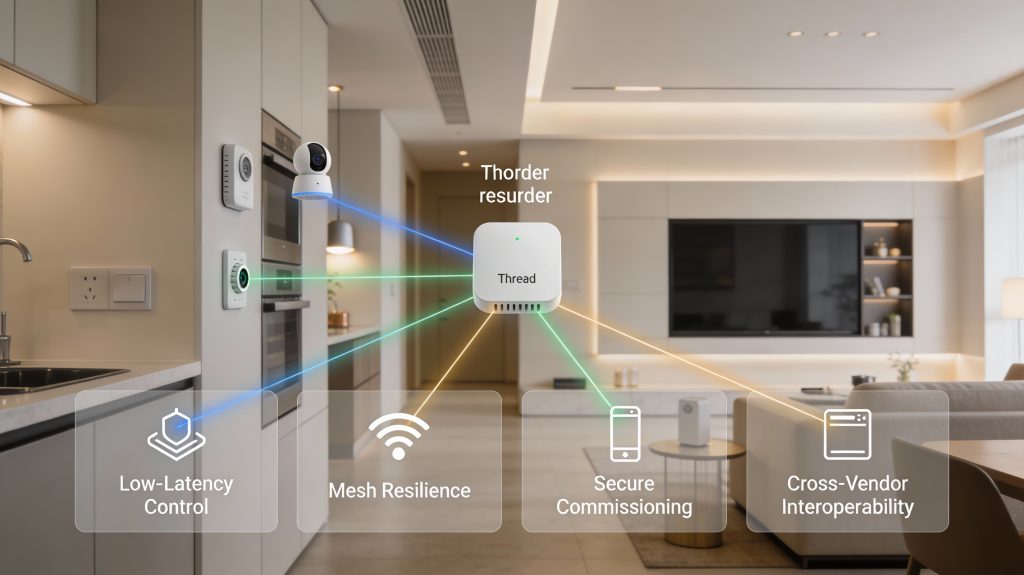
Matter’s architecture in plain language
Matter uses IP as the common language for smart devices, meaning appliances speak the same network protocol whether they’re on Thread, Wi‑Fi, or Ethernet. In practice:
Commissioning and device discovery — what to expect
When you add a Matter device you’ll scan a QR or use NFC; the commissioning flow is standardized across controllers (phone apps, smart speakers), so expect a similar multi-step setup regardless of brand:
Cross‑vendor interoperability and limits
Matter standardizes device models and clusters (turn on/off, temperature, locks), so a light from Brand A behaves the same in Brand B’s app. However, vendor‑specific extras (proprietary scenes, cloud features) may remain outside Matter. Expect core features to interoperate locally; advanced cloud services may still require the vendor app.
Key metrics you should care about
Practical trade-offs
With these mechanics understood, you can anticipate smoother commissioning, predictable performance trade‑offs, and simpler multi‑brand expansion as you pick Matter‑compatible appliances.
Criteria to Evaluate Matter-Compatible Appliances
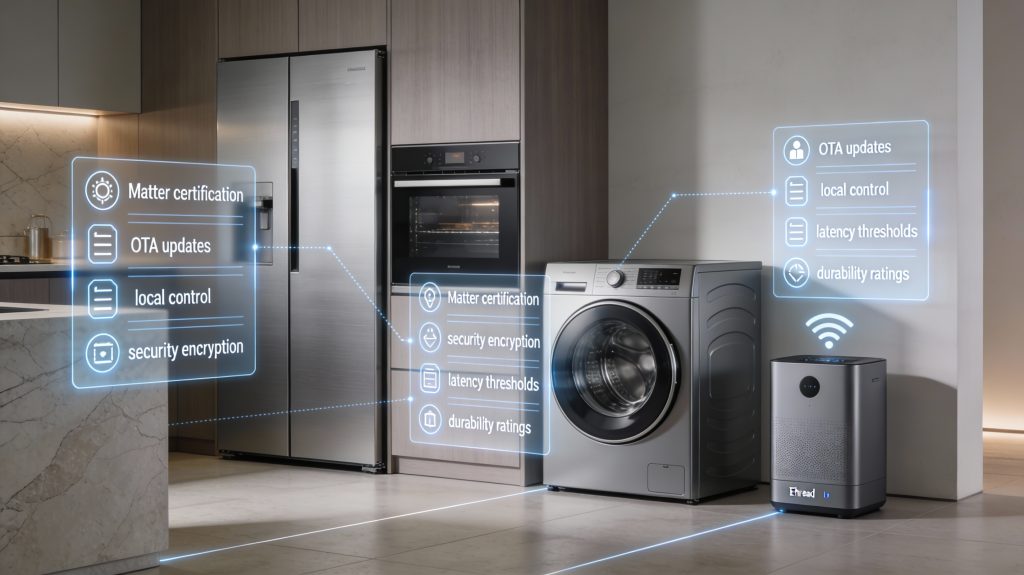
When you’re comparing Matter devices, use this prioritized checklist to decide quickly and objectively which models belong in your home.
Certification & update posture
Security & commissioning
Local vs cloud control
Network fit & performance thresholds
Power, durability & safety
Interoperability & ecosystem
Quick scoring framework (0–10)
Score each category 0–10, multiply by weight, sum for a 0–100 comparative score. Use this to rank candidates — e.g., a Thread smart plug (Eve Energy) will outscore a Wi‑Fi plug for battery-sensitive installs.
Next, you’ll apply these criteria while connecting devices and optimizing your home network for Matter devices.
Top Appliance Categories to Prioritize for Matter Compatibility
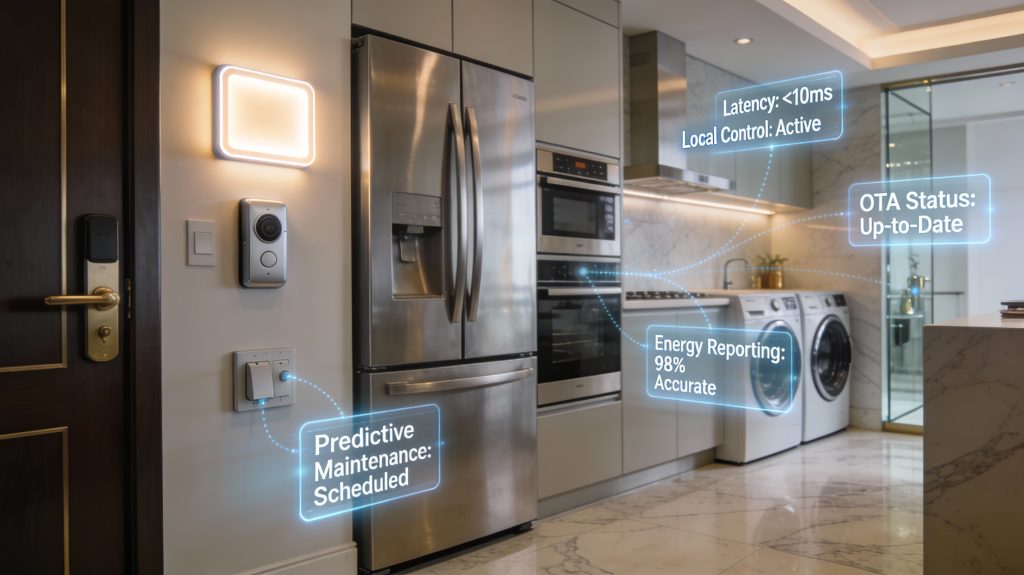
Lighting
Matter gives you predictable, low-latency control and robust mesh routing (Thread) for whole-home scenes.
Tip: prioritize Thread-capable bulbs (e.g., Nanoleaf Essentials) and bridges only when needed.
Smart locks and access
Locking/unlocking is safety-critical — Matter speeds discovery and standardizes secure commissioning for faster, auditable access.
Example: choose locks that advertise Matter certification and hardware-backed keys; August and Yale were early movers—verify CSA roster entries.
Thermostats and HVAC controls
Matter standardized telemetry (setpoint, ambient, runtime) improves multi-vendor automations and energy optimization.
Look for models with proven local control (Ecobee-style approach) and clear firmware update commitments.
Major kitchen appliances (refrigerators, ovens)
Standardized telemetry and state models let you track runtime, door state, and error codes uniformly.
Tip: target Wi‑Fi/Ethernet Matter-enabled models from major OEMs and confirm appliance telemetry fields.
Laundry machines
Matter brings standardized cycle state and predictive maintenance flags to automations.
Smart plugs and switches
These extend Matter’s benefits to non-smart loads with reliable state reporting and power telemetry.
Practical buying rule: prioritize Matter-certified, Thread-capable plugs (Eve Energy) for latency-sensitive or battery-conscious installs; choose Wi‑Fi variants for high‑throughput appliances.
Integrating Matter Devices into Your Home Network
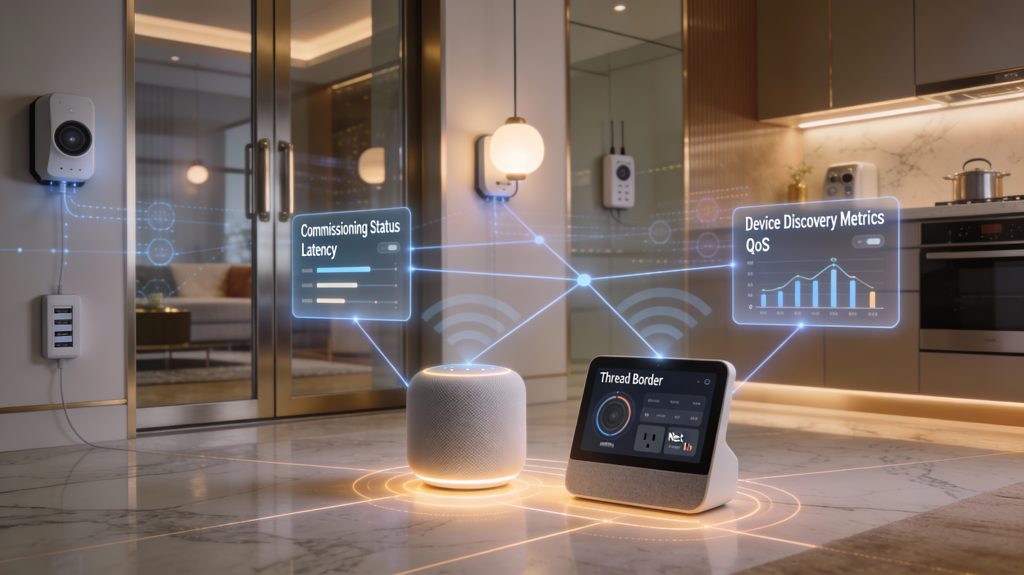
Design your Thread + Wi‑Fi topology
Treat Thread as your low‑power, low‑latency sensor/actuator mesh and Wi‑Fi as the high‑bandwidth backbone. Place Thread devices (bulbs, plugs, locks) so radios can see multiple neighbors — that creates resilient multi‑hop routes and avoids single points of failure. For redundancy, plan at least two Thread Border Routers in different rooms so a power outage or reboot won’t partition the mesh.
Example: put one border router near the living area and one near bedrooms; Thread will self‑heal between them.
Set up Thread border routers
Choose devices that advertise Thread Border Router support and keep firmware current. During setup:
Wi‑Fi placement, segmentation, and QoS
Place Wi‑Fi APs for even coverage; prefer wired backhaul for mesh APs to avoid throughput drops. Create a dedicated IoT VLAN/SSID for non‑trusted devices and keep your phones/laptops on a private VLAN. Configure:
Commissioning and interoperability testing
Follow app prompts for QR/BLE commissioning. Best practice:
Hardware selection checklist
Choose a router with robust VLAN, firewall, and QoS controls (e.g., Ubiquiti UniFi family, Asus RT‑AX series, or Synology routers). Use Thread‑capable BRs (HomePod mini, Nest Hub/Wi‑Fi Pro variants), and prefer APs/extenders with wired backhaul (TP‑Link Omada, Ubiquiti UniFi APs). Always verify Matter/Thread certification and firmware before purchase.
Security, Privacy, and Regulatory Considerations
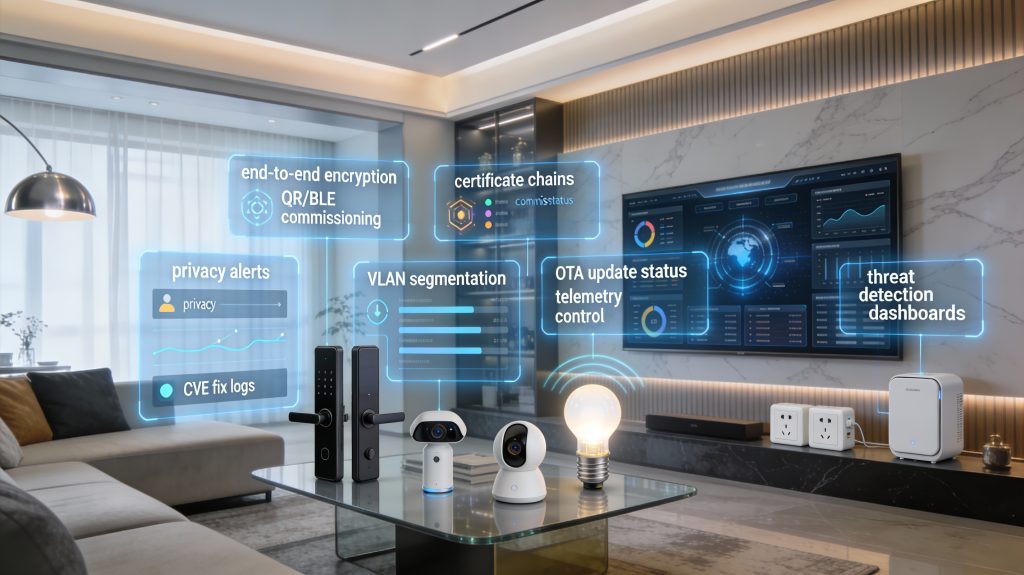
Matter’s security primitives — what you should expect
Matter builds on authenticated commissioning and end‑to‑end encrypted sessions so devices prove identity before joining and all control/telemetry traffic is encrypted in transit. During setup you’ll see QR/BLE pairing that performs a certified authenticated exchange; after commissioning, Matter uses certificate‑based session establishment and AEAD cipher suites for message confidentiality and integrity. Expect firmware update signing as a required chain-of-trust feature.
What to verify in vendor security claims
Ask vendors for three concrete artifacts before buying:
Examples: prefer vendors that support local‑first control (Home Assistant compatibility) and list recent CVEs fixed on their site.
How to audit device behavior and updates
Use quick audits you can run yourself:
Tools: router logs (Ubiquiti/OPNsense), packet captures, and Home Assistant’s integration logs.
Privacy, cloud telemetry, and multifamily implications
Telemetry can reveal occupancy and routines (energy, door events). For rentals or multifamily buildings, check lease/building policies and get landlord permission before installing devices that store cloud backups. Prefer devices offering local‑only or opt‑out telemetry modes; e.g., many NAS brands (Synology) let you backup camera clips locally instead of cloud.
Practical mitigations you can apply now
Incident‑response checklist (actionable)
Practical Buying and Migration Strategies to Future-Proof Your Home
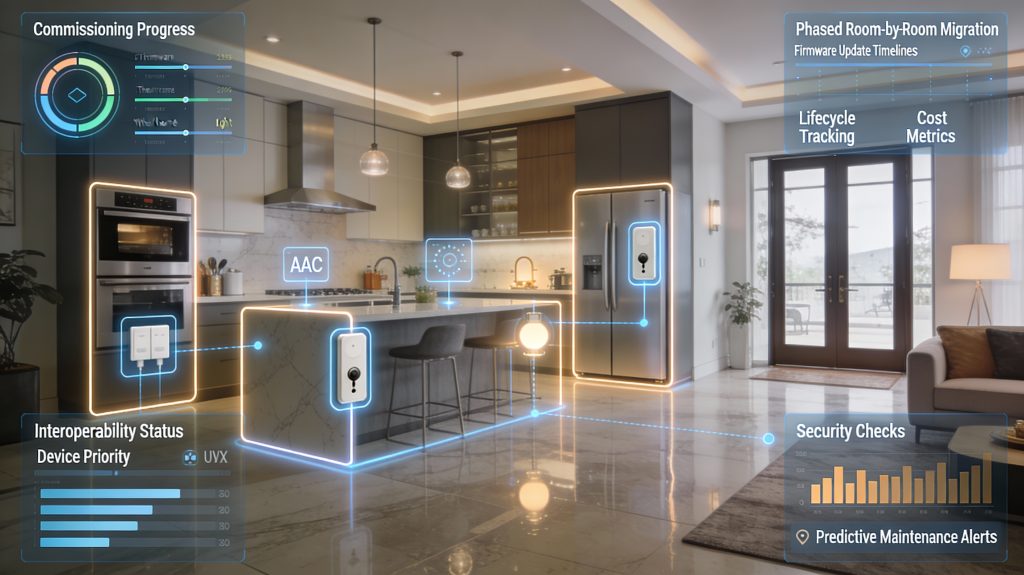
Stepwise buying and migration plan
Start small and local: pick one room and one controller. Example path: entry (smart lock, contact sensor) → kitchen (smart plugs, oven monitoring) → HVAC (thermostat) → whole‑home lighting. Commission devices on a test controller (Home Assistant or a spare Hub) first to validate behavior before full rollout.
Staged upgrade by room and criticality
Prioritize safety and availability first:
Anecdote: a homeowner avoided a $2,400 leak by first installing Matter‑ready water sensors on the main valve.
Replace vs retrofit: cost-benefit rules
Consider device age and cost:
If an appliance costs >$1,000 and will last >7 years, retrofit first; for <$300 items, replace with Matter‑native models when convenient.
Avoid vendor lock‑in
Favor devices with:
Budgeting, lifespan, and negotiations
Typical costs:
Expected lifespans: smart bulbs/modules 3–7 years; major appliances 8–15 years. Ask vendors to commit to signed firmware updates for at least 3–5 years, include firmware SLA in warranties, and negotiate extended support or replacement clauses for security fixes.
Troubleshooting and maintenance cadence
With a clear migration sequence, cost rules, and a maintenance cadence, you’ll minimize disruption and wasted spend as you move into the Conclusion to finalize your Matter strategy.
Making Confident, Data-Backed Choices for a Matter-Ready Home
You should prioritize appliances that deliver proven interoperability, strong security primitives, resilient network designs, and clear lifecycle support — these four criteria will drive the most measurable value. Start by mapping high-impact categories (HVAC, lighting, locks, sensors) and choose devices with Matter certification, transparent firmware update policies, and robust vendor SLAs. Measure baseline metrics (latency, packet loss, update success rate, power use) so you can quantify improvements as you migrate.
Adopt a phased, metrics-driven rollout: pilot a single room or appliance class, validate interoperability and security posture, then scale while monitoring key indicators. By favoring devices and vendors that commit to long-term updates and standards compliance, you reduce technical debt and protect privacy. Takeaction: inventory your home, set target metrics, and plan the first pilot this quarter to future-proof your network with confidence.