
A great home theater is more than just a screen and speakers—the accessories you choose determine how immersive, reliable, and user-friendly your system actually feels. While the display provides the visuals, it is the secondary components that fix common frustrations like screen glare, poor room acoustics, and the dreaded “remote juggle.” By prioritizing high-impact additions like acoustic panels, bias lighting, and smart control hubs, you can transform a standard media room into a professional-grade cinema. These small but strategic investments not only protect your expensive hardware through superior power management but also ensure your viewing experience is seamless and intentional.
This guide categorizes 20 essential accessories into five clear areas: display optimization, audio refinement, environmental control, connectivity, and theater comfort. Whether you are a beginner looking for a quick performance boost with HDMI 2.1 cables or an enthusiast building a dedicated soundstage with bass shakers and motorized risers, these items are designed to solve specific technical problems. We focus on evidence-based upgrades that deliver measurable improvements in contrast, sound clarity, and overall ease of use. Read on to discover the specific tools you need to maintain, protect, and enjoy your home theater for the long term.
\Why the Right Accessories Matter for Your Home Theatre
A great home theatre is more than a screen and speakers — the accessories you choose determine how immersive, reliable, and user‑friendly your system will be. You should prioritize solutions that fix common problems: glare, poor acoustics, unreliable connections, awkward controls, and ongoing maintenance.
Think in terms of comfort, performance, and future‑proofing. Small additions like a calibrated projector screen, acoustic panels, and a smart remote can transform picture, sound, and ease of use. Good cabling, surge protection, and furniture protect your investment and reduce frustration.
This article groups 20 must‑have accessories into five clear categories so you can shop with purpose. Read on to learn which items solve which problems and how to choose the right options for your room, budget, and viewing habits. You’ll find practical buying tips, installation notes, and quick upgrades suited to beginners and experienced enthusiasts alike today.
Display and Video Essentials: Get the Picture Right
Your display choices set the visual foundation for your cinema experience. Focus on four must‑have elements that directly affect clarity, contrast and color accuracy: the display itself, the screen or mounting hardware, a reliable media player, and the cabling/accessories that preserve the signal.
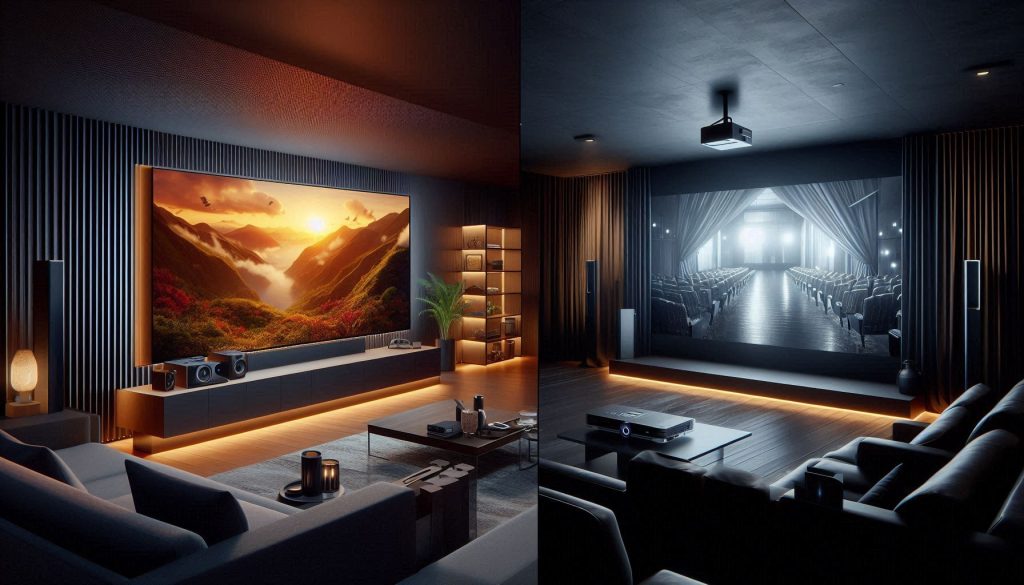
Below are practical buying and setup tips so you get the best picture for your room and content.
Choose the right display: TV vs projector
Decide based on room size, ambient light and viewing habits.
Quick rule: if you want a 100″+ image and a dim/dedicated room, go projector. For bright, multipurpose spaces and gaming, choose a modern 4K TV.
Screen, mounts and placement hardware
Optimize angle, height and viewing distance for comfort and clarity.
Placement tips:
Reliable media player / streaming device
The device determines format support (HDR, Dolby Vision, Dolby Atmos) and codec compatibility.
Tip: Disable motion smoothing, choose the “Filmmaker” or “Cinema” mode, and enable HDR auto (if available).
Cabling and basic video accessories
Signal integrity matters — cheap cables can limit HDR or high‑frame formats.
A practical anecdote: swapping a midrange passive HDMI for a certified HDMI 2.1 cable solved sudden HDR dropouts for a friend’s OLED — an inexpensive change that preserved the movie‑night experience.
Sound and Audio Essentials: Build a Rich, Balanced Soundstage
Audio is what truly immerses you in movies and music. The four core pieces you need are an AV receiver or high‑quality soundbar, a matched front‑left/right speaker pair, a dedicated center channel, and a subwoofer.
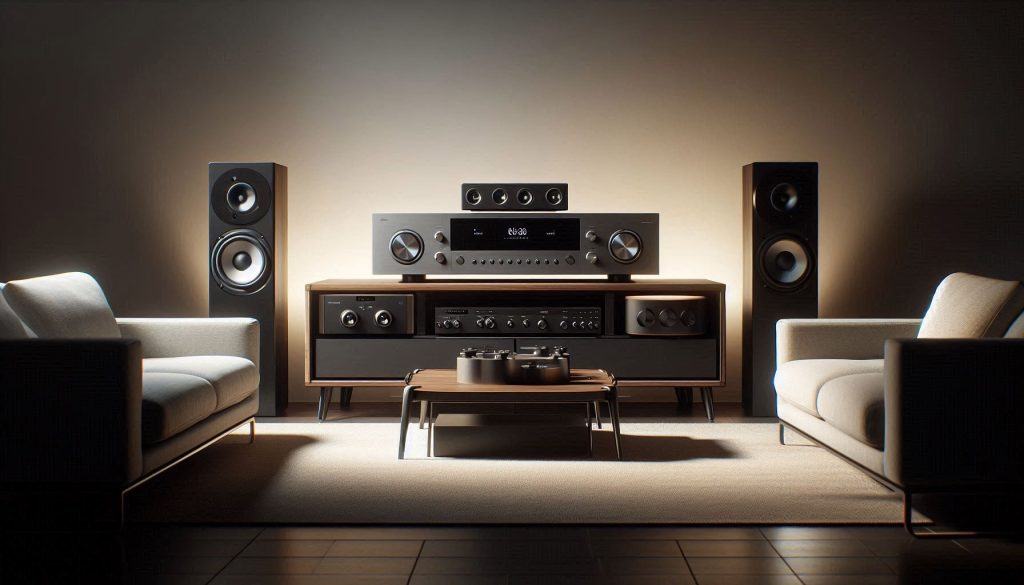
Below are practical, actionable tips so you get punchy action, clear dialogue and controlled bass without distortion.
AV receiver or soundbar: your system’s nerve center
Choose based on complexity and room size.
How to match: pick an amp/receiver with continuous power equal to or slightly above your speakers’ recommended power and leave headroom — this reduces clipping which causes distortion.
Front left/right speakers: imaging and realism
These two set the stereo stage for effects and music.
Placement tips:
Center channel: dialogue clarity
Dialogue lives here — don’t skimp.
Subwoofer: felt bass that moves the room
One sub can transform impact; two often tame room modes.
Quick setup checklist:
A practical example: adding a second small sub to a medium living room often smooths boominess and gives even bass across all seats — a quick upgrade that feels like doubling the system’s punch.
Control and Connectivity: Keep Everything Working Smoothly
A seamless home theatre depends on reliable connectivity and intuitive control.
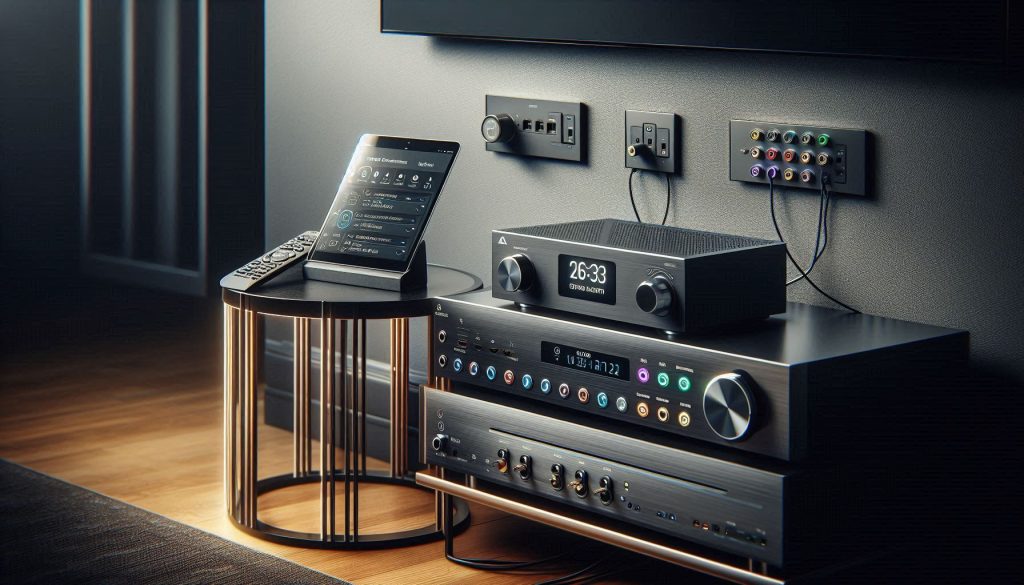
Below are the four control-and-connectivity essentials you need to stop fumbling for remotes and keep signal paths clean, plus practical how‑tos so you can install them right the first time.
Universal remote or smart control hub
A single interface makes movie night frictionless—use one button to dim lights, lower blinds and switch inputs.
HDMI cables, switchers and splitter choices
Keep full bandwidth and features (eARC, 4K/HDR, 4K120/VRR) intact from source to screen.
Power management: surge protector vs. power conditioner
Protect equipment and reduce hum or intermittent dropouts.
Network: wired where it counts, mesh where you don’t
Streaming, firmware updates and multiroom audio depend on a solid network.
With these control and connectivity basics in place, your system will stop being a collection of boxes and start behaving like a single, easy‑to‑use entertainment hub. Next, you’ll want the room itself to support that performance—comfort and acoustic treatment make everything sound and feel better.
Comfort and Room Treatment: Create the Right Environment
Your viewing environment has as much impact on immersion as the speakers or screen.
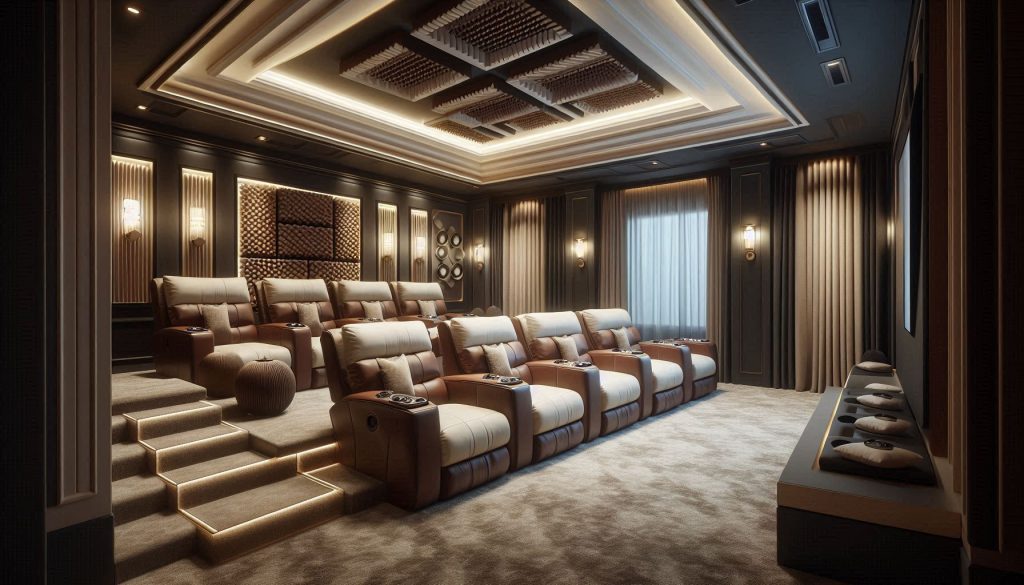
Here are four practical treatments — seating, acoustic panels and bass traps, lighting control, and room‑darkening/soft flooring — plus clear priorities so you get the biggest improvements with the least work.
Seating and sightlines: sit where the director intends
Comfort is obvious; sightlines and speaker alignment are often overlooked. Aim to place the primary row so the center‑channel tweeter sits at ear height when seated (typical seated ear height is 36–42 in / 91–107 cm). If you use risers, a 6–10 in (15–25 cm) step often fixes sightline conflicts.
Acoustic panels and bass traps: tame reflections and room modes
Treat reflections first, then bass. Mid/high reflections smear dialog and imaging; low‑frequency build‑up kills clarity.
Lighting control: reduce eye strain and boost perceived contrast
Good lighting hides screen imperfections and protects your eyes. Bias lighting behind the screen (neutral 6500K) increases perceived contrast and reduces eye fatigue during long sessions.
Blackout solutions and soft flooring: block light, absorb sound
Control daylight and hard reflections with heavy drapes and rugs. Even a single large area rug under the seating cluster can knock down early reflections and improve dialog intelligibility.
Prioritize in this order: seating/sightlines, first‑reflection absorption, bass traps, then light control. Small changes — one rug, two panels, and a bias light — often transform an average room into a truly immersive home theatre.
Organization, Maintenance and Extras: Protect and Extend Your Investment
Small accessories and routine care keep your system performing and avoid expensive repairs.
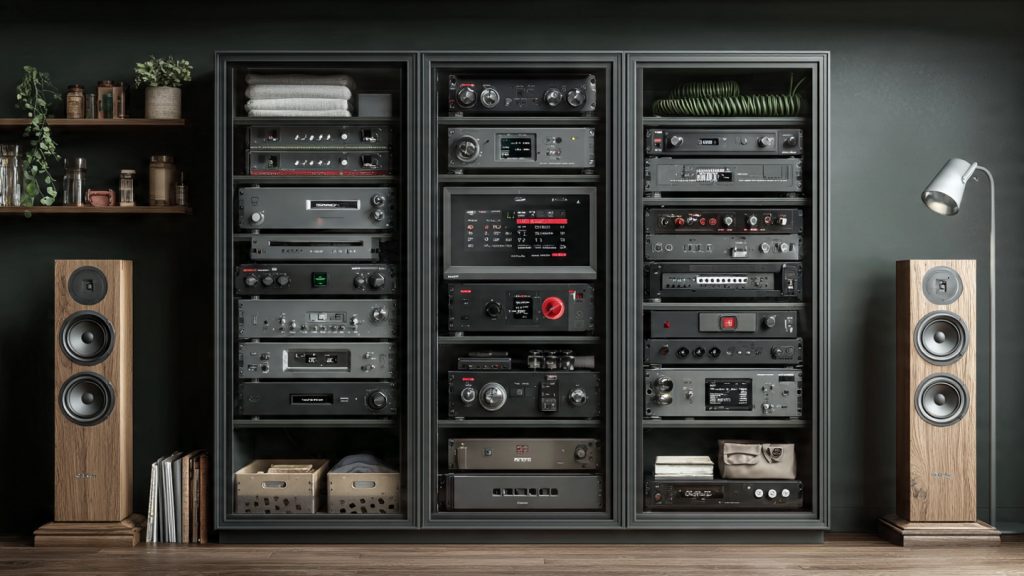
This section gives practical, real-world steps for four often-overlooked essentials — equipment organization and ventilation, calibration and measurement, cleaning and maintenance, and media/library organization — so your theatre runs reliably for years.
AV rack, stands and cable management: keep gear cool and accessible
Good shelving promotes airflow, reduces heat-related failures, and makes troubleshooting painless.
Calibration and measurement: tune picture and sound accurately
Accurate calibration preserves intended color, contrast and frequency response.
Cleaning and periodic maintenance: extend component life
Dust, fingerprints and corroded contacts cause overheating and signal loss.
Media storage and backups: organize content and protect libraries
Fast access and redundancy save time and panic.
With organized gear, regular care, and the right tools or professionals when needed, your system will stay reliable — next, bring everything together in the Conclusion section.
Bringing It All Together for a Better Viewing Experience
With the right mix of display, audio, connectivity, comfort and maintenance accessories, you can turn a basic room into a dependable, immersive home theatre tailored to your needs. The 20 items in this guide cover the essentials that influence picture quality, soundstage balance, control simplicity, acoustic comfort and long-term upkeep — letting you prioritize purchases by room size, viewing habits and budget.
Start with the components that solve your biggest limitations, upgrade incrementally, and maintain organization to protect your investment. Do this and your system will keep delivering cinematic experiences for years. Ready to start building yours? Let’s get started today.
Long comment incoming — hope that’s ok!
I followed the article’s checklist and upgraded my AVR, got proper speaker stands, and swapped to a brighter projector. The difference is unreal. Movies feel cinematic, not just ‘TV in a room.’
A few lessons learned:
– Plan cable runs before final placement
– Measure seating distance vs. screen size for comfort
– Firmware updates fixed weird audio sync issues
– Kids-proofing is essential (see my shattered remote saga)
Thanks for the guide — it’s practical and honest.
Thanks for the detailed share, Gabriella — love the practical lessons. Very helpful for others reading.
Agree on seating distance — saves neck strain and makes the immersion better.
Shattered remote saga lol. Consider keeping a duplicate remote or a cheap universal as backup.
Love the emphasis on maintenance. Changing filters, dusting vents, and checking firmware updates saved my projector from overheating once.
Note: projector bulbs are getting cheaper but check for laser projectors if you hate replacing lamps.
I replaced the projector’s air filter yearly and it extended the lamp life significantly.
Great tip about projectors — laser models reduce lamp replacement worries, though initial cost is higher. Regular maintenance still matters for cooling performance.
Caveat: if you’re buying fancy cables just for looks, you’re probably better off investing in better room treatment or a service plan.
That said, good connectors and braided cables do make setups prettier and last longer.
Exactly. Function over fancy. But I won’t lie — wire management that looks sleek makes me happy too 😅
Fair point, George. Priorities should be picture, sound, and room first — then aesthetics and longevity.
Also: don’t forget to check return policies. Some premium cables are heavy on marketing and light on measurable benefit.
Great roundup — I actually didn’t realize how much difference a good HDMI cable and proper calibration can make. Loved the Display and Video section.
Quick question: anyone tried an affordable colorimeter for DIY calibration? Thinking of saving vs. hiring a pro.
Thanks Sarah! A budget colorimeter (like the X-Rite i1Display or Datacolor Spyder) can get you much closer than default settings. Pro calibration is better, but DIY tools are great for most folks.
I used a SpyderX a while back — night and day compared to stock settings. Took me an afternoon, totally worth it.
If you go DIY, remember to let the display warm up for 30 mins before calibrating. Small tip but helped me a lot!
Random aside: who else spent two hours untangling HDMI cables and then realized they had the wrong input selected? 😂
Article is very practical though. Loved the extras section.
Happens to the best of us. Labeling cables and using color-coded tapes for inputs can avoid that exact scenario.
Omg yes. Also, check HDMI handshakes — sometimes a firmware update fixes weird no-signal issues between devices.
Also keep an old spare HDMI cable handy. It’s the quickest way to rule out a cable issue.
This line made me laugh: “Bring it all together for a better viewing experience.” As if my kids won’t immediately ruin the meticulous cable setup 😂
But seriously, the kid-proofing tips were super useful.
We installed magnetic covers for wall plates and hid the sub behind a ventilated cabinet — still sounds great and is toddler-safe.
Glad it gave you a laugh — and happy to hear the kid-proofing tips helped! Velcro straps, locked cabinets, and wall-mounted gear can save a lot of headaches.
Also consider spatter-proof covers for cups! 😂
Pro tip: hide remotes in a tray when guests or kids are over. Instant calm.
Short and sweet: don’t skimp on seating. You can have the best picture and audio, but if your couch sucks it’s game over. Article nailed the Comfort section.
Also, why are recliners so addictive?
Ha — recliners are the real MVPs. Consider seats with removable covers for cleaning and built-in cupholders!
Exactly — ergonomics matter for long sessions. Recliners are comfy because they reduce pressure points and allow better viewing angles, but pick one that supports your posture.
I appreciated the Control and Connectivity advice. My remote situation was a disaster until I tried a universal remote and re-mapped macros. Works like a charm now.
One thing: the article could’ve mentioned voice assistants more (Alexa/Google/HomeKit).
I use Home Assistant with my AVR and smart plugs. Voice is handy but I still prefer a tactile remote for volume and quick nav.
FYI some universal remotes integrate with voice assistants — best of both worlds.
Good point, Olivia — voice assistants are increasingly useful for home theatre control. We’ll consider expanding that section in an update.
Nice article. One suggestion: add a quick budget vs. premium mini-guide for each accessory. That would’ve helped prioritize purchases.
Otherwise very thorough!
Thank you, Megan. That’s a great idea — a budget/premium callout for each accessory would make the list more actionable. We’ll consider adding that.
Agree. For example, a basic surge protector vs. a whole-home surge unit is a big difference in price and protection.
Yes to tiers. I always start with the essentials and upgrade over time.
Anyone else get overwhelmed by all the room treatment options? Acoustic panels, bass traps, diffusers… where do you even start? The article gave a nice overview but felt a bit technical in that section.
Start simple: rugs, curtains, and a few absorption panels at first reflection points. Measure and add bass traps only if you notice modal issues or boomy bass.
I started with two panels at first reflections and a rug — big improvement. You don’t need to go full studio room for better sound.
If you have a smartphone, use simple room measurement apps to get an idea of modal issues before investing heavily.
Minor nitpick: the article recommends surge protectors, which is great, but make sure people know to check joule ratings and clamping voltage. Cheap strips sometimes give a false sense of security.
Also worth checking if your gear needs a UPS (battery backup) instead of just surge protection, especially for receivers and sources.
Absolutely — not all surge protectors are created equal. Look for higher joules, a UL rating, and warranty coverage for connected equipment.
I bought acoustic diffusers after reading about soundstage improvements. Not a miracle cure, but they added a nicer texture to mid/high frequencies in my room.
Pro-tip: mix absorption and diffusion — too much of one can sound weird.
Agree — my sweet spot opened up after adding a couple of diffusers behind the listening position.
Nice real-world perspective, Omar. Balanced treatment tends to produce the most natural results — it’s rarely one-size-fits-all.
I’m torn between a soundbar and a full 5.1 setup. The article makes a good case for both, but living in an apartment, neighbors will not be thrilled if I go full subwoofer heaven 😂
Anyone have tips for bass control/room treatment in small spaces?
For apartments, consider a compact soundbar with a wireless sub that has adjustable crossover and level controls. Bass traps and rugs help, too. Speaker isolation pads can reduce transmitted vibrations.
You can also set a low-frequency EQ limit on your AVR or soundbar. Put felt pads under subwoofer feet and avoid placing it directly on shared walls.
Loved the section about cable management and surge protection — people underestimate how messy and dangerous cables can get.
Pro tip: label both ends of cables with masking tape when setting up. Trust me, it saves hours later.
If you want a slightly more polished look, use cable sleeves and adhesive cable clips along the baseboard.
Totally agree, Carlos. Labeling is simple but life-changing when you start swapping components or troubleshooting.
Yesss labeling! Also zip ties and Velcro straps are my BFFs. Velcro wins because you can reconfigure without cutting anything.
I was surprised the list included a universal mounting kit and speaker stands. Small investments but huge upgrade in soundstage and viewing comfort.
Anyone with experience wall-mounting surrounds? Seems fiddly.
Wall-mounting surrounds can be fiddly; use adjustable mounts to angle the speakers toward the listening position and ensure secure anchor points. A stud finder helps!
Yes — I used articulating mounts and painted the brackets to match the wall. Looks clean and the angle made the surround imaging much better.