
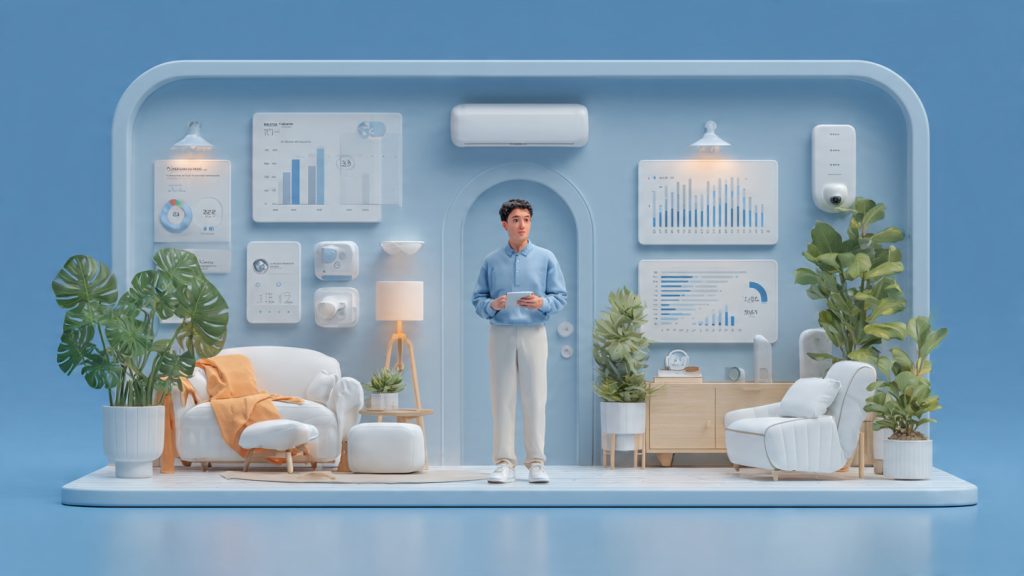
Building a connected house doesn’t have to be a technical headache or an expensive luxury. In 2026, a beginner smart home setup is one of the most practical investments you can make, offering measurable returns in time savings, enhanced safety, and lower utility costs. Recent data shows that smart thermostats can reduce heating and cooling bills by 10–12% annually, while automated lighting systems can cut electricity use by up to 30% simply by eliminating human error. Beyond the financial perks, automation acts as a proactive guardian, providing real-time alerts for smoke, water leaks, or security breaches, allowing you to respond to emergencies before they escalate.
This guide provides a controlled, eight-step rollout designed to help you build a reliable ecosystem without the overwhelm. By starting with a clear definition of your goals—whether you’re prioritizing home security, energy efficiency, or pure convenience—you can select a central platform like Matter or Home Assistant that scales with your needs. From securing your network against digital threats to installing your first sensors and cameras, we walk you through the entire process of creating predictable, high-value automations. Follow these data-driven steps to transform your living space into an intelligent environment that works for you, saving you hours of manual tasks every month.
Step 1 — Define Your Goals and Establish Success Metrics
Do a short needs analysis
Before buying anything, list the pain points you want fixed. Common examples:
Think like a product manager: name the problem, the ideal outcome, and one quick measure of success (e.g., “no missed package alerts within 2 minutes”).
Prioritize rooms and functions
Focus where impact + ease intersect. Quick wins:
Define measurable KPIs (so you can prove progress)
Examples you can track:
Use simple tools: monthly utility bills, device energy dashboards (e.g., Philips Hue, ecobee), or a spreadsheet logging triggered automations.
Budgeting: entry-level vs advanced ranges
Step 2 — Choose a Central Platform and Establish Interoperability
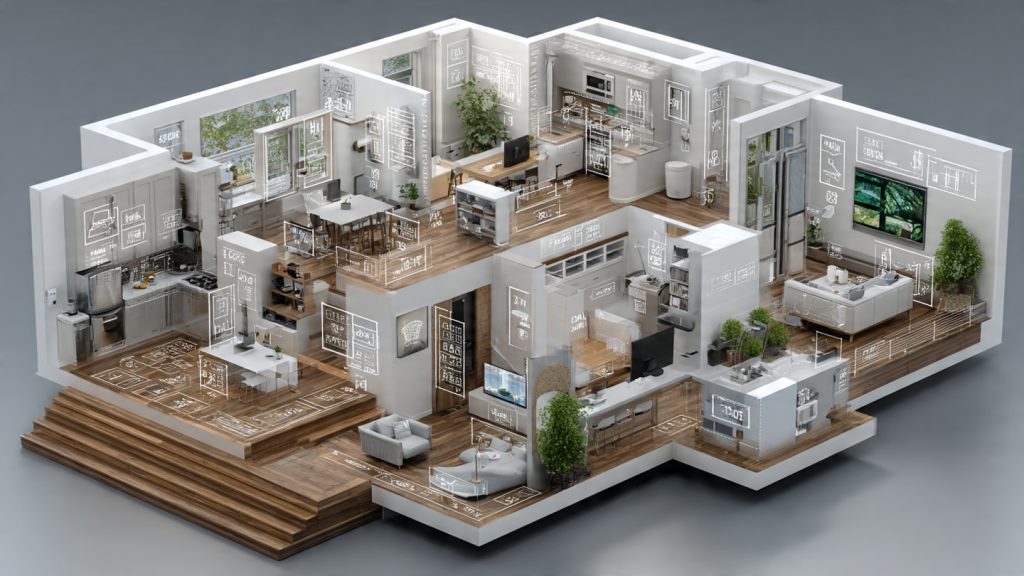
Evaluate platform approaches: single-vendor vs multi-protocol hubs
Single-vendor ecosystems (Philips Hue, Apple HomeKit) give a smooth out-of-the-box experience and tight integration, but can lock you into a brand. Multi-protocol hubs (Samsung SmartThings, Home Assistant, Hubitat) let you mix Zigbee, Z‑Wave, Thread, and Wi‑Fi devices—more flexible, slightly more setup work. A common real-world pattern: use a vendor bridge (Hue Bridge for Zigbee bulbs) for best performance while letting a software hub coordinate cross-vendor automations.
Local control vs cloud control
Local-first systems (Home Assistant, Hubitat, many Z‑Wave/Zigbee hubs) run automations on your LAN—faster and more private. Cloud-reliant services (some Nest features, voice assistant routines) offer ease of use and remote access but add latency and dependency. Aim for hybrid: local primary control + optional cloud features for remote access and voice.
Compatibility criteria and signals of longevity
Consider:
Decision checklist (use this to pick your primary controller)
Next, you’ll secure and optimize the network that will carry these devices—reliability there makes your chosen platform actually perform.
Step 3 — Build a Reliable Network and Harden Security
Design Wi‑Fi that actually reaches every room
Choose mesh Wi‑Fi (e.g., Eero Pro 6E, ASUS ZenWiFi AX, TP‑Link Deco X90) for whole‑home coverage; avoid cheap extenders that halve throughput and create roaming issues. Place nodes centrally and near device clusters (camera hubs, media centers). Plan for camera bandwidth: budget ~2–6 Mbps per 1080p camera, 6–20 Mbps per 4K camera; multiply by simultaneous streams.
Segment traffic and control blast radius
Create at least three networks/VLANs: LAN (trusted devices), IoT (smart bulbs, sensors), Guest (visitors). Use a router or appliance that supports VLANs and firewall rules—Ubiquiti Dream Machine, ASUS routers, or a router + managed switch.
DNS and router‑level protections
Use DNS filtering to block malicious domains: Pi‑hole for local DNS, or cloud services like NextDNS. Disable UPnP unless needed, change default admin credentials, and lock down remote management to VPN or an authenticated reverse proxy.
Data‑driven security habits
Secure remote access options
Prefer a VPN or SSH tunneling for remote control. If cloud access is required, enforce MFA and monitor account activity. For Home Assistant, consider Home Assistant Cloud or a properly configured Cloudflare Access reverse proxy.
Quick risk assessment (prioritize actions)
Next up: with a hardened network, you can confidently deploy smart lighting—fast, reliable control makes automations feel magical.
Step 4 — Start with Lighting: Smart Bulbs, Switches, and Controls
Choose bulbs vs switches vs dimmers
Decide by control needs, wiring, and budget:
Wiring and installation notes
Practical automations you can deploy today
Measure impact—track runtime and savings
With lighting automated and measured, you’ll have a practical proof point to expand into climate and whole‑home energy management.
Step 5 — Optimize Climate and Energy Management
Assess HVAC compatibility first
Before buying, identify your system: forced‑air furnace, heat pump, boiler, or mini‑split. Check for a C‑wire (required by many smart stats), multi‑stage support, and whether you have line‑voltage (baseboard) heating — which often needs a specialist. If you’re unsure, take a photo of your existing thermostat wiring and compare it to manufacturers’ compatibility pages (Ecobee, Nest, Honeywell, Sensibo).
Smart thermostats vs whole‑home controls
Smart thermostats (Ecobee SmartThermostat, Google Nest, Honeywell T10) are fast to deploy and give immediate learning, voice and sensor support. Whole‑home solutions (zoned dampers + a zone controller like Honeywell TrueZONE, or smart vent systems like Flair/Keen) handle multi‑zone airflow and large homes but cost more and may require HVAC pros.
Use sensors for true zone control
Place temperature/occupancy sensors (Ecobee room sensors, Nest Temperature Sensor, Aqara) in problem rooms — bedrooms, sunrooms, home offices. Benefits:
Measure energy with plugs and panel meters
Quick options:
Simple A/B workflow to validate savings
In practice, homeowners often see 8–15% HVAC savings from targeted zoning and smart setbacks when measured this way — a solid, testable improvement to build on.
Step 6 — Implement Safety and Monitoring: Sensors, Cameras, and Alerts
Pick the right sensors and place them thoughtfully
Security and safety start with the correct sensor types and placement. Typical choices:
Placement tips:
Cameras — balance privacy, bandwidth, and storage
Choose by purpose and power source: Arlo Pro 4 or Nest Cam for cloud features; Wyze Cam v3 or EufyCam 2C for budget/local storage; Reolink or UniFi Protect for NVR setups.
Respect privacy: avoid pointing cameras at neighbors’ windows or public sidewalks; consider on-device person detection to reduce unnecessary uploads.
Design alerting workflows
Decide who gets alerted and how:
Weigh false positives: use two-factor triggers (door open + motion), pet‑immunity settings, and AI person detection.
Test, tune, and set response metrics
Run drills: test sensors weekly, replace batteries annually, and measure notification latency (aim <30s for push alerts). Track false positive rate and reduce it by adjusting sensitivity or sensor placement. You want measurable confidence that an alert means action — not another ignored ping.
Next, you’ll use these reliable inputs to build the automations and scenes that truly make your home responsive.
Step 7 — Create Reliable Automations, Scenes, and Schedules
Use clear automation design patterns
Organize rules by pattern so they remain predictable as you grow:
Think in terms of intent (what you want) not device toggles; group actions into reusable scenes.
Prioritization and conflict resolution
Assign explicit priorities and use state checks to prevent oscillation. Techniques:
A common mistake: two automations flip the same light. Fix it by centralizing control — one “light manager” script.
Use templating and variables for reuse
Leverage templates/variables in Home Assistant, Node‑RED, or SmartThings to reduce duplication:
Testing and rollout protocol
Follow a staged rollout:
Measure success with metrics: automation success rate, false positive rate (<5% target), user overrides/week, and latency. Iterate based on data and user feedback — small, measurable changes beat sweeping rewrites.
Step 8 — Integrations, Voice Control, and Planning for Growth
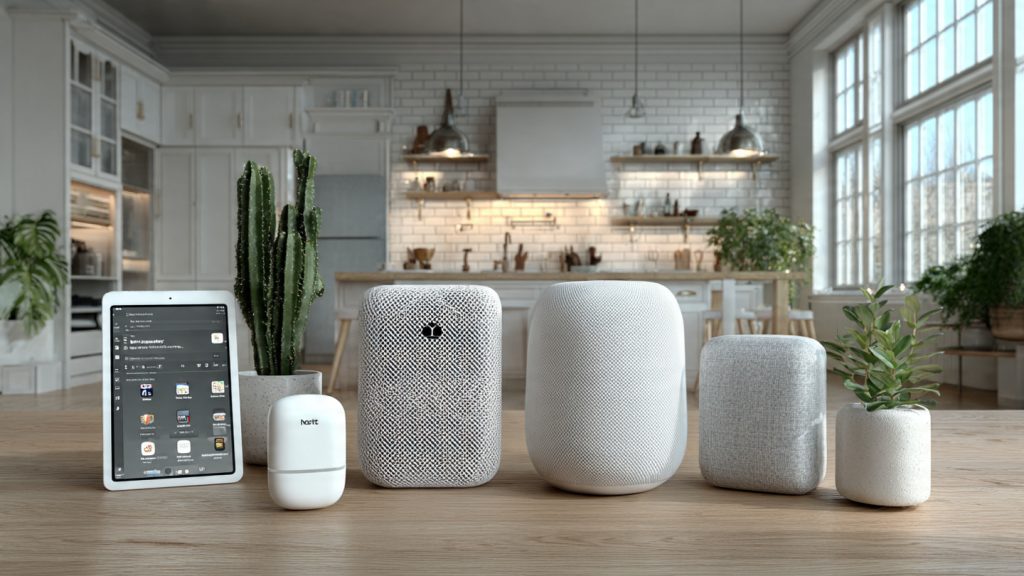
Voice assistants: pick a primary and keep fallbacks simple
Choose one primary voice assistant to avoid fragmentation (e.g., Amazon Echo Dot 5th Gen, Google Nest Hub, or Apple HomePod mini). Use secondary devices only for passive fallback. Configure voice routines to call local automations when possible; a family I worked with cut morning friction by centralizing routines in Home Assistant and using voice only to trigger them.
Connecting third‑party services: prefer reliable bridges
IFTTT, Zapier, and Make.com are convenient, but add latency and failure points. For robust integrations:
Cloud vs local: hybrid for resilience
Cloud gives ease of use and remote services; local automation gives speed, privacy, and uptime. Best practice: run critical automations (locks, alarms, HVAC) locally and non-critical integrations (voice assistant cloud routines, third‑party notifications) in the cloud. Consider Home Assistant local + Nabu Casa for optional cloud access.
Documenting, labeling, and maintenance
Create an inventory (spreadsheet or Git repo) with device model, location, IP/MAC, firmware, and integration endpoints. Physically label devices and wiring (room + device ID) and take photos of wiring and junctions.
Schedule:
Planning upgrades
Design modularly: prefer wired backhaul where possible, choose standards (Zigbee/Z‑wave/Matter), and keep a small stock of spares. Track vendor EOL notices and migrate incrementally.
With integrations organized and maintenance routines in place, you’ll be ready to finalize your approach in the article’s concluding guidance.
Start Small, Measure Often, and Iterate
You’ll get the best results when you treat your smart home like a small experiment: define clear goals and metrics, secure your network, and deploy one system at a time (lighting or thermostat). Test automations, record behavior, and measure outcomes against your success criteria. Fix issues, then expand only when data shows benefits.
Quick launch checklist: define top 3 goals; inventory devices and platform; secure Wi‑Fi and admin access; install a light or thermostat; create one automation and log performance; document settings, credentials, and backups. Iterate monthly, prioritize reliability over novelty, and scale with confidence. Start pragmatic, stay measured, and build a smarter home that proves its value. Share results to refine further today.