
Finding the right audio setup shouldn’t feel like a chore, especially when you just want to enjoy your favorite programs. For many seniors, the built-in speakers on modern flat-screen TVs often fall short, producing muffled dialogue and inconsistent volume that makes watching the news or a classic movie a struggle. Simple soundbars for seniors offer an elegant solution, prioritizing easy setup and use to deliver crisp, clear audio without the clutter of a complex home theater system. By focusing on devices with dedicated dialogue enhancement and straightforward connectivity, you can significantly reduce listening fatigue and bring the joy of high-quality sound back into your living room.
This guide simplifies the process of upgrading your home audio, focusing on user-friendly soundbars that cater specifically to hearing needs and ease of operation. We will explore essential features like HDMI ARC for one-remote control, large-button interfaces, and specialized “clear voice” modes that make every word stand out. Whether you are looking for a compact all-in-one unit or a system that integrates seamlessly with hearing aids, you’ll find step-by-step instructions and practical troubleshooting tips to ensure a frustration-free experience. From unboxing to daily maintenance, our goal is to help you achieve reliable, theater-quality sound with minimal effort
Why a Simple Soundbar Makes Sense for You
You deserve clear TV sound without technical headaches. A simple soundbar can improve dialogue clarity, reduce listening fatigue, and make shows, movies, and news easier to follow. With one small device you get louder, clearer sound and fewer complicated settings. This means less frustration and more enjoyment while watching.
This article shows which features truly matter for seniors, how to pick a model that fits your room and hearing needs, and how to set up and maintain it with minimal effort. You will get a step‑by‑step guide, basic troubleshooting tips, and useful accessory suggestions so your soundbar works reliably for years. You’ll also learn when to ask for professional help.
Understanding Soundbars: Basic Concepts That Matter
What a soundbar actually is
A soundbar is a single, long speaker enclosure you place under or in front of your TV. It often contains multiple drivers (tiny speakers) aligned to recreate left, center and right sound. Compared with TV speakers, a soundbar improves clarity and fills the room without a tangle of separate speakers.
Single-unit vs. multi-piece systems
Single-unit (all-in-one) soundbars are easiest for seniors: fewer parts, simpler setup, and one remote. Multi-piece systems add a separate subwoofer or rear speakers (often called 2.1 or 5.1 setups). A compact 2.1 (soundbar + subwoofer) can add warmth for music and movie effects, but it’s optional for clearer speech.
Examples:
Connectivity: what to pick
Tip: If you want the simplest daily use, prioritize HDMI ARC or optical so the TV and soundbar work together with minimal button presses.
Simple audio terms that matter
What matters most for speech: dialogue-enhancement, midrange clarity (speech sits around 1–4 kHz), and an easy-to-use connection. You can safely deprioritize big wattage numbers, flashy surround formats, or complex specs that won’t affect everyday listening.
Next, you’ll learn which specific features to prioritize when choosing a model tailored to your hearing needs and ease of use.
Key Features to Prioritize for Ease of Use
Large, simple controls (remote and onboard)
You’ll use the remote and the buttons on the soundbar more than any spec sheet. Look for:
Examples: Bose Solo 5’s single-purpose remote and Yamaha YAS-109’s straightforward layout are good models to examine.
One-touch TV hookup: HDMI ARC and CEC
Pick a soundbar with HDMI ARC/eARC and make sure your TV supports HDMI‑CEC (brands call it Anynet+, Bravia Sync, Simplink, etc.). This often gives:
Tip: Test the “turn on TV → soundbar turns on” flow in the store or at home before settling.
Automatic volume leveling and dialogue enhancement
These two features directly improve everyday listening:
Try the soundbar in a news clip and a movie trailer to judge voice clarity.
Simple wireless pairing and streaming
You want minimal steps to connect a phone or TV:
Models with one-touch Bluetooth pairing or an easy app setup (Sonos Beam for Wi‑Fi streaming, Vizio for simple Bluetooth) are worth considering depending on comfort with apps.
Clear feedback: LEDs, displays, and voice prompts
Make sure the unit tells you what it’s doing:
Before buying, press the buttons and watch the indicators to confirm the feedback is obvious and unambiguous.
Next, you’ll apply these priorities when choosing the right model for your room and hearing needs.
Choosing the Right Model for Your Room and Hearing Needs
Measure your room and TV—step by step
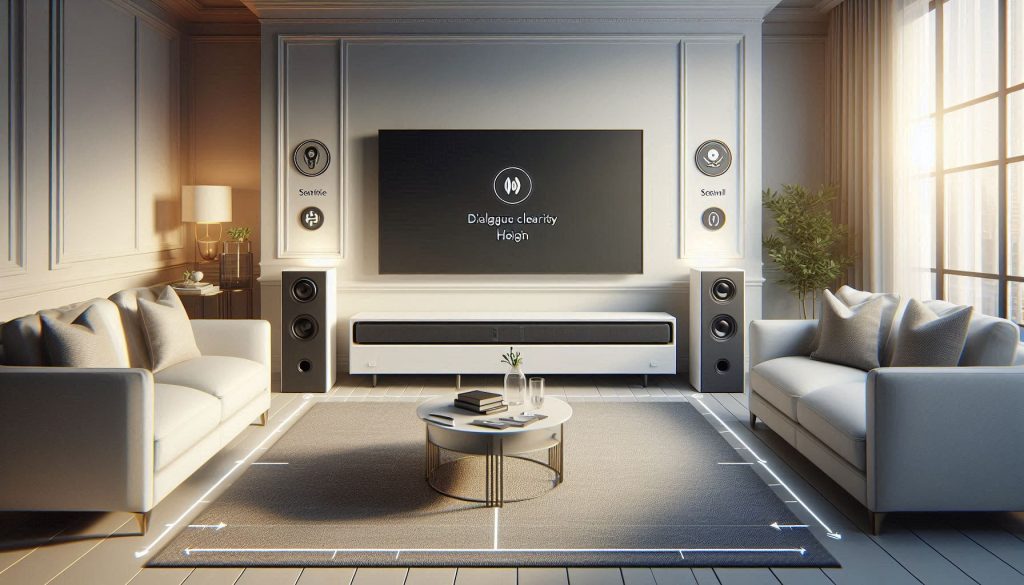
Start with quick measurements to match size and power to space:
Example: In a 10’×12′ living room with a 50″ TV, a compact soundbar usually gives full coverage; in a 20′ open plan you’ll likely want extra bass from a subwoofer.
Compact soundbar vs. models with external subwoofers
Choose by room size and content you watch:
If you mostly watch dialogue-heavy content and have mild hearing loss, a compact model with strong midrange and dialogue modes is often better than heavy bass.
Placement: below TV, wall-mounted, or in a cabinet
Placement affects clarity and comfort:
Matching the soundbar to hearing aids and streamers
Check compatibility before buying:
A short in-home trial or demo will confirm your choice—next, you’ll walk through a simple, step-by-step setup to get that soundbar working without fuss.
Step-by-Step Setup Guide: From Unboxing to First Use
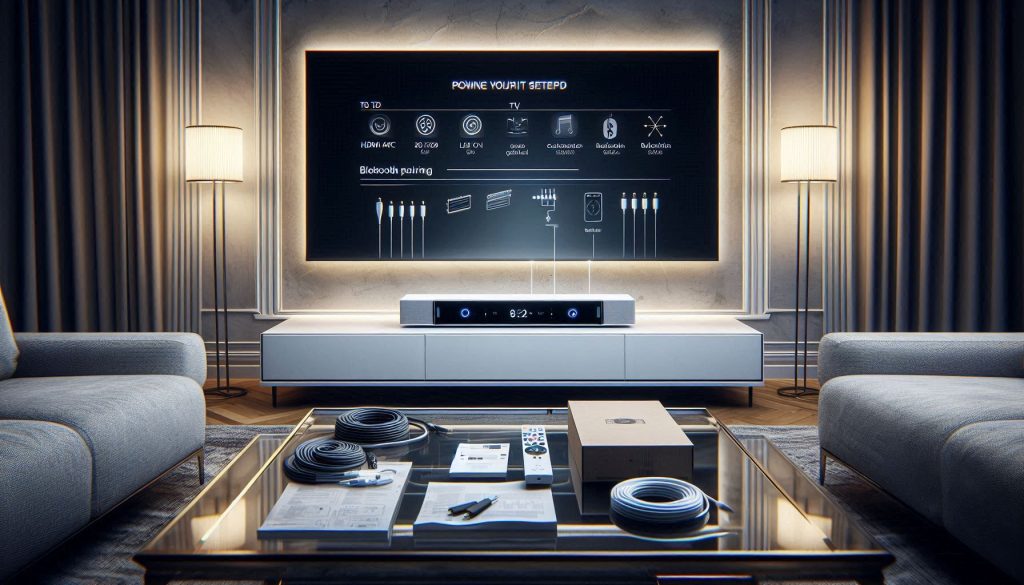
Unboxing and placement
Start on a clear table so nothing gets lost. Keep the manual and cables handy.
Tip: one neighbor I know finished placement in 10 minutes by setting the bar on the cabinet aligned with the TV center—simple works.
Powering the unit
Plug the soundbar into a surge-protected outlet. If it has a separate subwoofer, plug that in and switch both on.
Connecting to your TV (HDMI ARC or optical)
Choose HDMI ARC (preferred) or optical if ARC isn’t available.
Turn off TV speakers and select input
On your TV’s audio menu:
Pair Bluetooth devices (optional)
Put the soundbar in Bluetooth pairing mode, then on your phone/tablet choose the soundbar name. Look for low-latency icons (aptX LL) if you stream directly.
Run automatic calibration and firmware update
If your soundbar has auto-calibration, run it with the included mic to optimize speech clarity for your room. Then check for firmware updates via the soundbar app or USB—updates often fix lip-sync and clarity issues.
Test with familiar program material
Play a short news clip or a favorite show. Listen for clear dialogue and check lip-sync. If voices lag, adjust “Audio Delay”/“AV Sync” in TV or soundbar settings. Try a dialogue or “speech” mode to enhance midrange.
Next, you’ll learn simple maintenance and quick troubleshooting to keep that clarity consistent.
Simple Maintenance and Troubleshooting for Reliable Performance
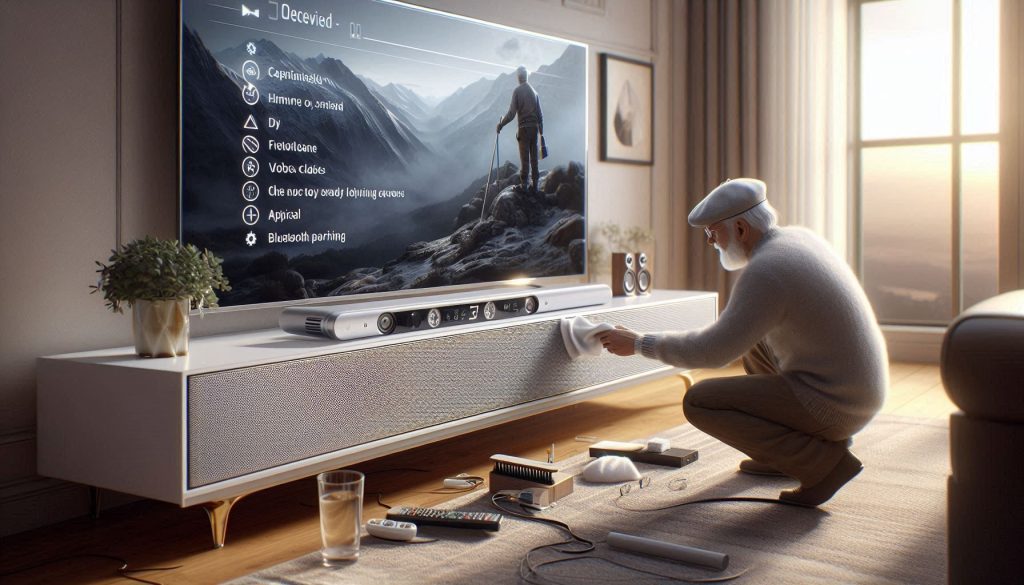
Quick maintenance checklist
Keep this short quarterly routine and you’ll avoid most problems.
Example: A friend’s Yamaha YAS-209 regained clearer bass after a quick dust-clean and re-seating its wireless subwoofer connection.
Firmware, apps, and update habits
Firmware fixes lip-sync and Bluetooth bugs more than new features do.
Anecdote: a single Samsung HW-T550 update resolved a frequent dropout for an elderly user who then enjoyed undisturbed news programs.
Battery and remote care
Small steps save frustration.
Safe reset steps
Start simple, then factory reset if needed.
Troubleshooting common issues
No audio: confirm TV output set to “External/ARC,” check cables, mute/volume, try optical if ARC fails.
Intermittent dropouts: move Bluetooth device closer, remove competing Wi‑Fi/2.4 GHz interference, re-pair device, update firmware.
Poor dialogue clarity: enable “Speech/Dialogue” mode, run room calibration, or slightly boost midrange (1–3 kHz) in EQ.
A/V sync (lip‑sync): change “Audio Delay/AV Sync” on TV or soundbar; try switching input (HDMI vs optical) if delays persist.
What to have ready for support
When you call support, have this information ready:
Accessories and Assistive Options to Enhance Accessibility
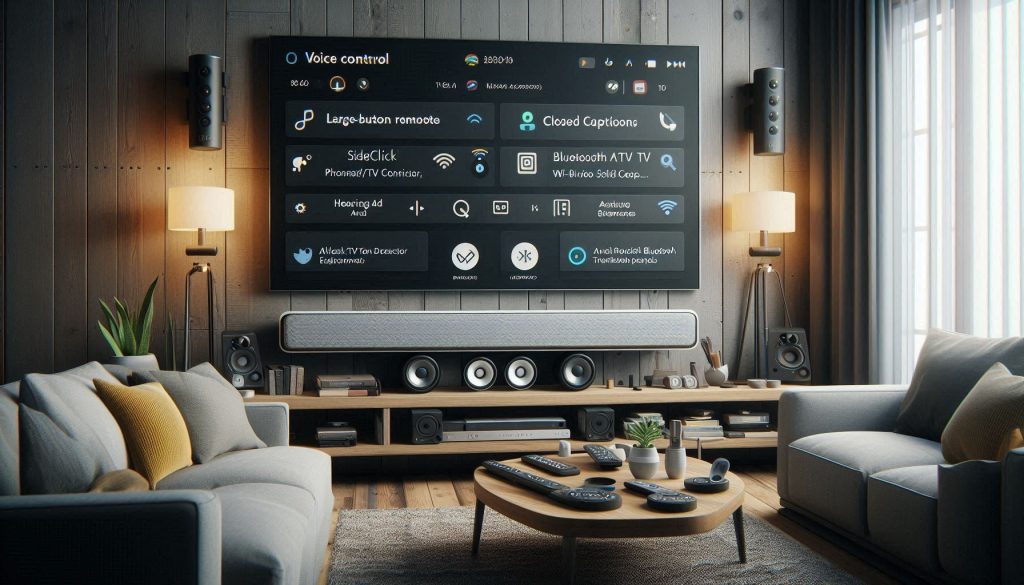
This section highlights affordable add-ons and assistive tools that make your soundbar easier to use and more reliable in daily life.
Easier remotes and remote alternatives
If the tiny buttons on standard remotes frustrate you, try:
TV streamers and hearing-aid adapters
To stream audio directly to hearing aids or earbuds, consider:
Captioning and visual aids
Captions are a reliable backup for clarity:
Voice control and hands-free options
If you prefer hands-free control:
Practical add-ons for reliability
With these accessories you can tailor your setup to match your hearing needs and daily habits. Next, move to the Conclusion to get started with confidence.
Getting Started with Confidence
You now have a focused plan to choose, set, and maintain a soundbar that keeps TV audio clear and operations simple. Prioritize straightforward connections, clear-dialogue features, and accessible controls. Test speech clarity in your own room whenever possible, and verify return policies so you can exchange a model that doesn’t meet your needs.
Start small: try a unit in-store or borrow one for a short trial. Keep setup steps and basic troubleshooting notes in one place, and reach out for tech support if needed—simple choices make listening easier and more reliable. Enjoy clearer conversations daily.