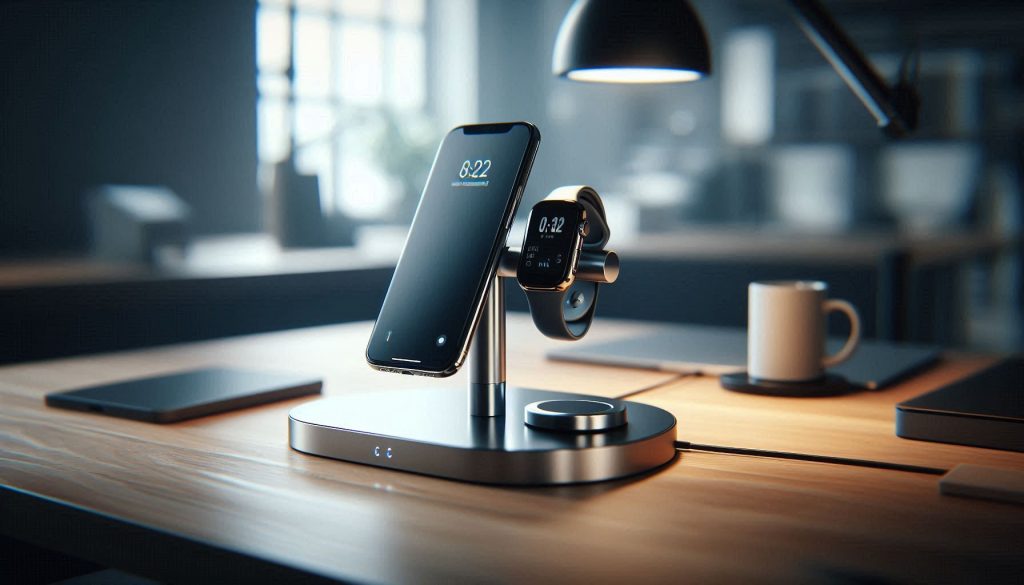
Minimalist 3-in-1 magnetic stand holding a phone, smartwatch, and earbuds, with floating design and no visible cables, on a modern office desk.

Minimalist 3-in-1 Magnetic Stands for Modern Offices

For the modern executive, the desk is a stage. Clunky multi-device chargers often ruin the “clean” look, but a new wave of magnetic stands treats power as architecture. These stands use premium metals and floating designs to charge your phone, watch, and earbuds simultaneously without a “cable nest.”

We’ve curated top-tier options that prioritize “snap-to-charge” convenience. From iconic sandblasted aluminum to glass-finished models, these stands provide a vertical display for your phone, making them perfect for hands-free video calls or monitoring market data.

Why Minimalist 3-in-1 Magnetic Stands Matter in the Modern Office

You spend much of your day toggling between devices; a compact, multifunctional stand removes friction from those transitions. A minimalist 3-in-1 magnetic stand holds and charges your phone, tablet, and earbuds (or watch) while taking up minimal desk real estate. This reduces cable clutter, standardizes device placement, and preserves visual simplicity so your workspace supports focus.

In this article you’ll get practical criteria for evaluating magnetic strength, alignment, safety, ergonomics, materials, and large-scale procurement. You’ll learn which trade-offs matter — for example, magnet force versus ease of docking, or premium finishes versus repairability. By the end you’ll be prepared to choose or deploy a 3-in-1 solution that reduces friction, improves posture, and scales with your office’s device ecosystem.

Use this guide to make data-driven, user-centered procurement choices that save time.

1

Design Principles: Minimalism without Compromise
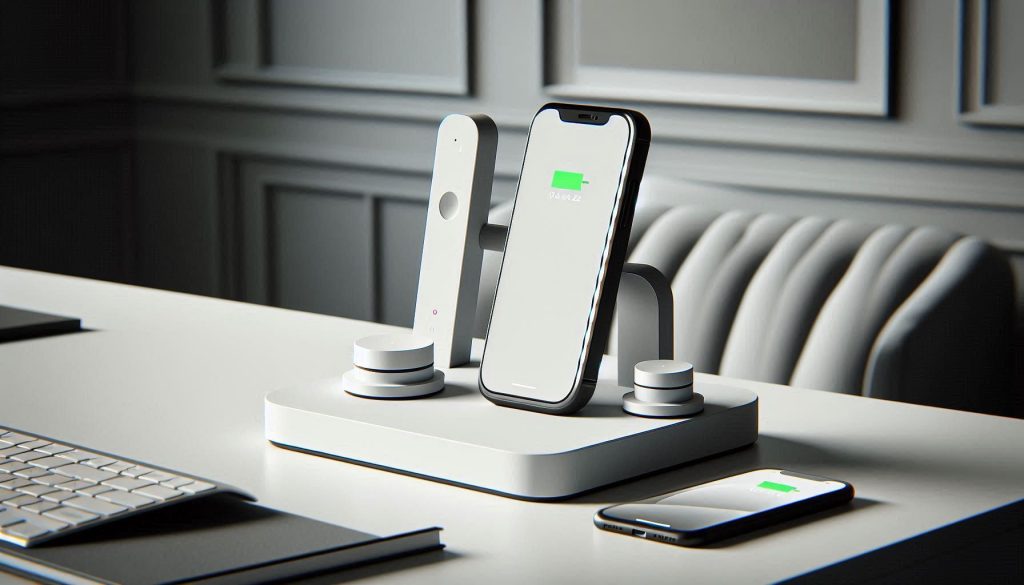
Minimalist 3-in-1 magnetic charging stand in white with geometric design, integrated wireless pads for phone, smartwatch, and earbuds on a clean office desk.
Elegant white minimalist 3-in-1 magnetic stand: restrained geometry, compact footprint, and seamless integration for a pristine, clutter-free workspace.

Core visual rules you should expect

Minimalist design is not just “less stuff” — it’s intentional restraint. You want restrained geometry (simple planes, soft chamfers), neutral material finishes (anodized aluminum, matte polymer, or low-gloss ceramic), and modular elements that let a baseplate, phone dock, and puck integrate without visual clutter. Look at products that prioritize consistent lines over ornamentation — for example, Belkin’s BoostCharge Pro 3‑in‑1 (MagSafe) and Apple’s MagSafe Duo lean into these cues. In practice, that means a stand that disappears from your visual field while reliably holding devices where you need them.

Measurable design criteria (use these to compare)

Use objective metrics to evaluate candidates rather than subjective impressions.

Footprint: target ≤ 120 cm² (e.g., 10 × 12 cm) for true minimalist desks; larger bases (150–300 cm²) are acceptable if they provide extra stability for tablets.
Profile height: 12–20 cm for seated viewing of phones/tablets; low-profile chargers (≤ 4 cm) are fine only if you don’t need upright viewing.
Visible cable count: 0–1 visible cable; integrated power routing or single-inlet designs are preferable.
Weight distribution: base mass ≥ 40% of total unit mass or clearly engineered counterweight to prevent tipping when docking larger devices.

Measure these on the spec sheet or in a quick hands-on check before buying.

Trade-offs you need to assess

Minimalism can hide compromises. A very thin profile improves sightlines but reduces airflow and can raise tablet temperatures under sustained load. Strong magnets ensure precise alignment but can make single-handed removal fiddly for people with limited mobility. Matte polymer looks clean and hides fingerprints, but heavy-gauge aluminum will usually last longer and dissipate heat better. Balance aesthetic goals against practical needs: if your team streams video or runs conference calls from tablets, prefer slightly taller, vented designs over the absolute thinnest profiles.

These principles will help you shortlist designs that truly perform; next, you’ll match those choices to real workflows in the Functional Versatility section.

2

Functional Versatility: What 3-in-1 Should Mean for Your Workflow
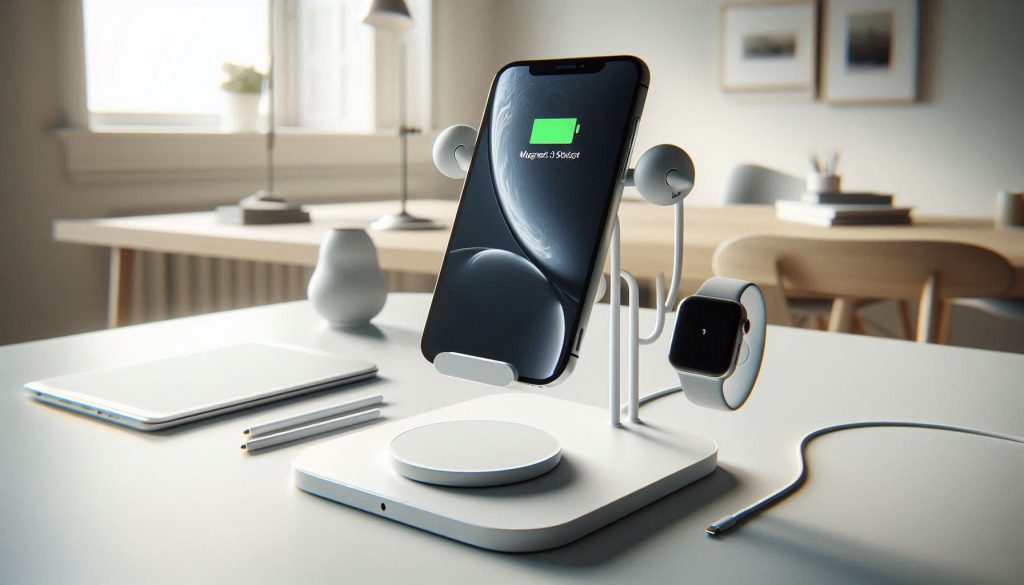
White 3-in-1 magnetic charging stand holding phone, tablet, and wireless earbuds pad on a modern desk, showing full functional versatility.
Versatile white 3-in-1 magnetic stand: supports phone, tablet, and wearable or wireless earbuds charging while keeping your desk clean and uncluttered.

Common 3‑in‑1 configurations (and when they actually help)

You should expect three genuinely useful modes, not one primary feature with two afterthoughts. Typical, effective combos include:

Phone + tablet + wireless charger — ideal when team members run apps on phones and use tablets for note-taking or video calls (examples: Belkin BoostCharge Pro 3‑in‑1; Nomad Base Station variants).
Phone + watch + earbuds — perfect for personal workstations where wearable charging and quick audio swaps matter (look for chargers designed for Apple Watch/Pixel Watch proximity).
Phone + Qi pad + angled dock — useful when charging and upright viewing are equally important for hot‑desking or reception desks (Anker/Belkin-style hybrid docks).

Match configurations to real-world zones

Use the right combo for the space rather than forcing one unit everywhere.

Hot‑desking: prioritize universality and one‑handed removal. A low‑friction magnetic phone dock + flat Qi pad is best.
Meeting‑room tops: prioritize tablet stability and upright viewing — choose taller stems, wider bases, and edge grips.
Personal workstations: prioritize multi‑device charging and cable tidiness — go for full-featured 3‑in‑1s with integrated routing.
Standing desks: prioritize adjustable angle and thermal clearance for active devices.
Device (typical)Weight rangeRecommended support profile
Phone140–240 gSmall magnetic dock; single‑handed release; ≤120 cm² base
Small tablet (8–11″)300–500 gUpright angled dock; reinforced stem; base ≥150 cm²
Large tablet (12–13″)600–800 gWide base 200–300 cm²; vented backplate; secure edge support
Wearables / earbuds30–70 gLow‑profile puck or recessed pad with anti‑slip surface

How to prioritize functions given your device mix

  1. Audit: list devices, charge methods, and heavy users.
  2. Rank by frequency: which device is used every hour vs. once a day?
  3. Choose a primary role (viewing vs charging vs multi‑wearable) and insist the other two be functional—not cosmetic.
  4. Test with real devices: check magnet alignment, one‑hand extraction, and stability under normal taps or typing.

Practical tip: prototype with one desk or meeting room before wide deployment — the small surprises you catch there will save time and money at scale.

3

Magnetic Technology and Safety: Strength, Alignment, and Device Integrity
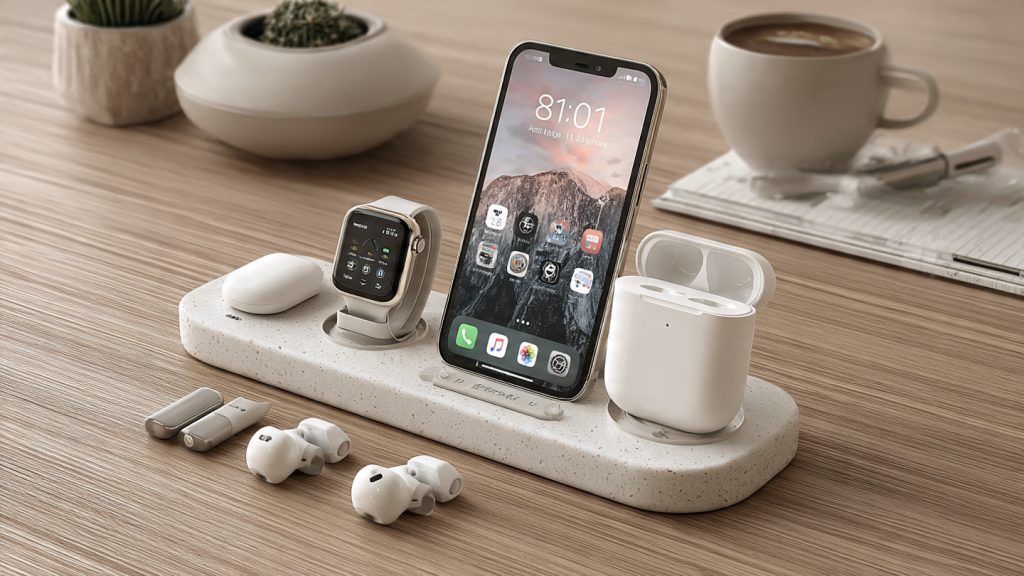
White 3-in-1 magnetic charging stand displaying embedded magnets, ferrite backing, and passive alignment guides for safe, repeatable device placement.
White 3-in-1 magnetic stand with advanced magnetic technology: embedded NdFeB arrays, ferrite supports, and passive alignment guides ensure secure, repeatable docking for phone, tablet, and earbuds.

You’ve seen magnets marketed as a magic fix; here you get the measurable bits that matter. The core choices—embedded NdFeB arrays, ferrite-backed systems, and passive alignment guides—determine hold strength, repeatable alignment, and device safety.

Magnetic approaches and what they mean

Embedded NdFeB arrays: high energy density, compact profiles, precise repeatability (used by Apple MagSafe and many premium docks). Best for vertical mounts and quick snap-in use.
Ferrite-backed systems: lower cost, often paired with steel plates; good for flat pads and heavier loads but bulkier and less elegant.
Passive alignment guides: mechanical lips, chamfers, or dowels combined with magnets—these remove reliance on perfect magnetic centering and improve one‑hand usability.

What specs you should demand

Magnetic pull force: look for values in Newtons (N) or kilograms-force (kgf). For phones, expect ~5–20 N; for tablets, aim for 20–60 N. Ask manufacturers how force varies with offset and angle.
Alignment tolerance: ask for lateral tolerance in millimeters and rotational tolerance in degrees. A usable target is ±2 mm lateral and ≤5° rotational repeatability for phone docks.
Thermal ratings: NdFeB strength falls with temperature—confirm maximum operating temperature (often 80–150°C depending on grade) and thermal dissipation design if charging and viewing simultaneously.

Data safety and EMI considerations

Magnets won’t corrupt SSDs or modern flash, but they can affect compasses, magnetic stripe cards, and older HDDs. Verify manufacturer EMI/shielding claims and FCC/CE compliance where applicable.

Simple tests to run before rollout

Pull-and-tilt test: measure force with a luggage scale and perform a 45° tilt with a weighted device.
Alignment repeatability: drop a device in blindfolded 10 times and measure positional variance with calipers.
Thermal stress: run a 30‑minute video/charge session and measure surface temps with an IR gun.
Interference check: run compass/magnetometer apps, swipe credit cards, and perform data transfers to confirm nothing degrades.

Real-world note: in one pilot, a “strong” magnet failed because the mount lacked a chamfered guide—users never centered phones, so repeated micro-slips caused instability. Demand numbers, then validate them with these quick, practical tests.

4

Ergonomics and Productivity: Positioning, Viewing Angles, and Space Efficiency
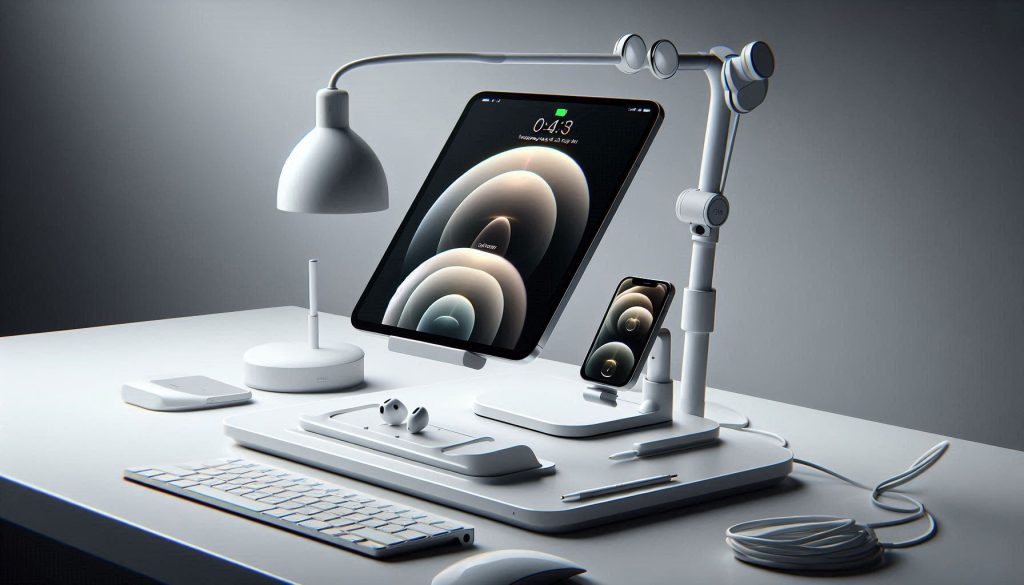
White 3-in-1 magnetic charging stand positioned for optimal ergonomics, showing correct tilt angles, screen heights, and device distances for productive desk use.
Ergonomically positioned white 3-in-1 magnetic charging stand with adjustable tilt and optimal screen angles to reduce strain and maximize productivity on a minimalist desk.

Evidence-based positioning parameters

A minimalist 3‑in‑1 magnetic stand should improve posture and reduce micro‑breaks. Use these practical targets when evaluating any stand:

Top of screen: at or just below eye level so the screen center sits roughly 15°–20° below straight‑ahead gaze.
Viewing angle: aim for a comfortable gaze range of 10°–30° below horizontal for monitors and tablets used as primary displays.
Tilt adjustability: an effective stand offers about 20°–40° of usable tilt range (for example, roughly −5° to +25° from vertical) so you can fine‑tune for sitting versus standing.
Distance: maintain 50–70 cm (20–28 in) from eyes to a standard monitor; reduce for smaller devices (phones/tablets) only when used briefly.

Quick example: pairing a Belkin BoostCharge Pro 3‑in‑1 (MagSafe) for phone/tablet placement with an Ergotron LX arm for your monitor lets you keep the monitor top at eye level while the phone/tablet sits slightly lower for a natural, downward glance.

Integrating into multi‑monitor and standing‑desk workflows

Practical strategies to keep minimal stands from becoming ergonomically disruptive:

Primary/secondary hierarchy: use the magnetic stand for secondary device viewing (notifications, reference docs) and keep the main monitor on an adjustable arm for extended work.
Stacking and offsetting: mount the 3‑in‑1 slightly to the side or below your main monitor to preserve central line of sight; magnetic quick‑release makes switching between modes effortless.
Standing transitions: set two saved positions—sitting and standing—on your desk or arm. The magnetic stand’s repeatable alignment speeds repositioning during sit/stand cycles.

Product highlight: Nomad’s MagSafe stands or MOFT magnetic folios excel at quick, repeatable positioning when you alternate between desk and standing modes.

Measurement checklists (before/after swap)

Measure changes with simple, repeatable checks:

Desk footprint: record usable desk area in cm² before and after; photograph and annotate.
Cable reduction: count external cables (power, data, adapters) pre/post; aim for ≥30% reduction with consolidated charging.
Time‑on‑task efficiency: run a weeklong A/B test—week 1 with old setup, week 2 with the 3‑in‑1—and track task completion times or self‑reported interruptions.

These actionable metrics let you quantify posture and productivity gains as you evaluate materials and lifecycle tradeoffs in the next section.

5

Materials, Build Quality, and Lifecycle Considerations
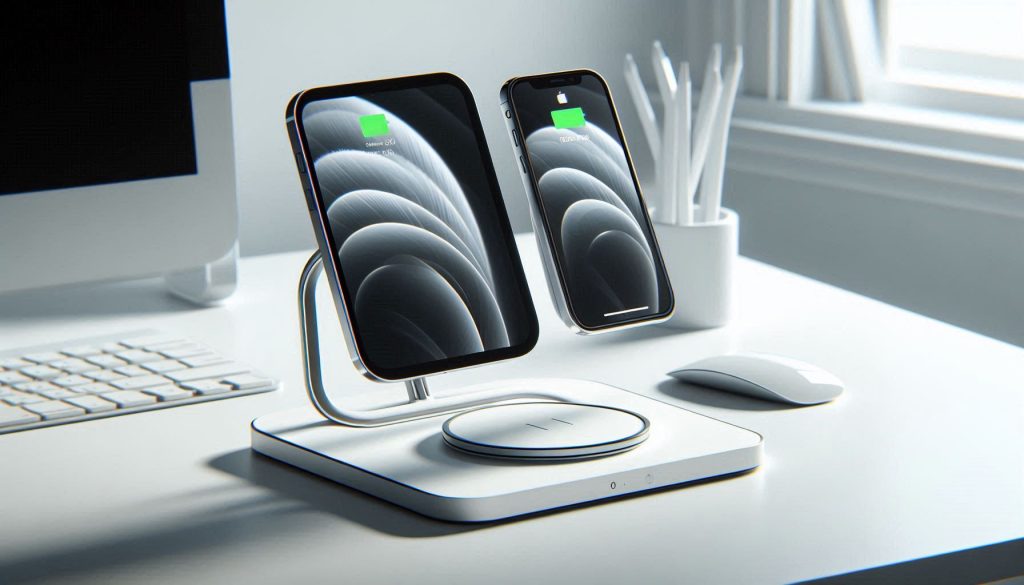
White 3-in-1 magnetic charging stand featuring anodized aluminum, stainless steel supports, and silicone pads for durability and grip on a modern desk.
Premium white 3-in-1 magnetic charging stand with anodized aluminum and stainless steel construction, designed for durability, grip, and long-lasting aesthetic appeal.

Material trade‑offs: what to expect in use

When you evaluate stands, match materials to the office life they’ll lead. Key differences to watch for:

Anodized aluminum: excellent heat dissipation, strong scratch resistance, and a premium finish (examples: Satechi Aluminum Stand, Twelve South HiRise). Expect long cosmetic longevity and simple recycling.
Stainless steel: highest mechanical strength and corrosion resistance; heavier, so it’s ideal for fixed-desk solutions where stability matters.
Aluminum alloys: lighter and cheaper than pure anodized parts but vary by temper and finish—ask for alloy spec (e.g., 6061 vs 5052).
ABS/PC plastics: low cost and impact‑resistant; prone to surface wear and color fade over years. Good for travel/portable stands (e.g., many Anker or Logitech models) but expect a shorter aesthetic lifespan.
Silicone pads: provide grip and device protection; they can trap dirt and degrade with oils—prioritize replaceable pads or easy cleaning.

Interpreting build‑quality signals

Small details reveal longevity more reliably than marketing blurbs. Check for:

Fastener types: Torx or hex screws and metal threaded inserts are preferable to molded plastic threads.
Replaceable wear parts: removable silicone feet, adhesive pads, or magnetic plates extend usable life.
IP ratings: IP54 or higher is useful for shared, cafeteria‑style desks where dust and splashes are common; otherwise, plain splash resistance descriptions aren’t standardized.

Lifecycle thinking and total cost of ownership

Factor repairability, recyclability, and expected replacement into your purchase decision.

Repairability & modularity: prefer stands with modular magnetic modules, replaceable cables, or detachable pads so you can repair rather than replace.
Recyclable content: aluminum and stainless are widely recyclable; mixed plastics are harder to recycle—ask vendors for recycled-content percentages.
TCO calculation: estimate expected lifespan (e.g., anodized aluminum 5–10 years; plastics 2–4 years), then compute annualized cost = purchase price ÷ lifespan + expected maintenance/parts.

Quick, practical steps: request an exploded parts diagram before buying, ask for spare‑part pricing, and pilot 10–20 units for 90 days to validate wear patterns. These checks lead naturally into procurement and deployment strategies for scaling and maintaining stands across your workspace.

6

Procurement and Deployment: Buying, Testing, and Maintaining at Scale
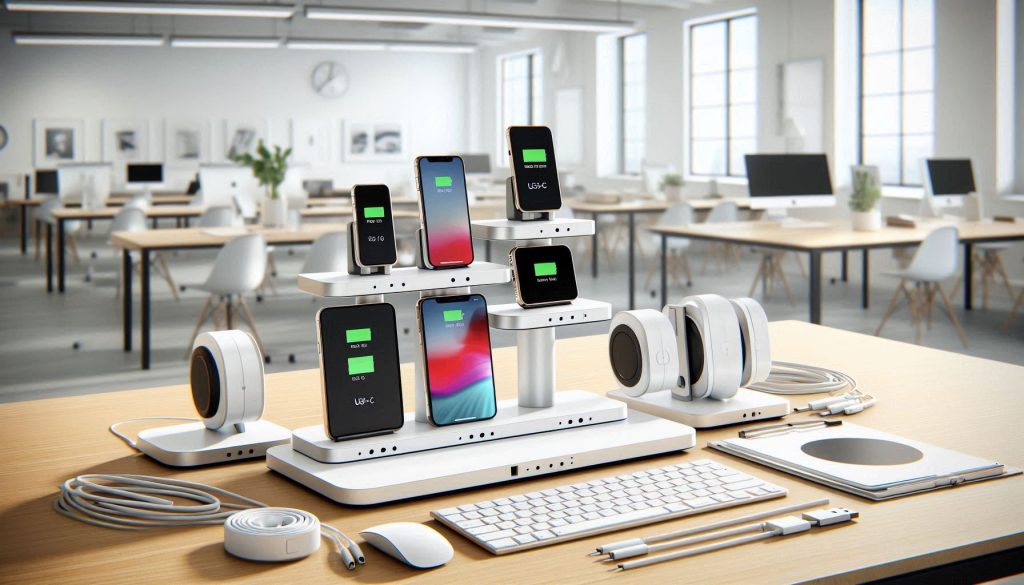
White 3-in-1 magnetic charging stands on an office desk, holding phones, tablets, and earbuds, showing MagSafe and PD USB-C compliance for scaled deployment.
White 3-in-1 magnetic charging stands demonstrating multi-device compatibility, MagSafe alignment, and PD pass-through, ready for large-scale office deployment and testing.

Requirement gathering: device inventory and use cases

Start by mapping the devices and contexts you’ll support. Record:

device models (phones, tablets, headsets), common cases, and wireless protocols (MagSafe, Qi, PD USB-C);
primary use cases: fixed desks, hot desks, huddle rooms, reception, or travel kits;
expected user interactions (hands‑free video, charging while docked, nightstand use).

Example: a creative team with iPhone 12/13/14 and USB‑C laptops needs strong MagSafe alignment plus PD pass‑through; reception kiosks need heavier stainless stands.

Specification checklist

Ask vendors for clear answers on:

compatibility: tested device list, max device size, case‑through capability;
magnetic criteria: alignment tolerance, quoted holding force or real‑world demo with your devices;
ergonomics: tilt, height, rotation limits and anti‑tilt/anti‑slip features;
charging specs: Qi wattage, PD ratings, cable management and replaceability;
materials & replaceable parts: pad spares, modular cables, fastener types;
firmware & support: update processes, logging, and security for “smart” chargers.

Recommended quick comparisons: Anker MagGo (magnetic alignment focus), Satechi/Twelve South stands (aluminum build), check each against your checklist.

Pilot testing protocols

Run a controlled pilot to validate assumptions:

sample size: 10–20 units, distributed across your key use cases;
duration: 30–90 days to capture daily use and wear patterns;
metrics to record: charging success rate, device drops, user satisfaction (survey), pad wear, and incident logs;
testing notes: include common phone cases, screen protectors, and real workflows (video calls, charging while in use).

A real example: one pilot revealed charging failures with thick leather cases—forcing a spec update to require stronger magnets or case‑compatible chargers.

Rollout and maintenance

For rollout, standardize on storage, distribution, and on‑desk configuration:

label and asset‑tag units; ship in waves; include a one‑page setup card.
stock spare parts kit (pads, screws, cables) per 50 units.

Maintenance best practices:

clean magnetic faces with 70% isopropyl and lint‑free cloth; avoid abrasive cleaners;
inspect magnetic plates/pads monthly; replace worn pads immediately;
for smart chargers, schedule firmware reviews and remote‑update windows;
negotiate warranties: ask for advance replacements, spare‑part pricing, and volume discounts.

With a repeatable procurement and maintenance process in place, you’ll minimize downtime and ensure consistent performance across your workspace—next, move to the Conclusion for final adoption guidance.

Making Minimalist Magnetic Stands Work for Your Office

Adopting minimalist three-in-one magnetic stands is a decision about workflow, ergonomics, and long-term cost. Prioritize measured design criteria: magnetic strength and alignment tolerances, verified device compatibility, adjustable viewing angles, durable materials, and clear lifecycle expectations. Use objective tests — torque and hold, drop, corrosion, and tilt stability — and pilot deployments to collect quantitative feedback on comfort and task efficiency before scaling.

When you apply the performance specifications, ergonomic checks, and procurement procedures outlined here, you reduce deployment risk and ensure the solution improves productivity and desk ergonomics across your spaces. Start with a small, instrumented pilot, measure adoption and issues, then iterate procurement terms to protect device integrity and total cost of ownership.

Leave a Comment

Your email address will not be published. Required fields are marked *