
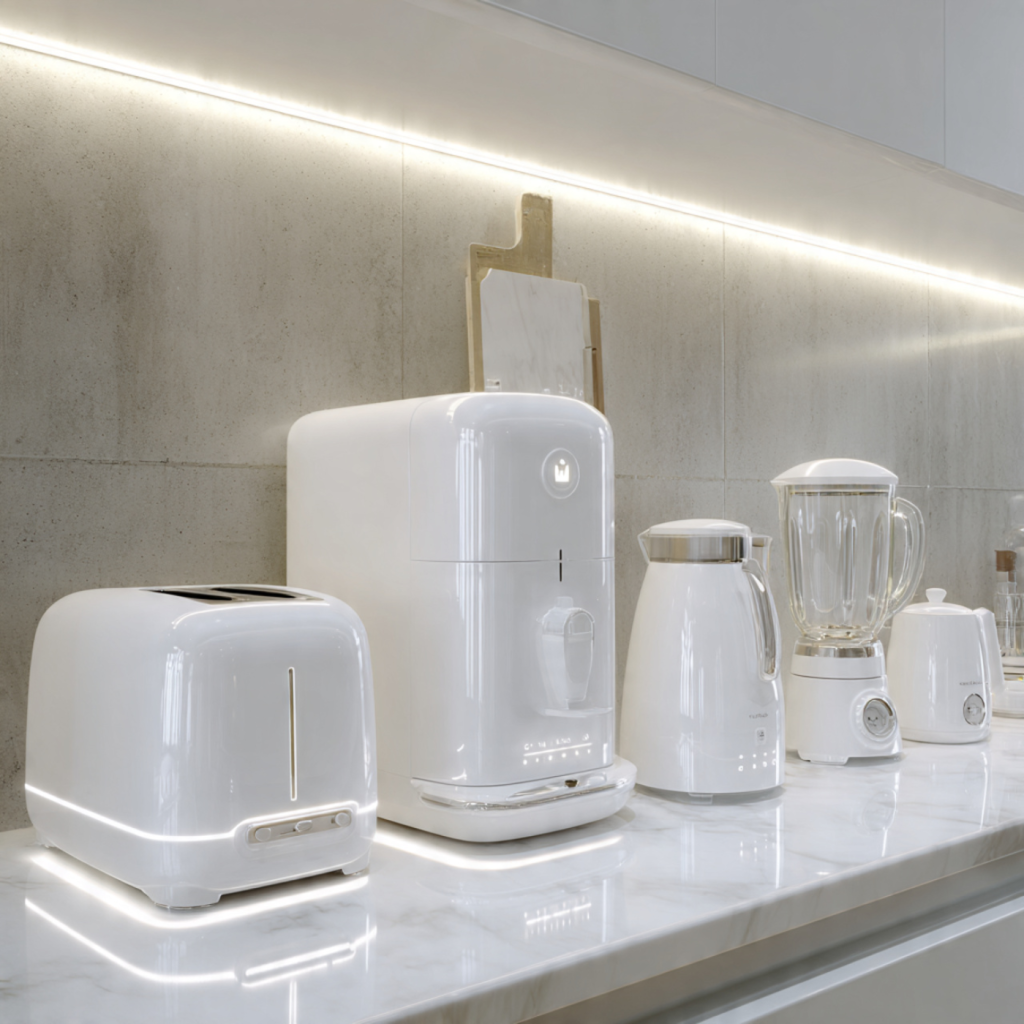
Make Every Inch Count: Smart Solutions for Your Tiny Counter
You don’t need a sprawling kitchen to enjoy modern appliances. Compact smart devices deliver connectivity, automation, and thoughtful design so your tiny counter works harder.
In this article you will learn why compact smart appliances matter for your counter. You will get clear criteria to choose the right devices. You will find the space-saving appliance types and smart features worth prioritizing.
You will also get practical layout, power, and integration tips to maximize workflow. Finally, you will learn maintenance, organization, and daily routines to keep surfaces clear. Follow these ideas and your small counter will feel efficient, tidy, and surprisingly powerful. Start small, smart, and intentional for lasting kitchen gains.
Why Compact Smart Appliances Matter for Your Counter
Big benefits in a small footprint
When counter space is measured in inches, every appliance must earn its place. Compact smart appliances do that by combining smaller physical dimensions with software-driven capabilities. Instead of a bulky slow cooker, a connected multi-cooker can run scheduled meals, notify you when food is ready, and be controlled from your phone — so the device is active only when it’s earning its keep. Picture a 300‑square‑foot city apartment where a single compact smart oven, an immersion circulator, and a smart coffee maker cover the roles of full-size oven, sous‑vide station, and a large espresso setup without crowding the counter.
How connectivity multiplies usefulness
Size is only half the story. Connectivity turns compact hardware into a flexible tool you can command remotely and automate to suit your routine. Smart features to prioritize:
Examples: a Wi‑Fi multi-cooker like the Instant Pot Smart WiFi or a connected immersion circulator (Anova Nano) can maintain precision cooking that feels larger-than-life despite a tiny footprint.
Practical impacts on safety and clutter
Smart compact devices reduce clutter and add safety layers you’d otherwise miss in a small kitchen. Auto shutoff, temperature monitoring, and remote diagnostics lower the risk of forgotten hot appliances. Visual clutter drops when you replace multiple single-purpose tools with one juiced-up device: an air-fryer/toaster-oven combo (smart or manual) can replace a bulky toaster, countertop fryer, and grill.
Quick, actionable rules to prioritize purchases
Investing in compact, connected appliances isn’t just about saving counter inches — it’s about reshaping how you cook, clean, and live in a small space. In the next section you’ll learn practical criteria to evaluate and choose the right compact smart appliances for your specific counter and habits.
How to Choose the Right Compact Smart Appliances for Your Counter
You’ll get a step‑by‑step framework to select compact smart appliances that actually fit your counter, routine, and electrical constraints.
1. Audit your habits first
Start with a 7‑day inventory: note what you use each day (coffee, reheating, batch cooking). Rank devices by frequency and replaceability. If you make coffee every morning but only air‑fry once a week, prioritize a compact smart coffee maker (Smarter Coffee or Nespresso with smart add‑ons) over another bulky gadget.
2. Measure your usable footprint and clearance
Measure usable counter area, leaving room for splashback and under‑cabinet lighting. Record:
A 10″–12″ depth difference can rule out many toaster ovens; a 3″ under‑cabinet light may force you to choose low‑profile designs.
3. Prioritize by frequency and multifunctionality
Aim to replace multiple single‑use items with one multi‑tasker:
Choose multifunction first, single‑purpose second.
4. Check technical and design criteria
Evaluate each candidate against concrete specs:
5. Interoperability, updates, and security
Confirm platform compatibility (Alexa, Google, HomeKit). HomeKit support offers tighter privacy if that matters. Check vendor track record for OTA updates and active support. Secure your devices:
6. Budget strategies and practical tradeoffs
Balance upfront cost vs. saved space and convenience:
Use cost‑per‑use thinking: a compact smart multicooker that replaces three appliances can pay back in space and utility quickly.
Next, you’ll apply these choices to your physical layout, power routing, and integration so your counter becomes a cohesive, safe, and efficient work surface.
Space-Saving Appliance Types and Smart Features Worth Prioritizing
With your selection framework in hand, here’s a practical catalog of compact smart appliances that give the biggest return on a tiny counter. For each category you’ll see the space-saving benefit, the smart capabilities that truly matter, and quick tips to help you pick.
Multi‑function cookers & countertop ovens
These are the biggest space-savers — one unit that braises, steams, air‑fries, and bakes replaces several single‑use items.
Example: Instant Pot Smart WiFi covers pressure, slow, rice and more; the June Oven combines convection, air‑fry, and steam with a camera and app. Choose a model whose presets match what you cook most.
Single‑serve & compact coffee systems
If you live on coffee rituals, a compact smart brewer can free space and save time.
Example: Smarter Coffee and many Nespresso systems (with smart modules or app add‑ons) let you schedule and start brews remotely — ideal if your routine is nonnegotiable.
Compact blenders & food processors
Look for stackable, modular systems that store vertically or nest jars to clear the counter fast.
Tip: A compact blender with multiple jar sizes replaces a full‑size blender plus a food processor for smoothies, sauces, and small‑batch prep.
Drawer‑style dishwashers & mini hoods/ventilation
Drawer washers and low‑profile hoods keep counters clear and improve workflow in micro kitchens.
Example: DishDrawer-style units fit into tight cabinetry and run quick cycles optimized for small sets of dishes.
Under‑cabinet & vertical‑mount devices
Free counter surface by moving functions up — under‑cabinet microwaves, vertical steam ovens, and wall‑mounted coffee or water dispensers.
Real‑world note: users who swap a countertop microwave for an under‑cabinet unit often reclaim 2–3 sq ft of usable worktop — enough room for a chopping board and your morning routine.
Next, you’ll learn how to place and power these choices so your tiny counter functions as a cohesive, efficient hub.
Layout, Power, and Integration: Make Your Counter Work Harder
You’ll get actionable strategies to place compact smart appliances so they speed up tasks instead of creating new bottlenecks. Follow these placement, power, mounting, and connectivity rules to preserve work surfaces and sightlines while keeping smart features reliable.
Zone your counter for flow: prep, cooking, beverage, cleanup
Think like a restaurant line: group functions so movement is linear, not zigzag.
Quick example: one studio dweller moved their coffee maker to a narrow beverage nook beside a pop‑up outlet and mounted a magnetic mug rack above it. The main prep area immediately gained two usable feet.
Electrical planning: prevent overloaded breakers
Small counters hide big power needs. Do this before plugging everything in.
Mounting, vertical storage, and cord management
Move mass upward and eliminate counter clutter.
Connectivity: keep smart features reliable
Smart functions fail if the network flunks.
These practical placement and power moves let your compact smart appliances work together seamlessly without stealing countertop real estate or creating daily friction.
Maintenance, Organization, and Daily Routines to Keep Surfaces Clear
This section focuses on the systems you’ll use so your tiny counter stays functional day after day, not just the first week. Practical upkeep, smart storage, and reliable habits are what keep a small space feeling large.
Quick daily and periodic cleaning routines
Establish short, repeatable tasks that prevent buildup.
Real-world tip: one compact‑kitchen owner set a 90‑second timer after dinner for a nightly reset—counter cleared, appliance lids snapped back on, and one cloth swipe—and hasn’t had stubborn stains in two years.
Firmware, app updates, and digital housekeeping
Treat smart appliances like tiny computers.
Example: an Instant Pot with smart functions regained consistent scheduling after the owner updated the companion app and re‑paired the device to the hub.
Storage and seasonal rotation
Create a one‑touch stow system for rarely used items.
Modular organizers that reclaim counter space
Choose hardware that puts things off the counter when not in use.
Habits that reduce peak clutter
Smarter routines reduce the number of items out during busy times.
These maintenance and organization systems make it effortless to reclaim your tiny counter whenever you need it, setting you up for the final step: turning that cleared space into a highly functional hub.
Turn Your Tiny Counter into a Highly Functional Hub
You now have a compact, practical roadmap to choose, place, and care for smart appliances that maximize your small counter. With targeted selection, deliberate layout and power planning, and simple maintenance and organization routines, you can enjoy modern convenience without sacrificing surface area. Apply the prioritization strategies and smart feature checklist to align devices with how you cook, clean, and entertain.
Start small: swap in one multi‑function smart appliance, refine placement, and build routines that keep surfaces clear. Reassess periodically and adjust as your needs change. Use these guidelines to create a tailored counter setup that fits your lifestyle, keeps your kitchen efficient, and makes daily tasks feel effortless. Share your results and iterate for continuous improvement every season too.