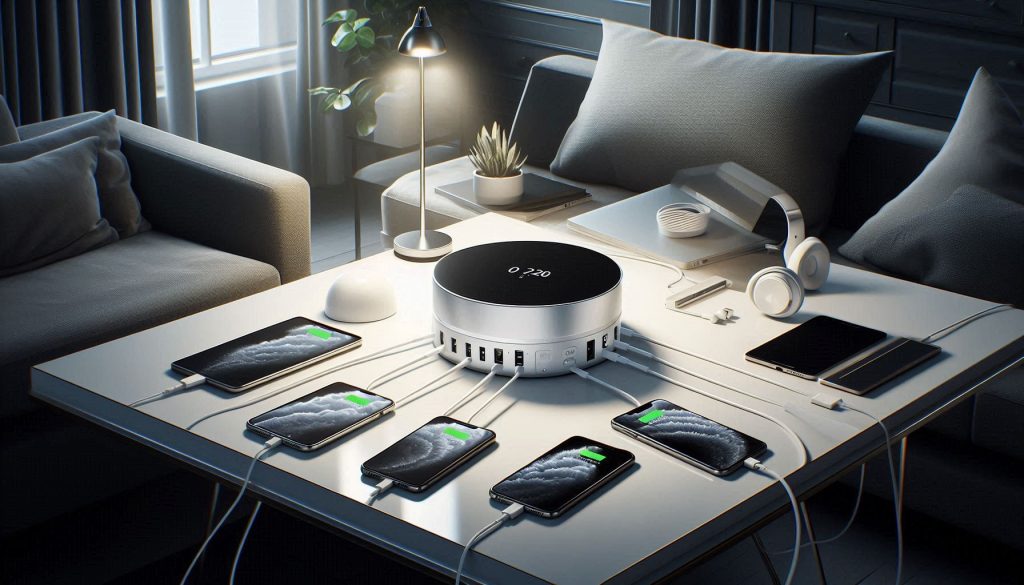
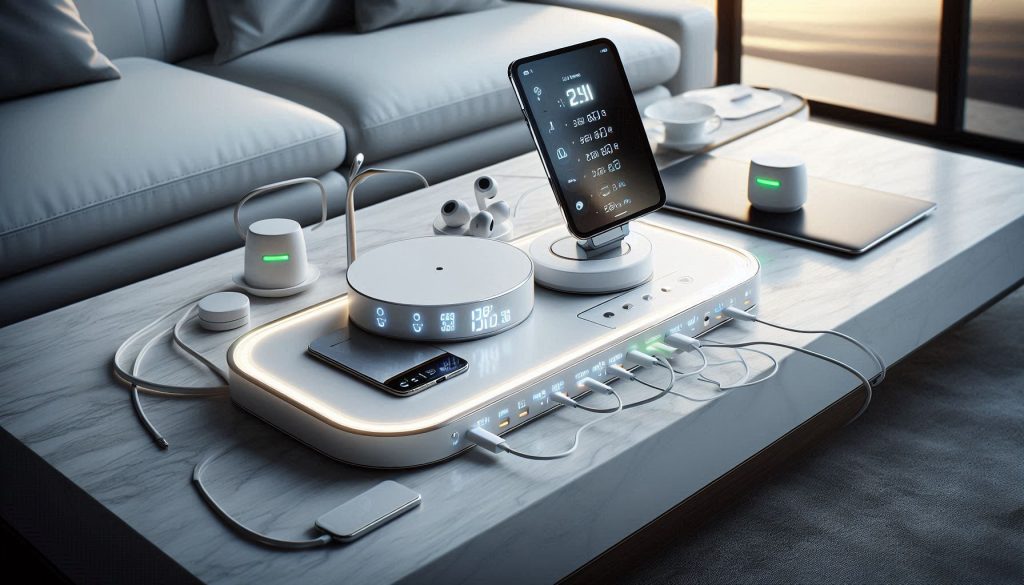
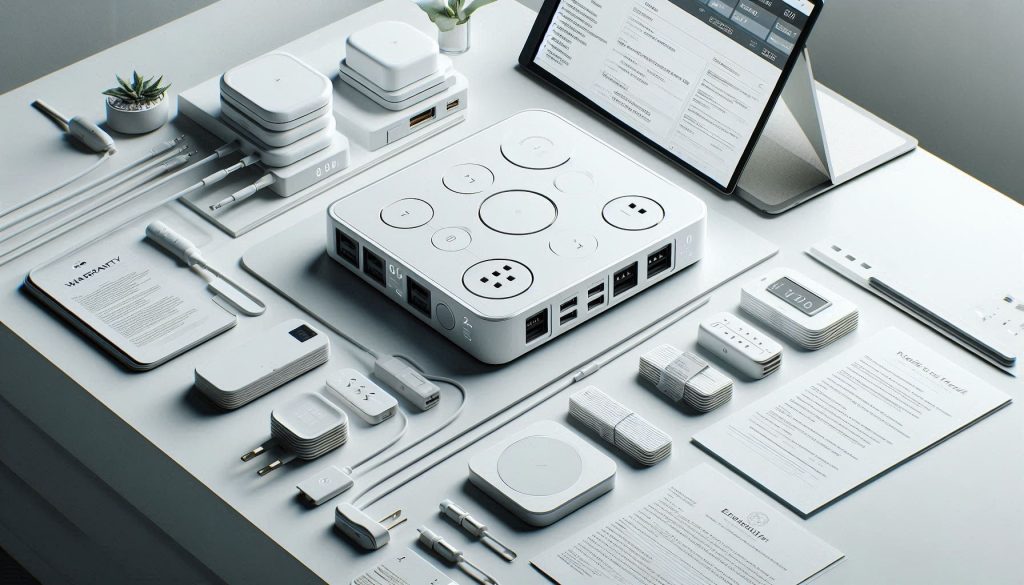
Managing the power needs of a tech-heavy household requires more than just a power strip. High-performance charging hubs now offer massive total output, allowing an entire family to fast-charge their devices from a single, elegant unit. This is the “central nervous system” of the modern smart home.
We look at hubs that feature sleek aluminum finishes designed to match the aesthetic of high-end laptops and tablets. These units are meant to sit prominently on a console table or desk, offering a clean, organized alternative to wall-outlet clutter.
Why a Dedicated Luxury Charging Hub Belongs in Your Home
You own more active devices than most homes had a decade ago — often ten or more that need regular charging. A purpose-built luxury charging hub removes clutter, keeps devices ready, and signals intentional, high-performance design in your living spaces.
Move beyond ad-hoc chargers and power strips: a consolidated premium solution addresses power delivery, thermal management, safety certifications, and refined aesthetics. It delivers measurable benefits you can test — faster charging under load, predictable simultaneous performance, lower standby energy use, and reduced long‑term replacement costs.
This article focuses on objective criteria you should use when evaluating hubs: charging speed, simultaneous-load behavior, energy efficiency, and total cost of ownership. You will learn which technical specifications and material choices translate to real-world advantages, how smart features and ecosystem compatibility affect value, and what to prioritize for procurement, installation, and maintenance — and how to quantify expected lifespan and warranty outcomes with confidence today.
1
The Practical and Measurable Benefits of a Luxury Charging Hub
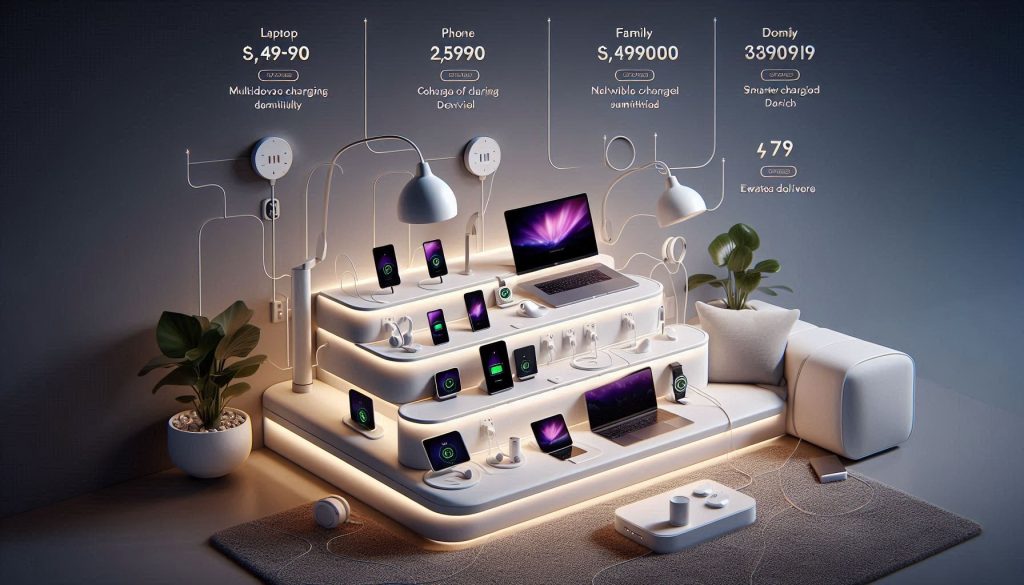
Measure and match your hub’s power delivery to real-world scenarios—workstation, family lounge, or bedside—without clutter or compromise.
Use-case scenarios: match capacity to daily life
Think in terms of real routines, not marketing blurbs.
Single-user workstation: laptop (45–100W), phone (18–30W), buds (3–7W). Aim for a hub with at least 120–150W aggregate delivery to avoid throttling when everything charges together.
Family living area: 3–6 phones/tablets plus accessories. You want 200W+ aggregate with multiple high-power ports and shared wireless pads for casual top-ups.
Bedside setup: phone (fast bedside top-ups), smartwatch (low-power overnight), buds. A 30–60W hub with dedicated low-power ports and auto-schedule/night mode is ideal.
These profiles let you compare hubs objectively: does the advertised total wattage actually cover your simultaneous demands?
Metrics you can measure right away
Turn subjective claims into numbers you can verify.
Simultaneous charge capacity: count ports + total advertised wattage. Test by charging every device you normally use and observe any port stepping down under load.
Time-to-full (practical): record minutes from 20% → 80% for a phone and 0% → 80% for a tablet using the hub’s highest PD port. Repeat under single-device and full-load conditions.
Cable clutter & lost time: count cables on your desk/stand before and after installation and estimate daily minutes saved detangling or searching.
Standby and idle power: measure hub idle watts with a Kill A Watt (or similar) to estimate kWh/year savings from auto‑sleep features.
Energy savings and cost implications
Smarter power management cuts real bills and extends device life.
Example math: reducing idle draw from 3W to 0.5W saves ~19 kWh/year per hub (at 12 months), small but cumulative across rooms.
Smart scheduling and per-port shutoff reduce trickle charging, which both saves energy and reduces battery wear.
Look for hubs with active thermal paths, separate power rails, and overcurrent/overvoltage protection—these lower sustained battery temperature and reduce fast-aging cycles.
Regulated PD profiles prevent repeated overvoltage spikes; consistent, cooler charging can extend battery usable life by years, reducing replacement costs.
Quick, actionable tips
Test with your real device mix; don’t rely on single‑device benchmarks.
Verify aggregate wattage at full load, not just per-port peak.
Prefer hubs with firmware updates, UL/IEC certifications, and explicit thermal specs.
Next you’ll examine the technical specs that translate these measurable benefits into predictable, repeatable performance.
2
Technical Specifications That Determine Real-World Performance
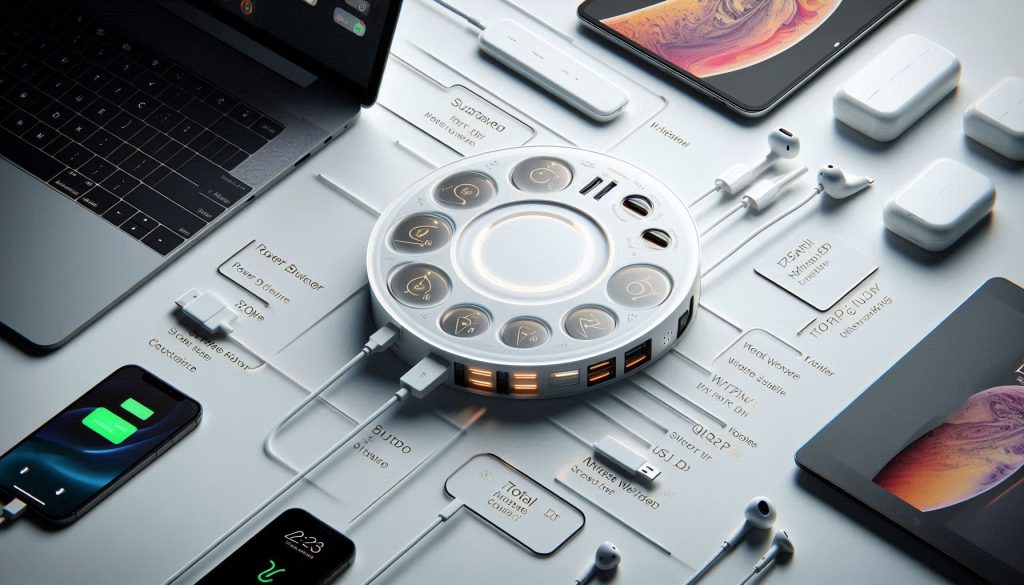
Translate marketing claims into actionable metrics: per-port PD, wireless output, and total hub power budget for reliable real-world performance.
You’ve seen the use cases; now look at the numbers. This section translates marketing specs into the concrete measurements that predict everyday behavior and longevity.
Per-port power delivery and wireless standards
USB Power Delivery (PD) profiles matter more than port counts. Laptops commonly need 45–65W; some ultrabooks and gaming laptops spike to 100W. Wireless charging varies from baseline Qi (5–7.5W) to fast wireless at ~10–15W.
When comparing hubs, confirm the maximum sustained PD per port (e.g., 65W sustained) — not just the instantaneous peak.
For wireless pads, prefer Qi-certified pads that list sustained output and thermal cutouts; MagSafe-compatible chargers behave differently than generic Qi pads.
Total power budget and shared rails
A hub’s aggregate wattage is only useful if it’s allocated sensibly.
Ask whether ports share a single power rail and how the hub dynamically allocates power. Two “100W” USB-C ports sharing 150W total cannot both deliver 100W simultaneously.
Request a power-allocation table: what each port will supply at typical multi-device states (e.g., laptop + phone + buds).
Voltage/current stability and efficiency
Stable voltage and low ripple protect batteries and peripherals.
Look for regulation specs: voltage tolerance within ±5% and current limiting behavior that gracefully steps down rather than cutting out.
Efficiency (AC-to-output) matters: 90%+ at typical loads reduces heat and operating cost. Ask for efficiency curves at 25%, 50%, 75% loads.
Thermal performance and EMI mitigation
Heat kills sustained output and lifespan.
Request thermal throttling curves (surface temperature vs. output wattage over time). A hub that maintains rated output for 30+ minutes under full load is preferable.
Check surface temps: consumer-safe designs keep external case temps below ~60°C under heavy load.
For EMI, verify FCC/CISPR or CE declarations, and whether designers used shielding/ferrites to reduce interference with audio or wireless devices.
Certifications and real-world test requests
Certs are essential, not optional.
Prioritize USB-IF PD certification, Qi certification for wireless pads, UL/ETL/CE safety marks, and IEC 62368-1 compliance.
Ask vendors for: (1) sustained-output tests (30 minutes+), (2) efficiency curves, (3) thermal throttling data, (4) EMI test reports, and (5) a port-allocation table under multi-device loads.
Quick checklist (what to prioritize when buying)
Sustained wattage per port (not just peak)
Aggregate power allocation under simultaneous loads
Efficiency at real-world loads (50–75%)
Thermal throttling behavior and max surface temp
USB-IF / Qi / UL / IEC certifications
With these metrics in hand you’ll be able to predict how a hub will behave in real life — and next we’ll examine how design, materials, and finishes translate those specs into a piece that truly belongs in your living room.
3
Design, Materials, and Seamless Integration with Your Interiors
A luxury hub must look and feel like furniture—not a tangle of tech. Below are practical, design-forward considerations so your hub becomes an intentional element of the room rather than an afterthought.
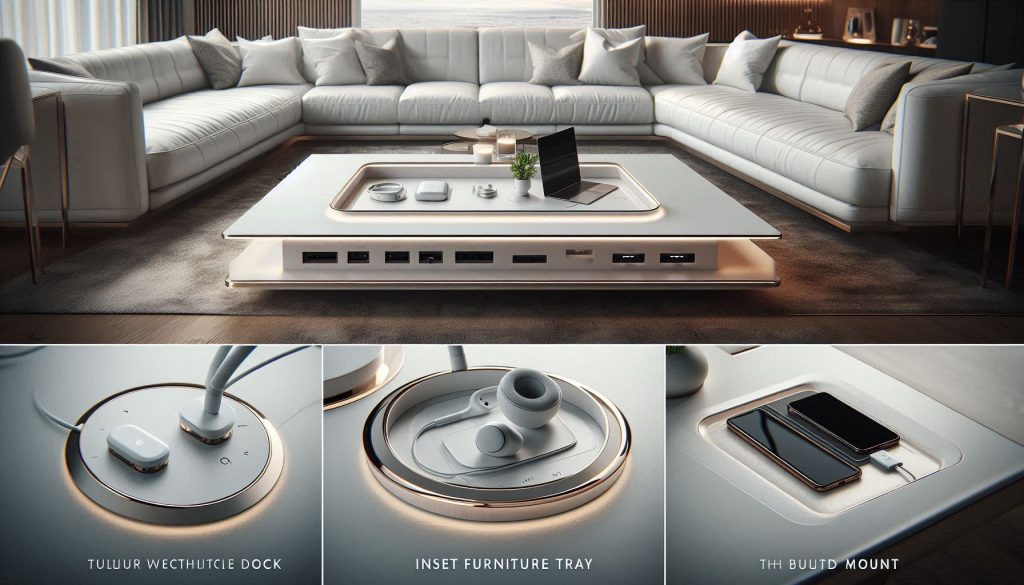
Luxury charging hubs can be designed as tabletop docks, inset trays, or flush mounts, blending seamlessly into your home while delivering high-performance charging.
Form factors: where the hub lives
Choose a form based on use pattern and aesthetics.
Tabletop docks — easy to service, ideal if you change devices frequently (examples: Nomad Base Station-style mats or Satechi aluminum multi-port docks).
In-furniture inset trays — appear invisible when closed; good for consoles and credenzas when you want a clean surface.
Built-in/flush mounting — true “invisible” installations for kitchens, home offices, and bedside units; requires electrician-grade power routing.
Materials and tactile quality
Materials signal luxury and influence function.
Machined aluminum/anodized finishes: excellent heat dissipation, crisp edges, modern look.
Hardwood veneers: match cabinetry; use ventilated cavities underneath to avoid heat trapping.
Leather accents and soft-touch polymers: add warmth and hand-feel for frequently handled pieces.
Design tip: metal surfaces help thermal performance but can become warm to the touch—balance with ventilation or insulating trims where users handle the hub.
Cable management and invisible routing
A minimal aesthetic depends on hiding cables and power.
Use grommets or recessed cable channels for tabletop units.
For in-furniture or flush mounts, run power through in-wall-rated conduit and install an outlet or power inlet inside the cabinet—always use a licensed electrician and comply with local electrical codes.
Implement a single service point: consolidated surge protector / power conditioner mounted out of sight for future servicing.
Sizing, placement, and performance considerations
Placement affects wireless signaling, heat, and ergonomics.
Wireless coils: keep non-metal obstacles to a minimum. Qi charging is most efficient within ~4–6 mm of unobstructed material—thick tabletops or metal layers reduce efficiency.
Avoid enclosed, airtight drawers for sustained high-watt wireless or PD charging; provide vents or perforated panels to maintain airflow and prevent thermal throttling.
Ergonomics: position hubs within 40–70 cm of primary seating or bedside reach for routine use; place laptop-capable PD outlets on surfaces that allow comfortable typing and cable routing.
Coordinating finishes and specifying flush mounts
Match hub finishes to dominant materials—brushed aluminum with stainless appliances, walnut veneer with mid-century cabinetry. When specifying flush mounts, provide millwork drawings with exact recess dimensions and ventilation clearances; request mockups for tactile verification.
Next, you’ll inspect how these physical choices intersect with intelligent behavior—what smart features, connectivity, and ecosystem compatibility will make the hub feel truly integrated.
4
Smart Features, Connectivity, and Ecosystem Compatibility
Smart luxury charging hubs provide app-based scheduling, per-device prioritization, and load management while blending seamlessly with elegant interiors.
Modern hubs are as much software as hardware. The right smart capabilities turn a beautiful dock into a genuinely convenient, secure, and cost-effective household device. Below are the features to evaluate, how they behave in the real world, and practical tips you can use right away.
App-based scheduling and timed charging
A robust app should let you schedule charging windows (e.g., overnight off-peak), delay starts, and create recurring rules.
Why it matters: scheduling can shift usage into lower Time‑of‑Use periods — often reducing cost by 20–50% compared with peak rates.
How to use it: set laptops and tablets to top up between 11pm–6am; schedule heavy PD charging for times when home solar is generating, if your hub supports solar input or energy signals.
Per-device prioritization and load management
Look for true per-port intelligence, not just “fast port” labeling.
Useful features: per-device watt caps, automatic prioritization (phone > laptop > accessories), and dynamic load-shedding that reduces nonessential ports when total draw nears your panel limit.
Real-world benefit: prevents nuisance breaker trips when guests plug in multiple chargers; example behavior — the hub throttles accessories while holding full PD to a laptop.
Firmware practices, updates, and security
Firmware is where features and vulnerabilities live.
Best practices: OTA updates that are cryptographically signed; rollback support; transparent changelogs and a regular update cadence.
Security note: prefer vendors that publish CVE responses or have a public security contact.
Local vs. cloud control, privacy, and encryption
Decide the balance between convenience and data exposure.
Local-first systems (e.g., devices that integrate with Home Assistant or expose LAN APIs) reduce cloud reliance and improve privacy.
If cloud services are required, insist on TLS 1.2/1.3, authenticated APIs, and encryption of device metadata (not just telemetry).
Network tip: place hubs on a segmented IoT VLAN and enable WPA3 on your mesh where possible.
Voice assistants, Matter, and ecosystem interoperability
Compatibility with Apple HomeKit, Google Home, Alexa, SmartThings — and increasingly Matter — simplifies automations.
Practical check: verify actions exposed to voice (start/stop charging, schedule changes, energy reports) and whether routines can reference hub states.
Product examples: Many Home Assistant users rely on local-capable modules like Shelly or HomeKit-enabled plugs (Eve) for deterministic behavior; consumer hubs often integrate with Alexa/Google for basic controls.
Energy monitoring and dashboards (kWh, not just “percent”)
Demand real metrics in kWh and cost estimates.
Look for per-port metering (kWh), historical graphs, exportable CSVs, and alerts for anomalous power draw.
Integration: support for external energy platforms (Emporia, Sense) or simple CSV exports gives you the data to quantify savings.
Practical checklist (quick):
Local control option? Yes/No
Per-port kWh metering? Yes/No
Signed OTA updates & rollback? Yes/No
Load-shedding thresholds configurable? Yes/No
Voice/Matter/HA compatibility? Yes/No
With your smart-capability requirements defined, the next section walks through procurement, certified installation, and maintenance strategies so your chosen hub performs reliably for years.
5
Procurement, Installation, Maintenance, and Long-Term Value
This section turns your feature wish‑list into buying, installing, and lifecycle decisions that determine real ROI. Below are concrete checklists, practical installation guidance, a simple total‑cost‑of‑ownership (TCO) framework, and hands‑on tips for keeping a luxury hub reliable for years.
Evaluating vendors, planning installation, and maintaining spare modules ensures a luxury charging hub delivers maximum ROI and long-term reliabilit
Vendor evaluation checklist (buyer’s quick audit)
Before you buy, verify these non‑negotiables:
Warranty length and coverage (parts, labor, battery/PD modules) — 2–5 years is typical for premium hubs.
Support SLA: guaranteed response time for technical issues (e.g., 24–72 hours) and phone vs. email options.
Firmware policy: signed OTA updates, rollback capability, published changelog cadence.
Spare parts & module availability (replacement faceplates, power bricks, PD modules).
Security transparency: public CVE responses or a security contact.
Installation: plug‑and‑play vs hardwired recessed
Choose based on aesthetics, load, and safety:
Plug‑and‑play: ideal for renters or desk setups. Example: Belkin BoostCharge Pro 3‑port (desktop) or Nomad Base Station Pro (wireless). No electrician needed.
Recessed/hardwired: best for kitchen islands, built‑in charging stations, or when you want a clean countertop. Use code‑compliant in‑box power modules (Legrand Adorne USB‑C outlets or custom Legrand/Crestron installs). Hire a licensed electrician when you:
Convert to hardwired/flush mounting.
Reconfigure branch circuits, add dedicated 20A lines, or need AFCI/GFCI compliance.
Integrate with home automation or whole‑home energy sensing.
Maintenance and basic inspections
Scheduled upkeep extends life and reduces failures:
Monthly: wipe dust from vents and ports; inspect for loose cables.
Quarterly: confirm firmware is current; check energy logs for abnormal kWh spikes.
Annually: thermal inspection (IR thermometer or electrician) to detect hotspots; replace worn charging cables.
Replace passive filters or foam gaskets on recessed units every 3–5 years as needed.
TCO = $700 + $125 − $200 = $625 over 5 years → $125/year. Use your real energy rates and replacement habits to customize this.
Troubleshooting, upgrades, and profiles
Quick fixes and upgrade paths:
Troubleshooting: reboot hub, test each port with known good cable/device, check app logs for overcurrent events.
Upgrade path: modular hubs let you swap PD modules or add wireless puck modules (look for vendors like Nomad or Satechi offering modular accessories).
Household recommendations:
Solo professional: compact 100W multi‑port GaN desktop charger (Anker 747) for portability.
Busy family: hardwired recessed hub with per‑port metering and load management (Legrand + Emporia integration).
Creator/home office: high‑capacity dock (CalDigit TS3 Plus or similar) plus wireless base station for guest devices.
Next, the Conclusion will give you a data‑first checklist to choose the right hub for your home.
Choosing the Right Hub for Your Home: A Data-First Checklist
You should select a luxury charging hub by prioritizing measurable performance and verifiable safety over marketing. Rely on hard specs and independent test results: total power budget, per-port delivery (W and negotiated protocol), thermal design and sustained throughput, certification status (UL/CE/ETL, PD profiles), material finish and mounting options, and vendor support/warranty. Cross-check claimed peak figures against sustained-load data and look for third‑party reports where possible.
Make a pragmatic choice for your household by weighting what matters most — charge speed, multi-device concurrency, aesthetics, or ecosystem integration — then validate vendors against the checklist above. When in doubt, request performance logs or a demo installation. A data-first approach minimizes risk and ensures the hub you buy delivers reliable, long-term value for your home.