
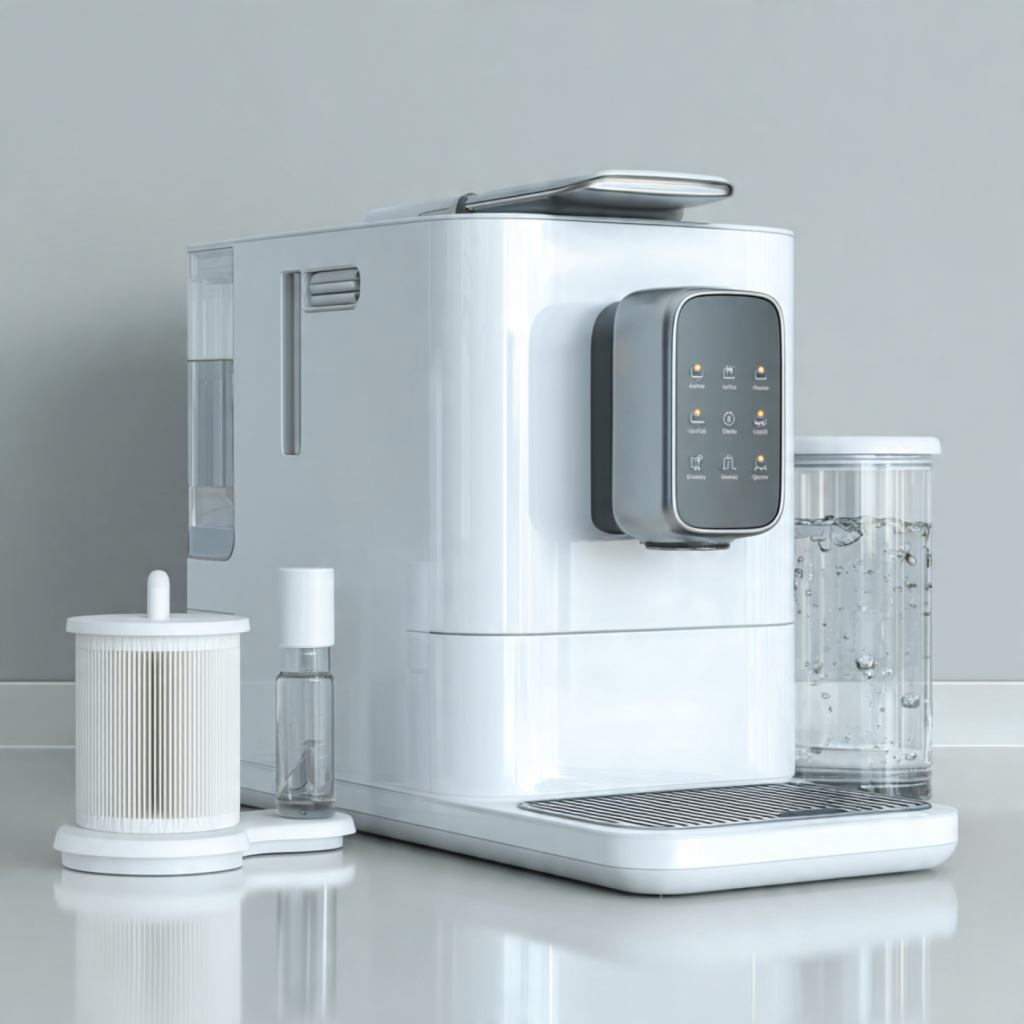
Start with Better Coffee: Why Filter Replacement and Water Hardness Matter
You deserve consistently great coffee; replacing your machine’s filter and setting water hardness preserves flavor, prevents scale damage, and extends your machine’s life. This guide walks you step-by-step right now so you can do it safely and confidently—no technician required.
What you’ll need
Identify Your Machine and Filter Type
One size rarely fits all — are you sure you know which filter your machine needs?Confirm the exact model of your coffee machine by checking the label on the back or underside and the user manual for the model number (e.g., “ECAM23.460” or “Breville BES870XL”).
Check the manual or parts diagram for the filter part number or name. Look for terms like water filter, AquaClean, charcoal cartridge, or model-specific codes.
Decide between OEM and reputable aftermarket filters. Compare warranty effects, NSF or EU certification, and independent performance reviews before you buy — OEM preserves warranty in many cases; quality aftermarket options can save money.
Note where the filter sits: water reservoir, inline (plumbed) filter, or cartridge inside the brew group. Measure or photograph the location to avoid buying the wrong shape.
Verify lifespan recommendations—filters often list months, liters, or brews (e.g., replace every 2–3 months or 50–100 liters) so you can schedule future replacements.
Prepare and Remove the Old Filter Safely
Nervous about opening your machine? Follow these safety-first steps — it’s simpler than it sounds.Turn off and unplug the machine, then let it cool for several minutes before you touch any internal parts.
Empty the water reservoir and remove any detachable parts that obstruct access, such as the drip tray or reservoir lid — for example, many bean-to-cup machines have the filter inside the removable tank.
Gather basic tools you may need:
Drain residual water into the sink or a bowl to avoid spills; tilt the reservoir gently and pour slowly.
Consult the manual for filter-compartment access; remove the cover or unscrew panels as instructed — some plumbed or built‑in units require a small screwdriver.
Lift or twist the old filter out gently, keeping it upright to avoid spilling trapped water or sediment; hold it over the sink.
Inspect the filter cavity for scale or debris and wipe the area with a soft cloth.
Dispose of the old filter according to local guidelines — check packaging for recycling instructions or municipal waste rules.
Choose and Install the New Filter Correctly
Install like a pro — a few small steps now prevent leaks and off-flavors later.Unpack the replacement filter and check it for damage. Rinse the filter briefly under cold running water if the manufacturer recommends it — for example, many cartridge-style filters need 10–20 seconds of rinsing to remove loose carbon dust. Read the instructions that came with the filter.
Insert the filter in the correct orientation and ensure a snug, sealed fit. Look for arrows or keyed slots and push until you hear or feel a click. Fasten any retaining caps or twist-locks as required.
Reassemble the reservoir and all removable parts. Seat cartridges or sachets precisely: fill the filter chamber slowly, press down firmly to expel trapped air, and listen for the seating click. Tap the reservoir gently if air pockets persist.
Fill the reservoir with fresh water and inspect around seals and joints for leaks before powering on. Test by letting a small amount flow through and checking for dampness around the base and filter mount.
Test Your Tap Water and Set the Machine’s Water Hardness
Did you know hard water shortens machine life? One quick test tells you how to set it right.Measure your local water hardness with test strips or check your water supplier’s report. Read the strip result (often shown in ppm or degrees dH) and note the number. Use a quick conversion if needed: 1 °dH ≈ 17.8 ppm.
Translate the reading to a hardness category and set your machine accordingly:
Enter the hardness setting in your machine menu, usually Settings > Water > Hardness. If your machine uses numeric levels instead of words, consult the manual to match the category (for example, 1 = soft, 3 = hard). If a test strip reads 140 ppm (hard), set the machine to the “hard” level or the corresponding numeric value.
Confirm the new setting on the display. Accurate settings ensure the filter delivers expected performance and that the machine prompts descaling at appropriate intervals.
Run Initial Rinse Cycles and Check Performance
A couple of quick rinses now means clearer flavour and fewer headaches later.Run one or two water-only brew cycles (or follow your machine’s recommended priming routine) to purge air and loose carbon fines from the new filter. Use the same brew setting you normally use for a no-coffee rinse.
Monitor the machine as it runs. Listen for irregular sounds (loud gurgling, sustained sputtering) and watch the flow rate—it should be steady, not a trickle or intermittent drip.
Taste the first few batches of water and coffee. Expect neutral, clean-tasting water; example: no chlorine, metallic or plastic notes. If you notice off-flavors or unusually slow extraction, take action:
Record the date of installation and the hardness setting for maintenance tracking.
Troubleshoot Common Issues and Set a Maintenance Schedule
Keep it running like new — simple routines and fixes pros swear by.Check for leaks. If you see water pooling under the machine or dripping from the filter housing, stop the machine, remove and re-seat the filter, and inspect the O-ring or seal for damage. Replace the seal if it’s cracked.
Re-seat the filter and purge air. If flow is poor or intermittent, run a couple of priming cycles to remove trapped air. If flow stays slow, remove the filter—scale or a misaligned cartridge often blocks passages.
Rinse more or try another filter if taste lingers. If coffee tastes metallic, plasticky, or off after installation, run 2–3 additional water-only cycles. If the taste persists, try a different approved filter type.
Consult error codes. If your machine displays codes, check the manual for machine-specific fixes; many codes point to clogged lines, pump strain, or sensor faults.
Set reminders and descale on a schedule. Record the install date and hardness setting, then set a calendar reminder based on the filter’s rated lifespan and your hardness (replace more often with very hard water). Schedule descaling per the machine’s guidance and your hardness reading to protect heaters and valves.
Enjoy Better Coffee and a Healthier Machine
With the right filter installed and accurate water hardness set, your machine will always deliver better flavor and longer service life; keep records, perform routine maintenance, and replace filters on schedule for consistently excellent results. Ready to taste the difference?