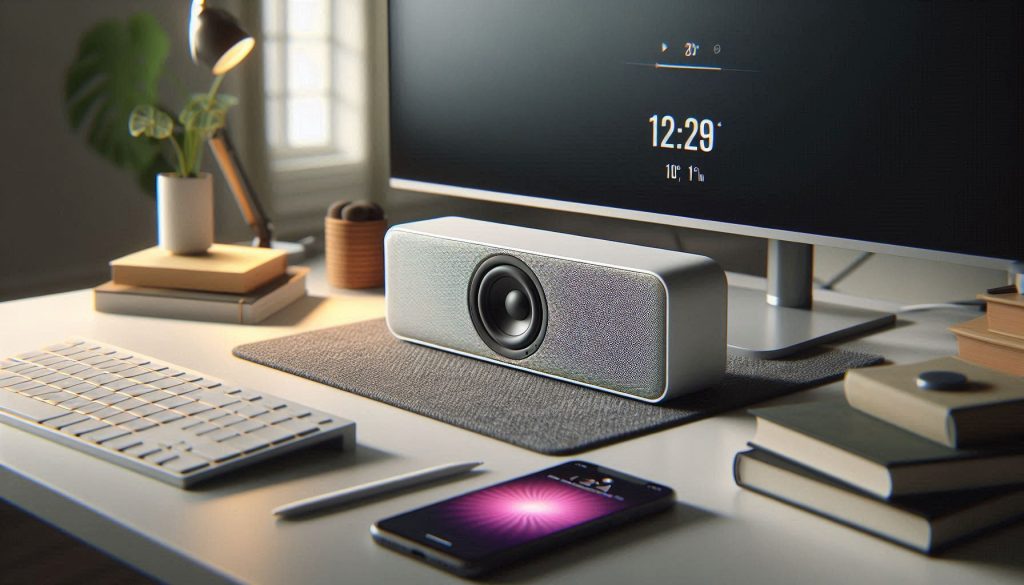
Finding the best small soundbars for home office desks is about more than just boosting volume; it’s about reclaiming desk real estate while significantly improving audio precision. In a professional environment, your audio needs are unique, requiring a balance of crisp vocal frequencies for video conferencing and rich, balanced tones for focus-driven music. By choosing a compact soundbar specifically designed for near-field listening, you eliminate the clutter of traditional computer speakers while gaining advanced features like dedicated dialogue modes and low-latency connectivity that integrated laptop speakers simply cannot provide.
This comprehensive guide breaks down the top-rated compact soundbars based on measurable performance metrics such as frequency response, signal-to-noise ratio, and physical footprint. Whether you are working with a single-monitor setup, a cramped laptop riser, or a sophisticated multi-screen rig, we analyze how different form factors—from ultra-slim chassis to expandable systems—impact your workflow and acoustics. Read on to discover which specifications actually matter for speech intelligibility and how to optimize your placement for the ultimate home office audio experience.
Choosing the Right Small Soundbar for Your Desk
You work in a constrained space and need better audio without taking over your desk. A small soundbar boosts speech clarity for calls, improves music fidelity, and cuts down on speaker clutter so your monitor and tools stay accessible.
This guide focuses on compact units that deliver reliable, measurable performance — not marketing claims. You’ll learn which specifications matter, how form factor affects placement, and what real-world tradeoffs exist.
Read on to compare options objectively and choose a model that fits your desk, workflow, and budget. The goal is clearer voice pickup, balanced sound, and a tidy workspace.
Expect guidance on connectivity, microphone passthrough, EQ presets, latency, and multi-device switching so you can optimize for meetings and focus with minimal fuss today.
1
Why a Small Soundbar Makes Sense for Your Home Office
A small desk soundbar improves speech clarity and focus by delivering clean, near-field audio exactly where you sit.
Closer listening and speech intelligibility
When you sit a sound source 0.3–0.7 m from your ears (typical desk distance), the signal-to-noise ratio for speech improves dramatically versus a laptop speaker or distant home-theater setup. A compact soundbar concentrates drivers and DSP toward the listening position, giving clearer mids and upper-mids (the 1–4 kHz range that carries consonants). Practically, that means less straining to understand colleagues on calls, and fewer awkward “Can you repeat that?” moments. Many compact models also include a “dialogue” or “voice” mode that boosts these bands by a few dB for even better intelligibility.
Performance trade-offs: driver size, SPL, and bass
Understand what small equals in measurable terms so you buy with realistic expectations:
Typical compact soundbar driver sizes: 1–2.5″ tweeters and 2–3.5″ mid/woofers.
Typical near-field SPL at desk distances: a compact bar can easily produce comfortable listening levels (~60–75 dB SPL) at 0.5 m; loud peaks above 85 dB are possible on some models but usually with distortion or reduced bass.
Smaller enclosures and smaller cone sizes limit low-frequency extension. Practically, that means you’ll get tight, present mids and respectable upper-bass (80–120 Hz), but not deep sub-bass (below ~60 Hz). Some small bars use passive radiators or include a compact wireless sub to extend bass when you need it (examples: Creative Stage with optional subwoofer). If you live in a shared apartment, the reduced low-frequency output can be an advantage—less bass bleed into neighboring rooms.
Footprint, ergonomics, and neighbor noise
A soundbar designed for a desk keeps your keyboard and monitor clear: many models (Sonos Ray, JBL Bar Studio, Yamaha SR-B20A) are narrow enough to sit in front of your monitor without blocking the base or screen. Because most energy is focused forward, you won’t have to crank volume to overcome room reflections—this lowers neighbor disturbance compared with a floorstanding speaker or full surround system.
How to judge real-world performance (quick checklist)
Look for models with a dedicated “voice/dialogue” EQ or center-focused DSP.
Prefer front-firing drivers and a narrow cabinet that fits your monitor base.
Check for passive radiators or a sub-out if you want optional bass extension.
Confirm low latency or aptX/LDAC support if you’ll watch video without lipsync issues.
Read measurements or reviews that include near-field SPL and frequency response in the 1–4 kHz band.
These practical differences explain why a compact soundbar often hits the sweet spot for desk work — clear speech, balanced near-field music, small footprint, and friendlier neighbor impact. Next, you’ll see which exact specifications and measurements are most useful when comparing models side by side.
2
Key Specifications and Performance Metrics to Prioritize
Key soundbar specifications like frequency response, sensitivity, and low noise floor matter most in a desk-based listening setup.
Here’s a data-driven checklist of the specs that actually change how a small soundbar performs on a desk — and how to interpret them when comparing models.
Frequency response: what matters for voice and near-field music
Voice intelligibility: prioritize clean output from ~1–4 kHz (consonant range). If a review or measurement shows a bump or flat response in that band, speech will be clearer at low volumes.
Near-field music: aim for usable bass down to ~60–80 Hz for fullness. Many compact bars (e.g., Creative Stage, Sonos Ray) won’t reach deep sub-bass (<50 Hz) without a sub.
How to read it: prefer measured on-axis or near-field traces. Look for +/-6 dB consistency through 200 Hz–8 kHz rather than marketing “20 Hz–20 kHz” claims that ignore usable output.
Wattage vs sensitivity: why numbers can be misleading
Ignore “peak” watts; look for RMS/continuous power where provided.
Sensitivity (dB SPL @1W/1m) often matters more than raw power for small enclosures — higher sensitivity means louder perceived sound for the same amplifier power. For desk use, sensitivity ≥85 dB/1W/1m is a practical target.
Practical minimums: RMS ~10–30 W total is enough for normal desk distances; beyond that, higher sensitivity gives better headroom without distortion.
Signal‑to‑noise ratio and distortion (SNR / THD)
SNR: aim for ≥80 dB; ≥90 dB is excellent for very quiet rooms. Higher SNR reduces hiss during calls.
THD: look for total harmonic distortion <1% at typical listening levels; for the 1–4 kHz band (critical to speech), <0.5% is ideal. Many reviews include THD vs frequency plots — prioritize low distortion where you’ll listen most.
Subwoofer choices: active, passive, or none
Active subwoofer: best for real bass extension and adjustable crossover (recommended if you want music with low end).
Passive radiators: a good compromise in very small enclosures — they add perceived bass without an external box (found on some compact models).
For shared apartments or focused speech use, you may prefer no sub at all to avoid bass bleed.
Latency, conferencing, and mic performance
Latency: wired USB or aux is near-instant (<10–20 ms). For wireless, look for aptX Low Latency or similar; typical Bluetooth codecs can add 100–200 ms which shows in video.
Microphones & AEC: if you’ll use the soundbar’s mic for calls, require echo cancellation (AEC), beamforming, and multiple mics. If the bar lacks strong onboard mics, plan for a dedicated USB headset/mic.
Practical tip: test a demo call or check reviews that include conferencing performance.
Quick minimum checklist (for reliable daily use)
Frequency: voice clarity in 1–4 kHz; usable bass to 60–80 Hz for music
Sensitivity: ≥85 dB/1W/1m
RMS power: 10–30 W total for desk distances
SNR: ≥80 dB; THD <1% (ideally <0.5% in 1–4 kHz)
Latency: wired <30 ms; Bluetooth with aptX‑LL preferable
Mic/AEC: multi‑mic with AEC or plan for external mic
Next, you’ll learn how to translate these specs into practical placement and desk setup choices so the bar actually sounds its best where you sit.
3
Small Soundbar Form Factors and Use-Case Recommendations
Small soundbars vary by form factor—choose ultra-compact, low-profile, conferencing, or expandable systems based on desk space, calls, and media use.
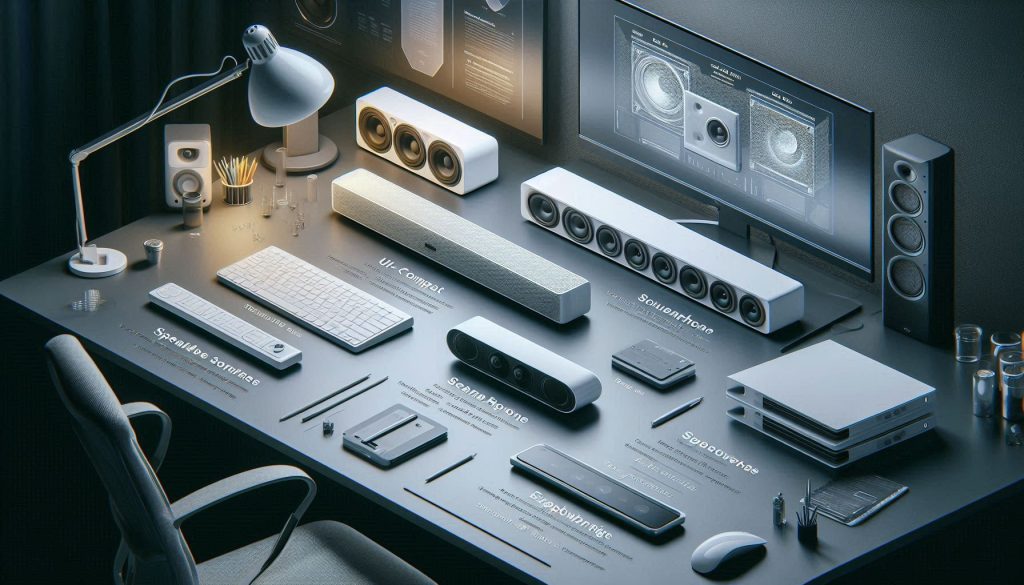
This section groups small soundbars by physical and functional form so you can match the hardware to your workflow quickly. For each type you’ll get practical use cases, acoustic trade-offs, model examples, and clear guidance on when to choose expandability versus simple single-box solutions.
Ultra-compact single‑chassis units (tight desks)
Recommended use cases: single-monitor desks, laptop-first workflows, frequent travel between rooms.
Acoustic strengths: minimal footprint, immediate near-field clarity for voice and podcasts, low latency with USB/aux.
Examples: Creative Stage, JBL Bar Studio, Anker Soundcore Infini Mini.
When to choose simplicity: pick this if desk space is at a premium and you prioritize speech, low volume listening, and clean, uncluttered setup. Avoid if you listen to bass-heavy music or want room-filling sound.
Low‑profile wide units that sit under monitors
Recommended use cases: multi-monitor rigs, standing desks, users who want balanced sound without extra boxes.
Acoustic strengths: wider driver spread gives better stereo separation and fuller midrange; many models sit flush under a monitor and benefit from desk reflections to augment perceived bass.
Acoustic weaknesses: still limited deep bass; some units create comb filtering if placed incorrectly under a curved or tilted monitor.
Examples: Sonos Ray, Bose TV Speaker, Samsung HW-S40B.
When to expand: choose a low-profile bar if you want a tidy look but may want the option to add a sub later. If you rarely play music loudly, the single bar is fine; if you host music or multimedia, plan for an external subwoofer or powered desktop sub.
Speakerphone / beamforming mic bars for frequent calls
Recommended use cases: heavy conferencing, hybrid meetings, shared workspaces.
Acoustic strengths: built-in multi‑mic arrays, beamforming, AEC — optimized for pickup and echo-free calls.
Acoustic weaknesses: beamforming hardware can add cost and sometimes compromises speaker voicing; may over-emphasize midrange for speech at the expense of musicality.
Examples: Logitech Rally Bar Mini (video bar class), Yamaha CS-series (conference soundbars), compact USB conference speakers like Jabra Speak family (for comparison).
When to choose simplicity vs pro: if 60–100% of your day is meetings, pick a conferencing bar even if it costs more. If calls are occasional, a simpler bar plus a dedicated headset or USB mic is often a better value.
Compact systems with optional satellite/subwoofer add‑ons
Recommended use cases: mixed-use desks (music + calls + media), small studio desks, people who want scalable bass.
Acoustic strengths: most flexible—add a sub for deep bass, add surrounds for immersion; good for music and occasional TV.
Acoustic weaknesses: more boxes, cables, and desk real estate required; pricier.
Examples: Sonos Beam (Gen 2) + Sonos Sub / One surrounds; Bose Smart Soundbar 300 + Bass Module.
When to expand: choose expandability when you want futureproofing—if you suspect needing deep bass for music, movies, or content creation, start with an expandable ecosystem so you can add a sub later. If you never need low-end impact, a single compact bar keeps your desk cleaner.
Next up: practical placement, desk setup tips, and acoustic tweaks that make whichever category you choose perform at its best on your desk.
4
Placement, Desk Setup, and Acoustic Optimization
Small soundbars perform best with precise placement, toe-in, isolation pads, and reflective surface management for clear vocals and tight bass.
Even a great small soundbar will sound mediocre if you place it poorly. Below are practical, data‑backed steps to get the most clarity, imaging, and accurate bass from a desk soundbar—without needing a pro to tune your space.
Optimal position and near‑field angles
Place the bar so drivers aim roughly at your ears, not the monitor.
Typical near‑field distance: 50–75 cm (20–30 in) from your ears; closer for voice/podcasts, slightly further for a wider soundstage.
Toe‑in: rotate the bar 5–15° so drivers point to your seated listening position; this narrows direct sound and reduces distracting reflections.
Height: driver center should be at or a few centimetres below ear level. If under a monitor, tip the bar forward 5–10° if it has a flat base.
Real‑world example: putting a Sonos Ray or Bose TV Speaker directly against a tall monitor often caused a “boxed” midrange; angling the bar toward the listener restored vocal clarity.
Desk surfaces and reflective objects
Reflective surfaces change perceived treble and imaging; small moves can make measurable differences.
Glass/metal desks tend to make highs sound bright; wood or matte laminates soften reflections.
Nearby vertical surfaces (monitor bezels, wall) create early reflections that smear detail and cause comb filtering.
If your desktop is reflective, add a small diffusion/damping element between speaker and monitor—books, a thin foam strip, or a fabric mat help.
Reduce desk‑induced coloration
Simple isolation and angling reduce coloration without major gear changes.
Use isolation pads or small stands: Auralex MoPADs, Sorbothane discs, or inexpensive silicone feet lift and decouple the bar.
Slight elevation (1–3 cm) prevents direct edge coupling to the desk that boosts muddiness.
If you have a low‑profile bar, try a monitor riser with a rubber top (e.g., AmazonBasics monitor riser) to create a soft mounting surface.
Minimize vibration transfer
Vibrations kill clarity and rattle peripherals.
Place rubber or sorbothane pads at each contact point.
Avoid direct contact between the soundbar and monitor stand/base; use a thin neoprene or felt pad.
If you notice desk rattles, identify offending items (mugs, external drives) and remove or isolate them.
Quick smartphone measurement checks
You don’t need pro gear to verify improvements—use relative tests.
Play pink noise (YouTube) and record or view an RTA on apps like AudioTools (iOS) or “Sound Analyzer” (Android). Look for big peaks/dips before/after changes.
Do an A/B listen: record a spoken reference or music clip, move the bar, record again — compare clarity and perceived bass tightness.
For serious leveling, use REW on a PC with a small calibrated mic (Dayton iMM‑6) later—smartphone checks are for quick validation.
Small, methodical moves—toe‑in, a few millimetres of lift, and soft isolation—often yield the biggest perceptual gains. Next, you’ll learn how to pair that optimized placement with the right connections and compatibility choices for your workflow.
5
Connectivity, Compatibility, and Practical Buying Considerations
Check connectivity, codec support, USB audio compliance, and conferencing mic compatibility before buying a desk soundbar for seamless integration.
You’ve optimized placement—now make sure the soundbar actually fits into your workflow. This section gives practical checks so the bar you buy won’t be the weak link in meetings, music, or multitasking.
Wired vs wireless: choose by purpose
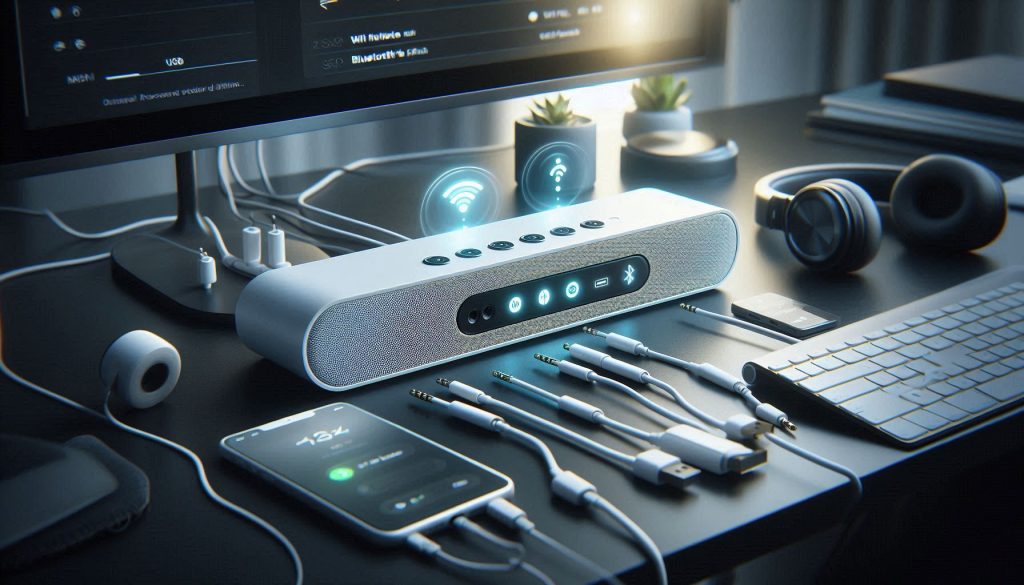
Wired connections (USB, optical, 3.5mm AUX) give lower latency and more predictable behavior—useful for video calls and content creation. Wireless (Bluetooth, Wi‑Fi) adds convenience for quick device switching and multiroom audio.
For low-latency conferencing and USB microphones: prefer USB‑audio or wired 3.5mm/optical.
For casual listening and phone calls: Bluetooth or Wi‑Fi is fine, but expect occasional latency and dropouts.
Real-world example: many people switch from a Bluetooth-only bar to a USB-connected model during long Zoom days to stop lip‑sync and packet loss issues.
Bluetooth codecs and multi‑device pairing
Know what codec and pairing features matter.
SBC is universal but basic; AAC is better for Apple devices; aptX/Adaptive and LDAC give higher fidelity on supported phones.
Multipoint pairing lets two phones remain connected; some bars only remember devices rather than actively staying connected.
If you rely on quick switching between laptop and phone, verify “multipoint” or easy manual switching in reviews.
USB Audio Class and plug‑and‑play
USB audio class compliance matters for hassle‑free setup.
USB Audio Class 1/2 devices are generally plug‑and‑play on Windows and macOS; macOS is especially strict about drivers.
If you want a single USB cable for audio and power, confirm the bar advertises USB audio or UAC compliance. Otherwise expect drivers or additional adapters.
Conferencing platform compatibility and mics
Most TV soundbars lack conferencing‑grade microphones.
If you need the bar for meetings, choose models with built‑in mic arrays and beamforming (e.g., Jabra Speak series for dedicated conference units) or plan to use a separate USB mic/headset.
Don’t assume echo cancellation: the bar may play back audio loudly and your meeting app must handle AEC. Test before big calls.
Power, mounting, durability, support
Practical constraints you’ll encounter on a desk.
USB‑powered bars reduce cable clutter but may underperform on bass; AC adapters give more headroom.
Check weight and depth if you plan to mount under a monitor or on a riser—ensure clearance and ventilation.
Look for 1–2 year warranties, firmware update support, and an active support forum or manufacturer reputation.
Quick pre‑purchase checklist
Confirm the primary connection type (USB/optical/Bluetooth) and codec support.
Verify USB audio class or driver requirements for your OS.
If you do calls, check for mic array + AEC or plan a separate mic.
Match power type (USB vs AC) to your desk setup and mounting needs.
Read real‑world reviews for multipoint behavior and firmware support.
With those checks you’ll avoid common integration headaches and buy the features that actually matter for your day‑to‑day work—next, we’ll wrap up with how to choose the best option for your specific desk and budget.
Making the Right Small Soundbar Choice for Your Desk
To decide quickly, weigh objective specs (frequency response, driver configuration, SPL), form factor (compact footprint, vertical vs. stereo bar), placement constraints, and connectivity (USB-C, Bluetooth codecs, wired inputs). Use the article checklist to shortlist models that meet your signal chain and desk depth, then prioritize microphone/ringing suppression for calls, balanced frequency and stereo width for music, or a hybrid for mixed use. Favor measured performance over marketing claims.
Finalize by testing shortlisted units for fit and sound in your actual workspace or relying on trusted measurements and reviews when testing isn’t possible. Choose the model that delivers the best tradeoff between audio quality, ergonomics, connectivity, reliability, and durability to boost productivity.