
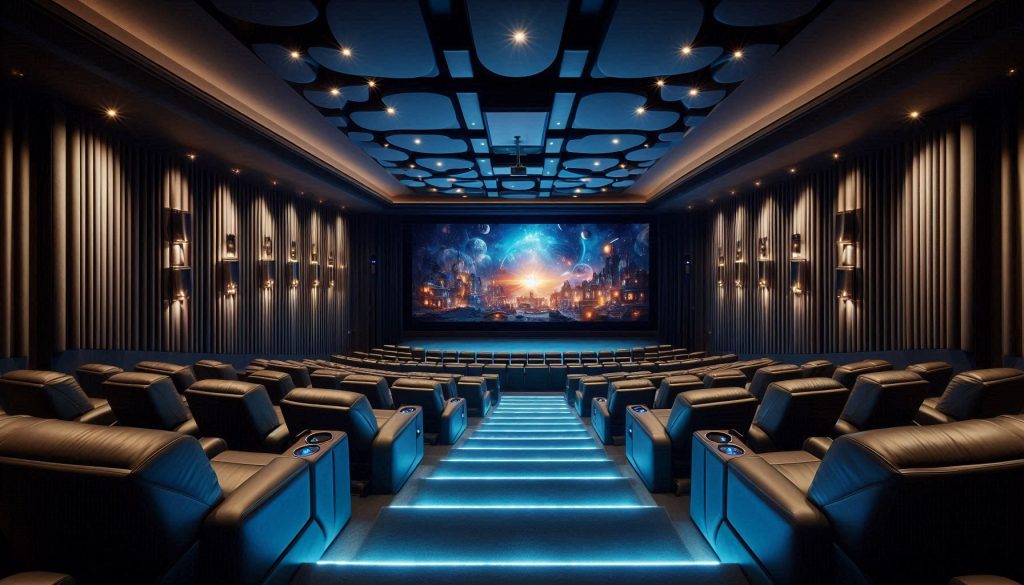
Creating the perfect cinematic experience at home involves more than just a massive screen and a high-end soundbar; it’s about where you sit and how that space is utilized. The best home theater seating layouts serve as the backbone of your entertainment room, directly impacting both visual immersion and acoustic performance. Whether you are working with a cozy spare bedroom or a dedicated basement cinema, strategic planning ensures that every viewer enjoys a “sweet spot” experience without neck strain or muffled audio. By prioritizing the relationship between your screen size and seat placement, you can transform a standard room into a professional-grade theater that balances luxury with technical precision.
Designing an effective layout requires a deep dive into spatial ergonomics and room acoustics. From traditional tiered stadium seating to flexible, modular lounge configurations, your choice should reflect both your hosting style and the physical constraints of your environment. This ultimate guide explores essential factors such as viewing angles, aisle clearance for safety, and the integration of tactile transducers for that extra “kick.” By following these industry-standard spacing and installation tips, you will create a cohesive, comfortable environment that maximizes your hardware investment and ensures every movie night feels like a premier event.
Why Your Seating Layout Matters
A well-planned seating layout transforms your room into an immersive, comfortable theater. It shapes sightlines and viewing distances, tames acoustic problems, and defines social flow. Whether you’re a home theater enthusiast, renovating, or building for the first time, your seating choices determine how every movie night feels.
This guide walks you through practical decisions: assessing room size and constraints, choosing configurations like rowed, stadium, or flexible setups, optimizing sightlines and acoustics, selecting seats and materials, and ensuring accessibility and ergonomic comfort. You’ll learn spacing and installation tips to finalize a layout that balances performance and everyday use. By following these steps, you’ll create a seating plan that fits your space, enhances sound and sight, and keeps every viewer comfortable consistently.
Assessing Your Room: Size, Shape, and Technical Constraints
Before you pick a seating arrangement, you need an accurate picture of the room. A quick, methodical assessment saves time and prevents painful rework.
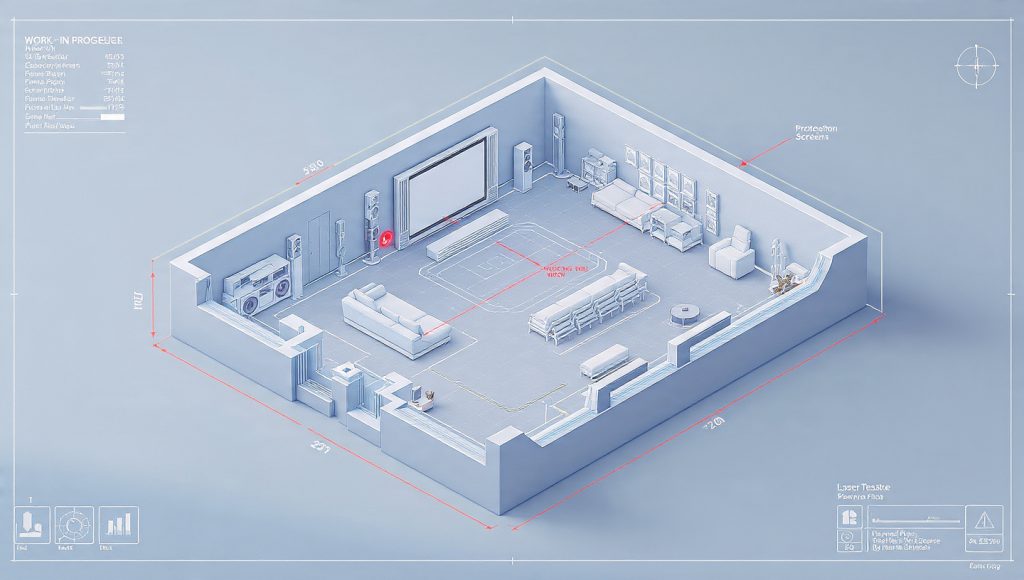
Measure the basics
Start with real measurements, not memory.
A friend who converted a 12’×18′ basement found a 6″ structural beam reduced usable width more than expected—measure twice.
Identify screen wall and speaker zones
Decide where the screen will naturally sit, then map speaker positions around it.
Quick product note: compact center speakers like the Klipsch RP-504C work well in rooms where low furniture limits vertical placement.
Check HVAC, lighting, and access paths
Comfort and practicality matter every night.
Common constraints and how they influence layout
Low ceilings (<8–9 ft) limit riser height and favor shallower recliners; columns or odd angles may force staggered seating or L-shaped layouts; narrow rooms reduce row width and capacity—better to prioritize center seating.
Decision-making checklist
With measurements, constraints, and priorities in hand, you’re ready to explore the seating configurations — rowed, stadium, or flexible — that best fit your room.
Seating Configurations: Rowed, Stadium, and Flexible Arrangements
You’ve measured the room — now pick the layout that matches how you’ll use it. Below are the most common formats, when to choose each, and quick spacing formulas so you can sketch a workable plan fast.
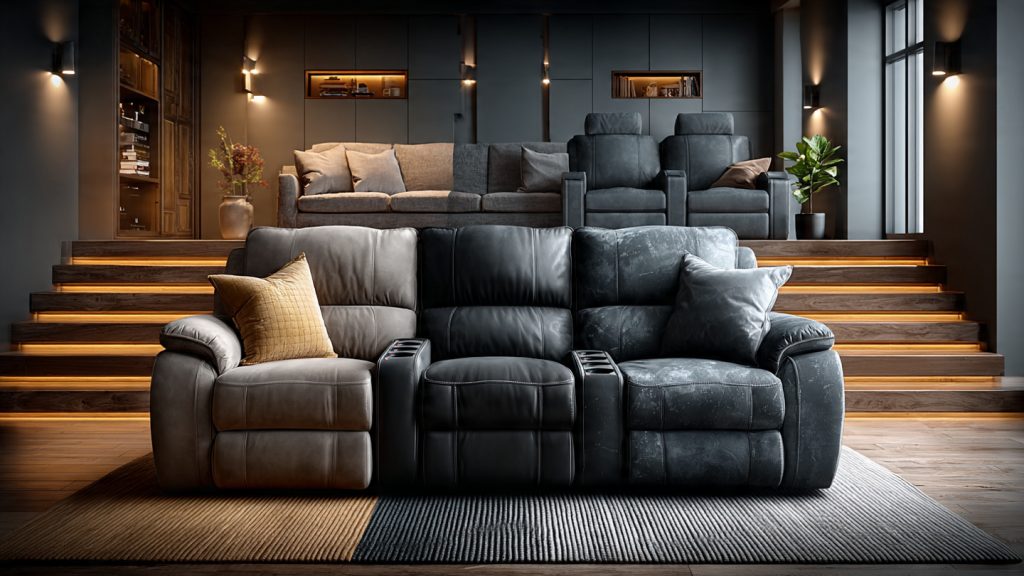
Single-row (intimate rooms)
Best for media closets, small basements, or dedicated two-to-five person theaters.
Traditional multi-row
A family-friendly layout for 4–10 viewers with clear center focus.
Stadium / risered seating
Use when unobstructed sightlines and cinematic feel matter most.
Sectional / sofa-first (multi-use spaces)
When your theater doubles as a living room.
Modular / flexible configurations
For changing needs: parties, gaming, or switching between movie nights and meetings.
Keep these options in mind as you map rows and sightlines — next you’ll refine distances and acoustics to match the configuration you choose.
Optimizing Sightlines, Viewing Distances, and Acoustic Balance
Comfortable viewing distances (quick formulas)
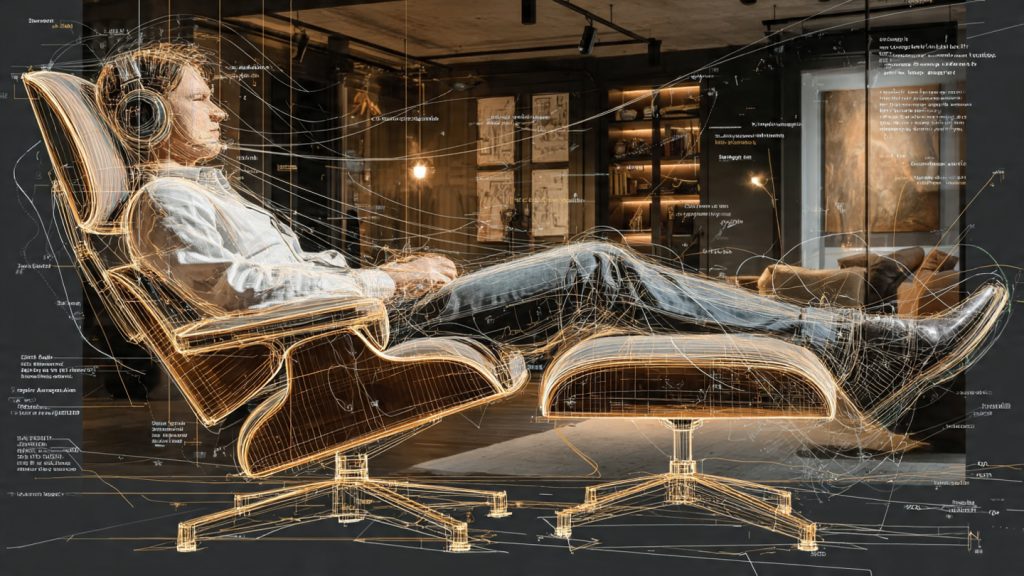
How far you sit is the single biggest visual comfort choice. Use these practical rules of thumb:
Example: a 120″ diagonal screen → 4K: ~10–15 ft; 1080p: ~15–25 ft. These keep pixels indistinct at normal viewing and avoid eye strain.
Vertical and horizontal sightlines
Set screen center near your seated eye height or slightly below to avoid neck tilt. A simple guideline:
Horizontally, arrange seats on an arc so each viewer faces the screen center. For stereo/front imaging, position main L/R speakers so the primary seat sees them at ~22–30° from the centerline (THX-style); center channel should fire directly toward ear level for dialogue clarity.
Seating and surround imaging
Seating location directly affects surround staging and bass:
Bass and subwoofer tips
Bass wavelengths create room modes; moving the seat a few feet changes perceived bass dramatically. Practical methods:
Acoustic quick fixes
Small investments yield big improvements:
Combine these placement rules with your AVR’s automated calibration and a little seat shifting, and you’ll dramatically improve both picture comfort and the realism of your surround sound.
Choosing Seats: Types, Features, and Material Considerations
Choosing seats is one of the most tangible decisions you’ll make — it defines comfort, durability, and the room’s look.
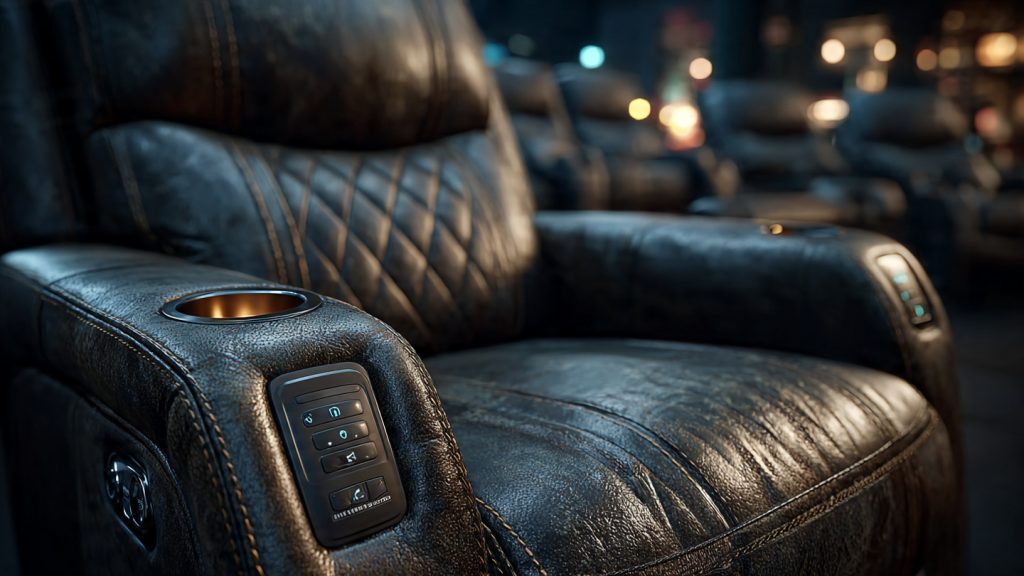
Below are the common seat types, what to look for ergonomically, material trade-offs, and practical features so you can pick wisely.
Seat types and when to use them
Dedicated theater recliners — purpose-built for cinemas, often with tiered bases and built-in cupholders. Good if you host movie nights and want maximum adjustability. Examples: Seatcraft Equinox, Octane Pinnacle.
Powered loungers — electric recline with memory and adjustable head/leg support. Best if you want one-touch comfort and have mixed-age viewers (elderly appreciate motorized help).
Modular sectionals — flexible seating you can reconfigure for game nights or families. Look for theater-style modules (armrest consoles, removable backs) from brands like Cineak or Fortress if you want high-end modularity.
Traditional sofas — budget-friendly and visually familiar. Pick deeper, firmer cushions for cinema use to maintain posture.
Built-in bench seating — ideal for tight widths or custom acoustic rooms; can hide wiring and subs. Great in retro or minimalist designs.
Ergonomics: fit matters more than looks
Aim for these practical dimensions and features when trying seats:
Try before you buy: sit for 10–15 minutes with a drink to test real-world comfort.
Materials: longevity vs. acoustics
Leather (top-grain or PU) is easy to wipe clean but reflects high frequencies—combine with soft wall treatments to tame reflections. Performance fabrics (Crypton, Sunbrella) resist stains and breathe; they absorb some mid/high frequencies, aiding acoustics. Plush fabrics are comfortable but show wear faster.
Practical features to prioritize
If on a budget, prioritize ergonomics and durable fabric over fancy lighting. For family rooms, favor stain-resistant textiles and integrated charging; for dedicated theaters, invest in power recline, good lumbar support, and materials that balance comfort with acoustic performance.
Accessibility, Comfort, and Ergonomics for Every Viewer
Designing for comfort isn’t just plush cushions—it’s about safe, easy movement and ergonomic support so every guest can enjoy long sessions without strain.
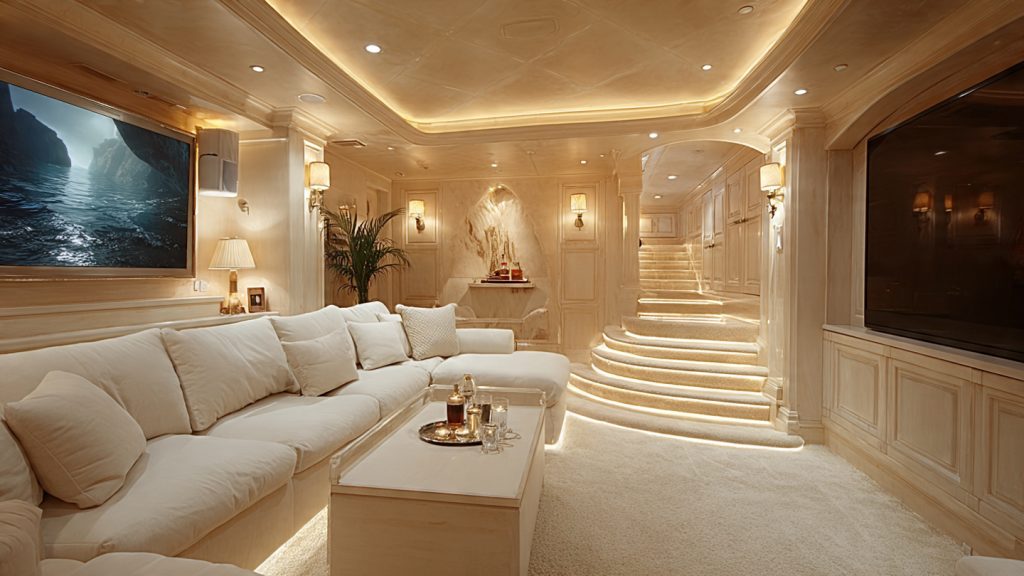
Aisles, risers, and handrails: practical dimensions
Create clear, navigable routes that feel effortless. Aim for these practical targets:
These dimensions keep older guests and kids moving confidently. A homeowner I consulted widened a central aisle to 48″ and added handrails—suddenly elderly relatives stopped declining invites.
Wheelchair access and ADA-friendly placement
Provide at least two wheelchair positions at different viewing distances (front and mid/rear) with adjacent companion seats. Practical setup:
Consult local regulations for strict ADA compliance, but planning multiple, well-distributed spots is a good rule of thumb.
Ergonomics for prolonged viewing
Optimize seating so viewers don’t fidget through a two-hour film:
Environmental comfort and sightline control
Keep temperature 68–72°F and use quiet HVAC or a mini-split to avoid noise. Use warm (2700–3000K) low-level LED step lights and dimmers to maintain orientation without glare. Remove sightline obstructions—low-profile speaker stands, recessed cupholders, and trimmed headrests help everyone see the screen clearly.
Installation, Spacing, and Practical Tips for Finalizing Layouts
You’ve planned the perfect layout—now turn it into reality.

The steps below take you from pencil sketch to installed seating with clear, actionable checklists and real-world tips.
Mapping exact seat positions
Start by establishing a centerline from the screen. Use a laser level and measure from that line for each seat edge. Checklist:
A homeowner I worked with discovered mid-install that their cupholders pushed three seats too close—marking edges first avoids that surprise.
Risers, steps, and spacing calculator
Use this simple calculator for row-to-row distances: Row distance = seat depth + recline extension + legroom buffer.
Example targets:
For risers and treads:
Coordinating AV & electrical
Plan power and low-voltage early—before drywall. Practical points:
Mockups & protecting sightlines during construction
Temporary mockups catch mistakes cheaply. Tips:
Common pitfalls to avoid
Budget, timeline, and professional help
Rough timeline: mockup day, electrical/AV rough-in (1 week), riser framing & drywall (1–2 weeks), finish & calibration (1 week). Costs vary—DIY saves labor but plan for professional help (carpenter, electrician, AV integrator) for complexity or code compliance.
With these steps completed and checks ticked, you’ll be ready to move into the final touches and bring your layout to life.
Bringing Your Layout to Life
You’ve covered room assessment, layout types, sightlines, acoustics, seating choices, and accessibility—each step shapes comfort and performance. Start by measuring and mapping your space, match a configuration to your viewing habits and technical constraints, then refine viewing distances and acoustic balance. Choose seats and materials that suit durability and comfort while planning circulation and clearances.
Before finalizing, mock up seating and screen positions with tape, cardboard, or temporary chairs to validate sightlines, distances, and access. Listen for acoustic issues and adjust speaker placement or treatments. When complexity grows—multi-row sightlines, HVAC, or structural changes—consult an acoustician, installer, or contractor to avoid costly mistakes. Test, iterate, and enjoy a theater that fits you.
I appreciate the focus on accessibility, but wanted to push a bit: the article mentions ADA and wide seats, but doesn’t give concrete numbers for aisle widths, seat heights, and transfer space.
I’ve been to too many home theaters where the riser edge is a trip hazard or cupholders block arm movement. Also consider sightlines for people who need to stand or use a cane — raised seats help but so does a slightly shallower recline for easier standing.
Would love a checklist with dimensions: minimum aisle width, safe riser nosing, transfer height ranges, and a note about sightlines for wheelchairs.
Not trying to nitpick — this is a good guide — just hope accessibility gets a table or quick-reference in the next edit.
Noted — we’ll prioritize a downloadable accessibility checklist and add clearer dimension callouts. Thanks for pushing us on this, Jon.
Don’t forget non-slip surface on risers. Fancy finishes are great until someone trips on movie night.
Agree 100%. I had to retrofit a theater and adding LED strip lighting under the riser edge fixed so many issues — people actually see the step now. Also added textured tape at the edge for contrast.
Also echoing the call for a transfer-checklist. Even a one-page PDF would be amazing.
Excellent, actionable feedback — thank you. You’re right that concrete numbers help. Quick starters we can add: minimum aisle = 36″ clear for general access (wider if you expect mobility devices), riser nosing should be well-lit and 1–2″ overhang avoided, transfer space for a wheelchair = 30″x48″ clear, seat height for easy transfer ~17–19″. We’ll work to add a checklist/quick-reference in the next revision and call out riser edge lighting and tactile cues.
Installation question: for risers and row spacing, do most home installers handle cable routing under the riser or is that something I should plan to subcontract to an electrician? Also, any tips for hiding LED lighting under the steps without it looking cheesy?
I’ve done both — electrician for mains, installer for cabling. Also, hide wires behind a backer board and use removable access panels so future changes are easy.
Many installers will run low-voltage cabling under risers, but for mains power or built-in lighting it’s best to involve a licensed electrician. For LEDs: use diffused channels (aluminum profiles with opal covers) and set brightness to a low, warm level — 1800–2700K usually looks classy. Conceal the strip behind a lip so the light washes the riser rather than exposing individual diodes.
Loved the flexible arrangements section — we moved our modular sofa and it’s a game changer. Kids rearrange it daily anyway 😂. The materials bit was clutch (we went with performance fabric and haven’t regretted it). Any recs for pet-friendly leather alternatives? I want the wipe-clean thing but without the weird sticky fake leather.
Performance leathers (also called protected or performance-coated leathers) and high-quality polyurethane leathers work well; look for ones labeled ‘pet-resistant’ or ‘high abrasion’ and ask for a warranty. Also consider Crypton or Sunbrella fabrics — they clean well and resist odor/stains.
Microfiber has been a miracle with my dog. Looks like suede but wipes clean and doesn’t show scratch marks like real leather.
Halfway through the guide and the measuring tips are actually useful (shocking, right?). Quick practical Q: when calculating row width for three seats, do I add armrests into the total seat width or just use the manufacturer’s listed seat width? Also — ceiling slope: any hard rules for riser height if the ceiling is sloped? I don’t want my second row to feel like it’s under a theater balcony.
Good call — include armrests in the total width because manufacturers usually list seat cushion width not including wider arm profiles. For risers under a sloped ceiling, consider comfort headroom: keep at least 36–42″ of clear vertical space at the tallest seated head position on the riser. If the slope is severe, reduce riser height and increase row spacing instead.
Also remember to leave room for recline travel — some recliners need way more depth than specs suggest.
If in doubt, mock it up with cardboard cutouts of the seats and sit in them. Cheap and revealing.
I measured seat widths including armrests and then added a 2–3″ buffer between seats for cupholders and movement. Saved me from cramped elbows 😂
So I tried the “flexible arrangement” idea and now my cat insists on sitting on the highest cushion like a tiny emperor. Also the riser wobbles tho — someone tell the builder to stop being allergic to screws 😅
Seriously though, the section on flexible layouts made me actually USE the room differently and not just for one movie every few months. Worth it.
Glad the flexible layout made the space more usable — that’s the goal. For riser wobble: confirm the riser is secured to joists or subfloor with appropriate fasteners and consider blocking between joists. If you’re on a concrete slab, use concrete anchors. Sometimes adding a thin plywood diaphragm under the carpet helps distribute load and reduce flex.
Builder tip: always ask for a written riser framing plan. Saves headaches and renegotiation later. And yes, bracing is cheap compared to redoing a wobbly riser.
Ha! My cat does the same. For the wobble: check the riser footings and add cross-bracing. 2x4s can be your friend here.
Really enjoyed the acoustic balance and material considerations sections. Quick dilemma: I’m thinking of leather seats in the front row (easy to wipe) and fabric for the back row (comfy, warmer sound). Will mixing materials like that create noticeable acoustic problems, or is it fine as long as I treat the room walls/ceiling properly?
Also: any guidance on whether cupholders close to the floor are a bad idea for kids spilling? The article mentions ergonomics but I wish there were a few more photos of real installations.
I did exactly this — leather front, fabric back — and honestly couldn’t hear a difference once we added some panels. The kids still spill: magnetic cup lids saved us.
Mixing leather and fabric is fine — leather reflects a bit more high-frequency energy while fabric absorbs more; overall room treatment (bass traps, side absorbers, ceiling cloud) will have a bigger effect than seat material mixing. For cupholders, raised arm-level holders reduce spills, and using recessed lids or magnetic attachments helps. Good point on photos — we’ll add more real-installation pics to the gallery.
Consider insulated spill-proof tumblers for kids — fewer stains and less crying. Also adds a tiny dash of class 😂
Thanks for the tip, Lena — adding sample photos and a short comparison chart for seat materials vs acoustic impact is on our to-do list.
First off, great article — finally something that treats seating as more than “plop down and pray.”
The sightlines section actually made me move a couch the same afternoon. Huge difference.
Quick question: I have a 14’x18′ room and a 120″ screen — the guide mentions viewing distance ranges but I’m unsure where to put a second row if I want two recliners up front and a loveseat behind. Do I measure from the recliner fully extended or from the closed position?
Also, any tips for keeping acoustic balance when you’ve got lots of soft seats (they absorb too much) but bare walls reflect? My room sounds weird when recliners are open.
Oh, and spotted a tiny typo in the Stadium header — no biggie, love the guide 😊
Great questions — thanks for the kind words! For viewing distance measure from the screen to the viewer’s eye when the seat is in its typical viewing position (so for recliners use the normal reclined position you expect to use while watching). For the second row, leave enough row-to-row clearance for recliner travel plus a recommended 12–18″ walkway.
Regarding acoustics: mix absorptive surfaces (upholstery, curtains) with diffusers or textured panels on rear/side walls and keep some hard surfaces (ceiling or a few panels) to avoid over-deadening. The article’s ‘Optimizing Sightlines…’ and the acoustic subsection should help — but I’ll add clearer examples for recliners in the next update.
Rugs + bookshelf diffusers helped me. When recliners are open they absorb bass; add a couple of bass traps in corners and you’ll get a fuller sound without making things echoey.
I had a similar setup — put the loveseat on a small riser (4–6″) and it solved both sightline and recliner clearance issues. Measure seated eye height and simulate with a chair before committing to riser height. Saves headaches later.