
White minimalist living room with professionally managed and hidden cables for a clean, luxury home setup.

Aesthetic Guide to Home Cable Management

Even in a wireless world, some cables are unavoidable. However, in a luxury home, these cables should be managed with the same care as your interior lighting. High-end cable management solutions use weighted anchors, magnetic clips, and wood-finish boxes to turn a mess into a clean design element.

We explore how to use weighted “anchors” to keep cables from falling behind desks and magnetic organizers to keep your bedside cords perfectly aligned. It is the small details like these that separate a standard home office from a luxury executive suite.

Why Aesthetic Cable Management Matters in Your Home

You often underestimate how much unmanaged cables affect the look, safety, and function of your living spaces. Untidy cords reduce perceived room value, create trip hazards, and interfere with signal performance.

Treat cable management as both design and engineering. Aesthetic choices intersect with ergonomics, electromagnetic considerations, and fire safety. You’ll learn what professional outcomes look like: clean lines, predictable access, and measured performance improvements.

This guide helps you make data‑driven decisions that balance appearance, cost, and long‑term maintenance. You’ll inventory priorities, map routes, choose materials, style visible runs, and set up maintenance systems. Each section gives practical metrics, trade‑offs, and actionable steps so your cables enhance—not detract from—your home. Follow this guide to achieve professional, safe, and visually calm results.

1

Diagnose Your Cable Landscape: Inventory, Priorities, and Metrics

White minimalist workspace showing organized cable inventory and labeling for home cable management.
Diagnose Before You Design: Inventory Turns Cable Chaos into Clarity.

Create a complete inventory, systematically

Start by surveying each room with a notebook or smartphone photos. For every device record:

Device name and location
Cable types (power, Ethernet/Cat5e–Cat8, HDMI, USB, coax, speaker wire, fiber)
Approximate cable length and visible slack
Connector types and genders (male/female, HDMI A vs. C, barrel power sizes)
Patch points, wall plates, surge protectors, and switch/router locations

This simple inventory prevents surprises later — for example, discovering a stranded female HDMI coupler where you need a male-to-male lead.

Measure slack, bend radii, and signal sensitivity

Measure slack and critical radii with a tape measure and by eyeballing bends. Note:

Slack: length of unused cable coiled or running loose. Record in meters/feet.
Bend radius: avoid sharp bends; many copper cables need a minimum radius ~4× cable diameter, fiber often 10×. When in doubt, keep bends gentle.
Signal-sensitive runs: mark long runs for Ethernet, HDMI >3–5 m, speaker runs, and antenna/coax. These are where quality and interference matter most.

Practical tip: if an HDMI run has >2 m of coil behind a TV, that’s both visually disruptive and raises long-term stress on the connector.

Set objective priorities with three metrics

Use simple, scored metrics to decide what to fix first.

Visual Impact Score (0–10)

Calculate: (visible_length / total_length) × 10, adjusted for thickness (thin power cables reduce score).
Example: a 2 m visible cluster out of 4 m total = 5; heavy cable = +2 → score 7.

Accessibility Index (0–10)

Rate how easy it is to service the cable (1 = buried behind drywall, 10 = fully exposed and reachable). Factor in frequency of change (e.g., router ports change often).

Risk Score (0–10)

Weighted sum of trip hazard (0–4), overheating/overload risk (0–3), and interference (0–3).
Example: loose floor cable (trip=4), power strip overloaded (overheat=2), near dimmer switch (interference=1) → risk = 7.

Action thresholds (practical)

Scores ≥7: high priority — remediate within weeks.
Scores 4–6: medium — plan in next project cycle.
Scores ≤3: low priority — monitor.

Quick tools and product examples

Keep these on hand:

Cable tester for data runs: Fluke Networks (pro) or Klein Tools VDV Scout (consumer-level).
Raceway and channel examples: Legrand Wiremold, D-Line cable channels for visible runs.
Cable ties: Velcro Brand One-Wrap for reusable bundling; releasable nylon ties for semi-permanent.
Power protection: APC or Belkin surge protectors to centralize power and reduce fire risk.

Armed with this measured inventory and scoring framework, you’ll know exactly which cables demand immediate intervention and which are cosmetic — giving your planning phase clear, data-driven targets.

2

Plan Cable Routes and Concealment: Mapping, Routing Strategies, and Zoning

Once you’ve inventoried everything, turn that list into a route map.
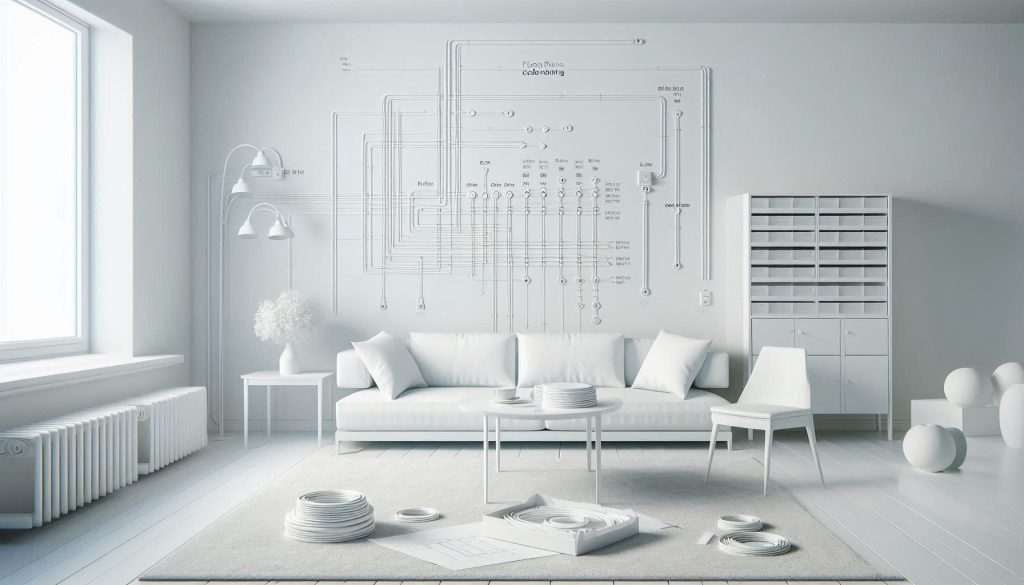
White interior showing mapped cable routes and zoning for concealed home cable management.
Plan The Path: Clean Cable Routes Start With Clear Mapping.

Think of it like plumbing: you want the fewest turns, the shortest practical runs, and predictable access points for future work. Below are practical routing principles and zoning tactics you can apply immediately.

Map the runs before you cut or chase

Sketch a simple floor plan (paper or app). Mark devices, power outlets, wall plates, and the central service point (router, breaker, utility closet). For each cable, draw:

The shortest practical path that avoids traffic and heat sources.
Where it crosses other systems (note crossings at 90°).
Any required access points (junction boxes, wall plates, access panels).

Tip: label each run with length and whether it needs in-wall rated cable (e.g., HDMI CL2) to avoid rework.

Routing strategies to reduce interference and failure points

Follow these rules to preserve signal quality and serviceability:

Keep power and data separated; if they must cross, do so at a 90° angle to minimize EMI.
Minimize junctions and couplers—each connector adds loss and potential failure. Prefer continuous runs to the media cabinet or a patch panel.
Use pull loops and spare conduits for future expansion—adding a 1/2″ or 3/4″ conduit during remodeling is cheap insurance.
Avoid running cables near HVAC ducts, fluorescent ballasts, or dimmer-controlled lighting, which introduce noise.

Product examples: Panduit flexible conduit for bundled low-voltage runs; Leviton/Monoprice patch panels to centralize Ethernet runs and avoid multiple wall-to-wall couplers.

Zone-specific tactics

Different rooms need different solutions:

Living/media centers: Run in-wall rated HDMI or use shallow in-wall boxes (Legrand On-Q). Route down to a recessed media cabinet or AV rack; use Velcro straps and labeling at the panel.
Workspaces/home offices: Use under-desk cable trays (IKEA SIGNUM or Humanscale), grommets, and a small vertical raceway for monitor cables. Put frequent-change items (USB hubs, docking stations) on accessible feeds.
Utility closets/attic: Centralize patch panels, switches, UPS, and surge protection. Keep a documented port-to-room map and leave 20–30% spare capacity.
Hallways/baseboard runs: Use baseboard raceways (Wiremold/Legrand) to hide runs without cutting drywall.

Use vertical and horizontal planes wisely

Choose concealment by plane based on access, aesthetics, and code:

Baseboard/crown molding channels: great for retrofit, low cost (D-Line, Wiremold). Easy to paint.
In-wall: Cleanest look; only use in-wall–rated cables and comply with NEC. For power moves, hire an electrician.
Underfloor/attic plenum: Excellent for large remodels; use plenum-rated materials if required.
Conduit: PVC or flexible conduit gives maximum future flexibility—pull new cables later without demolition.

Quick compliance note: always use in-wall or plenum-rated cables where required and consult local electrical code/inspector when mixing power and low-voltage or doing in-wall work.

With a clear route map and zoning plan, you’ll minimize visible clutter, reduce interference, and make future upgrades painless — readying you for the hardware and styling decisions that follow.

3

Choose Hardware and Materials: Practical, Aesthetic, and Performance Trade-offs
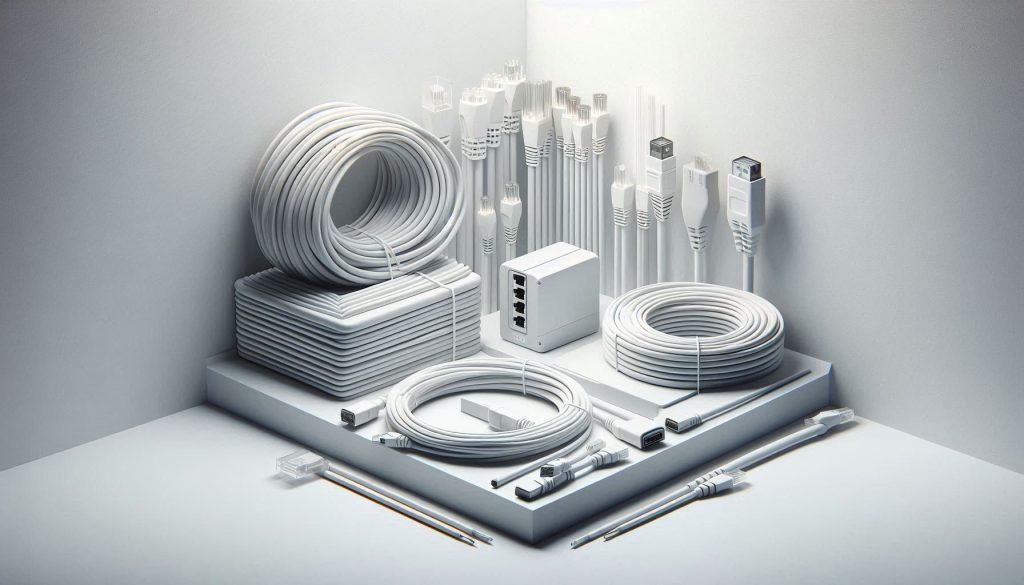
Comparison of Ethernet, HDMI, and fiber cables showing braided and flat designs on a white background.
Practical and aesthetic cable choices balancing performance and concealment.

Now that you’ve mapped routes and zones, you’ll evaluate components by both form and function. Below are the material choices and trade-offs to help you select solutions that look good without compromising safety or signal quality.

Cable types and signal trade-offs

Choose cable by distance, bandwidth, and environment:

Ethernet: Cat5e (cheap, ~0.25–0.5 USD/m) is fine for 1 Gbps; Cat6 (~0.4–1.0 USD/m) supports 10 Gbps up to ~55 m; Cat6a (~0.8–1.5 USD/m) supports 10 Gbps at 100 m with better alien crosstalk rejection.
HDMI: Passive HDMI is inexpensive but degrades beyond ~5–10 m for 4K; active HDMI or HDMI-over-Cat6 extenders preserve signal at longer runs (expect $30–$150 per run).
Fiber: Single/multimode fiber eliminates EMI and supports long distances with minimal attenuation (higher cost: $1–4 USD/m plus optics). Ideal for media rooms or long backbone runs.

Match shielding to environment—use STP/FTP in high-EMI areas (near motors or fluorescent fixtures).

Braided vs flat cables for concealment

Flat cables sit under rugs or in trim more discreetly, but they often sacrifice pair geometry:

Braided/round cables: better mechanical durability, consistent impedance, lower attenuation—recommended where performance matters (Ethernet, long HDMI).
Flat cables: excellent for tight spaces and under carpet; acceptable for short HDMI/USB runs where stealth is priority.

Example: use a flat USB-A to USB-C for a desk tidy, but prefer a round, shielded Cat6a for wall or attic runs.

Raceways, trunking, and surface-mount options

Low-profile trunking (D-Line, Legrand Wiremold) gives a painted, minimalist finish with easy access. Trade-offs:

Surface raceways: low cost, minimal installation effort, paintable, ~$10–$60 per 1–2 m section.
In-wall: cleanest look but requires CL2/CL3 (in-wall) or CMP (plenum) rated cables and more labor (possible electrician). Use in-wall rated HDMI/electrical combos to avoid code issues.

Conduit (PVC/EMT) increases install effort but makes future upgrades painless—pull new cables without demolition.

Connectors, adapters, and signal integrity

Each connector adds potential loss. Best practices:

Use keystone jacks (Leviton, Legrand) and short patch cords to centralize loss at the patch panel.
Prefer high-quality HDMI adapters/cables (Monoprice Certified Premium, Blue Jeans Cable for custom installs) to avoid handshake issues.
For audio, use balanced connectors (XLR/TRS) and Neutrik connectors for durability.
Match cable and connector shielding; terminate grounds properly to avoid creating antenna loops.

Safety, ratings, and lifespan

Always choose cables with appropriate fire ratings (CL2/CL3/CMP). Expect good cables to last 10–25 years; connectors and moving parts shorter—plan for periodic replacement of high-use items. Installation effort, cost per meter, EMI resistance, fire rating, and lifespan are the axes you’ll weigh when choosing materials—pick combinations that align with your aesthetic goals and tolerance for future upgrades.

Up next: styling visible runs and integrating them into your décor.

4

Visible Aesthetics: Styling, Color Coordination, and Integrating Cables into Décor
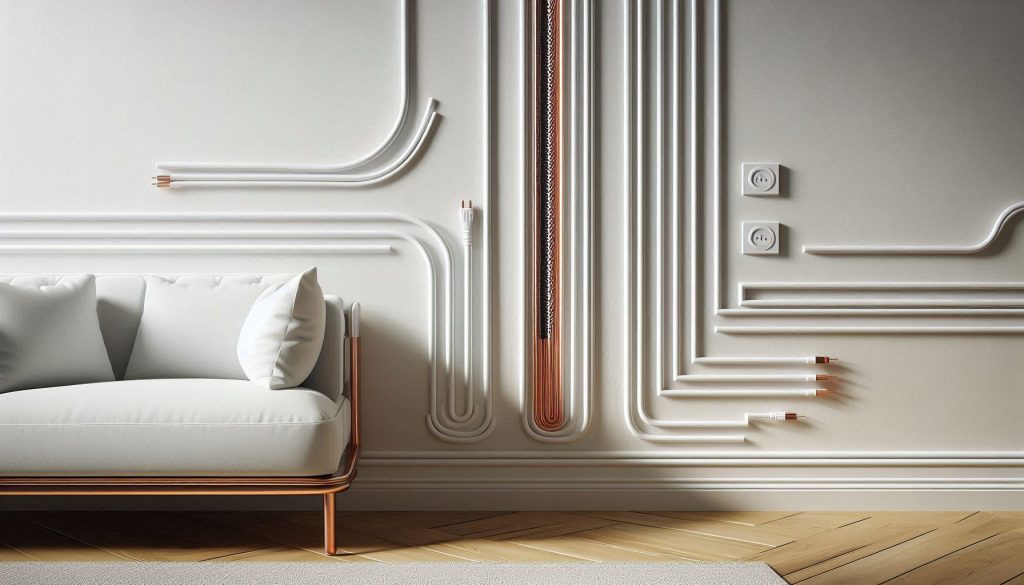
Visible cables styled as design elements using color coordination and contrast on a white wall.
Integrating cables into décor through color matching and intentional contrast.

When concealment isn’t possible, you can make cables an intentional design element. The goal is to reduce visual clutter and make every line feel purposeful. Below are practical strategies, product references, and a simple photographic method to evaluate progress.

Color and contrast: match or make a statement

Decide whether cables should disappear or become accents.

To disappear: match cable color to the background. Use paintable raceways (Legrand Wiremold, D-Line) or choose flat/paintable HDMI and power covers.
To accent: choose a deliberate contrast—black braided sleeving against light plaster for an industrial look, or copper/bronze-finished raceway for mid-century warmth.

Products: Techflex PET braided sleeving (for textiles and color choices), D-Line Fabric Cable Cover, Legrand Wiremold Paintable Channels.

Run lines along architectural seams

Make seams work for you: baseboards, crown molding, window reveals, and the shadow line where wall meets ceiling are natural disguises. Tuck cables on the inside edge of a trim line so only a thin shadow of the cable is visible.

Quick how-to: route the main run in the seam, anchor every 15–30 cm with low-profile clips (Velcro Brand One-Wrap or 3M Command Cable Clips), and use a continuous sleeve for the exposed span.

Purposeful bundling, spacing, and symmetry

Controlled bundling reads as design; chaotic tangles read as neglect.

Bundle cables by function (power, data, AV) and keep equal spacing between bundles.
Anchor bundles at regular intervals—every 15–30 cm for wall runs; every 30–50 cm for ceiling or baseboard runs.
Create symmetry: mirror runs on either side of a focal point, or use equal-length visible tails.

Avoid zip ties as permanent fixes; prefer reusable Velcro straps or textile wraps to preserve cables and allow iteration.

Decorative covers and sleeves as accents

Use sleeves and channels as material accents—not just concealment.

Textile sleeves (Techflex, JOTO) add texture and color.
Slim metal channels or faux-molding raceways (Legrand Wiremold Profile) read as architectural detail.
Sugru or moldable adhesives can form custom end-caps—use sparingly and with removal in mind.

Minimize perceived bulk: spacing and negative space

Perceived cable mass decreases with spacing and negative space. Separate multi-cable bundles into thinner parallel runs rather than one massive bundle. Use consistent gaps (6–12 cm) between parallel runs to create rhythm and reduce visual weight.

Photographing and quantifying visual impact

Measure, iterate, improve.

Setup: use a tripod, consistent lighting, and the same camera framing for before/after shots. Enable the grid overlay on your phone.
Simple metrics to track: visible line count, average spacing (cm), and occupied area (% of photo covered by cables).
Quick method: crop the same area, convert to high-contrast grayscale, and use any photo editor’s histogram or pixel count to estimate percent area occupied. Aim to reduce occupied area by 30–50% for noticeable improvement.

A couple of test shots and numeric metrics will guide your aesthetic iterations scientifically—so each change is deliberate, not accidental.

5

Maintenance, Safety, and Smart Organization Systems
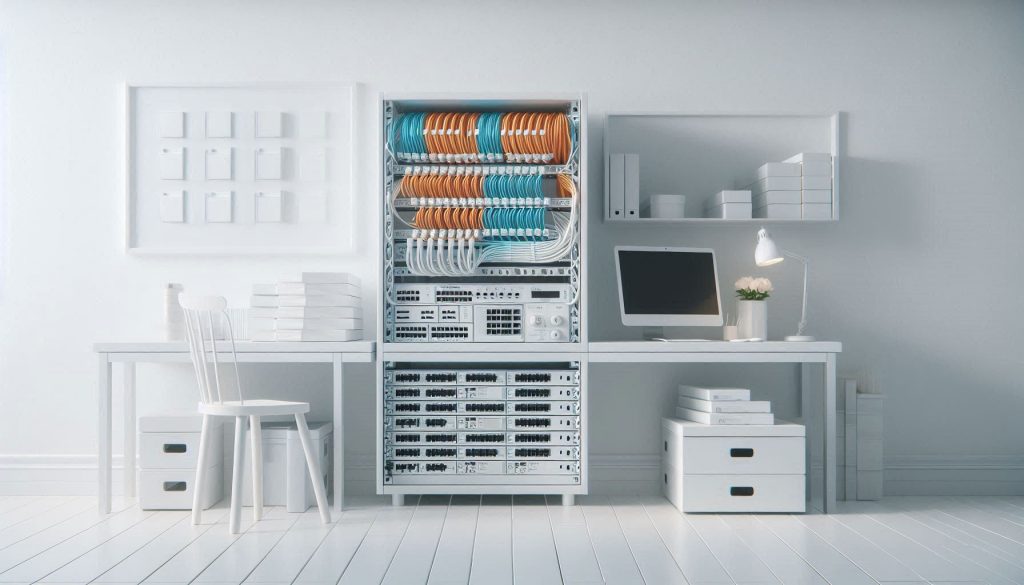
Organized cable management system with labeled cables, service loops, and safe power distribution in a white setup.
Smart organization and safety practices that keep cable systems easy to maintain and upgrade.

You’ve built tidy routes and attractive runs — now you need systems that keep them functional, safe, and easy to change. This section gives concrete standards, safety rules, testing routines, and smart tools so upgrades and troubleshooting are fast and low-risk.

Labeling and modularity: make identification instant

Use durable, consistent labels and modular endpoints so you can swap or extend without guesswork.

Label format: Device—Port→Destination | Date | Installer. Example: “LIVINGTV:HDMI1→BRAVIA:HDMI2 | 2026‑01 | J.Smith”.
Use a thermal labeler (Brother P‑touch series, Brady BMP line) and color-code for cable type (red = power-critical, blue = LAN, orange = AV).
Prefer keystone jacks, patch panels, and modular couplers. A punch‑down patch panel for network runs and short, labeled patch cords at the rack reduce downtime and future rework.

Service loops and accessible junctions

Plan for movement and service without destroying the neatness.

Leave service loops: ~15–30 cm (6–12 inches) at equipment racks and wall boxes; larger loops (30–60 cm) in ceiling plenums for future rerouting.
Anchor loops with Velcro; avoid permanent zip ties that pinch conductors.
Put junctions and splices in accessible, labeled boxes—behind furniture or in cabinets—not buried in walls where possible.

Safety practices: electrical and thermal commonsense

Safety protects people and keeps warranties valid.

Follow local electrical codes (e.g., NEC in the U.S.). A key rule: continuous loads should not exceed ~80% of a circuit’s rating — plan multiple circuits for high-draw entertainment centers.
Never daisy‑chain power strips; use a single, appropriately rated PDU or surge-protected UPS (APC/CyberPower/Eaton) per equipment cluster.
Ensure ventilation for transformers and brick adapters — leave several centimeters of clearance and avoid stacking adapters in enclosed boxes.
Inspect for abrasion, overheating, and strain at connectors during service checks.

Routines, monitoring, and testing

Scheduled checks catch problems early and quantify performance.

Quarterly visual audits: labels intact, no frays, anchor points secure, adapter temperatures normal.
Monthly functional checks: run an internet speed test (Ookla), verify critical streaming paths, and check UPS battery health.
Annual cabling tests: use a network/cable tester (Fluke Networks, Klein Tools VDV) to verify continuity, wiring, and crosstalk for important runs.

Smart power and network management

Add remote insight and graceful scaling.

Use managed switches (Ubiquiti/TP‑Link/Netgear) with SNMP or vendor apps to monitor port link states and traffic.
Smart PDUs and UPSs provide outlet-level metering and alerts for overload or battery faults; integrate into your home automation for push notifications.
Smart plugs with energy reporting (TP‑Link Kasa, Shelly) can flag rogue loads and help balance circuits.

With labeled, modular hardware, routine testing, and smart monitoring you create a resilient system that stays safe and upgradeable. Next, we’ll bring these practices together in a streamlined implementation plan.

Putting It All Together: Measured, Maintainable, and Attractive Cable Systems

You now have a step‑by‑step framework to move from chaotic wiring to an aesthetic, code‑compliant system that supports long‑term use. Measure your runs and inventory devices, plan routes and concealment zones, then select materials that match your measured needs (capacity, signal, fire ratings, and finish). Execute work methodically with fasteners, labeling, and safety checks to meet code and minimize future rework.

Maintain the system with simple procedures: periodic inspections, tidy re‑labeling after changes, and a small toolkit for adjustments. Follow these measured, maintainable practices and your home will stay tidier, safer, and far easier to upgrade — start by making one measured change this weekend.

Leave a Comment

Your email address will not be published. Required fields are marked *