High-end white soundbar and speaker setup in a luxury living room optimized for Spotify music streaming

Best Soundbar for Spotify

Finding the best soundbar for Spotify requires looking beyond standard home theater specs and focusing on how a device handles high-bitrate music streaming. Unlike movies, Spotify’s Ogg Vorbis and AAC formats rely heavily on network stability and digital-to-analog conversion (DAC) to maintain audio fidelity. To get the most out of your Premium subscription, you need a soundbar that supports Spotify Connect, which allows the speaker to pull the stream directly from the cloud via Wi-Fi, bypassing the compression and battery drain typical of standard Bluetooth connections.

The right choice depends on your specific listening environment and audio priorities, whether you are looking for a compact unit for a small apartment or a multi-driver array for critical listening. High-quality hardware, such as dedicated tweeters and robust room correction software, ensures that vocals remain crisp and the soundstage stays wide. By prioritizing features like dual-band Wi-Fi, eARC connectivity, and lossless processing, you can transform your living room into a high-fidelity concert hall. Follow this guide to discover the top-rated soundbars that bridge the gap between cinematic power and musical precision.

Why Your Soundbar Choice Matters for Spotify Listening

You listen to streaming music, not files, and Spotify’s streaming format, bitrate options, and network behavior change what reaches your speakers. Your soundbar’s codec support, network integration (Wi‑Fi, Bluetooth, Chromecast, AirPlay), and digital-to-analog processing directly affect clarity, dynamics, and stereo imaging — so choosing blindly wastes potential.

This guide shows how Spotify delivers audio, which soundbar features improve playback, and how form factor shapes music. You’ll get a practical decision framework based on listening context and priorities, step‑by‑step setup tips to optimize Spotify playback, and a transparent testing methodology plus a buying checklist. Use these data‑driven steps to pick a soundbar that makes Spotify sound its best for your space. Start here today.

1

How Spotify Delivers Audio and Why It Affects Your Soundbar Selection
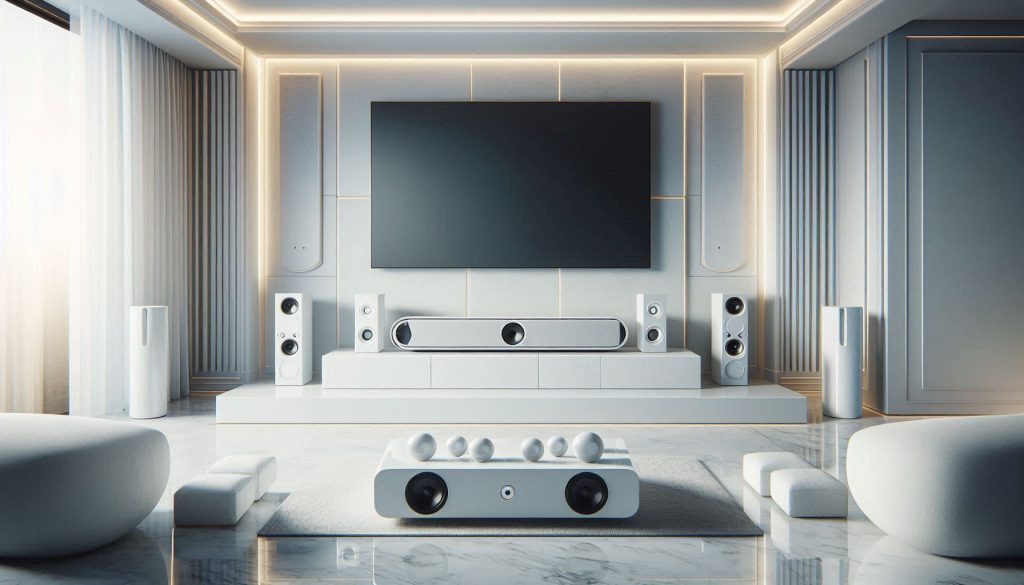
High-end white soundbar and speaker setup in a luxury living room optimized for Spotify music streaming
Where premium streaming meets luxury sound design.

What Spotify actually sends to your speakers

Spotify is primarily a lossy streaming service that adapts bitrate and codec to network conditions and endpoint type. As a Premium listener you can get up to 320 kbps (Ogg Vorbis or AAC depending on device), but Spotify will step that down on slow or congested connections. Spotify Connect devices receive the stream directly from Spotify’s servers; when you cast from a phone over Bluetooth, the phone becomes the bottleneck and the audio gets re-encoded (SBC, AAC, aptX variants depending on phone and speaker).

Why the streaming pipeline matters for sound quality

Think of the path as server → internet → router → soundbar decoder/DAC → amplifier → speakers. Instability or a weak link anywhere forces bitrate drops, added buffering, or re-encoding — all of which reduce perceived fidelity, dynamic range, and transient detail. In real life, that’s the difference between hearing a crisp cymbal hit and a smeared, dull sound.

Key practical implications for choosing a soundbar

Prefer soundbars with built-in streaming (Spotify Connect, Chromecast built-in, AirPlay 2) so the bar pulls audio directly and bypasses your phone.
Opt for wired Ethernet or robust dual‑band 5 GHz Wi‑Fi support to avoid bitrate throttling and dropouts.
Choose a soundbar with a high‑quality internal DAC and clean analog stages — better converters preserve dynamics even from 320 kbps streams.
Avoid relying on Bluetooth when you care about fidelity or sync — Bluetooth adds compression and tens-to-hundreds of milliseconds of latency, which matters for music-video sync and DJ-style timing.

Quick, actionable tips to apply now

Set Spotify’s streaming quality to the highest available in app settings.
If possible, connect the soundbar via Ethernet or place it on 5 GHz Wi‑Fi near your router.
Look for models with explicit “Spotify Connect” support (e.g., Sonos Beam series, many Bose smart soundbars) or Chromecast/AirPlay if you use those ecosystems.
If you must use Bluetooth, prefer devices that support low-latency codecs, and accept small trade-offs in fidelity.

Understanding these constraints helps you prioritize network stability, supported streaming endpoints, and audio conversion quality over marketing buzzwords like “power” or “bass” when picking a soundbar for Spotify.

2

Key Soundbar Features That Improve Spotify Playback

High-end white soundbar setup with subwoofer and rear speakers highlighting advanced audio features for Spotify
Premium soundbar architecture for precise imaging, deep bass, and flawless Spotify playback.

Building on how Spotify delivers audio, here are the specific hardware and software characteristics that actually change what you hear. For each feature I note the perceptual gains you should expect and the trade‑offs to weigh.

Audio architecture: drivers, channels, and subwoofers

What matters: number/type of drivers (dedicated tweeters/midranges), left/right separation, and whether a powered subwoofer is included or optional.

Perceptual gains: clearer imaging, better midrange detail, tighter bass. A dedicated woofer or separate sub extends low-end impact (20–60 Hz) you can feel in bass‑heavy tracks.
Trade-offs: big subwoofers give room‑shaking bass but can boom in small rooms; multi‑driver arrays (e.g., Sonos Arc) improve width but increase cost and size.

Frequency response and dispersion

What matters: how flat the response is across 40 Hz–20 kHz and how evenly sound radiates.

Perceptual gains: flat ±3 dB response yields more accurate vocals and instruments; controlled dispersion reduces hot/cold spots in your room.
Trade-offs: very wide dispersion enhances “room-filling” sound but sacrifices a focused stereo image for critical listening.

Built‑in DAC and supported sampling rates

What matters: DAC quality, clocking, SNR and supported sample rates.

Perceptual gains: cleaner transient detail and lower noise floor; useful even for 320 kbps streams because better DACs preserve dynamics and timing.
Trade-offs: higher-spec DACs add cost. Note: current mainstream Spotify streams top out at lossy 320 kbps, so extreme hi‑res support (24/192 kHz) delivers diminishing returns unless you use other sources.

Connectivity options

What matters: Ethernet/Wi‑Fi (Spotify Connect, Chromecast, AirPlay), Bluetooth and supported codecs (SBC, AAC, aptX, LDAC).

Perceptual gains: Wi‑Fi/Spotify Connect avoids phone re‑encoding and reduces dropouts; high‑quality Bluetooth codecs (aptX, LDAC) help if you must use Bluetooth.
Trade-offs: Bluetooth is convenient but lossy and adds latency; Ethernet/5 GHz Wi‑Fi needs proper network setup.

DSP and room correction

What matters: EQ algorithms, automatic room tuning (YPAO, Dirac, Sonos Trueplay, AMBEO calibration).

Perceptual gains: corrected bass response, improved clarity, better stereo balance tailored to your room.
Trade-offs: aggressive DSP can add latency or coloration; the best systems allow you to disable or tweak processing.

Control and equalization

What matters: app-based parametric EQ, presets, crossover control, saved profiles.

Perceptual gains: tune bass to room size, reduce harshness, create source-specific profiles (podcast vs. dance).
Trade-offs: too much EQ hides the recording’s intent—use small, measured adjustments or a measurement mic for precise tuning.

Practical tip: prioritize connectivity and room correction first (consistent stream + tame room), then driver/subwoofer size according to room volume.

3

Soundbar Form Factors and How They Shape Your Music Experience

Four white soundbar designs including compact, subwoofer system, multi-driver array, and immersive object-based setup in luxurious modern interiors
Explore how different soundbar form factors shape music experience from casual vocals to immersive spatial sound.

Different soundbar designs change how Spotify tracks sound in your room. Below I compare four common form factors and give practical guidance so you can choose one that matches your room size and the music you listen to.

Compact single‑unit bars

Compact bars (e.g., Sonos Beam, Bose Smart Soundbar 300) are short, slim, and sit under a TV.

Stereo imaging: limited left/right separation; best for centered vocals and casual listening.
Bass: modest; won’t reproduce deep sub‑bass without a subwoofer.
Placement flexibility: easiest to place; ideal for apartments or under low TVs.
Best for: spoken‑word, singer‑songwriter, and light pop where clarity and convenience win.

Bars with external subwoofers

Systems that include or support a powered subwoofer (e.g., JBL Bar series, Bose with Bass Module) add low‑end impact.

Stereo imaging: similar to single units unless paired with surrounds.
Bass extension: far better punch and rumble (30–60 Hz), which matters for EDM, hip‑hop, and bass‑heavy playlists.
Placement flexibility: sub placement affects performance—corner placement increases boom; experiment with position.
Best for: bass‑heavy genres and parties in medium to large rooms.

Multi‑driver arrays / wide soundstage

Longer bars with multiple tweeters and up‑firing drivers (e.g., Sonos Arc) create a wider apparent stage.

Stereo imaging: improved lateral spread and more instrument separation.
Bass: often better than compact bars but still benefits from a subwoofer.
Integration: usually supports multiroom platforms (Sonos, Chromecast) for cohesive Spotify use.
Best for: acoustic, jazz, and complex mixes where spatial cues and instrument placement matter.

Immersive / object‑based systems

High‑end solutions (Samsung HW‑Q series, Sennheiser AMBEO) use virtual/Atmos processing and multiple drivers.

Stereo imaging: exceptional vertical and horizontal placement; perceived “around” sound.
Bass extension: powerful and controlled, sometimes built into the bar or with a large sub.
Trade‑offs: more room‑sensitive, higher cost, larger footprint.
Best for: detailed, immersive listening and home theater crossover.

Practical matching tips:

Small room + vocal focus → compact bar.
Medium/large room + bass focus → bar + sub.
Critical listening of complex mixes → multi‑driver array or immersive system.

Next, you’ll learn how to set up and optimize whichever form factor you choose so Spotify sounds its best in your space.

4

Choosing a Soundbar Based on Your Listening Context and Priorities
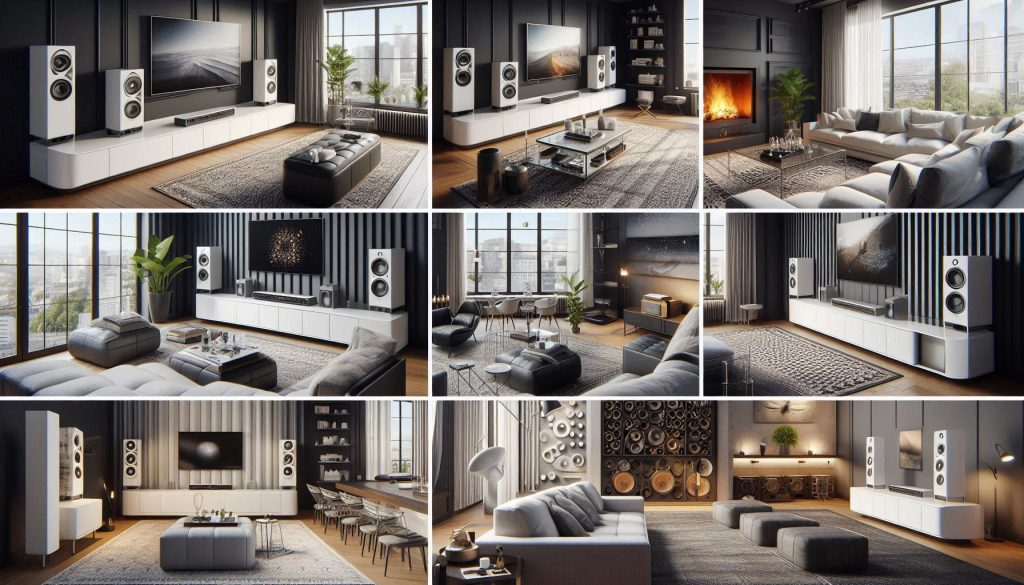
White soundbar setups in luxury interiors showing casual, near-field, home theater/music, and multiroom/party listening contexts
Tailor your soundbar choice to your listening habits—from casual Spotify streaming to immersive home theater experiences.

Casual background listening

If you mainly stream Spotify while cooking or working, prioritize convenience and clear vocals over granular detail. Look for:

compact form, voice-enhancement features, and stable wireless streaming (e.g., Sonos Beam Gen 2, Bose Smart Soundbar 300).
Easy app control and reliable multi‑format support (Spotify Connect).Tip: enable any “speech” or voice enhancement and place the bar on a cabinet at ear‑height for clearer vocals.

Critical near‑field listening

For focused listening at close range, you want accurate mids, wide stereo imaging, and low distortion.

Choose bars with neutral voicing and wide‑driver arrays or consider stereo speakers instead of a single bar (Sennheiser AMBEO is a rare soundbar that leans toward this).
Use room treatments (rugs, curtains) and sit 3–6 ft from the bar to hear fine detail.Tip: disable “bass boost” and processing; rely on flat EQ and measured listening.

Home theater + music compromise

If the bar must serve movies and music, aim for balance: clean mids for vocals, dynamic headroom for movies, and a subwoofer for music punch.

Look for bars with good dynamic range, optional/subwoofer support, and room calibration (Sonos Arc, Yamaha YAS/HT series).Tip: keep calibration on for movies, then switch to a neutral music profile when listening to Spotify.

Small apartment setups

Constraints: thin walls, limited space, neighbors.

Prioritize small footprint, low cabinet vibration, and controlled bass (compact bars or small subwoofers—Sonos Beam, Bose 300).
Consider wall‑mounting and sub decouplers to reduce rattle.Tip: set subwoofer level conservatively and use EQ to avoid bass bleed.

Multiroom / party scenarios

When loudness and danceable bass matter, choose headroom, a powerful sub, and party‑friendly connectivity (Bluetooth + Spotify Connect).

Models like JBL Bar series or systems that let you group speakers work well.Tip: place the sub near a corner for bigger impact and group multiple speakers for even coverage.

Budget tiers & realistic expectations

Entry: limited bass (≈70–80 Hz), narrow soundstage, fine for speech and casual playlists.
Mid: better extension (≈50–60 Hz), clearer imaging, includes or supports a sub.
Premium: deep extension (≈30–40 Hz), low distortion, advanced room correction.

Remember: room acoustics and placement often change perceived sound more than small model upgrades—moving a subwoofer a foot can be more transformative than trading mid‑range units.

5

How to Set Up and Optimize Your Soundbar for the Best Spotify Playback
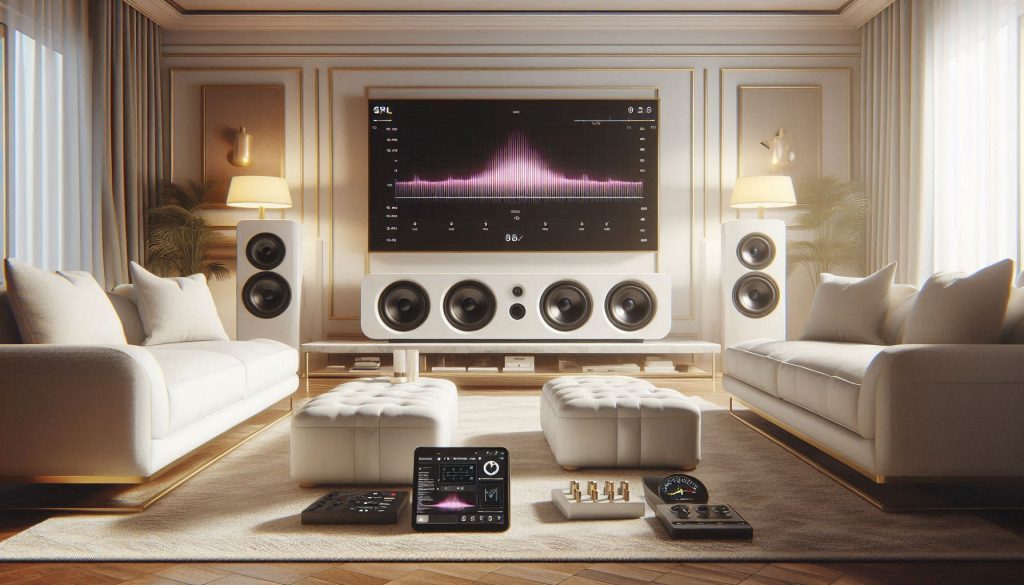
White luxury soundbar and subwoofer being calibrated in a high-end living room for optimal Spotify playback with SPL meter and reference tracks
Set up and optimize your soundbar for Spotify with precise placement, room calibration, and measurement tools for the best listening experience.

Quick, step‑by‑step optimization checklist

  1. Choose connection first: prefer Wi‑Fi/Ethernet (Spotify Connect) or HDMI eARC for best quality and reliability; use Bluetooth only for quick mobile streams.
  2. Use the native soundbar app or Spotify Connect — avoid casting through unstable phone Bluetooth.
  3. Update firmware on soundbar and TV; update the Spotify app/device firmware.
  4. Start with the soundbar’s neutral or “music” preset; run room calibration if available.
  5. Place the bar and subwoofer, then measure and tweak with an SPL meter and reference tracks.
  6. Check and correct latency/lip‑sync for video; use TV sound delay settings if needed.
  7. Save profiles: one for music, one for movies.

Connection choices — what to use when

Wi‑Fi/Ethernet + Spotify Connect: best for gapless playback, highest reliability, multiroom (Sonos Arc, Beam).
HDMI ARC/eARC: use when feeding TV audio (Dolby formats); eARC preserves full bandwidth and lowers latency.
Bluetooth: OK for quick phone-only listening; expect compression and 100–300 ms latency.

Firmware, drivers, and apps

Always check the manufacturer app (Sonos, Bose, Yamaha) for firmware updates; enable automatic updates if you want less fuss.
Update your TV’s HDMI/CEC drivers to prevent sync issues when using ARC/eARC.

EQ: presets vs manual tuning

Start with room correction or a flat “music” preset.
Use manual parametric EQ only after measurement—reduce bad resonances rather than boosting.

Placement and subwoofer integration

Place the bar centered and at ear height if possible; avoid cabinet cavities that choke bass.
For the sub, try the “subwoofer crawl”: place it at listening position, play bass-heavy track, move the sub around room perimeter until bass sounds even. A one‑foot move can change bass by several dB.

Latency and lip sync

For video, prefer HDMI eARC or enable the TV’s sound delay settings.
For music-only, Spotify Connect over Wi‑Fi keeps latency negligible.

Practical, repeatable listening & measurement

Use a real SPL meter (or calibrated USB mic + REW) and play pink noise or a sweep at moderate level; target consistent response across 60 Hz–10 kHz within ±3 dB.
Validate with three familiar, well‑mixed tracks (acoustic, bass‑heavy, and vocal‑forward) and note differences before/after tweaks.

Next up: a transparent testing methodology and a practical buying checklist to help you objectively compare models.

6

How to Evaluate Soundbars: Testing Methodology and a Practical Buying Checklist
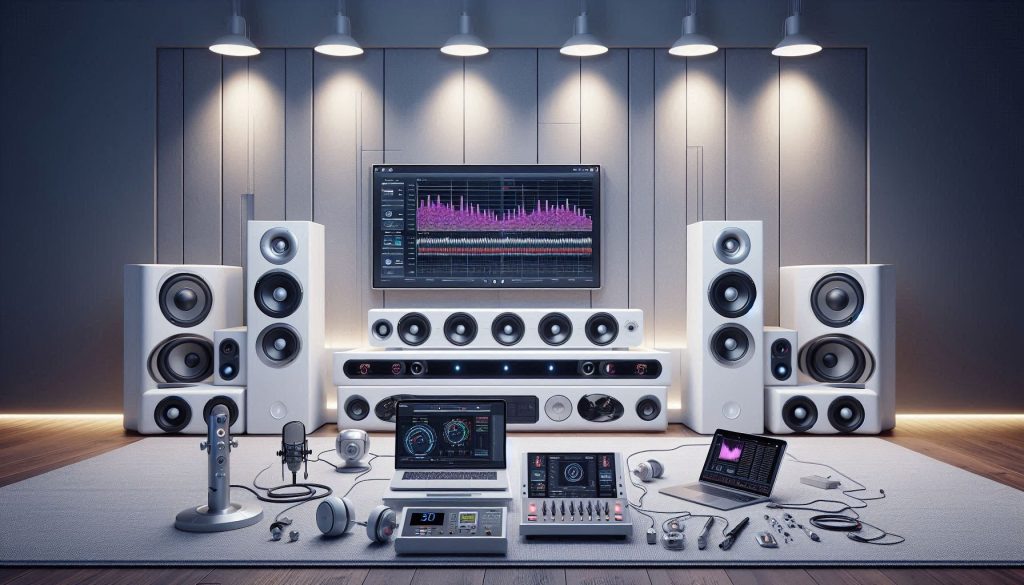
White luxury soundbars arranged in a modern high-end testing room with SPL meters, measurement microphone, and laptop displaying audio calibration graphs
Evaluate and compare high-end soundbars with precision testing, including frequency response, bass integration, and streaming reliability for Spotify

Reproducible test plan (what to run and why)

Start each candidate with identical source material, volume calibration, and placement. Use a mix of reference tracks that stress different skills:

Vocal clarity: Norah Jones-style acoustic; focus on midrange and imaging.
Bass control: electronic or cinematic track with deep sub-bass (e.g., Massive Attack-style); tests sub integration.
Rhythm and detail: funk/house track (tight transient bass and percussion).
Complex mixes: orchestral or soundtrack piece to judge separation and low-level detail.

Always include pink‑noise sweeps and narrow-band tones for objective measurement.

Objective metrics to capture

Measure, record, and compare these numbers rather than relying on impressions alone:

Frequency balance: sweep/FFT from 20 Hz–20 kHz; report 60 Hz–10 kHz flatness (target ±3 dB for music).
Distortion indicators: THD at representative SPLs (e.g., 80–85 dB at listening position).
Latency: round-trip delay for Bluetooth and Spotify Connect/eARC (ms).
Connectivity stability: packet loss/drop count or Spotify playback interruptions during a 30‑minute stress test.
SPL: calibrated levels to equalize perceived loudness between units.

Tools: calibrated USB mic + REW, SPL meter, simple latency app or oscilloscope for precise results.

Blind comparison and real‑world scenarios

Blind A/B: randomize unit order, blind yourself or have a friend swap units, and keep volume equalized using a tone.
Listening situations: solo critical listening, background-party level, TV with dialogue focus. Score each scenario on clarity, bass evenness, and fatigue after 15 minutes.

A quick anecdote: in one blind A/B test, a clearly marketed “warm” bar lost to a flatter-sounding model when vocals were graded for clarity—showing the value of double‑blind checks.

Practical buying checklist (ranked priorities)

Connectivity (Wi‑Fi/Spotify Connect, eARC): ensures quality and reliability.
Sonic neutrality & imaging: accurate midrange and coherent soundstage for vocals.
Bass performance & sub integration: tight, controllable low end over sheer loudness.
Room correction: useful in treated or untreated rooms for measurable improvements.
Ease of use: app reliability, firmware updates, setup simplicity.
Value: measured performance per dollar versus competitors (e.g., Sonos Arc vs. Sony HT-A7000).

With these methods and the checklist, you’ll have defensible measurements and listening notes to guide your final decision before reading the article conclusion.

Make a Choice That Fits Your Spotify Habits

Start by defining your priorities — music style, multiroom or single-room use, space and budget — then match those needs to features that address Spotify’s streaming characteristics (bitrate variability, dynamic range, and streaming codecs). Use the testing methodology to compare measured frequency balance, stereo imaging, latency and wireless reliability rather than relying on marketing claims.

After purchase, follow optimization checklist: select the correct input path, enable appropriate DSP or EQ presets, position and calibrate speakers, update firmware, and test with Spotify tracks. Measured listening and correct setup beat brand hype—use checklist to decide now.

Leave a Comment

Your email address will not be published. Required fields are marked *