

Choosing between the Sonos Arc Ultra and the Samsung Q990F is a high-stakes decision for any home theater enthusiast. As flagship soundbars, both systems promise to revolutionize your living room, but they cater to very different lifestyles. While the Sonos Arc Ultra focuses on a sleek, minimalist aesthetic with sophisticated software and a music-first ecosystem, the Samsung Q990F is a cinematic powerhouse designed for those who want a “theater-in-a-box” experience complete with discrete rear speakers and a thunderous subwoofer.
Understanding the nuances of their spatial audio performance, Dolby Atmos rendering, and connectivity options is essential to ensure your investment matches your room’s acoustics and your specific content habits. This guide provides an in-depth look at the Sonos Arc Ultra vs Samsung, helping you make an informed decision.
This comprehensive comparison breaks down the technical specifications and real-world usability of both models to help you find the perfect fit. We evaluate critical metrics such as frequency response, dialogue clarity, and ecosystem integration through objective measurements and subjective listening tests. Whether you are a dedicated gamer looking for low-latency performance, a cinephile craving immersive height effects, or an audiophile seeking multi-room streaming flexibility, this guide provides the tailored buying advice you need. Read on to discover which flagship soundbar truly earns its place under your TV based on your budget, room layout, and audio priorities.
In this review, we will be comparing the Sonos Arc Ultra vs Samsung Q990F, focusing on their unique strengths and weaknesses to help you choose the best soundbar for your needs.
Quick Comparison Overview
A single soundbar can transform your living room — or leave you disappointed. Comparing the Sonos Arc Ultra and Samsung Q990F matters because these flagship systems target both cinematic impact and high‑fidelity music. You’ll care about real‑world installation, room fit, and whether the sound prioritizes dialogue, bass, or spatial immersion.
This article shows how we test and what to look for. We evaluate sound performance with blind listening and measurements, assess features and format support, examine connectivity and setup practicality, and review software, updates, and ecosystem fit. At the end you’ll get clear, tailored buying guidance based on your room, content habits, and budget.
Expect objective measurements alongside subjective listening notes for fairness and reproducibility.
How We Compare: Methodology and Key Metrics
Test conditions and repeatability
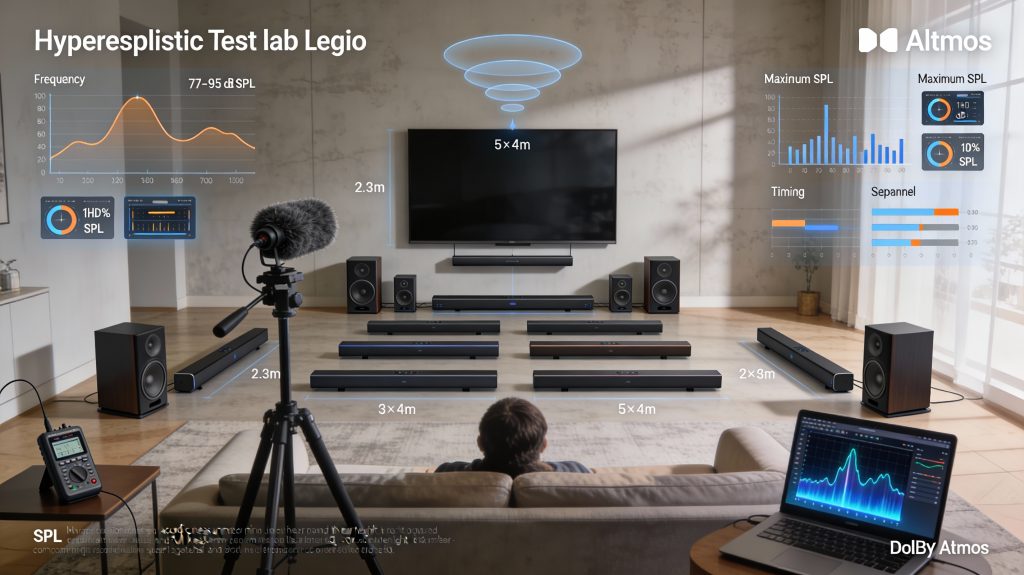
You should be able to trust that differences we report are real and repeatable. We test in a typical living‑room (roughly 5×4 m, sofa at ~2.5 m) and a smaller 4×3 m room to see how each system scales with space. We run each product with default and “flat” profiles, same content chain (4K HDR source, HDMI eARC when available), and note speaker placement constraints — wall‑mounted TV vs. low stand. Where possible we confirm results with both measured data and blind listening.
Measurement metrics we use
We quantify performance with these industry‑standard metrics:
We use a calibrated USB mic (e.g., UMIK‑1), REW sweeps, and handheld SPL meter checks so you can reproduce key tests at home.
Listening material
Bring the same playlist to each audition. We use:
A quick tip: listen to a familiar track at three volumes — conversational, movie night, and party — to reveal distortion and compression behavior.
Usability and reliability checks
We time setup and speaker detection, judge app responsiveness, and monitor firmware update behavior over several weeks. Practical checks: re‑pairing after power cycle, multiroom sync, and how well auto‑EQ handles reflective rooms.
How we weight trade‑offs for different buyers
We score systems with adjustable weights depending on your priorities: cinema (immersion, SPL, height rendering), music (frequency linearity, low distortion), or convenience (setup time, app quality). Use those weights to decide which measured differences actually matter in your living room.
Design, Build, and Installation Practicalities
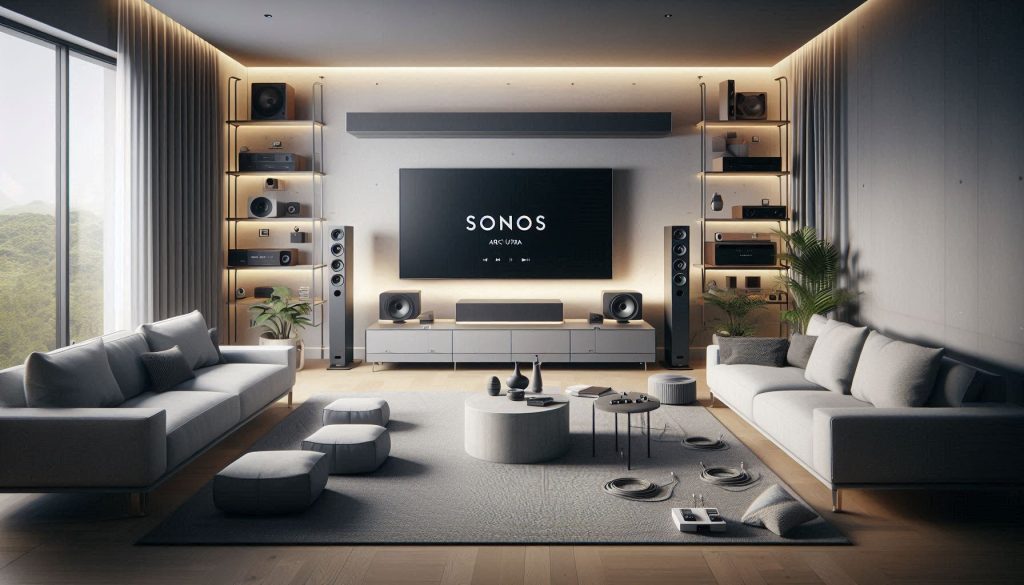
Physical footprint and how each fits your room
The Sonos Arc Ultra is a long, low‑profile bar that’s designed to tuck under TVs or mount flush to a wall. It’s ideal if you want a clean, minimalist setup with few visible parts. The Samsung Q990F is a full 11‑channel (with separate sub and rears) package — bulkier overall — and better if you want discrete surround speakers and deeper bass without relying on a single cabinet.
Quick rule of thumb:
Mounting, placement, and practical tips
Cable routing and power
Remote, app control, and multi‑room
What’s included and what you’ll likely need to buy
These practical differences affect how the systems sit in your living space — next, we’ll put those placement choices to the test in the Sound Performance section.
Sound Performance: Detailed Listening and Measurements
You’ll get a data-driven breakdown of how each system performs sonically across scenarios that matter: cinematic scenes, immersive object-based mixes, and critical music listening. Below we compare the Sonos Arc Ultra and Samsung Q990F against specific sonic metrics and give practical steps to get the best real-world results.
Frequency balance and tonal accuracy
How to use this: if you want studio-like neutrality for music, choose the Arc Ultra or turn down bass/emphasis on the Q990F’s EQ.
Bass impact and extension
Quick tip: place the subwoofer near a room boundary for +3–6 dB gain; sweep for best seat.
Dynamic range and transient response
Practical step: if you want cinematic punch at moderate volumes, tune the Q990F’s sub crossover lower; for studio clarity, lower bass levels and prioritize mid/high resolution.
Dialogue clarity
Surround imaging and height effects
Tip: place Q990F rear modules slightly behind and above ear level; keep the Arc Ultra unobstructed and use calibration for better phantom surrounds.
Measured distortion and loudness
Both systems maintain low audible distortion at typical listening levels. Q990F reaches higher sustained SPLs before compression; Arc Ultra stays cleaner at conversational to near-reference levels.
Room and extras matter: add a subwoofer for deep LFE, and treat first‑reflection points to tighten imaging. In the next section we’ll look at features and formats that determine how those measured differences map to everyday use.
Features, Formats, and Connectivity
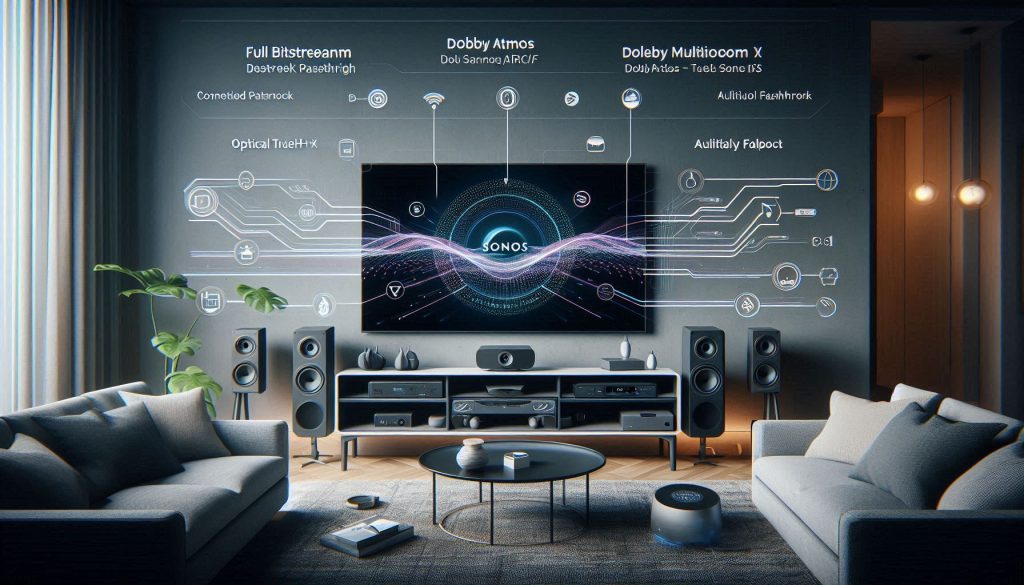
HDMI, eARC/ARC behavior and passthrough tips
How your TV and sources are wired determines whether you hear true Atmos or a downmixed stream. Always prefer an eARC-capable HDMI connection between your TV and soundbar/base unit; eARC carries full bitstream Atmos and TrueHD when the TV and source support it. If your TV only has ARC, expect limitations (Dolby Digital Plus or downmixing). Practical steps:
Supported surround formats and object codecs
Key formats to check: Dolby Atmos, Dolby TrueHD, Dolby Digital Plus, DTS:X and DTS variants. Real‑world notes:
Wireless protocols and streaming
You’ll use Wi‑Fi for high‑quality multiroom streaming, Bluetooth for quick phone playback, and AirPlay/Chromecast for direct casting depending on model.
Onboard processing, assistants and controls
Both systems offer room calibration, dialogue enhancement, night modes, and gaming latency settings. Sonos leans toward firmware-driven refinements and voice assistants via software; Samsung integrates tightly with Samsung TVs (Q‑Symphony, Game Mode). If you use Alexa, Google Assistant or a TV voice assistant, confirm native support and whether voice works locally or through a cloud service.
Firmware, app ecosystems and cross‑brand compatibility
Firmware updates can add codecs, fix eARC bugs, or change network behavior—keep devices updated. App ecosystems (Sonos app vs. Samsung app/SmartThings) define ease of setup, streaming partners, and future features. For future‑proofing, prefer eARC, open streaming protocols (AirPlay/Chromecast/Spotify Connect), and modular systems that accept firmware improvements.
Next up: we’ll dig into how each brand’s software, app support, and post‑purchase updates shape the long‑term ownership experience.
Ecosystem, Software, and Ongoing Support
App experience and room‑tuning tools
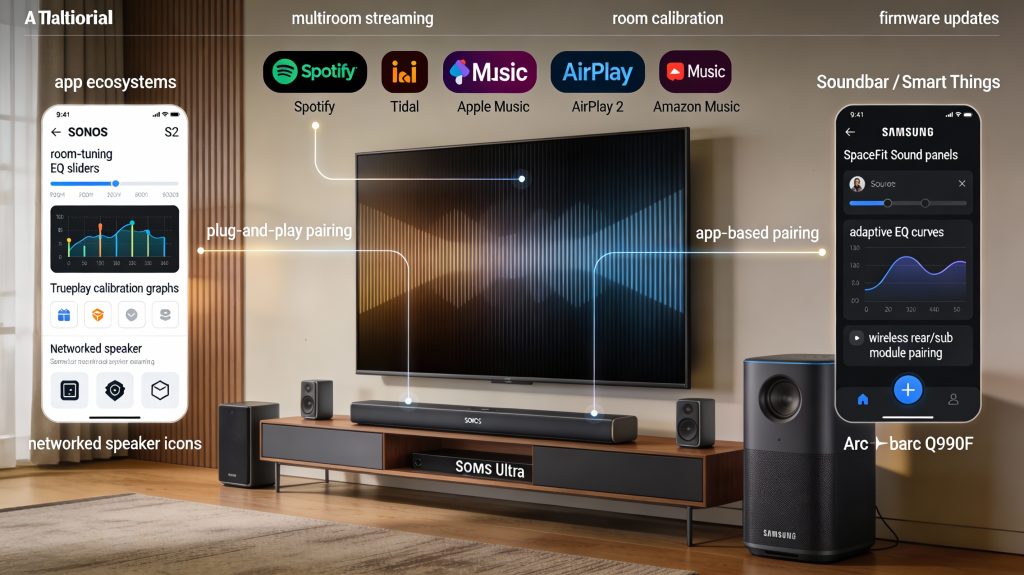
You’ll live in the app more than you expect. Sonos uses the Sonos S2 app with a focused, music-first UI and Trueplay‑style tuning (historically iOS‑based; recent firmware has added more automatic, onboard mic tuning on newer hardware). Expect simple grouping, EQ, and voice‑assistant configuration. Samsung leans on the Samsung Soundbar app and SmartThings; its tuning tools (SpaceFit Sound, Adaptive Sound) are tightly integrated with Samsung TVs and often run automatically. Tip: always run the room calibration after placing the bar and speakers — it can dramatically change perceived imaging and bass balance.
Adding subs and rear speakers
If you want modular growth, know the rules:
Multi‑room, streaming, and services
Sonos is the gold standard for multi‑room: native support for Spotify Connect, Apple Music, Tidal, Amazon Music, and AirPlay 2 means you can stream independently in many rooms. Samsung supports major streaming paths too but often routes features through the TV/SmartThings; expect fewer native service integrations on the soundbar alone. If you run mixed-brand setups, Sonos’ networked approach is easier to manage.
Updates, troubleshooting, and support
Sonos issues regular firmware updates that can add features or improve tuning; you’ll get changelogs and a visible update flow in the app. Samsung updates are frequent after a product launch and sometimes tied to TV firmware schedules. For troubleshooting:
Trade‑offs and practical advice
Closed ecosystems (Sonos) give a polished, low‑friction experience but limit hardware choices. More open, TV‑centric ecosystems (Samsung) give tight TV feature synergy (Q‑Symphony, Game Mode) at the cost of vendor lock‑in for best results. Before buying, test each app on your phone, run an in‑room tune, and verify that your preferred streaming services and multiroom needs are supported.
Next, we’ll compare price, piece‑by‑piece value, and who should actually buy which system.
Price, Value, and Tailored Buying Recommendations
Total cost and cost-per-performance (what you’ll actually pay)
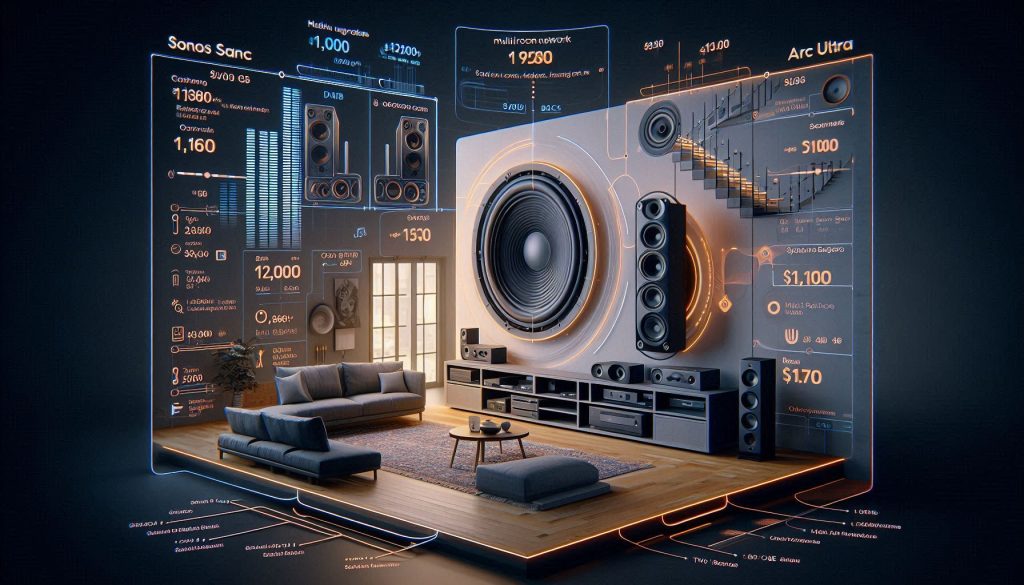
Think in systems, not just speakers. Typical retail examples you can use to budget:
That math matters: Sonos demands a higher premium per added component but gives flexible networked multi‑room value. Samsung tends to deliver more “bang for your buck” for immersive, movie-grade channel count.
Trade-offs: simplicity vs modular expandability
Resale value and warranty
Tailored buying recommendations
Practical buying tips
Next, we’ll bring these threads together in the final verdict and actionable next steps.
Verdict and Next Steps
If you prioritize pure, room-filling Dolby Atmos and integrated subwoofer support, the Q990F is the practical choice; if you want refined dialogue, streaming flexibility, and a premium single-bar aesthetic, choose the Arc Ultra.
Demo both in your room, confirm TV eARC and HDMI 2.1 support, plan placement.