

Charging is traditionally a utilitarian act, but a premium valet tray reframes it as a domestic ritual. Wrapped in high-grade leather with a modular design, these objects are intended to hold your most personal items—from your watch to your wallet—in one organized, elegant space that complements your decor.
When selecting a leather charging station, the quality of the hide and the heat dissipation of the internal coils are the two most important factors. We review why a blend of tactile luxury and technical precision is the top choice for master suite nightstands.
Why choosing the right leather charging station matters
More than 70% of people report cluttered cables and slow charging as daily pain points, and a leather charging station can change that. You rely on multiple devices every day, so your charger must protect, organize, and charge them efficiently. Choosing the wrong unit leads to damaged devices, wasted energy, and repeated replacements.
This guide gives you a systematic, data‑driven way to evaluate options. You will learn how to judge durability, device safety, charge performance, and construction quality. With clear criteria and practical checks, you can make a confident purchase that balances aesthetics, functionality, and long‑term value.
Read on for step‑by‑step tests and shopping tips to pick a leather station that protects your investment and complements your space, with clear, measurable results.
Define your needs and use scenarios

Start with a device inventory
List every device you plan to charge regularly: smartphone(s), smartwatch, true wireless earbuds, tablet, laptop, and accessories (pens, earbuds cases). Note connector types (USB‑C, Lightning, MagSafe) and whether each device supports wireless charging. For example: “iPhone 14 Pro (MagSafe), Galaxy S23 (Qi), Apple Watch, AirPods Pro.”
Ask how and where you actually charge
Short, concrete situational questions reveal priorities:
A bedside example: if you charge overnight and want a clean nightstand, prioritize quiet, multi‑device wireless pads with soft leather that resists nightstand scuffs (Nomad Base Station — leather top is a common reference). For family zones, prioritize multiple wired ports and cable routing rather than a single aesthetic pad.
Consider power and mobility tradeoffs
Decide if you need high‑power wired ports (for laptops or tablets) in addition to Qi coils. If you travel, prioritize compact, lightweight leather-wrapped folios or small docks rather than full-size stations. If durability and spills matter (kitchen), choose stain‑resistant leather and easy‑clean surfaces.
Create a simple decision matrix
Use a weighted scoring method to turn preferences into a choice:
Example table:
| Factor | Weight | Your rating | Score |
|---|---|---|---|
| Simultaneous devices | 5 | 4 | 20 |
| Fast‑charge (PD) | 4 | 3 | 12 |
| Size/footprint | 3 | 5 | 15 |
This pragmatic matrix keeps you choosing for real use, not marketing blurbs. Next, you’ll translate these priorities into specific technical checks and leather‑quality requirements.
Evaluate charging performance and compatibility

Understand the electrical basics
You want clear numbers: watts (W), volts (V), and amps (A). Watts = volts × amps and tell you how fast a device can top up. Look for advertised PD (Power Delivery) or QC (Quick Charge) profiles — common PD voltages are 5V, 9V, 12V, 15V, 20V. For wireless, phones typically accept up to 15W (Qi/MagSafe), while wearables and earbuds often peak much lower.
Read labels like a detective
Manufacturers often list both per‑port maximums and a combined output. A label that says “65W max, 100W total” means ports share power — you won’t get 65W on every port simultaneously.
Key things to check on the label:
Test real-world performance
Marketing claims can differ from reality. Verify with simple, inexpensive tools:
Wireless coil and protocol compatibility
Confirm wireless pads state Qi certification and specify coil placement or multiple coils for multi‑phone alignment. MagSafe models advertise magnetic alignment and 15W support for compatible iPhones; non‑MagSafe Qi pads will usually deliver less or require perfect placement.
How simultaneous charging changes throughput
Many stations use dynamic power‑sharing. That means:
Watch for failure modes
Two common practical issues:
Next, you’ll want to connect these electrical expectations to the tactile reality of the unit — how the leather, stitching, and construction accommodate heat, ports, and everyday use.
Inspect leather quality and construction standards
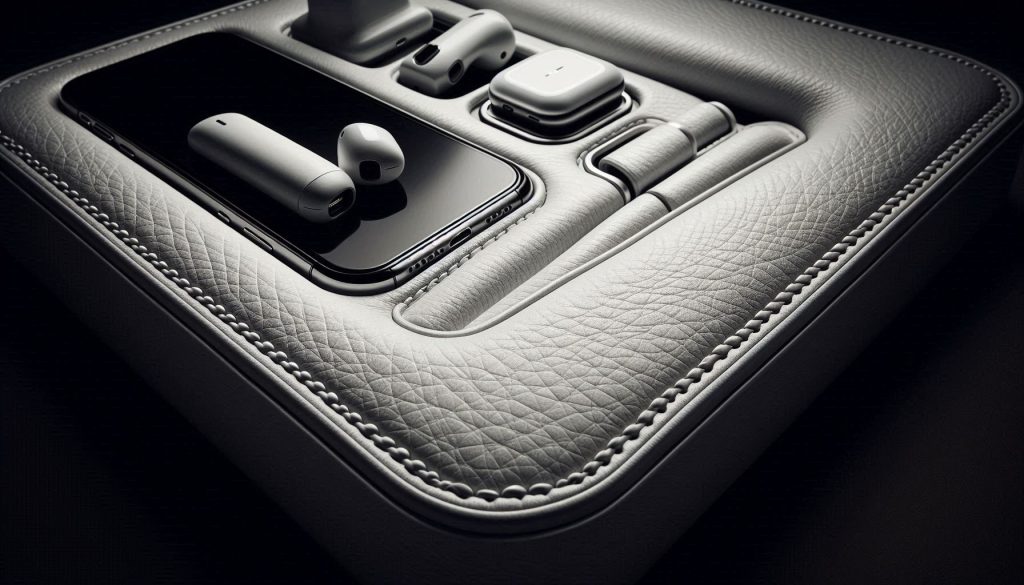
Know the leather grades and what they mean
You’ll want to recognize terms on spec sheets:
Example: Nomad’s leather top is often advertised as Horween full‑grain — a useful reference point for what premium feels like.
Inspect stitch quality and edge finishing
Look for even, tight stitches (no skipped rows) and backstitching at stress points. Burnished or painted edges are signs of care; raw, glued edges indicate cost‑saving. Ask for close‑up photos — you should see no excess glue or frayed thread.
Internal structure, reinforcement, and port fit
A leather skin over a flabby base is a red flag. Quality stations use rigid internal frames (aluminum or dense ABS) and precision‑cut openings for ports and coils. Check photos/specs for:
Linings, padding, and device protection
Felt, microfiber, or thin foam linings protect finishes and reduce scratching. However, thick foam directly over charging coils can trap heat—inspect product images for foam thickness and whether the manufacturer mentions thermal vents or metal heat‑spreaders.
Quick checklist to verify quality before you buy
Trade‑offs that affect performance and upkeep
Full‑grain lasts and looks better over years but stains easier and insulates more, potentially increasing thermal throttling. Treated/top‑grain or high‑grade PU cleans easily and resists abrasion but won’t age the same. Use the images and spec details to balance durability, maintenance, and how the leather choice will interact with heat — you’ll want to carry these observations into the next section on safety and thermal management.
Assess safety, thermal management, and electronics quality
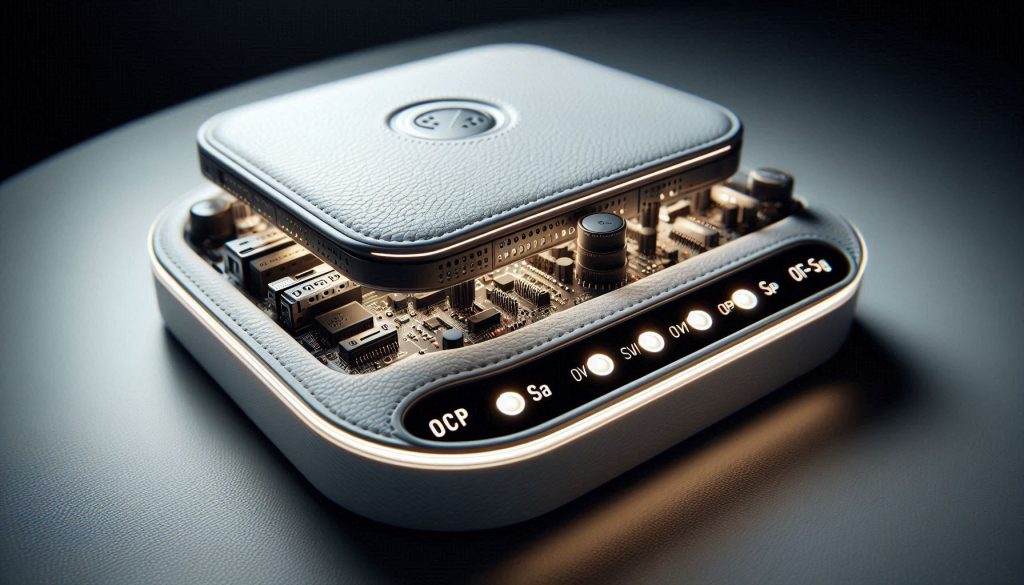
Required electrical protections and certifications
Protecting your phone or earbuds starts with the electronics. Make sure the station lists these protections and ideally shows test evidence or certification numbers:
Also look for recognized marks and test references: UL/TUV (safety), CE (European compliance), FCC (radio/emissions), RoHS (restricted materials). If a product page names certificates and provides a test report or model number, that’s a strong sign the vendor took safety seriously.
How leather encasements change thermal behavior
Leather is a good-looking insulator. That’s great for aesthetics but bad for heat dissipation: a thick leather top over charging coils or power electronics traps heat, which can throttle charging or accelerate component/battery aging. Quality designs mitigate this with:
Example: Nomad’s leather pads often sit over aluminum plates — a small detail that keeps surface temps manageable.
Internal power supplies, external bricks, and integrated batteries
When evaluating:
Red flags and a quick on‑arrival test
Next, you’ll want to evaluate how these engineering choices affect daily use — from cable routing to how devices sit on the pad — which is exactly what we’ll cover in the ergonomics and cable‑management section.
Consider ergonomics, cable management, and daily usability
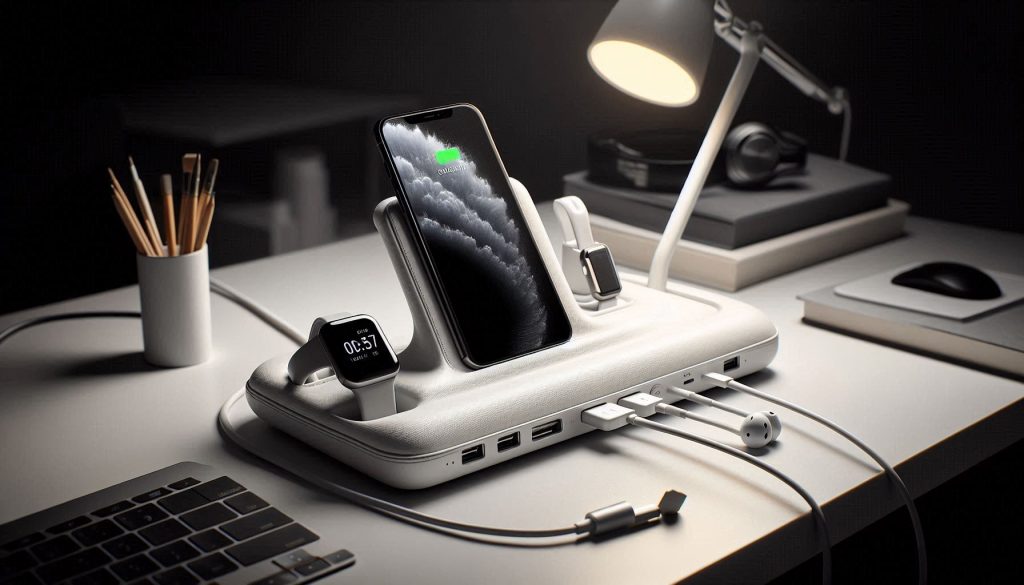
Practical design determines whether you’ll use the station every day. Small inconveniences become big annoyances—this section helps you test the real-world fit: port placement, viewing angle, cable routing, one‑handed docking, mixed-device capacity, and cleaning/maintenance.
Port and stand placement: sightlines and reach
You want ports and surfaces that place screens where you naturally look. Check:
Docking one‑handed and mixed‑device handling
Try docking with one hand and with common cases on:
Cable routing and desk clutter
Good cable management keeps your workspace calm:
Stability and non‑slip features
Stability is tactile—nudge the station lightly:
Cleaning, maintenance, and serviceability
Leather needs realistic care:
Priority in‑store tests and online questions
These practical checks reveal whether a beautiful leather station will be a seamless part of your daily routine or a drawer‑bound novelty.
Price, warranty, and long-term value considerations
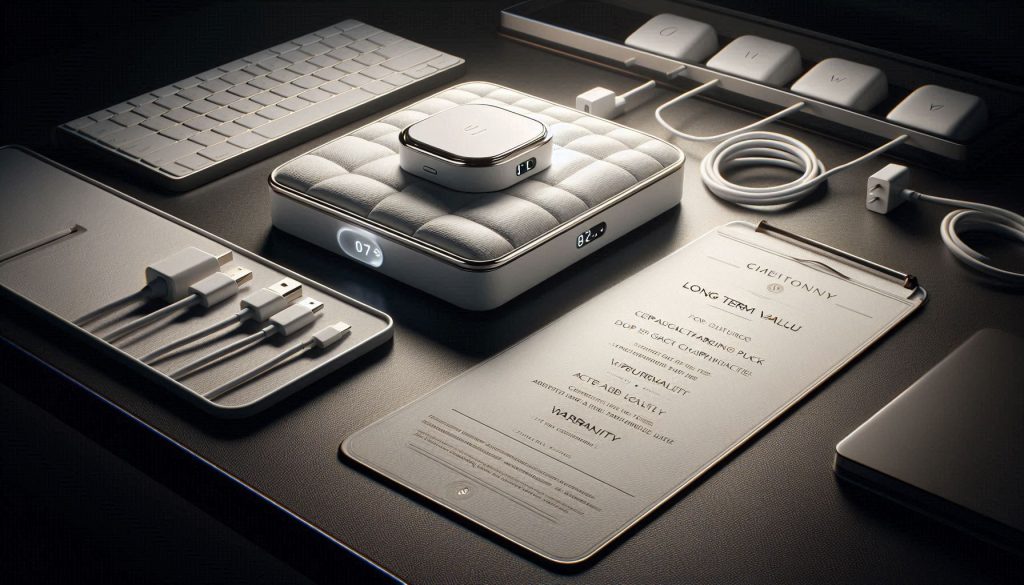
When you’re comparing leather charging stations, think beyond sticker price. Balance upfront cost against durability, warranty scope, and how easily parts can be replaced—this determines the true total cost of ownership.
What the warranty should cover
Look for clear, written terms:
Replaceability and serviceability
A modular design saves money over time. Ask whether you can buy replacement:
When a higher price is justified
Pay more when the premium gives tangible benefits:
Avoiding false economy
Cheap units often hide costs:
Purchase strategies to reduce risk
Quick total‑cost check you can do now
With those calculations and checks, you’ll be ready to prioritize features and move toward hands‑on testing in the next, final section.
Make a prioritized decision and test before committing
Match your use-case matrix to charging performance, leather and construction quality, safety and thermal design, ergonomics, and long-term value. Prioritize verified electrical specs and safety certifications, inspect leather grain, stitching, and internal build, and verify thermal management and overcurrent protections. Where possible, test the station with your actual devices and cables to confirm fit, charging rates, and heat behavior before you commit.
Carry this short checklist into the buying process: confirmed device compatibility and measured charging speeds; visible leather quality and solid construction; UL/CE/ETL or equivalent certifications and thermal safeguards; tidy cable management and practical ergonomics; clear warranty and repair policy. Test first, buy smart, and expect reliable, safe, long-lasting performance now.