

Struggling with misheard commands and frustrating digital assistant errors? This comprehensive guide shows you exactly how to optimize voice control accuracy using proven, data-driven techniques. Whether you are a developer fine-tuning a speech SDK or a power user looking to boost voice recognition on your smart home devices, reducing your Word Error Rate (WER) is the first step toward a friction-free experience. From selecting professional-grade microphone hardware to implementing acoustic treatments that minimize background noise, we break down the technical and environmental tweaks needed for a seamless hands-free interface that understands you the first time, every time.
Optimizing your voice-activated technology is no longer just about convenience; it is about reclaiming the speed and efficiency of your digital workflow. By personalizing voice profiles and refining your command phrasing, you can transform a temperamental assistant into a reliable tool for professional tasks. This guide walks you through the essential steps of auditing your assistant settings and implementing continuous monitoring to ensure your system remains responsive. Learn how to leverage speech-to-text optimization to create a personalized environment where your technology is perfectly tailored to your unique vocal patterns and workspace acoustics.
Why Optimize Voice Control Now
You rely on voice control for speed and hands-free workflows; this guide gives a data-driven, stepwise plan to BOOST your recognition accuracy, reduce frustrating errors, and make voice interfaces reliably useful for real tasks you need done with greater confidence.
What You Will Need
Measure Your Baseline Accuracy
Want clear evidence before you change anything? Measure first — data always beats intuition.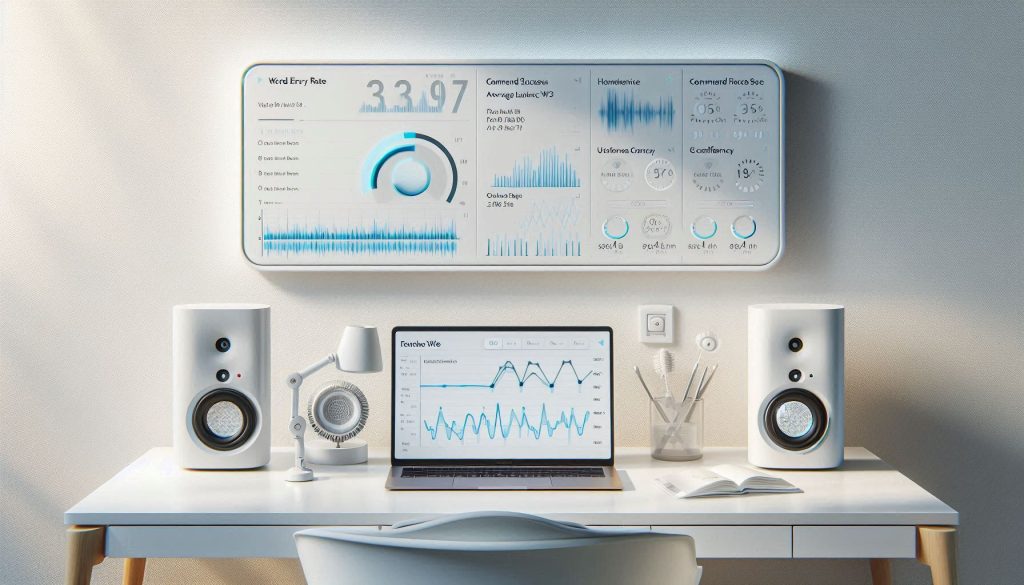
Establish a reliable baseline so you can quantify improvement. Create a representative test set of 50–200 real-world phrases and commands you actually use (e.g., “Turn on living room lights,” “Send message to Sam: running late,” or multi-step queries).
Record these phrases under your typical conditions: background noise, usual distances, and natural accents. Process the recordings through your voice system or assistant exactly as you would in real use.
Capture these key metrics and export logs when possible:
Document environment and device variables:
Use consistent file names and timestamps for recordings and logs so you can compare later. Identify the largest failure modes (misrecognition, word substitutions, or missed intents) and prioritize optimizations that yield the biggest accuracy gains per hour of effort.
Optimize Your Environment and Hardware
Surprising fact: swapping to a modestly better microphone often reduces errors more than tweaking models — here’s how to choose and place it.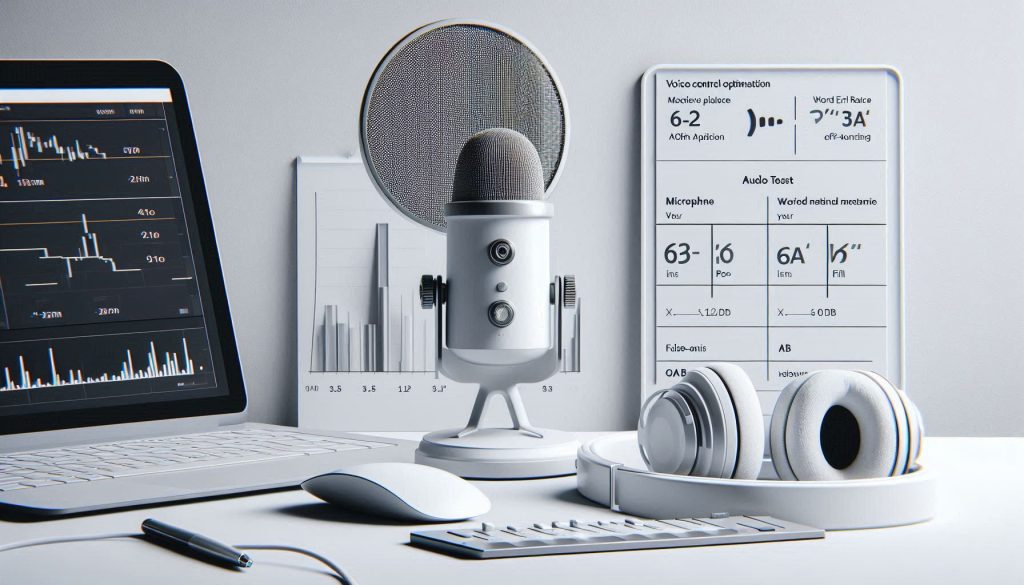
Use a directional microphone or a high-quality headset instead of a built-in laptop mic to cut room noise and off-axis reflections.
Prefer wired connections or high-bandwidth Bluetooth codecs (aptX/LE) to reduce packet loss and latency.
Position the mic 6–12 inches from your mouth, slightly off-axis to reduce plosives.
Set input gain so peaks sit around -6 dB without clipping; monitor levels while you speak.
Treat the room: add soft surfaces, remove reflective objects near the mic, and minimize HVAC and appliance noise.
Use a pop filter and windscreen for spoken commands to tame plosives and breath sounds.
Enable beamforming and automatic gain control only after verifying in logs that they reduce noise and false activations for your setup.
Run A/B tests with the same test phrases and compare WER and false-activation rates; log device, codec, and placement metadata for each run.
Small hardware changes often produce large, reliable reductions in transcription errors — and they’re reversible and measurable.
Personalize and Train Your Voice Profile
Think you can’t teach the system your voice? You can — personalization delivers consistent, measurable wins.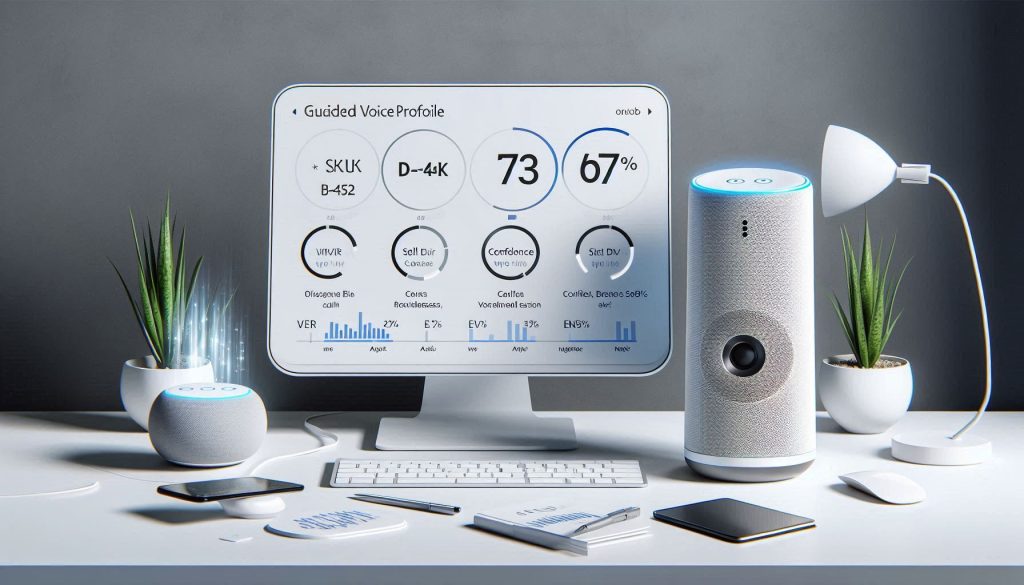
Enroll in any voice-profile or speaker-enrollment flow and complete the guided prompts.
Read provided phrases aloud across volumes, distances, and emotions so the system sees variation.
Say examples such as “Open SKU B-452” and “Open B four five two” to capture abbreviations and spoken variants.
Include domain-specific vocabulary: upload a curated word list with phonetic spellings for uncommon names and product terms (e.g., Xiao ⟨shaow⟩, Quibi ⟨kwee-bee⟩). Upload custom grammars or custom language models when your platform supports them.
Collect labeled audio if you develop models: capture stratified samples covering accents, microphone types, and noise conditions (quiet office, café, in-car). Fine-tune acoustic or language models using these labeled sets where permitted.
Ensure privacy: obtain explicit consent, anonymize or pseudonymize data, and store audio and labels securely.
Rerun your baseline tests after training and compare WER and intent accuracy; personalization typically reduces substitutions and raises confidence for frequent commands.
Refine How You Speak and Phrase Commands
Small phrasing tweaks can rescue accuracy — adopt a few disciplined habits and your assistant will perform like new.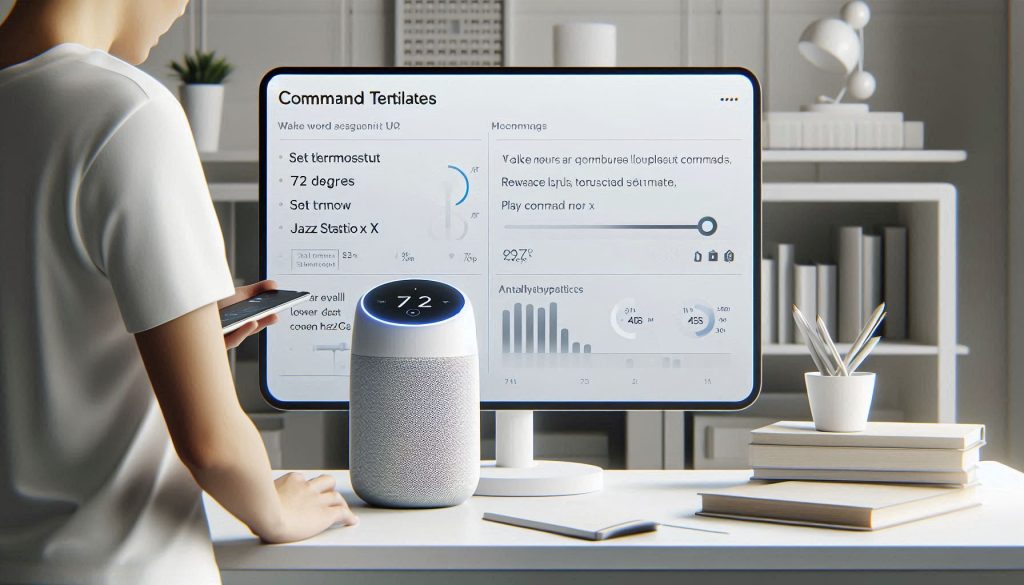
Adopt clear, consistent phrasing for common actions instead of varying synonyms. Use constrained, repeatable templates so the recognizer learns predictable patterns.
Pause briefly after wake words, then enunciate key terms. Avoid filler words (“um,” “like”) and overlapping speech. Use shorter commands with explicit verbs and objects—say “Set thermostat to 72 degrees” rather than “Can you make it warmer?”
Standardize phrasing across users and document preferred templates; share a short cheat-sheet for frequent tasks. Teach multi-word proper nouns during enrollment by spelling them or using initials (e.g., “S-P-A-R-K” or “Dr. J. K. Lee”) so the system captures pronunciation variants.
If noise is present, speak closer and slightly louder but avoid clipping the microphone. Ask others to pause background speech or music during critical commands. Encourage a simple habit: one command, one action—wait for confirmation before the next.
Track whether these behavioral changes reduce retries and false interpretations in your post-change logs.
Tune Software Settings and Models
Your software settings are the hidden accuracy lever — tweak thresholds, context, and models like a data scientist.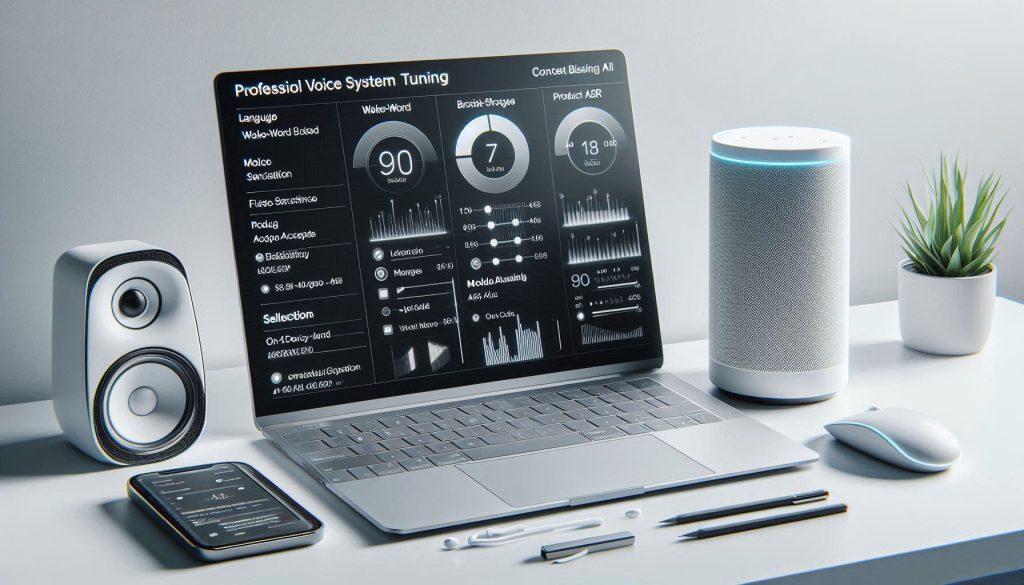
Dive into your platform or SDK settings and verify language and region match your speaker population. Ensure accents and locale variants are configured so the model expects your pronunciations.
Adjust wake-word sensitivity. Use ROC-style analysis on your logs (plot false-accept vs. miss rate) and choose a threshold where missed activations and false activations meet your tolerance. For example, move threshold right to cut false triggers if you have frequent TV noise.
Enable or disable on-device noise suppression based on test-audio trade-offs—turn it off if it garbles speech, enable if ambient noise causes recognition drops.
Inject context biasing or grammar hints: add expected commands, contact names, product SKUs or domain terms (e.g., “Play Jazz Station X”, “Call A. Nguyen”) to boost probability of those phrases.
Choose the acoustic model that fits your hardware: pick telephony-grade models for narrowband/IVR and high-fidelity models for smart speakers. For hybrid setups, evaluate local wake-word + cloud ASR for latency/accuracy balance.
Keep models updated and enable adaptive features cautiously; monitor logs for drift and overfitting.
After each change, run the same benchmark suite to quantify impact.
Measure, Iterate and Monitor Continuously
You can’t improve what you don’t measure — set KPIs, automate tests, and iterate fast with real metrics.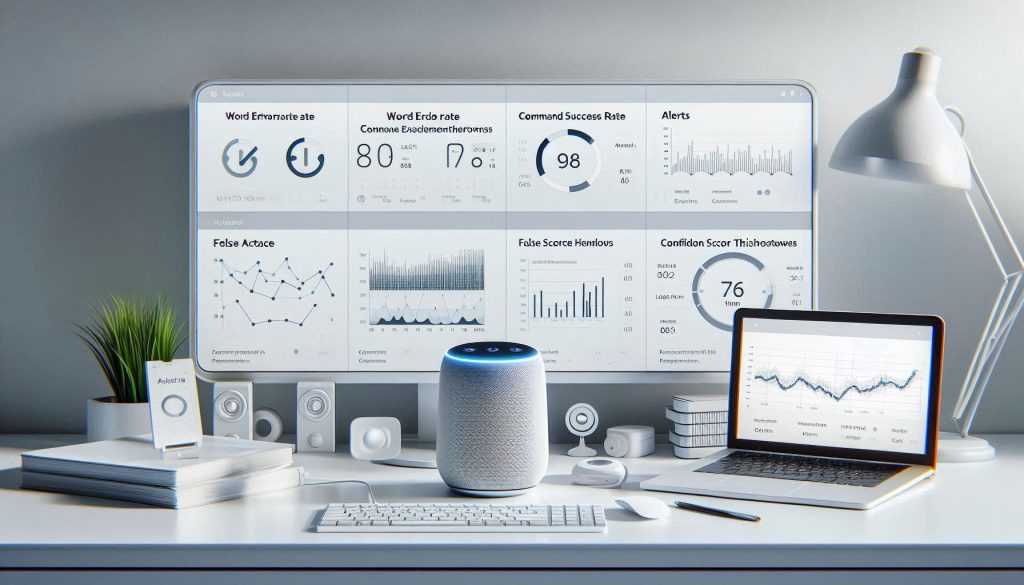
Turn your baseline measurement into an ongoing feedback loop.
Define clear KPIs and targets: WER target (e.g., <10% for short commands), command success rate, acceptable latency, and a false-activation ceiling.
Implement automated regression tests that run nightly or weekly using your representative phrase set across typical noise profiles and devices (e.g., TV hum, café chatter, phone handset).
Capture production telemetry: anonymize transcripts, log confidence scores, and tag failure reasons. Dashboard the metrics so you can spot trends and spikes quickly.
Run controlled A/B experiments when you change hardware, enrollment flows, or model settings. Use statistical tests (t-test, chi-square) to confirm significance before rolling changes wide.
Maintain a labeled sample set for manual error analysis and prioritization; focus fixes on high-frequency failure modes (common commands or names).
Schedule periodic retraining and user re-enrollment to mitigate drift, and document rollback procedures so you can revert fast if a change regresses performance.
Continuous monitoring ensures you catch regressions early and sustain measured accuracy gains over time.
Start Improving Today
Measure, change one variable, and measure again—iterate through environment, hardware, enrollment, phrasing, and model settings to gain sustained accuracy. Try this method, share your results, and join the data-driven effort to improve your voice control today for measurable, lasting gains.