
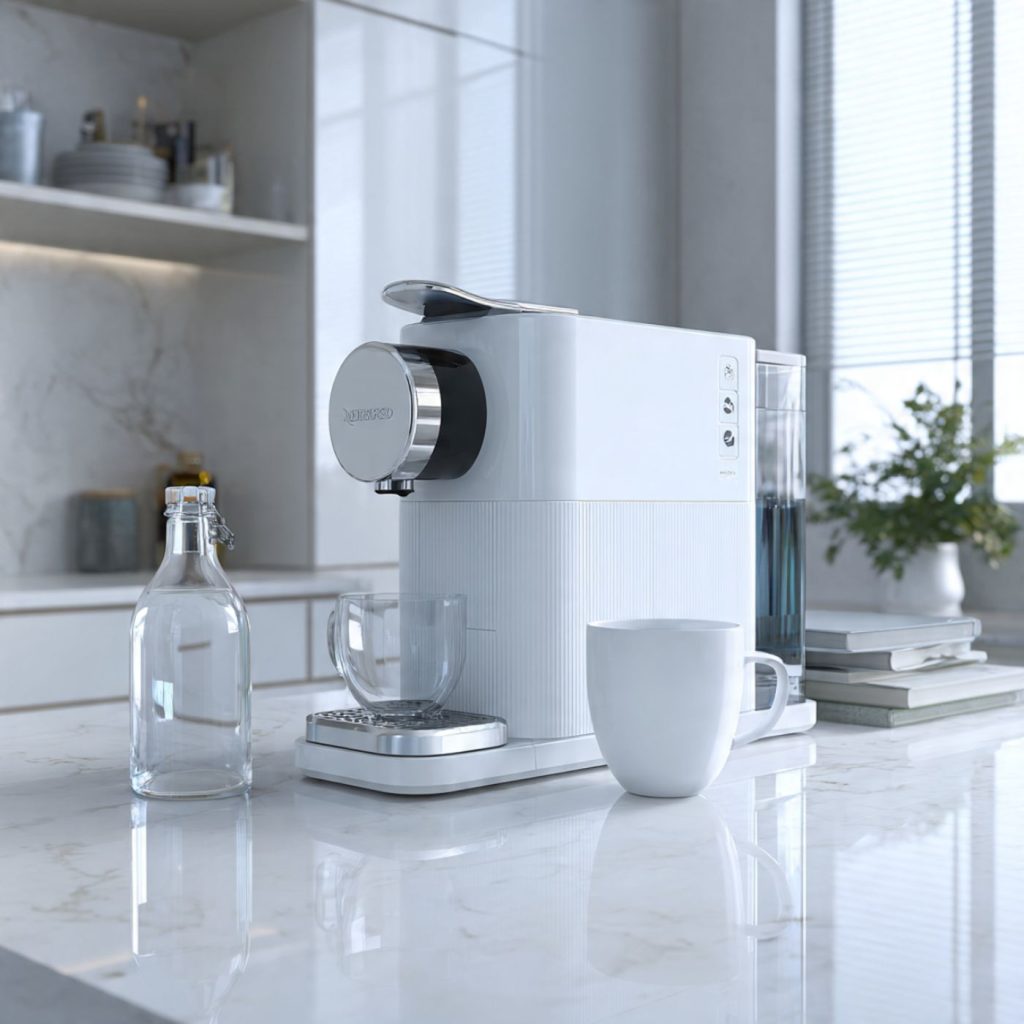
Keep Your Coffee Smart and Tasting Smarter
Regular cleaning and descaling preserves performance, flavor, and lifespan of your smart coffee machine; scale can cut heating efficiency by up to 30%. This guide shows you six steps to safely remove scale, sanitize parts, and maintain connectivity and reliability.
What You’ll Need
Power Down and Prep the Machine
Don’t risk damage — simple prep saves delicate electronics and keeps you safe.Turn off and unplug your smart coffee machine to cut power to the unit and any active heating elements.
Allow the machine to cool for at least 15–30 minutes if it was recently used so internal components aren’t hot when you handle them.
Remove and empty the following removable parts:
– Water reservoir
– Drip tray
– Portafilter (if present)
– Any detachable accessories (milk wands, frothing pitchers, tampers, brew baskets)
Inspect each removable part for visible coffee oils, grounds, or scale and set them aside for cleaning.
Lay soft towels or a silicone mat on your counter to catch drips and keep small parts (screws, gaskets, needles) organized in a shallow dish or tray.
Note any maintenance reminders, error codes, or firmware warnings in the machine’s connected app so you can clear or verify them after cleaning (for example, record a “descale due” alert before you start).
Prepare the workspace and parts to reduce the chance of water reaching sensors or electronics and make the subsequent steps faster and safer.
Clean Removable Parts Thoroughly
Think of this as a mini spa day for your portafilter and milk system — they’ll thank you with better taste.Wash all removable components in warm, soapy water except any components the manual warns not to submerge.
Avoid submerging electrical parts, flow meters, or sensors — check the manual before dunking anything.
Use a soft brush or an old toothbrush to dislodge trapped grounds from baskets, screens, and crevices.
Disassemble milk parts — steam wands, nozzles, and milk tubes — and soak them in warm soapy water to break down protein residues; follow with a thorough rinse.
Clean the pod or capsule chamber and any piercing units to avoid blockages if your machine uses pods.
Dry parts completely with a lint-free cloth or allow them to air dry on a clean rack.
Reassemble any multi-part accessories only when fully dry to avoid bacterial growth and electrical issues.
Be sure to clean these common removable items:
Remove these parts regularly and clean them to prevent taste contamination and maintain consistent extraction.
Descale the Boiler and Water Pathways
Skip this and you’ll be tasting chalk instead of coffee — serious scale harms heating elements and flow.Use a manufacturer-approved descaler whenever possible. If the manual allows, mix 1 part white vinegar to 2–3 parts water as an alternative. Fill the water reservoir with the descaling solution.
Run the machine’s built-in descaling or cleaning cycle per the manual. If no automatic cycle exists, run multiple brew cycles (without coffee) until about half the solution is used, then stop and let the machine soak for the recommended time—usually 15–30 minutes. After soaking, complete the remaining cycles.
For espresso machines, run the descaler through group heads and steam wands exactly as instructed; flush each wand separately. Use the portafilter or blind basket if your manual specifies backflushing.
After descaling, thoroughly flush the system by running several full reservoirs of fresh water through all brew paths and steam wands until there’s no residual taste or smell.
Watch for these signs during the process:
If you notice any of the above, repeat the descaling or contact professional service. Monitor flow rates and sounds closely throughout the cycle to confirm the scale is clearing.
Sanitize and Deodorize Internal Surfaces
A fresh machine is more than spotless — eliminate bacteria and odors that rob flavor and safety.Sanitize internal water and milk pathways after descaling and rinsing. Use a food-safe sanitizer tablet or a manufacturer-approved solution; if the manual allows, a mild bleach solution (diluted per instructions) is acceptable. Run the sanitizer through the water lines and activate the steam wand to flush internal surfaces.
Flush the steam wand and milk circuit until sanitizer reaches and exits the tip; if you make lattes every day, keep flushing until there’s no milk smell — this prevents sour residue. Wipe rubber seals and gaskets with sanitizer-soaked cloths, then rinse thoroughly with fresh water.
Clean the drip tray and any removable milk parts to remove biofilm and odors. For machines with grinders, wipe the hopper and run a small, approved dose of grinder cleaner to remove old oils and grounds.
Avoid harsh abrasives, solvents, or bleach beyond manufacturer guidance to protect sensor coatings and plastics. Repeat sanitization more often if you notice off-odors or prepare milk drinks daily.
Clean Sensors, Screens, and Exterior Controls
Yes, the touchscreen and sensors need love too — keep them responsive and readouts accurate.Wipe external panels, touchscreens, and buttons with a slightly damp microfiber cloth and a mild, non-abrasive cleaner. Do not spray liquids directly onto screens or control panels.
Gently clean water level sensors and float switches in the reservoir — mineral films can make sensors read incorrectly, causing false low-water warnings. Remove the reservoir and wipe the sensor area; lift floats and rinse if removable.
Inspect and clean the grinder’s burr housing and any grounds chute to prevent jams. Remove the hopper, brush out old grounds, and run a short, approved cleaning cycle if your machine supports it.
Keep ports and vents for Wi‑Fi/Bluetooth antennas free from dust and moisture. Use compressed air cautiously to remove debris from narrow vents but avoid blowing moisture into electronics. Wipe screens in gentle circular motions if fingerprints obscure the display.
Maintaining clean sensors preserves reliable status reporting and prevents unnecessary error messages or service calls.
Reassemble, Run Tests, and Schedule Regular Maintenance
Finish strong: confirm everything works and set a simple routine so you don’t repeat big cleanups.Reassemble all cleaned, dry parts carefully, following the manufacturer’s diagrams. Refit the portafilter, water tank, drip tray, and hopper; lock components into place.
Plug in the machine and run an initial water-only cycle to confirm proper flow and flush any remaining cleaning residues.
Run quick checks:
Taste a plain water shot, then brew a small coffee to confirm no off-flavors remain.
Check your app or onboard maintenance log and reset any descaling timers or alerts per the manual. Record the descaling date and set a reminder: 2–3 months for hard water, 6–12 months for soft water (adjust for usage).
If you notice reduced pressure, persistent scale, leaks, or unexplained errors, consult the service manual or contact authorized support — some issues require professional servicing. A short, consistent maintenance routine keeps your smart machine brewing at peak performance and avoids costly repairs.
Enjoy Better Coffee, Longer
When you follow these six steps regularly, you protect flavor, health, and your machine’s lifespan; give the routine a try, notice the improvement, and share your results with others — start now to enjoy consistently better coffee and longer-lasting performance today.