
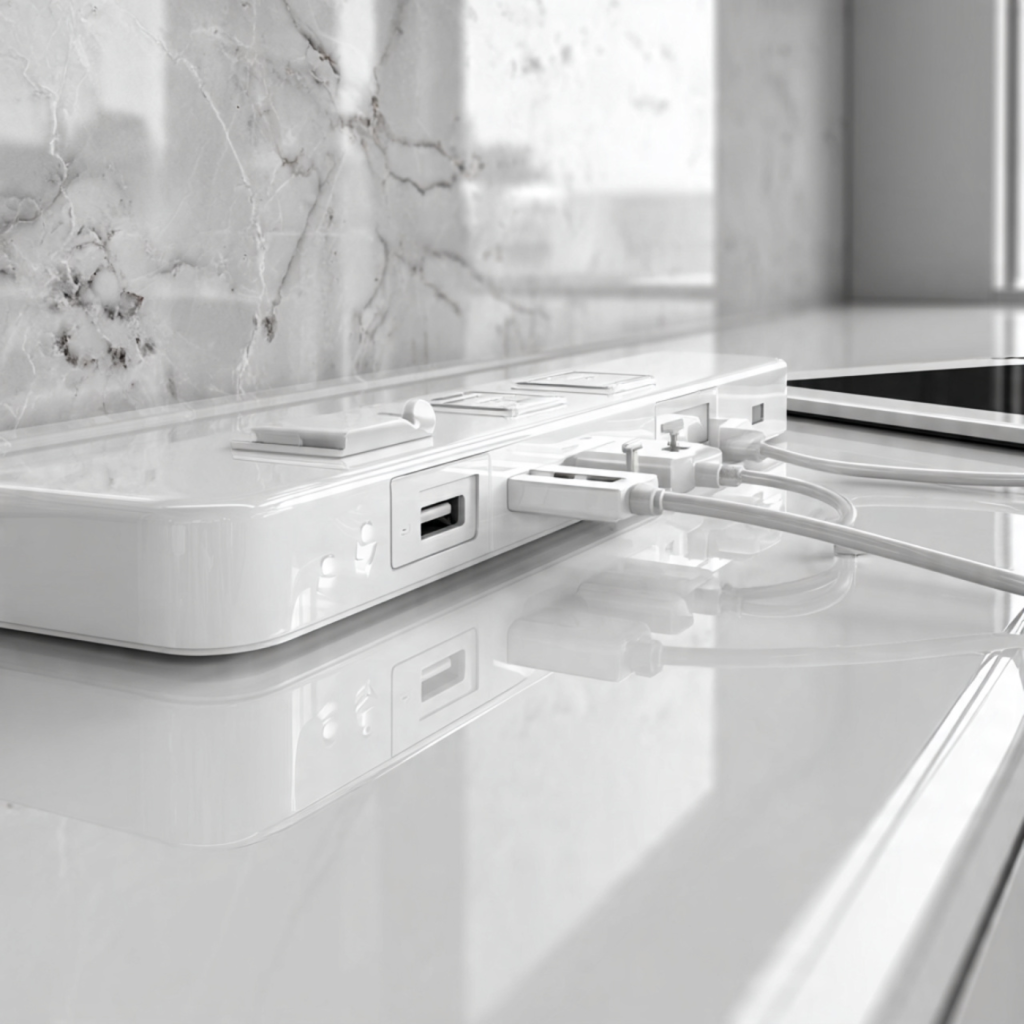
Why Your Countertop Needs a Smarter Charging Hub
You rely on your countertop as a central charging and staging area for phones, tablets, laptops, and small appliances. Integrating a charging hub with built-in surge protection gives you practical defense against voltage spikes, simplifies power delivery, and reduces clutter so your devices stay ready and safe. This article shows you what to look for and why it matters.
You’ll learn core protection concepts, how these hubs are constructed and tested, and clear installation and placement guidance tailored to countertop environments. You’ll also get hands-on tips for testing, troubleshooting, and maintaining your hub over time so you can choose the right model with confidence. Start protecting devices today and reduce risk now.
Understanding the Risk: Why Surge Protection Matters on a Countertop
What is a surge or spike?
A surge is a brief, often very high-voltage event on your electrical line; a spike is an even faster, short-duration rise. Both can jump through chargers and battery management circuits, causing immediate failure or small, cumulative damage that shortens a device’s useful life. Picture a sudden motor-start jolt or a neighbor’s transformer switching — you won’t always see the damage, but your devices can feel it.
Common household causes
Surges and spikes in homes usually come from:
A real-world example: when someone turns on a buffet of countertop appliances during a party, the simultaneous motor starts can create transient voltage swings that stress chargers and batteries.
Why countertops are uniquely vulnerable
Countertops combine multiple risk factors:
These conditions amplify both the likelihood of a transient and the potential consequences.
Surge protection vs. fuses and breakers
Fuses and circuit breakers protect against sustained overloads and short circuits — they trip when current is too high for too long. They do not stop fast, high-voltage transients. Surge protectors (usually using MOVs, TVS diodes, or gas discharge tubes) clamp quick overvoltage events before sensitive electronics see them. You need both: breakers for safety, surge suppression for electronics protection.
Costs of going unprotected
Unprotected devices can suffer:
How an integrated hub reduces single-point-of-failure risk
A countertop charging hub with built-in surge suppression centralizes protection, reduces exposed wall outlets, and prevents daisy-chaining. Look at reputable options from APC or Anker that combine USB-C PD ports with surge suppression — they simplify protection and reduce the chance that a single outlet fault takes down all your devices.
Next, you’ll see exactly how these protections are built into the hub — the components, specifications, and test methods that matter when you shop.
Inside the Device: Anatomy of Charging Hubs with Built-In Surge Protection
AC inlet and basic power distribution
When you plug a hub into the wall, the AC inlet and its internal distribution traces are the first stops. Manufacturers route mains through a fused input, sometimes with a resettable polyfuse, into the surge- and filtering stages. In practical terms, you’ll see surge components mounted close to the inlet to catch transients before they spread.
Surge arrestors and clamping stages
Surge suppression is multi-layered:
Look on spec sheets for joule ratings and clamping (let‑through) voltage—higher joules and lower clamping voltage mean better protection.
Isolation, EMI/RFI filtering, and thermal safety
Designs commonly include EMI/RFI filters and common‑mode chokes before or after surge elements to stop noise from reaching devices. Thermal fuses or MOV thermal cut‑outs are critical: when an MOV overheats, the thermal fuse isolates it to prevent fire—an inexpensive safety you want included.
USB Power Delivery and intelligent controllers
USB‑C PD circuitry (often GaN for compact, efficient PD) sits downstream of the mains conversion and must be isolated. Intelligent charging controllers negotiate voltage/current and protect against overvoltage, overcurrent, and short circuits. Note: many compact GaN PD chargers (e.g., Anker PowerPort Atom PD 4) prioritize power density and may not include line‑level surge suppression, while full surge hub products (e.g., APC surge models) may offer extensive suppression but lower PD wattage.
Mechanical design, heat, and spacing trade‑offs
PCB spacing (creepage/clearance), component spacing, and ventilation determine safe voltage withstand and thermal life. Smaller footprints allow faster charging but often reduce MOV count, lower joule capacity, and increase internal temperatures—reducing long‑term protective performance.
Quick buyer checklist
Key Specifications to Evaluate Before You Buy
Joule rating — how much energy it can absorb
Joules measure cumulative energy an SPD (surge protective device) can absorb before failing. For typical countertop use:
Look for explicit joule numbers on the spec sheet — higher is better, but only when paired with proper thermal disconnects.
Clamping (let‑through) voltage and response time
Clamping voltage (VPR) is the voltage your device will see during a surge. Lower VPR (e.g., ~330–400 V at 120 VAC systems) is safer for electronics. Response time tells you how quickly protection engages; TVS diodes act in nanoseconds, MOVs in nanoseconds–microseconds. Prefer designs that combine fast TVS on DC/USB rails with robust MOVs on the AC side.
Certifications and safety marks
Check for:
Current, outlet and USB power ratings
EMI/RFI filtration and practical specs
EMI/RFI suppression (often listed as dB attenuation) reduces noise and improves device stability — useful near wireless chargers or microwave ovens. Also check thermal disconnects, MOV end‑of‑life indicators, and replaceable modules.
Marketing claims to watch for
Next, you’ll learn how placement and installation on your countertop affect these specs in real‑world performance.
Installation and Placement Best Practices for Countertop Environments
Choose the right outlet and circuit
Place your surge‑protecting hub on a dedicated countertop outlet where possible. For kitchens, ensure outlets are GFCI‑protected per local code (most jurisdictions require this for countertops) — GFCI + surge protection defends against both electrocution and transient voltage. If you need more than one hub, distribute them across circuits to avoid tripping a single breaker during heavy loads.
Mounting, anchoring and spill prevention
Anchor hubs to prevent tipping or sliding. Simple, effective options:
Anecdote: a spilled latte knocked a freestanding cube onto the floor; a shallow recessed unit would have prevented that.
Clearance and heat management
Leave ventilation around the unit: at least 1″ on sides and 2–3″ above any power bricks. Don’t stack chargers or place them under cabinets without airflow; GaN chargers run hot and need clearance. If your hub has vents, orient them away from walls.
Routing cables and water hazard mitigation
Route cords along the countertop edge or back splash, secured with adhesive cable clips. Keep receptacles and LEDs at least 12″ horizontally from sinks and dishwashers; if you must be closer, aim for a minimum of 6″ and ensure GFCI protection. Keep hubs at least 12″ from cooktops and 18″ above open flames or heating elements.
In‑counter modules and pop‑ups
Pop‑up outlets and in‑counter modules (Legrand, EVOline) create a clean look and reduce spill risk. Have a licensed electrician handle cutouts and bonding; confirm the chosen module maintains surge‑protection rating when closed.
Cord length and extension rules
Use the shortest cord that reaches the outlet. Never daisy‑chain surge protectors. If you must use an extension, choose a heavy‑duty, UL‑listed surge‑protected extension rated for 15 A/125 VAC and avoid coiled cords that trap heat.
Visibility and access for controls
Position status LEDs and reset switches where you can see them but out of splash paths — e.g., facing the room rather than the sink. If the hub will be recessed or hidden, pick a model with a remote reset or accessible switch.
Next, you’ll learn practical steps to test, verify, and diagnose surge protection performance on your installed hub.
Testing, Verifying, and Troubleshooting Surge Protection Performance
Once your hub is installed, don’t assume protection—verify it. The steps below give you practical, safe checks to confirm the hub is functioning, isolate faults, and know when to call for help.
Quick visual and status checks
Basic functional tests you can do yourself
Verify USB‑PD and power delivery
Advanced isolation steps
Common failure modes and diagnostics
Safety and maintenance
Selecting the Right Hub for Your Countertop and Maintaining It Over Time
This final buying-and-care guide helps you match features to how you actually use the countertop and keep protection reliable over the device’s life.
Match the hub to your use case
Compatibility and certification
How to vet reviews and lab tests
Maintenance checklist
With the right selection and an easy maintenance routine, you’ll keep your countertop protected and adaptable—next, we tie everything together in the article’s closing thoughts.
Make Your Countertop Safer and Smarter
You now know how surge protection on a countertop hub reduces fire and electronics risk, what internal components and specifications matter, and how placement and installation affect performance. When choosing a hub, balance joule ratings and clamping voltage against your power delivery needs, prioritize UL/ETL/CE‑certified models, and verify compatibility with fast‑charge standards and your device set.
After installation, test and inspect regularly, replace the hub after major surges or when indicator lights fail, and keep cords organized and away from heat or water. By prioritizing certified products, correct placement, and routine checks, you’ll keep your devices and home protected — and make your countertop both safer and smarter. Start today: inspect existing hubs and upgrade where protection is insufficient now.