
Bring Your Classics into the Connected Age
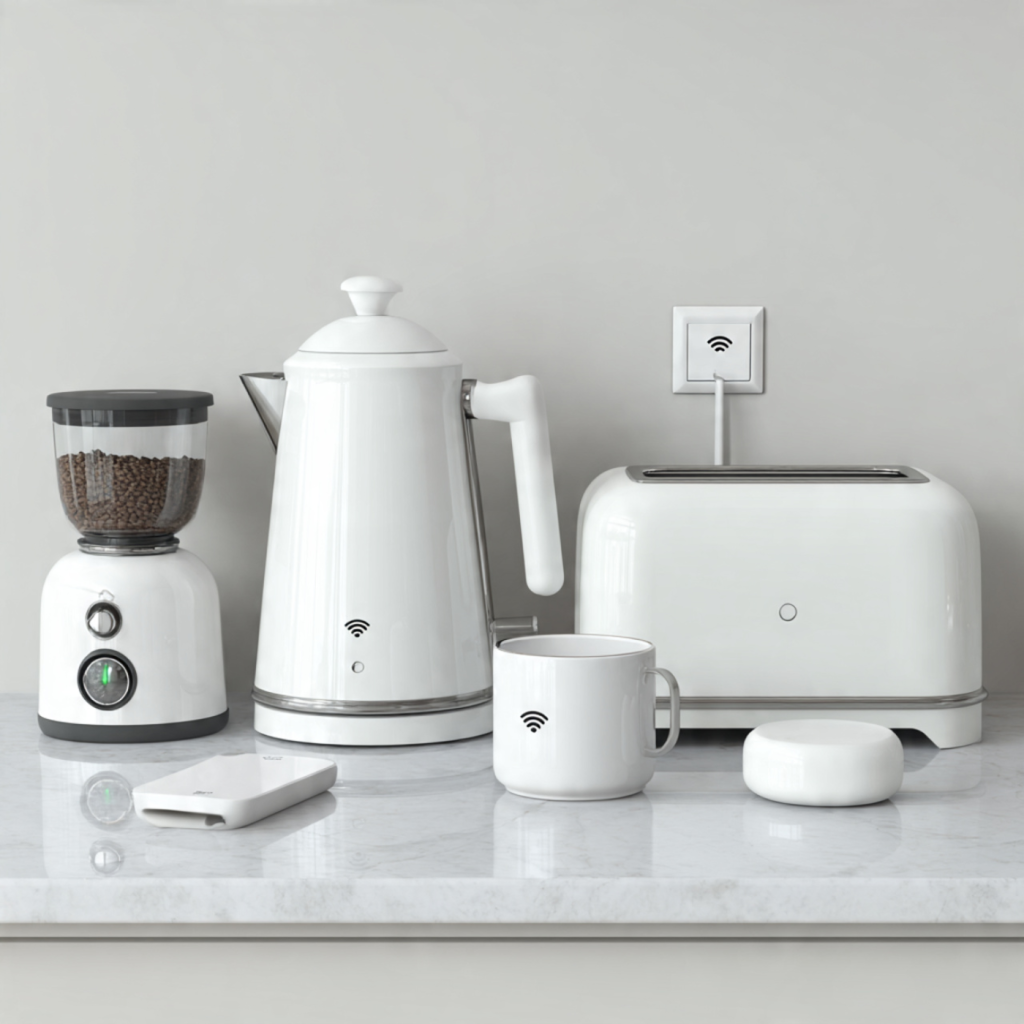
You can retrofit cherished kitchen tools with sensors, connectivity, and automation to make cooking safer, faster, and more enjoyable. Follow six practical steps to design, assemble, and maintain SMART upgrades that boost performance, save time, and extend your tools’ lifespan.
What You’ll Need
Choose the Right Tool and Use Case
Not every gadget needs Wi‑Fi—what should you actually smartify first?Audit your kitchen. List the tools you use most and the tasks that are repetitive or safety‑critical: timers, temperature control, overload detection, or things that would benefit from remote monitoring.
Identify and prioritize high‑impact, low‑complexity projects. Focus on devices you can retrofit without redesigning the whole appliance.
Examples to consider:
For each candidate, define a clear user story and required metrics. Write one sentence like: “Notify me if the oil exceeds 190°C” and list the measurements you need (e.g., temperature, weight, rotation/angle, on/off state). Specify acceptable update frequency and accuracy.
Keep projects small and measurable. This step keeps scope manageable and reduces unnecessary hardware and integration efforts.
Select Hardware: Controllers, Sensors, and Actuators
Tiny parts, big payoff—which microcontroller and sensors actually make sense?Choose a microcontroller that matches your connectivity and I/O needs: ESP32 for Wi‑Fi + Bluetooth, ESP8266 for Wi‑Fi only, or an Arduino + Wi‑Fi shield for simple offline or isolated projects. Match flash, RAM, and available pins to your sensor/actuator count.
Pick sensors that fit the measurement range and food‑safety needs: use thermocouples or waterproof DS18B20 probes for high temps, load cells for scales, reed switches or potentiometers for knob position, and IR proximity or Hall sensors for presence detection. For a deep‑fry probe, choose a thermocouple in a stainless sheath.
Select actuators appropriate to the load: use mechanical relays or SSRs for mains AC switching, MOSFETs for DC heaters or pumps, and servos for mechanical motion (e.g., turning a knob).
Consider calibration, sampling rate, and noise immunity. Choose sensors with known accuracy and plan filtering or shielding. Ensure sensors that touch food have food‑safe housings or use barriers.
Budget for spare components and keep a small prototyping board or solderless breadboard for testing and iteration.
Plan Power, Enclosures, and Safety
Food-safe and shock-proof—because clever hacks shouldn’t be hazardous.Design power delivery carefully: use isolated power supplies or certified mains-to-low-voltage modules for AC→DC conversion. For small sensors, opt for battery power and implement sleep modes to extend life — for example, run a wireless temperature probe on AA lithium cells for months.
Keep low-voltage electronics electrically separate from high-voltage AC. Route cables through proper strain reliefs, secure connections with crimped terminals, and protect circuits with fuses or polyfuses sized to your load. If you retrofit a kettle or oven, treat the mains side as hazardous and lock it down.
Choose enclosures rated for kitchen conditions: prefer IP65 or higher for wet areas and food‑safe plastics or stainless steel for any surface near food. Ensure heat-producing sensors and controllers aren’t in direct contact with food unless they’re temperature-rated for food use.
Use appropriately rated switching: mechanical relays, SSRs, or UL-certified smart plugs sized to the appliance current. Follow local electrical codes and use a qualified electrician for mains work.
Document your wiring, print durable labels for terminals, and plan ventilation or heatsinking for controllers that will run warm.
Assemble and Install: Wiring, Mounting, and Sealing
From breadboard to countertop—how do you make it robust enough for daily use?Prototype on a bench first.
Wire sensors to the microcontroller on a breadboard, verify readings, and refine placement before committing to permanent fixes.
Solder connections or use crimped terminals for long‑term reliability once the prototype behaves reliably.
Secure boards to standoffs and mount sensors with non‑toxic adhesives or mechanical fasteners — for example, use a silicone dot for a temperature sensor behind a panel or a stainless hose clamp for an external probe.
Route cables neatly and use cable ties and strain reliefs to avoid tug stress.
Protect exposed joints with heat‑shrink tubing or apply conformal coating on PCBs where condensation is possible.
Use quick‑disconnect connectors (e.g., JST, Molex, or waterproof IP67 plugs) for removable parts like probe thermometers so you can service or replace them easily.
Avoid irreversible appliance modifications: use external mounting, clamp‑on brackets, or 3D‑printed adapters that fit over knobs instead of drilling or gluing.
Test splash resistance and mechanical durability — spray, flex, and bump the assembly before final installation.
Program Connectivity and Automation Logic
Want alerts, schedules, or smart scenes? This is where your tool becomes clever.Flash firmware that matches your use case: choose simple sensor‑to‑cloud telemetry or robust local automation. Use MQTT for reliable local messaging (for example, publish to home/kettle/temperature so Home Assistant can auto‑discover it) or use HTTPS/REST for direct cloud integrations.
Implement debounce for mechanical switches, apply smoothing (moving average or median filter) to noisy sensors, and add calibration routines (store offsets in nonvolatile memory and provide a calibration API).
Add safety interlocks in firmware: cut power or open a relay if temperature exceeds a defined threshold (e.g., shut off heater if >95°C), and use a watchdog timer to recover from hangs.
Expose simple APIs or support standard protocols (MQTT discovery, HomeKit/Matter bridges, or REST endpoints) so you can integrate with voice assistants and automation platforms.
Implement OTA updates (ESP8266/ESP32 OTA or MCU bootloader) to push fixes.
Design notification logic to avoid alert fatigue: throttle routine telemetry, send critical alarms immediately, and provide periodic summaries.
Log events locally (ring buffer or SD) and send key logs to the cloud for debugging and long‑term improvement.
Test, Iterate, and Maintain for Long‑Term Reliability
Don’t trust a prototype with dinner—how to make sure your smart add‑on survives real life.Run thorough tests under normal and extreme conditions: run continuous operation cycles (e.g., 48 hours of heater runtime), perform thermal cycling (repeat 5°C ↔ 90°C for dozens of cycles), and expose enclosures to wet sprays or steam to check seals.
Validate sensor accuracy against calibrated references: compare your temperature probe to a calibrated thermocouple or lab thermometer, check weight sensors with known masses, and log any drift over days to weeks.
Collect usage data for a few weeks and refine thresholds, sampling rates, and power settings based on real behavior. For example, reduce telemetry to 1/minute if noise is low, or tighten over‑temp alarms after seeing edge cases.
Create a maintenance checklist and follow it regularly:
Document the system thoroughly: include wiring diagrams, component part numbers, firmware version history, calibration dates, and a one‑button reset/recovery procedure so others can troubleshoot.
Reassess security: enforce strong Wi‑Fi passwords, disable unused services, and restrict OTA or API access to trusted hosts only.
Ready to Cook Smarter
By choosing the right projects, hardware, and safety practices, you can add intelligence to many kitchen tools—start small, iterate, and prioritize maintainability. Try a project now, refine it, and share your results with the community to inspire others today.